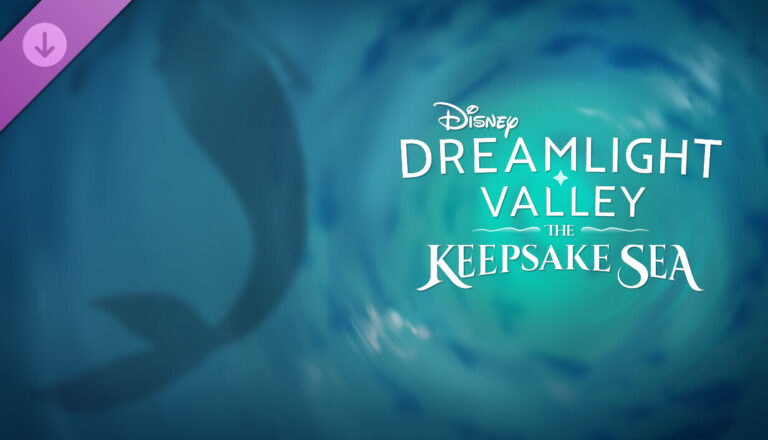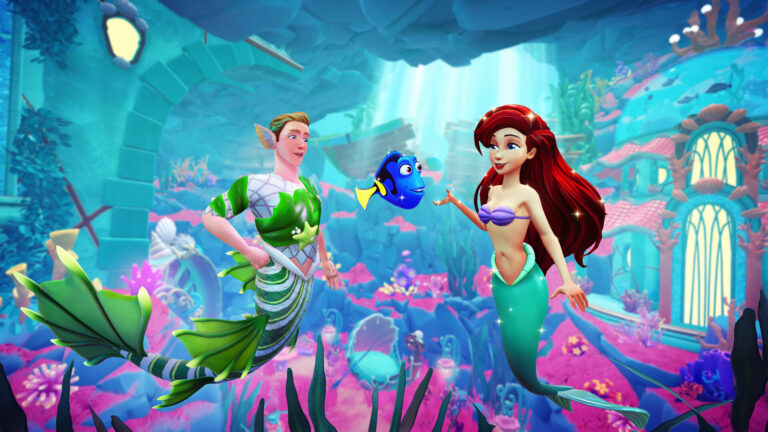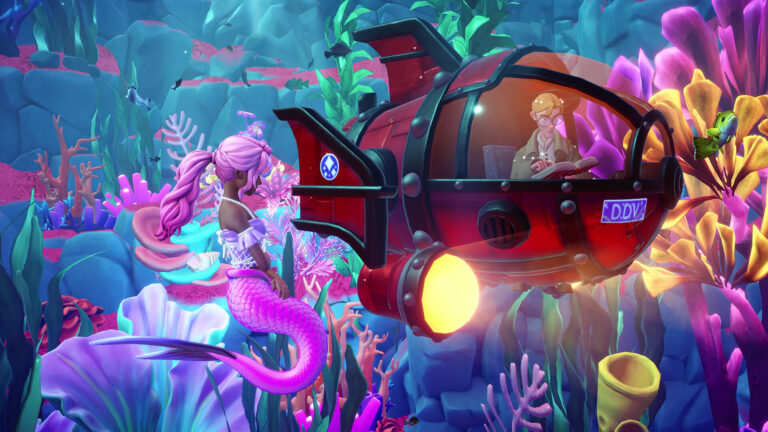
Keepsake Sea Photo Frame is back as a free Disney Dreamlight Valley Twitch Drop. Watch a participating creator for 60 minutes, claim the reward in your Twitch Drops Inventory, then pick it up from your in-game mailbox. The current campaign started on 18 November 2026.
If you missed the Photo Frame during the October showcase, this is another chance. There’s no Moonstone cost and you don’t need a Prime Gaming subscription. The hour only counts on participating streams, and Twitch won’t deliver the reward until you’ve pressed Claim.
How to Claim the Keepsake Sea Photo Frame Twitch Drop

Open Gameloft’s official Twitch Drops campaign page, sign in to the Twitch account you’ll use and connect the Disney Dreamlight Valley game account you actually play on. Gameloft’s support guidance also recommends having your game linked to Gameloft Cloud with an email address, particularly if you have trouble receiving Drops.
Pick a creator from the site’s participating streamer list and watch until the campaign shows 60 minutes of eligible viewing. You can change between participating channels; the counter tracks cumulative watch time. If the streamer goes offline, switch to another eligible channel listed on Gameloft’s campaign page.
Once the Keepsake Sea Photo Frame reaches 100% in Twitch’s Drops & Rewards → Inventory, select Claim. The frame isn’t sent to your Valley just because the viewing bar is full. After claiming, open your game while online and check your mailbox.
Where to Find the Keepsake Sea Photo Frame in Disney Dreamlight Valley
Gameloft says Twitch rewards arrive in the game’s mailbox within 24 hours of being claimed. You’ll need version 1.19 or later to receive them. Once the mailbox message appears, redeem it there. The Photo Frame is a cosmetic photo frame reward, not a new character, expansion licence or buildable ship.
The Keepsake Sea Photo Frame is used in Photo Mode. Equip your Phone camera, open the camera controls and cycle to the Frames option, where unlocked photo frames are selected. The on-screen button prompts vary between PC, PlayStation, Xbox and Nintendo Switch. It isn’t a placeable picture frame from the Furniture menu or a style for your Pirate Ship.
What Else Can You Earn After the Photo Frame?
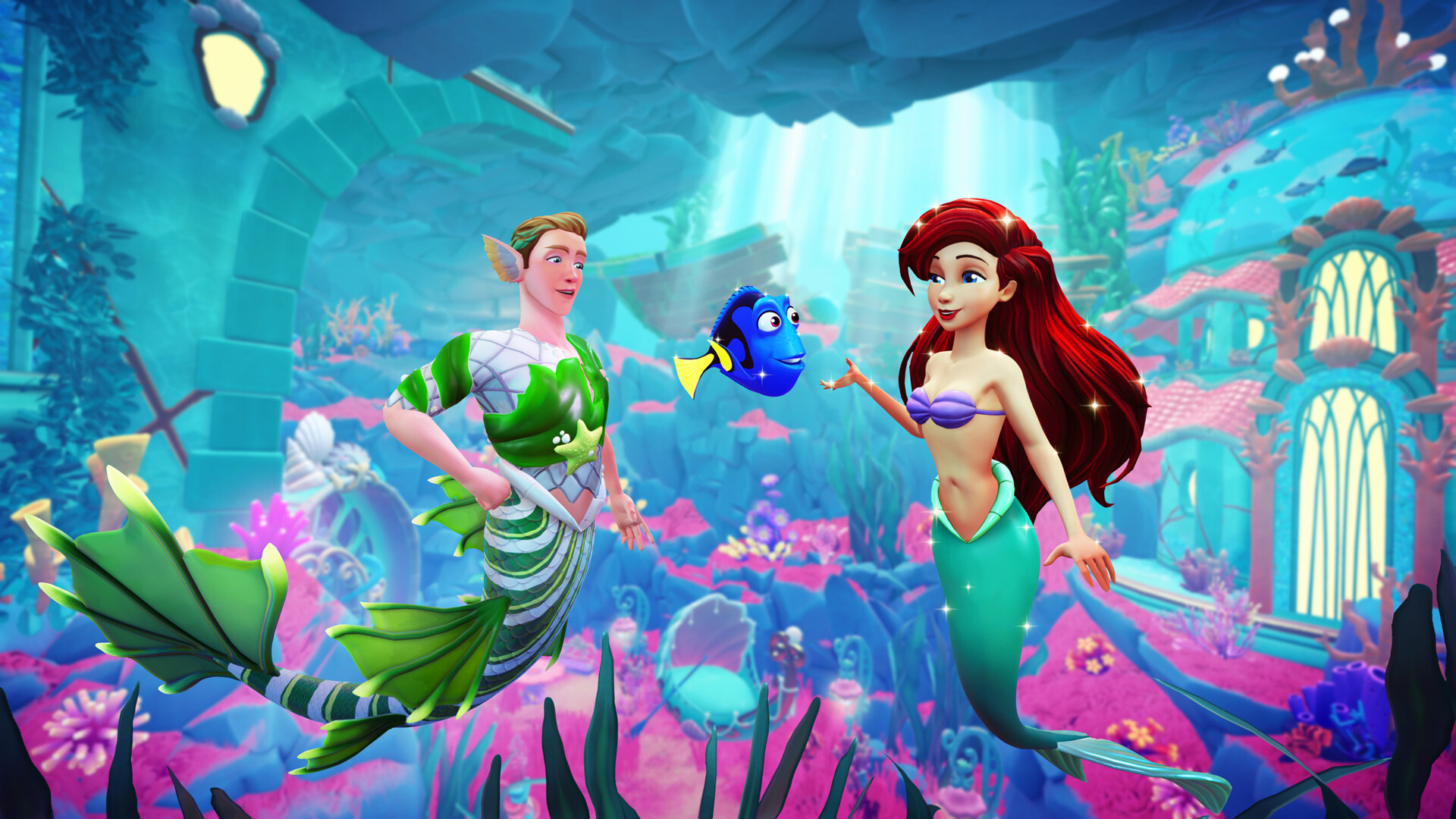
The Keepsake Sea Photo Frame is the first of three rewards. Keep watching eligible streams and you can also earn the Pirate Crocodile companion at 90 minutes total and the Sea Witch Ship at 120 minutes. That’s only another hour after the frame, not two fresh viewing sessions.
| Reward | Total eligible watch time |
|---|---|
| Keepsake Sea Photo Frame | 60 minutes |
| Pirate Crocodile Companion | 90 minutes |
| Sea Witch Ship | 120 minutes |
Each reward has its own Claim button. The Sea Witch Ship is an appearance for the Enchanted Pirate Ship in The Keepsake Sea, but Gameloft confirms you can claim this campaign’s rewards even without the expansion. Any expansion-dependent reward is stored on your account until you buy the DLC.
Keepsake Sea Photo Frame Deadline: What Time Does It End in the UK?
The live Twitch Drops page lists the finish as Wednesday 2 December 2026 at 11:59 PM EST. That is Thursday 3 December at 4:59 AM GMT in the UK. The launch announcement from 18 November cited the earlier date of 25 November, so check the dedicated campaign page and the countdown in Twitch Inventory before relying on the very last day.
The October campaign ended on 28 October; it doesn’t affect the new November viewing window. Gameloft also says a game account can only claim the same reward once. If you collected the Keepsake Sea Photo Frame in October, you won’t get a second copy through the November return.
Keepsake Sea Photo Frame Missing After You Watched?
If the Keepsake Sea Photo Frame isn’t there, check Twitch Inventory first. An incomplete watch bar means you need more time with eligible streamers. A finished bar still showing Claim means there’s another step before delivery. If Twitch says Claimed, confirm the linked platform or Cloud Save account is correct, update the game and allow Gameloft’s 24-hour mailbox window.
Gameloft has also published recovery steps for missing Drops, including re-linking Twitch and refreshing your Cloud Save. Our Dreamlight Valley Twitch Drops Not Showing guide walks through those options. There’s no need to reset your Valley or buy the expansion just to earn the Keepsake Sea Photo Frame.
Official source: Gameloft’s Disney Dreamlight Valley Twitch Drops campaign and FAQ.