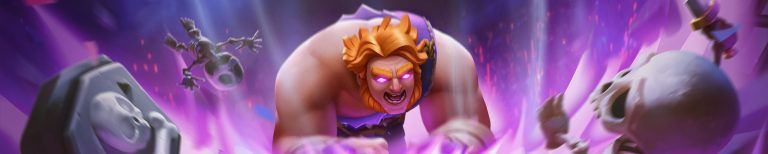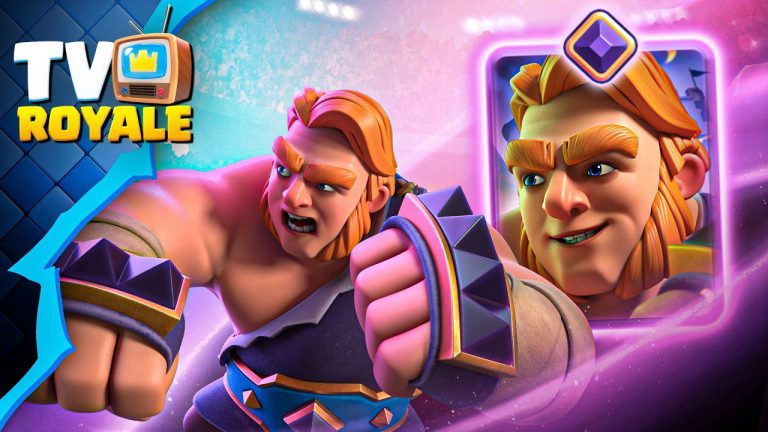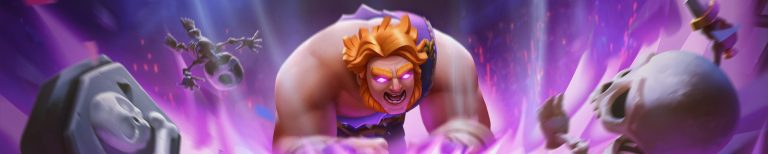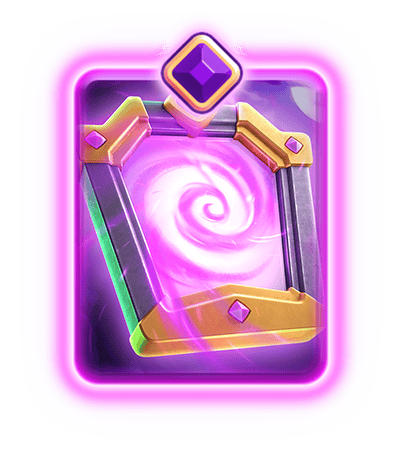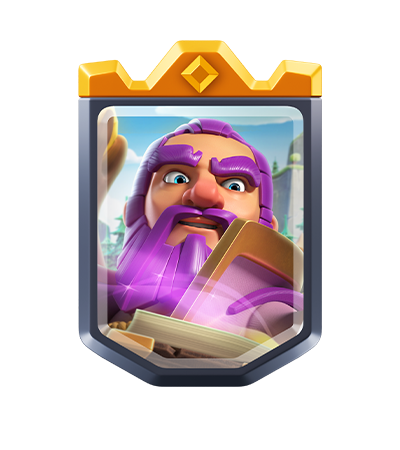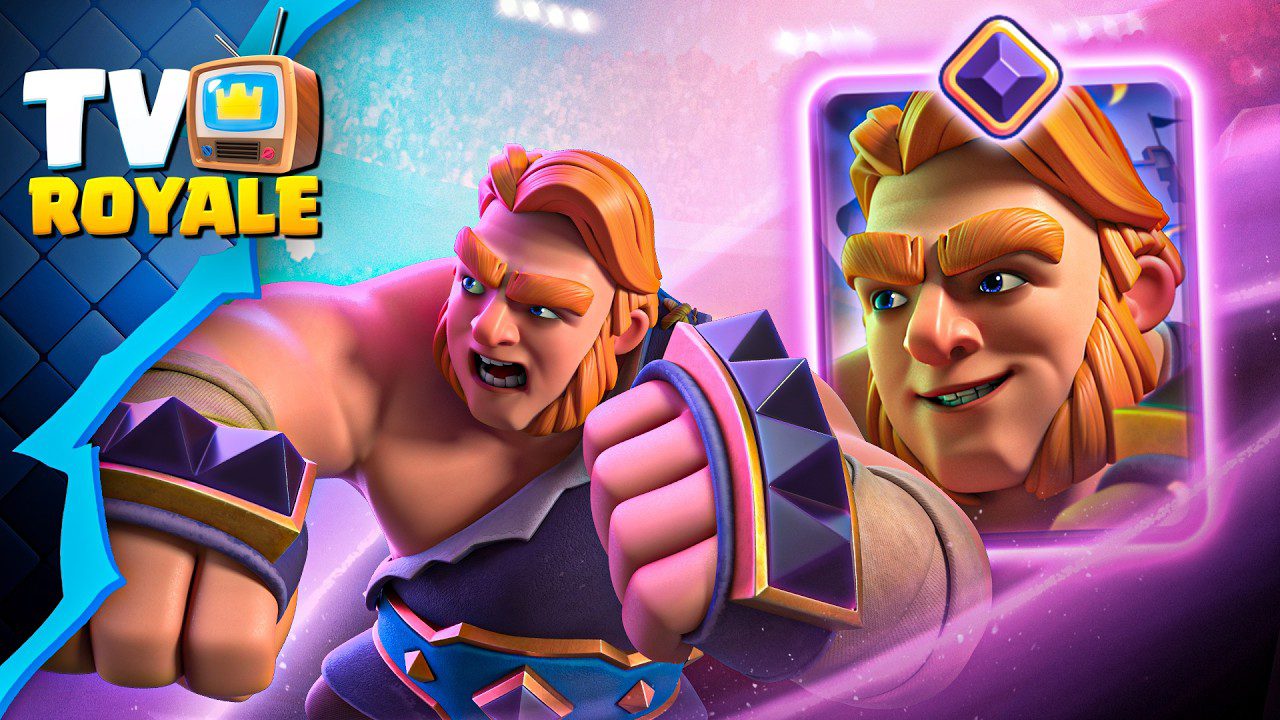
Clash Royale Kiss the Cup Banner is a free Barbarian-themed Battle Banner released with the October 2026 TV Royale episode ahead of the King vs. King season. The artwork shows a Barbarian kissing the Clash Royale League 2026 trophy, and players can claim the reward through the QR code shown during TV Royale or by opening its official Clash Royale reward link.
You don’t need to win a challenge or buy Pass Royale. Jump straight to the free banner claim link at the bottom of this page, or scan the TV Royale QR code. If it won’t open the game, the troubleshooting steps below can help.
How to Get the Clash Royale Kiss the Cup Banner
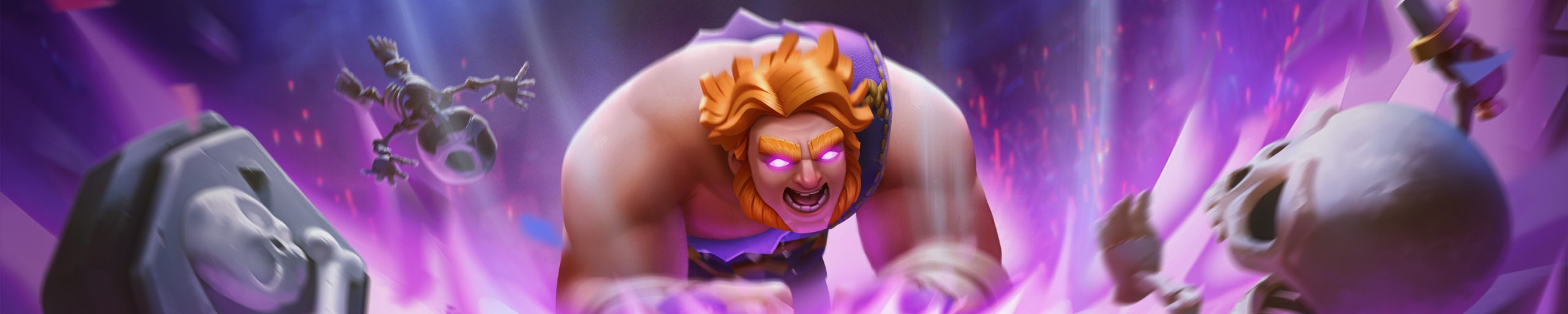
Open the official reward link at the very bottom of this guide on a phone with Clash Royale installed. Allow the link to open the game when your browser asks. Once the game launches, follow the reward prompt and claim the Battle Banner on your account. You can then open your Banner collection to check whether the new background and character artwork appear.
Alternatively, open the official Clash Royale TV Royale episode titled ‘TV Royale | EVO Mirror & Giant, Mini Puzzles & MORE!’ on another screen. Look for the free reward QR code shown at the end, then scan it with your phone’s camera. Opening the QR should take you to the same type of official Clash Royale voucher claim.
The Clash Royale Kiss the Cup Banner is a cosmetic reward, not a battle card or a new Evolution. Its CRL26 theme celebrates the competitive World Finals scheduled for November 6 to 8, 2026.
Where Is the TV Royale QR Code?
Supercell displayed the QR code as part of its October TV Royale episode, released October 23. If you’re watching a replay, skip towards the end of the official video and look for the free banner graphic. It is easier to scan a QR code when the video is playing on a different screen from the phone that runs Clash Royale.
If you’re already watching on your phone, you don’t have to scan your own screen. The Clash Royale Kiss the Cup Banner can also be claimed through the direct official link below. The link removes the need to pause the episode, take a screenshot or use another device just to read the QR.
Make sure the code or link comes from the current King vs. King TV Royale episode rather than an older Shocktober episode. Supercell has distributed other free banner sets through earlier TV Royale videos, so an old code can lead to a completely different cosmetic reward.
How to Redeem the CRL26 Reward Link
Use these steps to claim the Clash Royale Kiss the Cup Banner without scanning the QR code:
- Open this guide on the phone where you play Clash Royale.
- Tap the official Clash Royale reward link at the bottom.
- Choose to open Clash Royale if the browser displays an app prompt.
- Wait for the game to load and accept the reward if a claim screen appears.
- Open your profile’s Battle Banner collection to see your available cosmetics.
If a link opens the App Store or Google Play instead, check whether Clash Royale is installed on that phone. It may also help to try the link directly in your device’s usual browser rather than inside another app’s embedded web view.
Why Is the Clash Royale Kiss the Cup Banner Link Not Working?
If the Clash Royale Kiss the Cup Banner link won’t launch the game, first check that you’re on the same phone where Clash Royale is installed. Copy the link into Safari or Chrome rather than relying on an in-app browser, and accept the prompt to open Clash Royale. You can also close the game and reopen it before trying again.
If Clash Royale opens but no new banner appears, check the Banner collection carefully. A voucher you’ve already redeemed on that account may not award the same cosmetic a second time. Also confirm you’re using the Supercell ID and game account where you intended to collect the reward.
If you see an unavailable, invalid or expired voucher message, don’t assume there is a universal expiration date. That message may depend on the link’s state, your account or how the app handled the claim. Return to the official TV Royale QR code or retry the official link before concluding the offer has ended.
When Does Clash Royale Kiss the Cup Banner Expire?
There is no confirmed expiry date for the Clash Royale Kiss the Cup Banner in Supercell’s public TV Royale announcement. The cosmetic was released on October 23, 2026, but that release date does not establish when the claim window closes. Some third-party reward trackers use a far-future placeholder date; that is not a confirmed deadline from Supercell.
Because the Clash Royale Kiss the Cup Banner is a limited promotional reward and the end date is unclear, it makes sense to claim it while the link works. Don’t rely on an invented calendar deadline or assume it will remain available permanently.
How to Equip the Clash Royale Kiss the Cup Banner
Once you receive the Clash Royale Kiss the Cup Banner, open your Clash Royale profile or tap the Battle Banner from the main screen to reach the Banner Editor. You can choose the new background and decoration from your Banner collection, combine them with other unlocked cosmetic elements and save the layout.
The Battle Banner appears at the beginning of battles and on player profiles. Equipping it doesn’t affect a card’s level, ladder progress or match rewards. If the game confirms the claim but you don’t see the design immediately, check both the background and character/decorative elements in the editor.
The Clash Royale Kiss the Cup Banner is separate from the November Royal Market. You don’t need to spend the 3,000 Crown Tokens associated with premium market unlocks to claim this TV Royale voucher reward.
- Clash Royale King vs. King November 2026: Schedule and Rewards
- Clash Royale Giant Evolution: Rage Trail and Unlock
- Clash Royale Mirror Evolution: Unlock and Copy Rules
- Clash Royale Crown Tokens and Royal Market
- Clash Royale Deck Wizard: Where to Find It
- Clash Royale Merge Tactics November Changes
- Clash Royale Merge Tactics October 27 Balance Changes
- Clash Royale 20-Win Challenge 2026
- Clash Royale Keep the Lights On Rewards
- Clash Royale Electro Giant Evolution
Claim the free reward using the official Clash Royale Kiss the Cup banner link.