Chrome 158 security update arrived on 17 November 2026 with 204 security fixes, including several flaws Google rates critical. The initial stable release covers Windows, macOS and Linux, with a corresponding Android update rolling out through Google Play. If Chrome has been open on your computer for days, check whether it has finished updating.
The Chrome 158 security update patches problems in the browser’s GPU, media and other components. The key vulnerability names and build numbers are below, along with how to tell whether your device has received the fixes.
What is included in the Chrome 158 security update?
Google’s 17 November stable-channel announcement says Chrome 158 delivers 204 security fixes. Among its specifically named critical issues are CVE-2026-131031, an out-of-bounds write in the GPU component, and CVE-2026-131060, a buffer overflow in Media. The announcement also lists critical issues affecting WebView, GarbageCollection, ANGLE and WebAudio.
The vulnerability descriptions tell us what Google fixed, not whether anyone exploited a particular flaw on your computer. Google’s release note doesn’t say that all 204 vulnerabilities were being actively exploited.
Google is keeping some bug details private until more devices are updated. That’s standard practice for browser security releases, because the same details that help researchers can also help attackers target unpatched installations.
Chrome 158 security update: which version should you have?
For desktop Chrome 158, the 17 November stable release identifies 158.0.8127.36 or 158.0.8127.37 for Windows and Mac, and 158.0.8127.36 for Linux. Google’s Android release from the same date is 158.0.8127.42, which was due to reach Google Play users over the following days.
Version numbers may advance as subsequent maintenance updates arrive, so a higher stable-channel version is not automatically a problem. On 18 November, Google also began a limited early-stable rollout of Chrome 159 to a small percentage of desktop users. That should not be confused with the general Chrome 158 security update rollout.
ChromeOS has its own version and update schedule. Seeing a ChromeOS browser build of 158 is not the same thing as running a Windows or Mac desktop build, even when the main version number matches.
How to check whether the Chrome 158 security update is installed
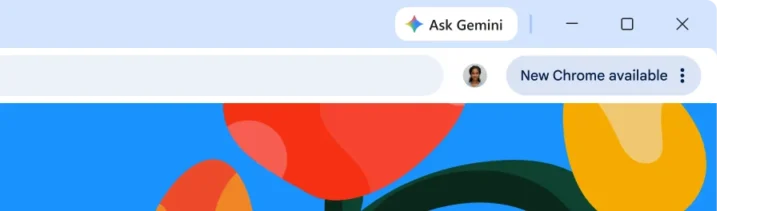
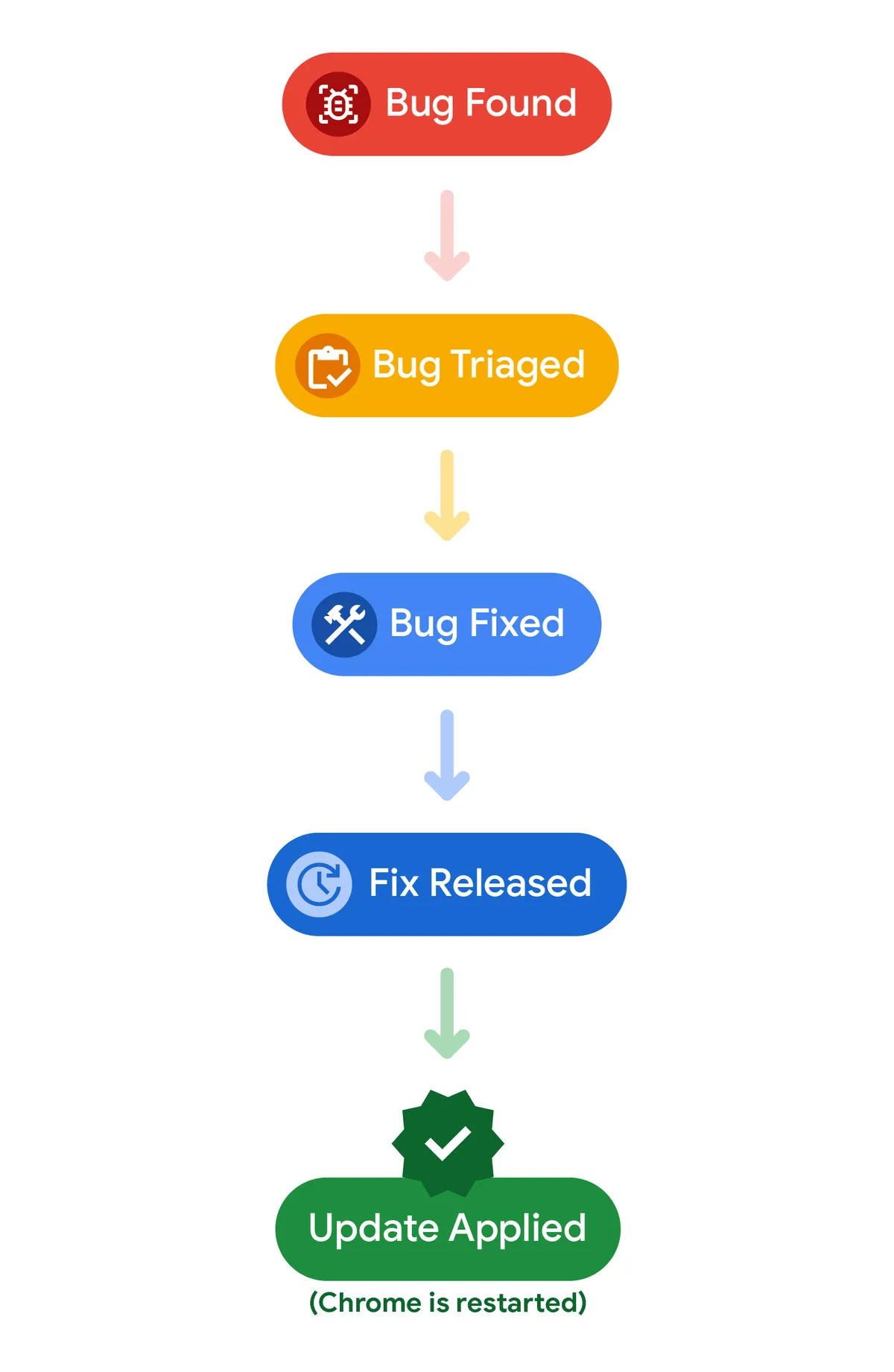
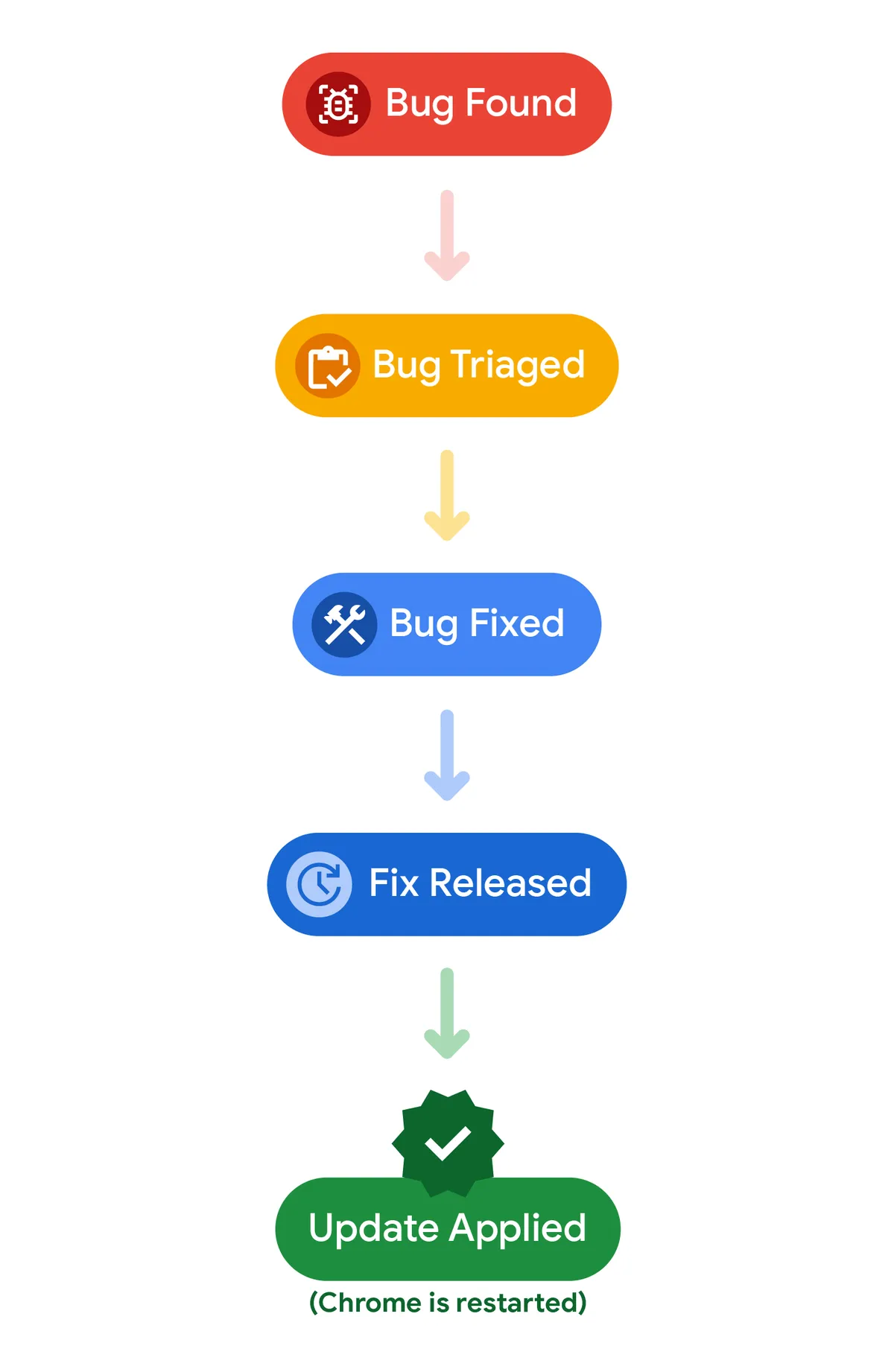
Open Chrome’s three-dot menu and choose Help, then About Google Chrome. The browser checks for updates on that page. If you see Relaunch, save your work and restart the browser to apply the update. Our step-by-step Chrome 158 update guide covers Windows, Mac, Linux and Android.
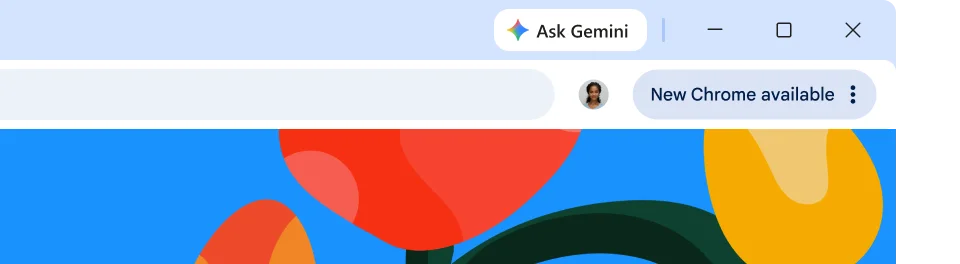
Chrome usually handles downloads automatically, but Google’s instructions confirm that the update takes effect after a restart. About Google Chrome shows the installed build beneath the browser name.
Your normal tabs should reopen after Relaunch. Incognito windows won’t, so finish any work in those first.
How to get Chrome 158 on Android
Open Google Play, search for Google Chrome and check whether Update is available. Google’s 17 November Android release notes identify build 158.0.8127.42 and say availability spreads over the following days. You may not see that exact build immediately on every device.
The Android announcement says its release contains the corresponding desktop security fixes unless otherwise noted. Android distribution and desktop rollout do not necessarily happen on the same schedule, so check your own installed version rather than assuming the release has reached the phone.
Chrome 158 security update not showing: what to check
If Chrome stays on an older version, reopen About Google Chrome and read any message on that page. A pending restart is one common explanation. On a work or school computer, an administrator may control the browser’s update channel or when a restart is permitted.
A network problem, unsupported operating system or failed update component can also prevent progress, but those need their own troubleshooting rather than an automatic reinstall. Before changing anything, record the operating system, current Chrome version and exact update message.
Download Chrome only from Google’s official channels, not from pop-ups that claim your browser has been infected. A web page asking you to install an unknown security tool is not how Google’s built-in updater works.
Should you install the Chrome 158 security update?
Yes. The Chrome 158 security update fixes 204 reported security issues, including several critical entries. Applying it closes those identified gaps on supported builds, although no browser update can eliminate every security risk.
After the Chrome 158 security update, check the About Google Chrome page on a supported desktop system and apply any pending update. If the browser offers a later stable version, its release notes are the right place to confirm what has changed since Chrome 158.
Official source: Google Chrome Releases, November 2026.