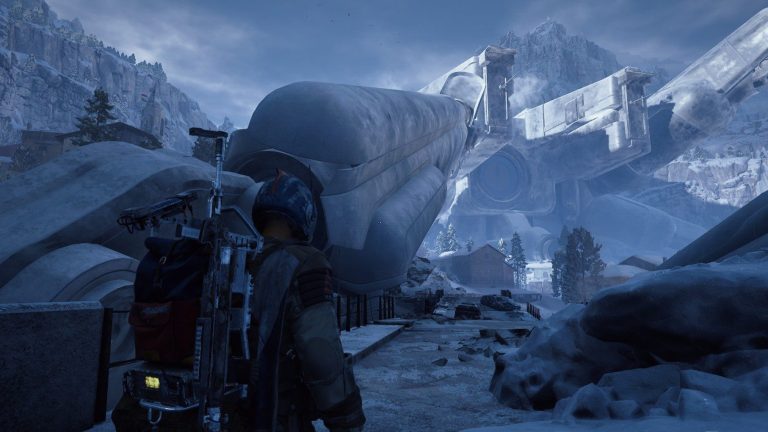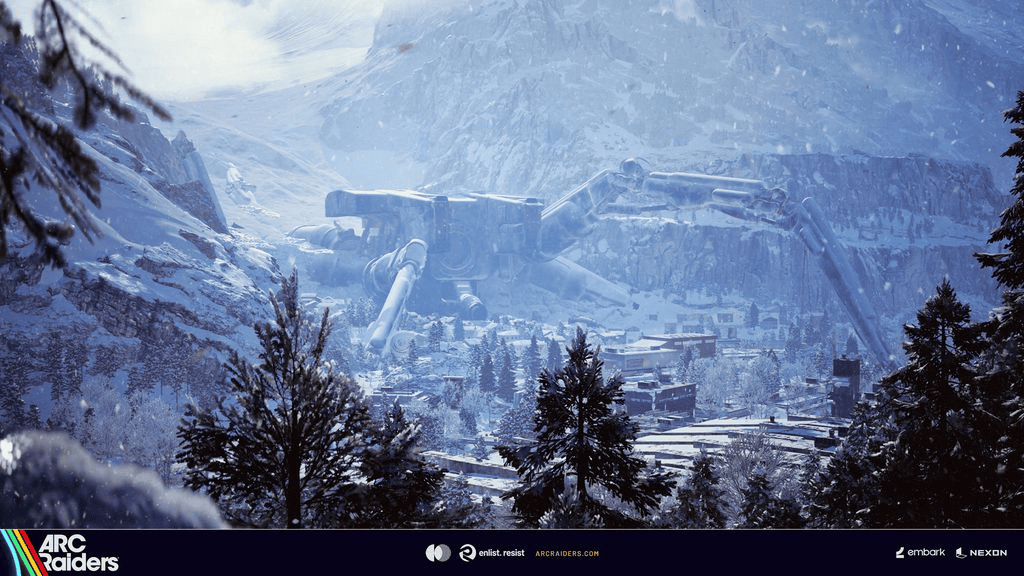
ARC Raiders backpack light can be turned off with the new Emissive setting added in Frozen Trail 2.0. Open Raider, choose Customization, switch to Style, select Backpack and set Emissive to Off before you deploy.
It is a small setting, but it fixes a very obvious problem for anyone trying to stay unnoticed in dark buildings or on night runs. The glow is attached to the backpack cosmetic rather than the normal graphics menu, which is why it is easy to miss if you go looking through gameplay settings first.
How to turn off ARC Raiders backpack light
The ARC Raiders backpack light control sits inside the cosmetic options for the pack you are using. Follow this menu path from Speranza before entering a raid:
- Open the Raider tab.
- Select Customization in the lower-left corner.
- Choose the Style tab at the top.
- Select Backpack from the list on the left.
- Choose the backpack you have equipped.
- Find Emissive and switch it to Off.
The preview changes as soon as you toggle the option. If the pack has an illuminated panel, strip or other glowing element, you should see it disappear. Switch Emissive back on and the glow returns, so it is easy to check that you have changed the correct setting.
Can you turn the backpack light off during a raid?
No. The ARC Raiders backpack light setting is changed through Raider Customization before deployment. Once you are in a raid, you cannot open the same cosmetic menu and flip Emissive on or off for that run.
If you load in and notice the glow is still active, you will need to finish the raid, return to Speranza and change the backpack setting before deploying again. That makes it worth checking when you swap to a different cosmetic, particularly before a night run.
Does Emissive apply to every backpack?
Emissive is available on backpacks that have a light source. The position of the light is not identical on every design, so one pack may have a small glowing section while another makes the effect more obvious. The easiest check is to watch the model in the Style preview while toggling the option.
The ARC Raiders backpack light option belongs to the individual backpack cosmetic menu. If you regularly switch packs, open the selected backpack and confirm its Emissive setting rather than assuming every cosmetic shares one global switch.
Does turning the light off help with stealth?
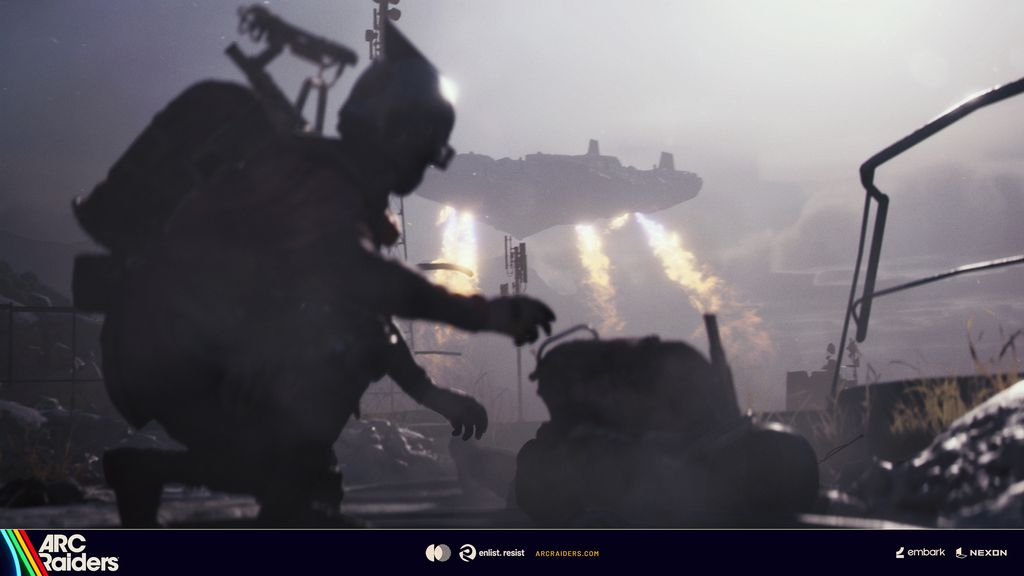
Turning off the ARC Raiders backpack light removes one visible glow from your Raider, which can make you less conspicuous against dark interiors and low-light terrain. It does not make you invisible, silence your movement or change any other part of the detection system.
There is a trade-off as well. A darker Raider can be harder for your own squad to pick out in poor lighting. If you prefer the cosmetic look or find the glow useful when moving with teammates, Emissive can be switched back on through the same menu.
Why the Emissive option was added
The toggle arrived with the Frozen Trail 2.0 update after backpack lights had been a long-running annoyance for stealth-focused players. Previously, choosing a pack with a bright element meant carrying that glow into a raid whether you wanted it or not.
Frozen Trail changed that by putting the visual effect under player control. The ARC Raiders backpack light toggle is separate from the larger Pendola Pass, quest and equipment additions in the update, but it is one of those quality-of-life changes that can matter every time you deploy.
Emissive option not showing
If you cannot find the ARC Raiders backpack light toggle, first make sure you are looking under Raider > Customization > Style > Backpack, not the main Settings screen. Then select a backpack that actually has an emissive light element.
If your menus still look different, confirm the game has updated to Frozen Trail 2.0 or later. The option was introduced with that update, so older footage and screenshots will not show it.
Should you leave the backpack light off?
For stealth-heavy raids, leaving the ARC Raiders backpack light off is the obvious choice because there is no gameplay cost attached to removing the glow itself. You can always turn it back on later if you prefer the look or want your Raider to stand out more clearly to teammates.
Frozen Trail also added much larger systems and quests, so if you are returning after the update, the light toggle is only one change worth checking. Our ARC Raiders Frozen Trail quests tracker covers the new mission chain, while the Pendola Pass guides below handle some of the update’s more involved objectives.
Related Guides
Official source: Embark Studios confirms the backpack Emissive control as part of ARC Raiders Frozen Trail 2.0.