
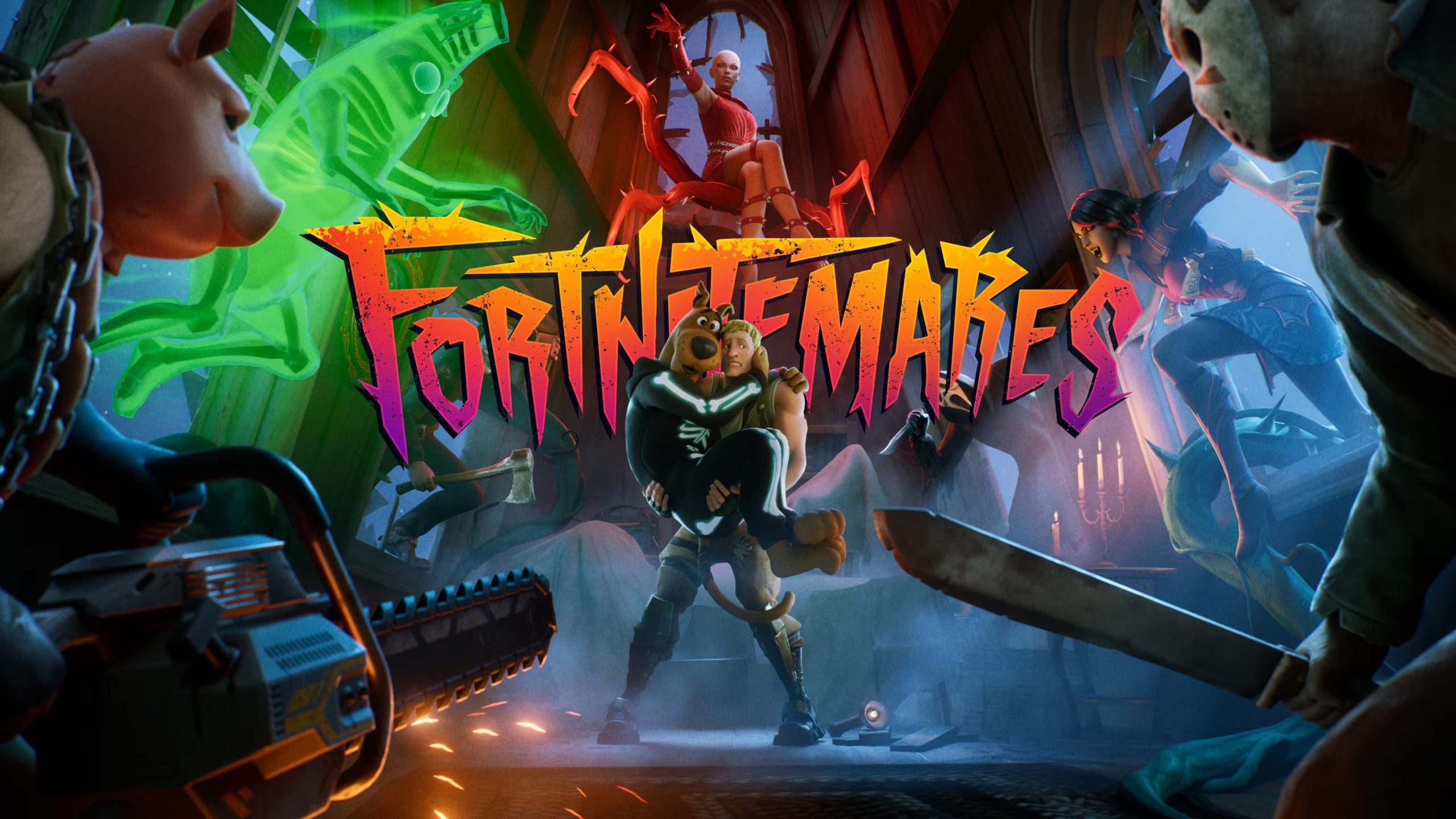
UEFN Sidekick Cosmetic Sync lets a Sidekick NPC on your Fortnite island take the appearance of a player’s equipped Locker Sidekick, including licensed companions. It means a creature in your island can look like the companion that player already owns.
Cosmetic Sync works differently from picking a fixed model in the NPC Character Definition. That distinction matters for licensed Sidekicks, multiplayer islands and NPC reactions. Creators also need to account for an important behaviour change before building a pet game around the feature.
How UEFN Sidekick Cosmetic Sync works

Epic describes a transformation: a Sidekick NPC you have created takes the form of the player’s currently equipped Sidekick. If they change their equipped cosmetic during gameplay, the appearance can update too. That opens the door to companion adventures where the main creature feels personal rather than being selected by the creator.
A licensed Sidekick can appear through sync when the player owns and equips it. Epic names characters such as SpongeBob and Itchy among those creators cannot spawn directly as standard NPCs. The player’s own licensed cosmetic can appear through sync instead, but creators cannot redesign licensed Sidekicks using the normal variant controls.
Create the Sidekick NPC and connect its appearance
Start with an NPC Character Definition. In the Content Drawer, right-click your project folder and select Artificial Intelligence > NPC Character Definition. Alternatively, place an NPC Spawner and create a definition from Details > User Options > NPC Character Definition > Create New Asset.
Open the definition, choose Custom for NPC Character type and set the Cosmetic Modifier > Character Look to Fortnite Sidekick. Assign that definition to the spawner. The NPC must exist before any cosmetic can be reflected on it.
Use the Sidekick NPC’s Cosmetic Sync feature, then launch a session with a Sidekick equipped in your Locker. Epic’s Using Sidekick NPCs documentation demonstrates sync in action. Match the current editor controls to that official example instead of following an assumed menu path.
Check the Island Settings for player Sidekicks
Epic also provides Cosmetic Sidekicks Enabled in Island Settings, plus visibility and reaction permissions for players’ Locker companions. These settings concern players using their own cosmetic Sidekicks on the island.
A synced NPC is still a separate island character produced by the NPC Spawner. When setting up UEFN Sidekick Cosmetic Sync, keep those two systems distinct: enabling the player’s normal Sidekick does not automatically create the NPC or assign its behaviour.
Cosmetic Sync disables persona behaviour
There is one especially important trade-off. Epic states that UEFN Sidekick Cosmetic Sync disables persona behaviour on NPCs. If you’re making a creature-care experience or an adventure companion, test how your scripted reactions work with sync enabled, not only with an ordinary Sidekick model.
Sidekicks have animations for happy, worried, eat, sleep, action and react. Following, fetching, fleeing and attacking can be built with Verse using Scene Graph and the Sidekick API. A copied Locker appearance alone does not automatically provide those actions.
Test UEFN Sidekick Cosmetic Sync before publishing
- Equip a Sidekick in a test player’s Locker, then enter the island.
- Check that the NPC Spawner creates the expected Custom Sidekick NPC.
- Confirm that its appearance matches the equipped companion.
- Change the equipped Sidekick during gameplay and check the appearance update.
- Test any Verse-driven following and reactions with persona behaviour disabled.
- Test with a second player to validate your island’s own multiplayer behaviour and visibility rules.
For a multiplayer island, test UEFN Sidekick Cosmetic Sync with two players who have different Sidekicks equipped. Check the appearance each player sees, then run your companion interactions. A single-player test won’t show how your multiplayer setup behaves.
What the feature does not unlock
UEFN Sidekick Cosmetic Sync is not a cosmetic grant, a way to copy somebody else’s Locker or permission to distribute a licensed character as a creator-owned NPC. The player’s own equipped cosmetic supplies the appearance; your island still supplies the NPC, its rules and its behaviour.
If the companion appears but stands still, inspect the Verse behaviour, not the cosmetic. If the wrong model appears, check the Custom NPC definition, its Spawner assignment and the player’s Locker selection. These checks separate an appearance issue from a behaviour issue.
- How to Add Sidekick NPCs in UEFN
- UEFN Sidekick NPC Damage
- Fortnite AI NPCs Explained
- How to Use Conversations in Fortnite UEFN
- Fortnite Creator Tools Update
- UEFN Template Abilities
- UEFN Text Chat Channels
- Fortnite UEFN Source Assets on Fab
- UEFN VerseVM Testing and Live Edit
- UEFN 43.00 event.Subscribe Error Fix
Official source: Epic Games: Using Sidekick NPCs.





