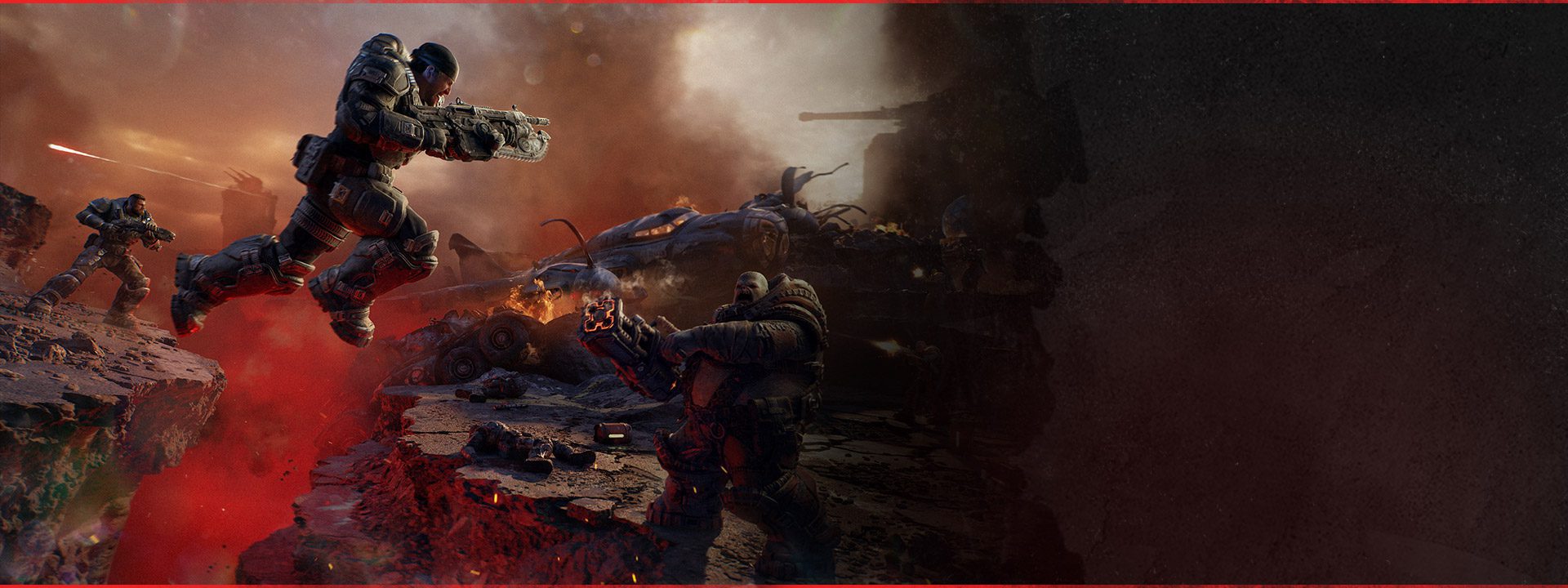
Gears of War E-Day extraction helicopter problems can block the end of a Plaza Ruins Blitz mission even after a Horde Siege squad has done the hard part. The Coalition has confirmed that the helicopter could fail to appear and included a fix in the October 5 launch build, so this is a known game issue rather than a hidden extraction requirement players were somehow missing.
That distinction saves a lot of pointless troubleshooting. If the mission has reached the extraction stage and there is simply no helicopter, start by updating E-Day and restarting the activity on the current build. Do not keep replaying the same broken session for an hour, and do not assume the squad failed an undocumented objective that the game forgot to explain.
Gears of War E-Day extraction helicopter: current fix
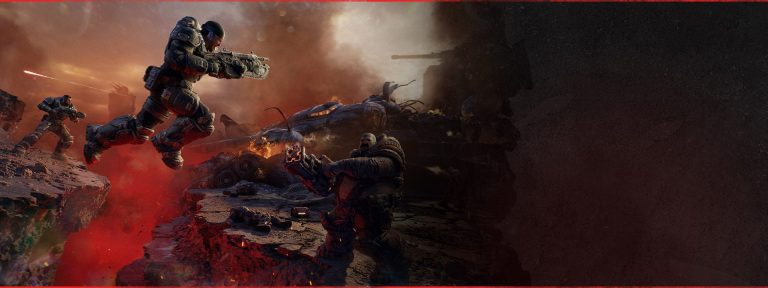
Image credit: Xbox / The Coalition
Gears of War E-Day extraction helicopter not appearing during a Plaza Ruins Blitz mission was addressed by the October 5 patch. Install the latest update, fully restart the game and begin a fresh Horde Siege session before judging whether the issue is still present.
The official note is specific to the Gears of War E-Day extraction helicopter in Plaza Ruins Blitz. It does not say every Horde Siege extraction problem has the same cause. If another map or mission behaves differently, record that separately rather than assuming this exact fix applies.
Restart a mission that was already stuck
If the Gears of War E-Day extraction helicopter failed in a session that began before the patch, staying in that same session is unlikely to be a useful test. Once the current build is installed, leave the affected activity and start a clean Plaza Ruins Blitz attempt.
That can be annoying after a long Horde run, but it is still better than changing account settings or reinstalling the game. The bug described by The Coalition affects the mission state itself. A new mission on the patched build is the cleanest way to remove the old state from the equation.
Confirm the mission is actually at extraction
Before deciding the Gears of War E-Day extraction helicopter is missing again, make sure the current objective has genuinely moved to the extraction stage. Horde Siege can give different squads their own tasks while everyone contributes to the larger battlefield, so do not confuse another squad’s unfinished objective with a helicopter spawn bug.
Check the objective text and team state first. If the Plaza Ruins Blitz mission clearly expects extraction and nothing appears, then the symptom matches the known issue. If the objective still tells the team to secure or complete something else, finish that task before treating the helicopter as broken.
Make sure the whole squad updated
For a repeat Gears of War E-Day extraction helicopter failure, have every player fully restart the game after updating rather than relying on a session that survived in the background. Horde Siege is a twelve-player mode built from three squads of four, so mixed session states can make troubleshooting much harder than it needs to be.
You do not need to diagnose every other player’s network. The simple goal is to ensure your own party is on the current build and that you are entering a fresh match. If the same Plaza Ruins Blitz failure happens again, you then have a cleaner reproduction to report.
This is different from the Siege Blitz Secure bug
The same October 5 update fixes another Horde Siege problem where certain Siege Blitz Secure objectives could not be completed. That is not the same as the Gears of War E-Day extraction helicopter failing to appear. One blocks a Secure objective; the other blocks the extraction sequence in Plaza Ruins Blitz.
Use the dedicated Siege Blitz Secure objective guide if the problem happens while capturing or completing a Secure objective. Use this page when the mission has reached extraction and the helicopter is the missing piece.
Do not reset progression or reinstall first
A known Gears of War E-Day extraction helicopter bug does not justify deleting loadouts, progression or local data. The developer has already identified a game-side cause and shipped a fix. Your first troubleshooting steps should be update, restart and fresh mission.
If you are on PC and the current build behaves abnormally beyond this one mission, verifying game files is a reasonable later step. It is still far less destructive than reinstalling immediately, and it gives you a useful distinction between a damaged local installation and a reproducible Horde Siege mission bug.
If the helicopter is still missing after the patch
If Gears of War E-Day extraction helicopter still fails to appear on a fresh Plaza Ruins Blitz mission after everyone in your party has updated, capture the mission name, map, objective state and a short clip if possible. That is exactly the sort of specific information support can use.
Check the October 5 patch overview to make sure you are testing against the right build and then report a repeatable case through Gears Support. A post-patch reproduction is more useful than a vague complaint that Horde Siege ended strangely.
How this fits the Horde Siege launch
The Gears of War E-Day extraction helicopter fix is a good example of why Horde Siege deserves separate troubleshooting pages rather than one giant mode article. The core Horde Siege guide explains the twelve-player structure, squads and mode flow. This page exists because an extraction blocker is a different player intent from learning how the mode works.
For now, the practical route is simple: update E-Day, restart the game and begin a clean Plaza Ruins Blitz session. If the extraction helicopter appears normally, carry on. If the same mission still reaches extraction with no helicopter, document the current-build failure and treat it as a live issue rather than repeating old workarounds.
Official source: The Coalition October 5 patch notes