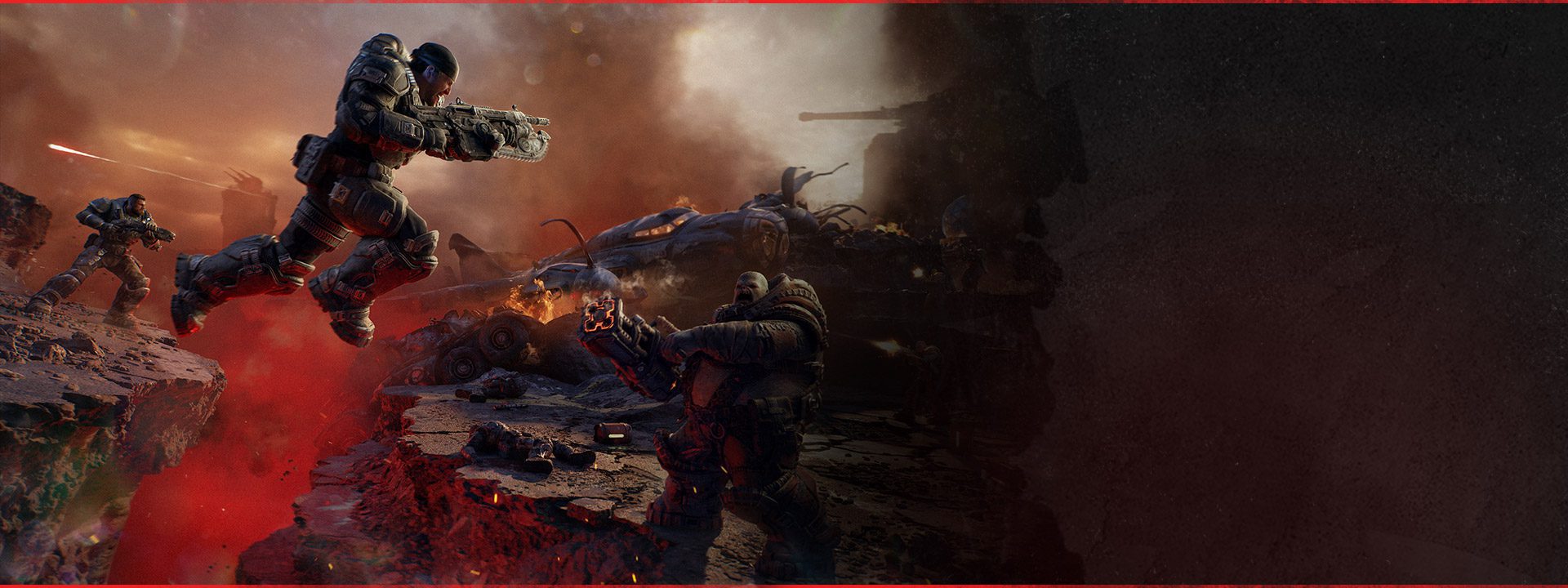
Gears of War E-Day Siege Blitz can hit a frustrating Horde Siege failure where a Secure objective refuses to complete even though the squad has done what the mission appears to require. The Coalition has now confirmed that certain Siege Blitz Secure objectives could get stuck and says the October 5 launch patch addresses the problem.
That means the best response has changed. During early access, players could only retry the activity and hope the objective state behaved differently. On the launch build, the first step is to make sure the patch is installed and then start a fresh Siege Blitz attempt. You should not need to invent a hidden capture condition that the objective never asked for.
Gears of War E-Day Siege Blitz: Secure objective fix
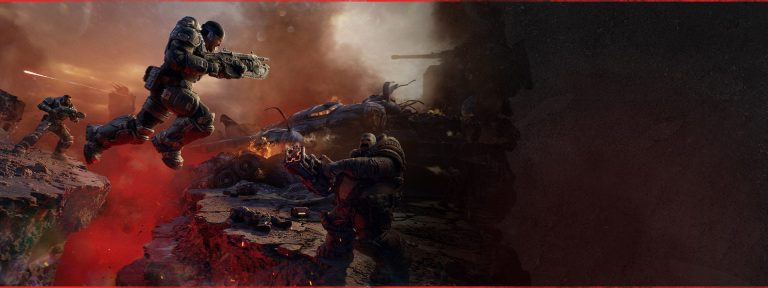
Image credit: Xbox / The Coalition
Gears of War E-Day Siege Blitz received a specific October 5 fix for certain Secure objectives that could not be completed. Update the game, fully restart E-Day and begin a new Horde Siege session before retrying the affected Blitz objective.
The Coalition does not list a secret extra requirement for the Gears of War E-Day Siege Blitz objective. The patch note describes it as a bug preventing certain Secure objectives from completing. If the team has met the visible objective requirements and the state still does not advance on the latest build, that is worth treating as a post-patch reproduction.
Do not keep testing an old broken session
If Gears of War E-Day Siege Blitz was already stuck before your game updated, leave the affected activity after the patch installs and start a clean match. A mission state that has already failed to progress may not repair itself simply because files changed in the background.
This is particularly important around a launch-day update when consoles and PC clients can remain open for hours. Fully closing the game ensures the executable and session you are testing are actually the current ones.
Check the objective state before calling it broken
Horde Siege supports twelve players split into three squads of four, with squads able to work on their own missions while contributing to the same broader fight. Before deciding a Gears of War E-Day Siege Blitz Secure objective has failed, check whether your squad has actually completed the visible Secure requirement and whether another required state is still active.
A quick check is sensible. Repeating the same capture sequence indefinitely is not. If the objective remains frozen after the team has clearly satisfied the on-screen condition, restart the activity on the patched build rather than assuming the mission wants something undocumented.
Have your party restart after updating
If Gears of War E-Day Siege Blitz still behaves strangely, get your four-player party onto the same current build. Ask everyone to fully restart E-Day after the patch instead of joining from a suspended or long-running session.
You do not need twelve players on voice chat to perform this check. Start with the people in your own squad. A consistent current-build party makes it much easier to see whether the Secure objective bug is gone or whether a fresh reproduction still exists.
Siege Blitz is not the same as the helicopter bug
The October 5 patch fixes two Horde Siege blockers, and they should not be collapsed into one vague “Horde not completing” problem. Gears of War E-Day Siege Blitz concerns Secure objectives that do not complete. The second fix concerns an extraction helicopter that could fail to appear during a Plaza Ruins Blitz mission.
If the mission has already moved to extraction and the helicopter itself is missing, use the extraction helicopter guide. If the Secure objective will not finish, stay here. Separating the two symptoms makes troubleshooting much faster.
Do not wipe your progression
A Gears of War E-Day Siege Blitz objective bug is not a reason to delete Horde progression, loadouts or account data. The developer has acknowledged a game-side completion issue and delivered a fix. Update and restart the activity before doing anything destructive.
If several unrelated Horde Siege missions start failing at the same time, check current service information and consider verifying files on PC. One stuck Secure objective and a broad online-service problem can look similar in the moment, but they require different responses.
If the Secure objective still will not finish
If Gears of War E-Day Siege Blitz remains stuck on a clean current-build match, note the map, objective wording, squad size and exactly what happened when the team finished securing the area. A clip showing the completed capture state and the objective refusing to move is particularly useful.
Use the October 5 patch notes guide as the baseline and report the repeatable case through Gears Support. Because the official note says certain Secure objectives were affected, a specific post-patch example is much more actionable than simply reporting that Horde Siege is broken.
Why this deserves its own Horde Siege guide
Gears of War E-Day Siege Blitz is a narrow player problem inside a much larger mode. The main Horde Siege page should explain the twelve-player format, squad structure and general flow. A player staring at a Secure objective that will not complete needs a direct answer instead of digging through a mode overview.
The current answer is straightforward: update to the October 5 build, fully restart E-Day and retry the objective in a fresh mission. If the same Secure state still refuses to finish, preserve your progression, document the exact scenario and report the current-build failure.
Official source: The Coalition October 5 patch notes