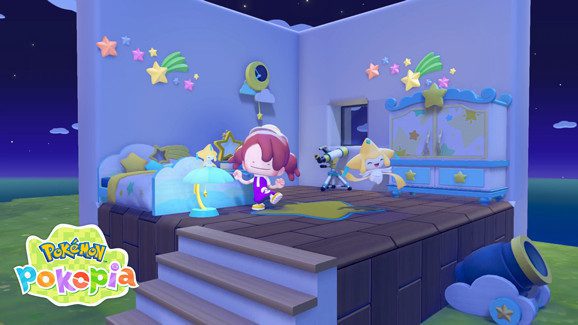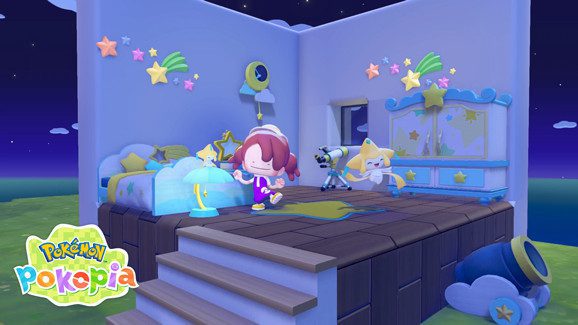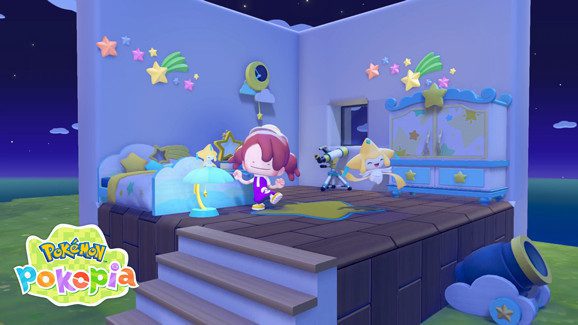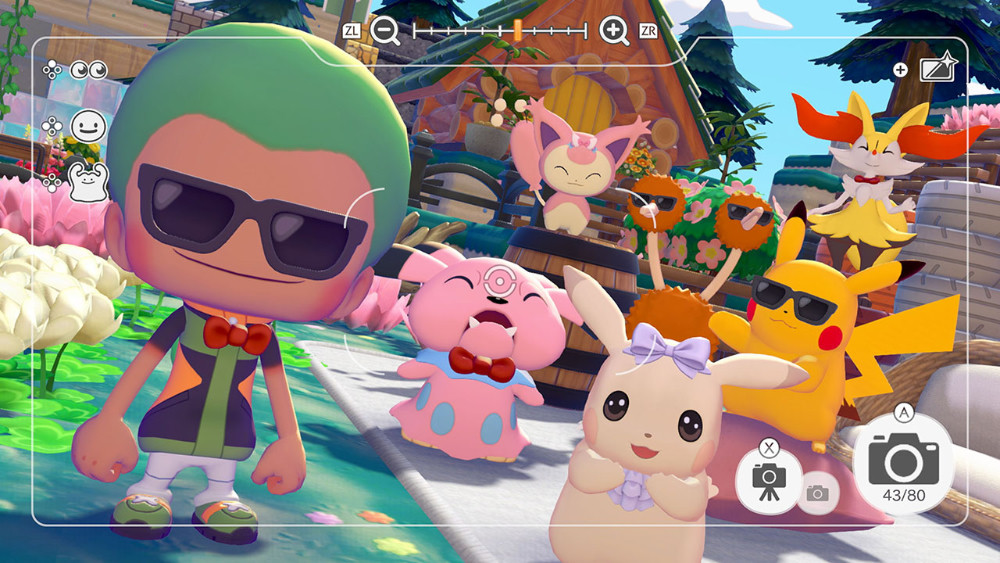
Pokemon Pokopia Expansion Pass bonuses are available now even though Part 2 and Part 3 have not released yet. Nintendo says Expansion Pass buyers receive a dynamic Ditto print recipe in-game and a serial code by email for 30 rare Pokemetal ingots.
The rewards are claimed in different ways. The dynamic Ditto print recipe is collected from the game’s Downloadable Content menu, while the rare Pokémetal arrives through an email code. Neither requires you to wait for Part 2 or Part 3.
All current Pokemon Pokopia Expansion Pass bonuses
Pokemon Pokopia Expansion Pass bonuses Image Nintendo.
| Bonus | How to get it |
|---|---|
| Dynamic Ditto print recipe | Buy the Expansion Pass, then choose Downloadable Content in the main menu |
| 30 rare Pokemetal ingots | Receive the serial code by email and redeem it through Mystery Gifts |
Both purchase bonuses can be claimed before the remaining DLC releases. The rare Pokémetal code has a redemption deadline, so it’s worth checking the email linked to your Nintendo Account.
How to get the dynamic Ditto print recipe
To claim the dynamic Ditto print blocks-and-wallpaper recipe, buy the Expansion Pass and open Pokémon Pokopia. Press + to bring up the main menu, then select Downloadable Content → Check Items → Receive. Nintendo confirms these are the steps for the paid recipe.
Nintendo’s store page also says you need to have downloaded the Ver. 1.1.0 update to receive the in-game recipe, and that it takes around 30 minutes of play time before you can use workbenches to check claimed recipes.
Free 2.0.0 pattern versus the paid Expansion Pass recipe
There are two similarly named dynamic Ditto print rewards, which is where the confusion comes from. The free version 2.0.0 update adds a dynamic Ditto print painting pattern that players can obtain by speaking to Smearguru after earning the diploma. This is separate from the blocks-and-wallpaper recipe Nintendo advertises as an Expansion Pass purchase bonus.
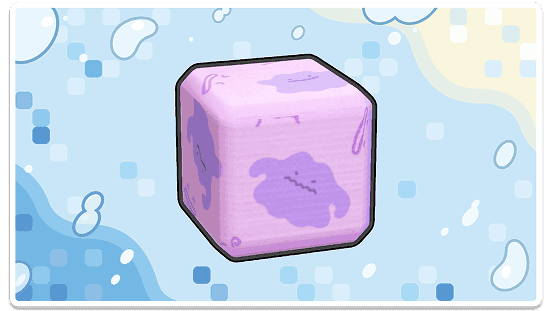
You can use the free Smearguru painting improvement without buying DLC. Buying the Expansion Pass still provides its own recipe claim through Downloadable Content, so the purchase bonus remains correctly listed in the table above. For the free update and reference-photo painting details, see our Pokémon Pokopia 2.0.0 update and Smearguru photo patterns guides.
How to get the 30 rare Pokemetal ingots
The second set of Pokemon Pokopia Expansion Pass bonuses comes by email. Nintendo says buyers receive a serial code for 30 rare Pokemetal ingots, and the reward is claimed through the Get with Code/Password option in Mystery Gifts.
Mystery Gifts are accessed through the Get Items menu at the Pokemon Center. Nintendo also notes that your Switch 2 must be connected to the internet and linked to a Nintendo Account to claim the reward.
Bonus deadlines
Nintendo lists two dates for the rare Pokémetal email code. You must redeem the code by Tuesday, 31 August 2027, then claim the in-game reward by Thursday, 30 September 2027.
Keep the email until you’ve redeemed the code, and remember that the code can only be claimed once. You’ll need an internet connection and a Nintendo Account linked to your Switch 2 user profile.
Do you need Part 2 to claim the bonuses?
No. The Pokemon Pokopia Expansion Pass bonuses are tied to buying the Expansion Pass, not to waiting for Part 2 to go live.
If you are buying the bundle now but mostly care about the upcoming content, the Pokemon Pokopia Part 2 and Pokemon Pokopia Part 2 release date guides will give you the forward-looking side of the DLC.
What if the bonuses do not show up?
If the Pokemon Pokopia Expansion Pass bonuses do not appear, Nintendo’s support page says to update the game, load the correct user and check Downloadable Content from the main menu.
Our Pokemon Pokopia DLC not showing guide pulls those support steps together, including the reminder that only Part 1 and the purchase bonuses are available right now.
Are the bonus items exclusive forever?
Nintendo’s store page notes that the items included in the Pokemon Pokopia Expansion Pass bonuses are also obtainable through normal gameplay.
That means the bundle gives you early and convenient access rather than permanently locking the content behind a paywall forever.
Related Guides
- Pokemon Pokopia Part 2
- Pokemon Pokopia Part 2 Release Date
- Pokemon Pokopia Accessories
- Pokemon Pokopia Part 2 New Town
- Can You Buy Pokemon Pokopia Part 2 Separately?
- Pokemon Pokopia DLC Not Showing
- Pokémon Pokopia 2.0.0 Update
- Pokémon Pokopia Dive Move
- Pokémon Pokopia Smearguru Photo Patterns
- Pokémon Pokopia Portal Pod: Shared Storage
Official Pokemon Pokopia Expansion Pass bonuses source
Nintendo’s official Expansion Pass store page is the main source for the Pokemon Pokopia Expansion Pass bonuses, including the claim method, Ver. 1.1.0 requirement and redemption deadlines.
The important difference is between a free painting pattern and a purchase-bonus recipe. Both descriptions come directly from Nintendo, and the paid recipe’s redemption instructions and code deadlines remain as listed above.