Dune Awakening Microphone Unmuted After Audio Switch Fix addresses a current Update 1.5 or console-launch problem that Funcom has documented. Changing audio devices inside the game can leave the microphone unmuted at the system level even when you expected the previous privacy state to remain. The useful starting point is the developer-listed cause or workaround, because that avoids turning a narrow live bug into a much larger reinstall, save-reset or account problem.
Dune Awakening Microphone Unmuted After Audio Switch Fix is especially relevant after the September 22 console launch because many players are seeing the current version for the first time. Funcom lists system-wide microphone unmuting after an audio-device switch as a current audio issue. This guide focuses on the shortest confirmed recovery path first and then explains what the workaround does not prove, so you can stop before making unnecessary changes.
Dune Awakening Microphone Unmuted After Audio Switch Fix: the confirmed workaround
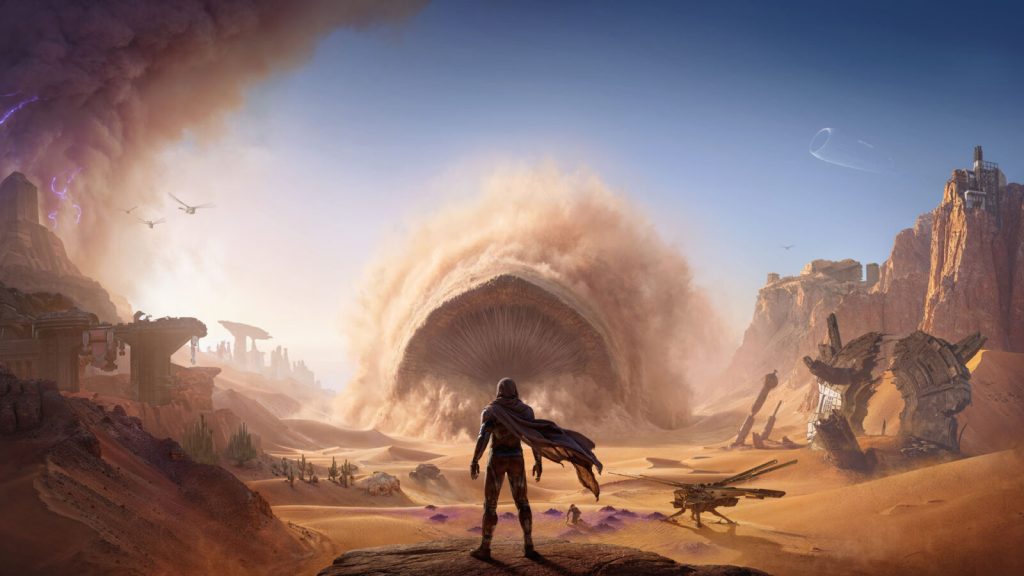
Dune Awakening Microphone Unmuted After Audio Switch Fix Image Funcom.
The first thing to try for Dune Awakening Microphone Unmuted After Audio Switch Fix is the exact workaround Funcom currently gives: After changing output or input devices, check the operating-system microphone state and mute it again manually if needed before returning to voice-enabled play. Follow that sequence before changing several unrelated settings at once. A clean one-change test makes it much easier to tell whether the known issue is actually the problem you are seeing.
The reason this approach matters is simple. Because the problem can affect the system rather than only the in-game icon, relying on the Dune: Awakening interface alone may not reflect the actual microphone state. Launch-week faults often look more dramatic than they are because the visible symptom appears in the middle of a quest, server join, controller action or inventory screen rather than at the system layer that actually failed.
What to check before trying a larger fix
Before reinstalling Dune: Awakening, deleting local data or abandoning a character, make sure the game is fully updated and restart it once. Players who do not use voice chat can reduce risk by disabling or muting the microphone at the operating-system or hardware level until the bug is fixed. If the documented workaround succeeds, stop there; adding more changes after the issue is already fixed only creates new variables. If it fails, note your platform, server type, exact error or quest step and whether the problem survives a clean restart, because those details are much more useful to support than a broad report that the game is simply broken.
- Confirm the client is on the current Update 1.5 branch and has downloaded the latest hotfix available on your platform.
- Retry the exact quest, menu or interaction once after the developer-recommended workaround rather than repeating it rapidly.
- Keep single-player, official multiplayer, private-server and platform-specific behaviour separate when comparing symptoms.
- If the issue survives the official workaround, record the quest step or error text before contacting Funcom support.
Why Dune Awakening Microphone Unmuted After Audio Switch Fix can look worse than it is
Dune Awakening Microphone Unmuted After Audio Switch Fix can be mistaken for permanent progression loss because Dune: Awakening stores a lot of character, world and server state. A failed prompt, missing actor or blocked resume path does not automatically mean that the underlying character or save has been deleted, especially when Funcom already lists the symptom as a known issue.
At the same time, do not force the workaround beyond what Funcom actually says. The documented issue has a specific scope, and a different error code, platform or quest state may need a different fix even when the symptoms look similar at first glance.
Eight related Dune Awakening guides
More Dune Awakening guides on The Click
- Dune Awakening Update 1.5: Everything That Changed
- Dune Awakening Single Player: How to Play Solo and Change Settings
- Dune Awakening Character Transfer: Server Rules Explained
- Dune Awakening 1.5 Problems: Latest Fixes and Known Issues
- Dune Awakening Filmic Archive DLC: Contents, Date and Price
- Does Dune Awakening Have Crossplay on PS5 Xbox and PC?
- Can PS5 and Xbox Players Play Together in Dune Awakening?
- Dune Awakening PS5 Release Date Confirmed
Final notes on Dune Awakening Microphone Unmuted After Audio Switch Fix
Dune Awakening Microphone Unmuted After Audio Switch Fix should be handled as a current known issue first, not as a reason to erase progress. Use the confirmed workaround, restart only where the developer recommends it, and escalate to support when the public known-issues page does not provide a reliable recovery step for your exact state.
Dune Awakening Microphone Unmuted After Audio Switch Fix uses Funcom’s current September 2026 support information. For the live status, solved-issue notes and any replacement workaround, finish with the official Funcom known-issues page before trying destructive troubleshooting.