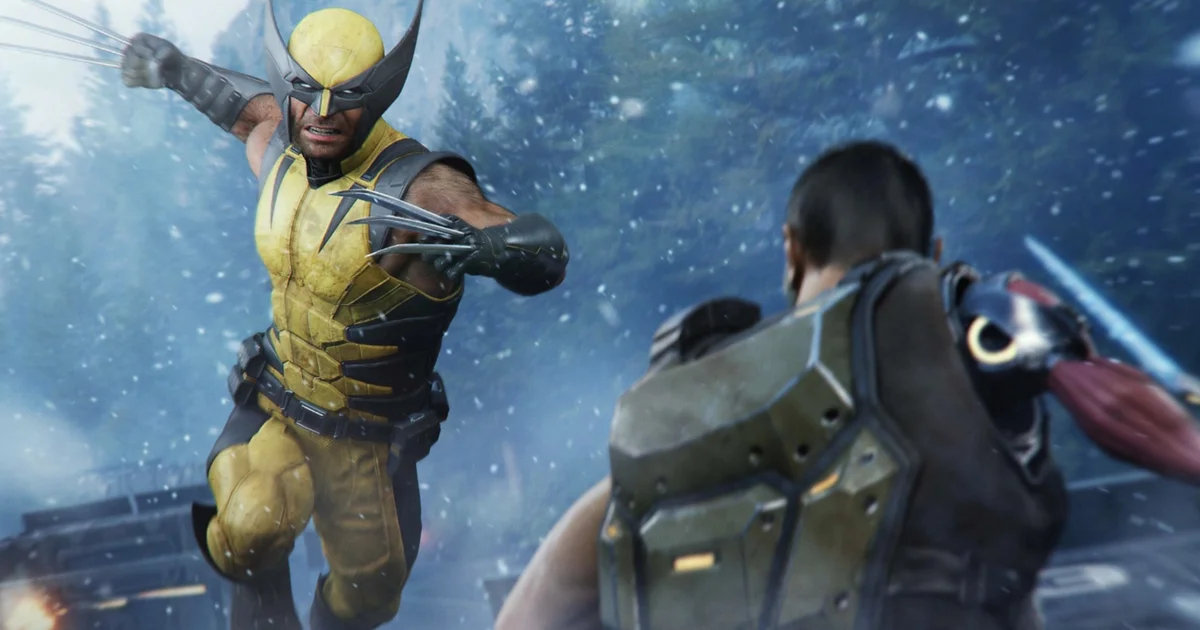
Marvel’s Wolverine The One That Got Away Tree Bug Fix has an official fix in update 1.001.006, which addresses the progression issue where Logan could become stuck while sliding down the tree.
If your save was blocked at this exact sequence, the first step is not to restart the whole game. Install the newest patch, fully close Marvel’s Wolverine, reopen the save and retry the checkpoint. The hotfix specifically names the tree-slide problem, so affected saves should get another chance to pass the sequence without throwing away earlier mission progress.
Marvel’s Wolverine The One That Got Away Tree Bug Fix: quick answer
| Problem | Logan gets stuck during the tree slide |
| Mission | The One That Got Away |
| Fix | Update 1.001.006 |
| Best first step | Install patch, restart game, reload checkpoint |
The important thing with Marvel’s Wolverine The One That Got Away Tree Bug is that this was a known progression bug rather than a hidden input or route you were supposed to discover.
How to fix the Marvel’s Wolverine tree bug
Update the game before doing anything destructive to your save. The 1.001.006 hotfix includes a targeted fix for players becoming stuck sliding down the tree in The One That Got Away.
Once the patch is installed, fully close the application instead of resuming a suspended session. Then load the affected save and use the most recent checkpoint. In most cases the Marvel’s Wolverine tree bug should no longer reproduce at the same point.
- Highlight Marvel’s Wolverine on the PS5 Home screen and check for updates.
- Confirm version 1.001.006 or newer is installed.
- Close the game completely.
- Reopen the affected save.
- Choose the latest safe checkpoint and replay the tree-slide sequence.
Do you need to restart The One That Got Away?
Start with the smallest reset possible. Reloading the current checkpoint is preferable to restarting a full mission because it preserves more of what you have already completed.
If the Marvel’s Wolverine tree bug was saved in an awkward state, returning to an earlier checkpoint can give the patched script a cleaner setup. Only restart the entire mission if the available checkpoint repeatedly loads Logan into the broken position.
What the hotfix actually changed
Update 1.001.006 is not only an exploration-settings patch. Alongside new Senses toggles, Insomniac addressed several community-reported problems, including the tree-slide block in The One That Got Away.
That detail is useful because it rules out the idea that you must jump, attack or rotate the camera in a precise way to escape. The Marvel’s Wolverine tree bug was something the game needed to fix, not a puzzle mechanic.

Avoid deleting a good save too early
Do not delete your main save as the first troubleshooting step. Progression bugs can make a checkpoint look permanently broken, but patches can repair the underlying sequence while leaving your completed missions and collectibles intact.
If you use multiple manual saves, keep the newest one and one slightly earlier backup until you have confirmed the patched sequence works. That gives you options without forcing a full replay.
Marvel’s Wolverine tree bug: what to do if it is not working
If the Marvel’s Wolverine tree bug still happens after updating, try a checkpoint from before the slide rather than repeatedly loading the exact frozen moment. The mission script may need to begin the interaction again under the patched version.
If every checkpoint in that mission reproduces the same issue, restart the mission from the mission menu if available. A full game reinstall is much further down the list because the patch fix is tied to game code, not a collectible file you need to redownload separately.
- Check the installed version number.
- Restart PS5 if the patch installed while the game was suspended.
- Load an earlier checkpoint.
- Restart the mission only after checkpoint reloads fail.
- Keep your save until you have exhausted the patched recovery steps.
Marvel’s Wolverine The One That Got Away Tree Bug FAQ
Was the tree slide supposed to trap Logan?
No. The Marvel’s Wolverine tree bug was listed as a fixed progression issue in update 1.001.006.
Will 1.001.006 fix an old affected save?
The hotfix targets the sequence itself, so retrying the saved checkpoint after updating is the correct first step. An earlier checkpoint can help if the current one captured the broken state.
Marvel’s Wolverine The One That Got Away Tree Bug Do I have to reinstall Marvel’s Wolverine?
Usually no. Install the current update and retry the mission first. Reinstalling is unnecessary for most cases of the Marvel’s Wolverine tree bug.
The key is to treat this as a patched progression problem and preserve your save while you retry the sequence under the newest game version. Keep this Marvel’s Wolverine tree bug guide alongside the linked coverage below so you can move straight to the next objective without hunting through unrelated pages.
Related Marvel’s Wolverine The One That Got Away Tree Bug Guides
For the first-party game information surrounding Marvel’s Wolverine The One That Got Away Tree Bug , and current live service details, visit the official Insomniac Games website.