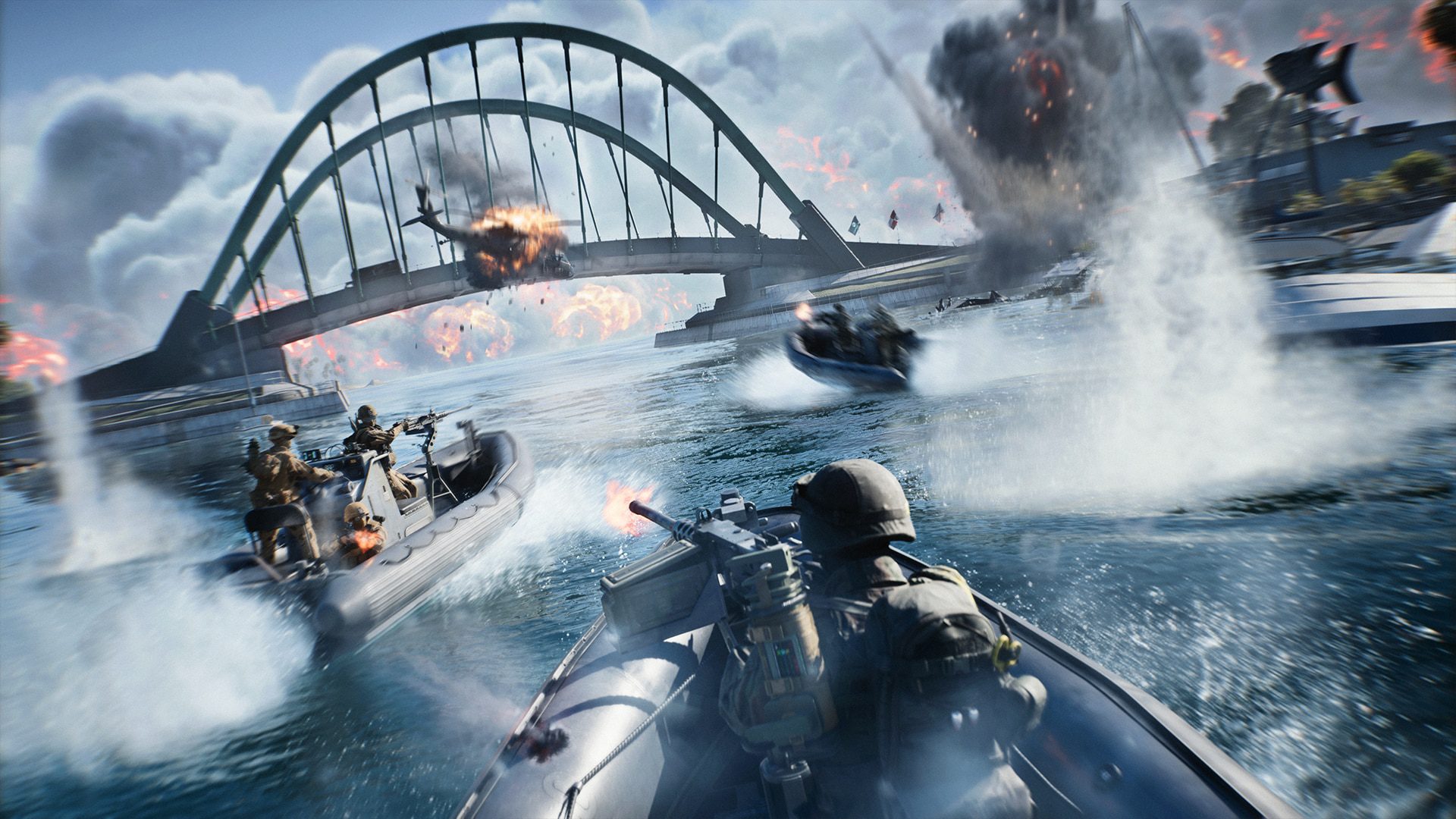
Turn On Proximity Chat in Battlefield 6 by playing REDSEC Battle Royale during the Tidal Strike Battlefield Labs test, using Game voice chat and enabling the new Proximity Chat control located below the Commo Rose. EA added a global on/off toggle so you can leave the feature disabled if you do not want nearby voice.
If you are looking for the option in normal Battlefield 6 Multiplayer, that is the wrong place for now. The September rollout is limited to REDSEC Battle Royale while Battlefield Studios tests the system live.
How to Turn On Proximity Chat in Battlefield 6 REDSEC
Turn On Proximity Chat in Battlefield 6 Image Electronic Arts
Turn On Proximity Chat in Battlefield 6 after entering a supported REDSEC Battle Royale playlist. Solo players and parties default to Game voice chat, which is the channel designed to expose the nearby-player interactions. Open the Commo Rose area and use the newly added control beneath it to switch channels or globally toggle Proximity Chat.
The exact platform button used to open the Commo Rose depends on your control setup, but the in-game location of the toggle is the important part. EA’s Update 1.4.3.0 notes specifically identify the control as being below the Commo Rose.
Why you might not see the option
Turn On Proximity Chat in Battlefield 6 only where the live test is active. EA says the feature can be switched on or off during the testing period while the team applies fixes and improvements, so a temporary absence does not necessarily mean your settings are broken.
You also will not find the current feature in regular Multiplayer because that rollout is planned for later. Make sure you are in REDSEC Battle Royale and running the latest game update before troubleshooting anything deeper.
What the setting changes
Turn On Proximity Chat in Battlefield 6 and nearby voices become positional. You can hear direction, while walls, indoor spaces and vehicles affect the sound. Up to four nearby speakers can be heard at the same time; extra speakers are squelched until one of those slots becomes available.
That is separate from ordinary party communication. Proximity Chat is about people physically near your character in the match, which is why it can create very different moments from a private squad call.
How to mute or report someone you heard
Turn On Proximity Chat in Battlefield 6 knowing you still have moderation controls. Bring up the Battle Royale scoreboard to see recent Proximity Chat users you heard, then select a player through the EA Connect pop-up to mute, report or block them.
This recent-player list is particularly useful because a nearby voice may be gone by the time you decide you do not want to hear them again. You do not have to remember the name in the middle of a firefight.
Can you use it in Multiplayer yet?
Turn On Proximity Chat in Battlefield 6 Multiplayer is not an option yet. The current version is a REDSEC Battle Royale test, and Battlefield Studios plans to use feedback before expanding the system. There is no confirmed date for the full Multiplayer rollout.
Turn On Proximity Chat in Battlefield 6 REDSEC if you want to try the first live version now. For a broader breakdown of range, speaker limits and environmental audio, see our Battlefield 6 Proximity Chat explainer.
What to check if Proximity Chat still seems silent
Turn On Proximity Chat in Battlefield 6 only after checking that you are in a supported REDSEC Battle Royale session. The September 15 rollout is the first Battlefield Labs in Live test for Battle Royale; regular Battlefield Multiplayer is planned for later rather than included in this first phase. If you are sitting in Conquest or another core Multiplayer mode, changing voice settings will not make the test appear there.
EA also notes that solo players and parties default to Game voice chat so they can take advantage of nearby interactions. When someone speaks, their position and the environment affect what you hear: voices are directional, walls can obstruct them, indoor spaces alter the sound and vehicles are accounted for. So a quiet voice can be a gameplay effect rather than a broken microphone.