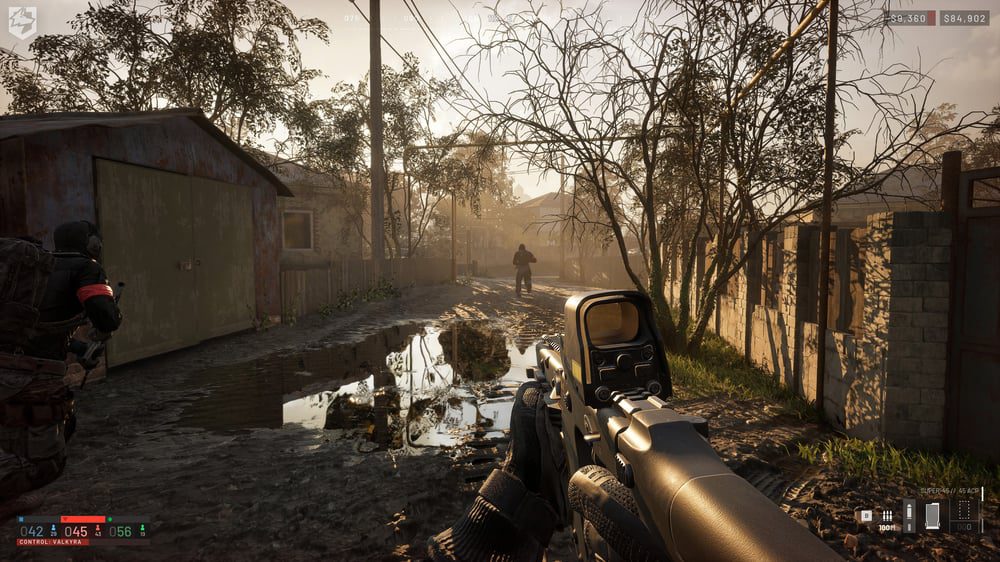
WARDOGS low FPS and stuttering can come from GPU load, CPU-heavy 100-player battles, shader or asset streaming, drivers, Frame Generation problems or simply a settings profile that is too ambitious for your hardware. Start by separating low average FPS from short hitches: one needs lower rendering cost, while the other may need drivers, storage, shader recovery or a patch rather than every slider being set to Potato.
First fixes for WARDOGS low FPS and stuttering
When troubleshooting WARDOGS low FPS and stuttering, update your graphics driver, restart the PC, verify WARDOGS in Steam and make sure the game is installed on an SSD if possible. Then check the official requirements. A GTX 1660/RX 590 minimum target assumes 1080p Low with upscaling, while the RTX 3070/RX 6700 XT recommended tier targets much higher settings and resolutions.
If WARDOGS low FPS and stuttering appears mainly during firefights, lower GPU-heavy options first: Global Illumination, shadows, reflections, post-processing and effects. Use DLSS or FSR Quality/Balanced if you are GPU-bound. Avoid immediately cutting view distance to the floor, because the frame gain can come at the cost of spotting players across WARDOGS’ long sightlines.
Test Frame Generation separately
Frame Generation can complicate WARDOGS low FPS and stuttering. The Season 1 launch notes fixed two crash paths in the Frame Generation pipeline and now let DLSS Frame Generation be toggled without restarting. Test the same scene with it enabled and disabled. A smoother-looking FPS counter is useful, but generated frames do not automatically mean better input response.
Season 1 already targeted hitching
BULKHEAD specifically changed shadow-cache refresh behavior to reduce hitching, which is directly relevant to WARDOGS low FPS and stuttering. If you are seeing an old beta-era stutter pattern, make sure the game is fully updated before spending an hour editing configuration files. The launch build also added better GPU crash reporting and removed a legacy graphics dependency.
Know whether you are CPU or GPU limited
A useful WARDOGS low FPS and stuttering test is to lower render resolution or switch the upscaler one step more aggressive. If FPS rises sharply, the GPU was probably the main limit. If the frame rate barely moves during a crowded Control Zone, the CPU or game thread may be the bottleneck, and turning textures from High to Low will not magically double performance.
Thermal throttling can also look like WARDOGS low FPS and stuttering. If the game starts smoothly and deteriorates after ten minutes, check CPU/GPU temperatures and clock speeds. Close heavy background recording, browser or overlay software during testing. WARDOGS already has a lot happening in a live match, so unnecessary capture or RGB utilities can make borderline systems less stable.
Do not use risky “optimization” hacks
Avoid solving WARDOGS low FPS and stuttering with DLL swaps, injectors, unofficial Frame Generation mods or tools that hook the game. WARDOGS runs anti-cheat, and modifications that might be harmless in a single-player title are a bad idea in a competitive multiplayer shooter. Stick to in-game settings, normal drivers and Steam verification.
The best route through WARDOGS low FPS and stuttering is methodical: update first, verify files, test on an SSD, establish whether the GPU or CPU is limiting you, then lower the settings that match that bottleneck. Retest after patches as well; WARDOGS is only days into Early Access, so performance fixes can change which settings are worth sacrificing.
Clear the simplest causes before reinstalling
Before blaming WARDOGS low FPS and stuttering on a broken install, close the obvious background load. Browser video, game capture, GPU overlays, motherboard utilities and Windows updates can all create spikes that look like a game problem. Reboot, run only Steam and WARDOGS, then test the same server or firing-range route again. That clean baseline makes every later change easier to judge.
Shader-related hitches can also settle after a driver update or the first few minutes of a new build, while a persistent repeatable hitch in exactly the same action is more useful evidence for a bug report. If you can reproduce it, note the map area, graphics settings, hardware and what happened immediately before the spike. That is far more useful than reporting only “bad FPS.”
For official game information, updates and Early Access details, visit the WARDOGS website.