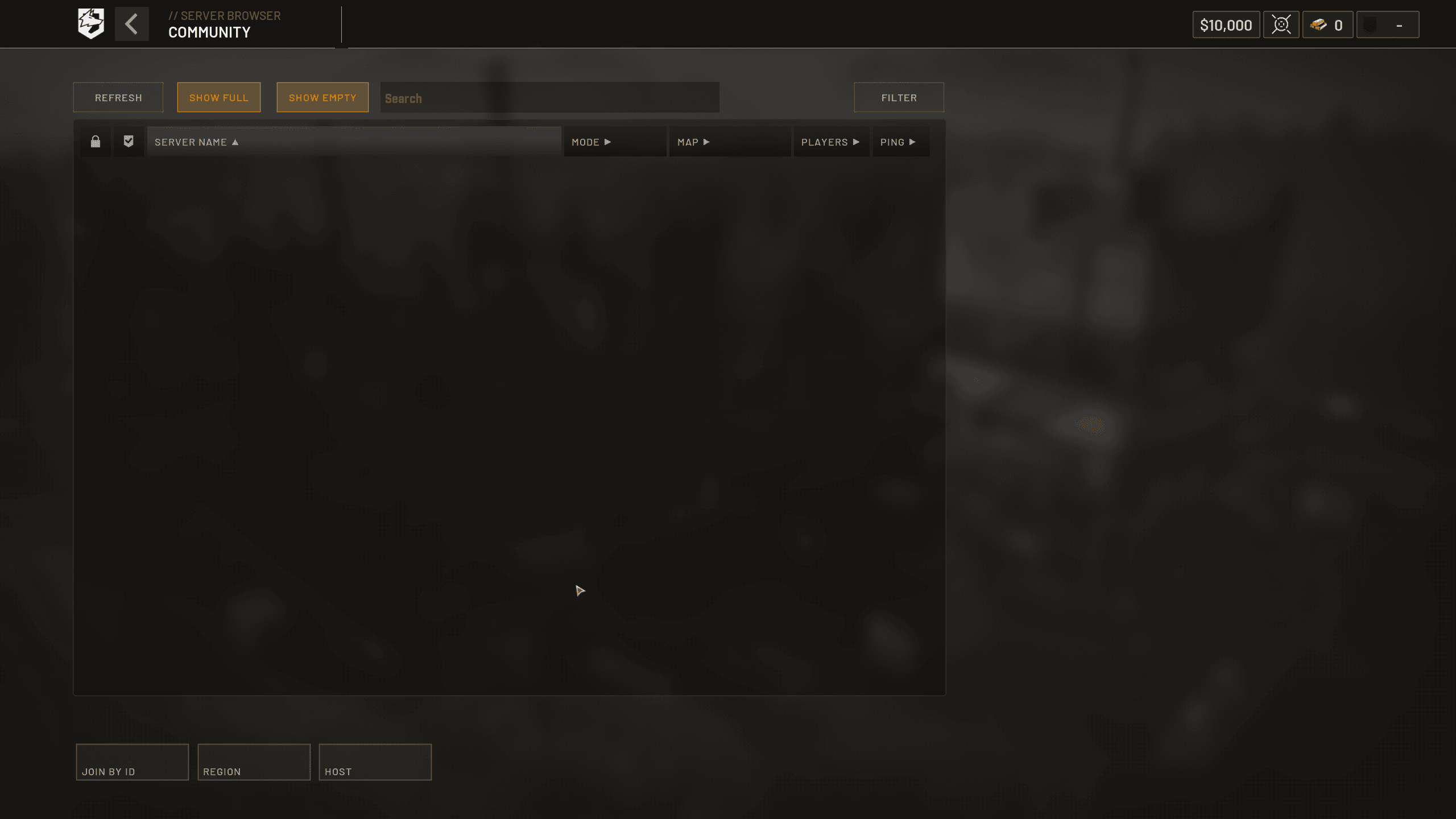
WARDOGS Error Code 1628505091 appears with a Join Timed Out failure when WARDOGS does not complete the connection to the selected server in time. The important part is the stage: the game has already launched and reached server entry, so this error is not automatically an Elytra failure, a ban or proof that the whole installation is corrupted.
What causes WARDOGS Error Code 1628505091?
WARDOGS Error Code 1628505091 has been widely reported during the Early Access launch while WARDOGS has been dealing with huge server demand. BULKHEAD released Launch Stability Hotfix #1 specifically to address players unable to join servers, players being kicked during play and long queues. That makes server health and client version the first things to check.
A timeout can also be isolated to one server or one network path. The browser may show an available slot even though the server is currently processing joins, restarting or filling faster than the listing refreshes.
How to fix WARDOGS Error Code 1628505091
- Exit WARDOGS completely.
- Restart Steam and allow any WARDOGS update to install.
- Check official WARDOGS announcements for outages or hotfix instructions.
- Try one other healthy-looking server.
- If the problem is unique to your PC, verify the WARDOGS files in Steam.
- Restart your router only if other online services are also behaving badly.
This order keeps WARDOGS Error Code 1628505091 troubleshooting focused. If an official hotfix has just been pushed, the old client may simply no longer be accepted cleanly. If thousands of players are reporting the same join failure, local Windows tweaks are unlikely to solve it.
Should you reinstall WARDOGS?
A full reinstall is rarely the best first fix for WARDOGS Error Code 1628505091. Steam verification checks for missing or damaged files much faster and does not require downloading the entire game again. Reinstall only after ordinary checks fail and there is no current service incident.
Can high ping cause the timeout?
Poor routing or packet loss can contribute to WARDOGS Error Code 1628505091, but a fast connection does not guarantee entry when the game servers themselves are overloaded. Test whether other servers work before assuming your broadband is at fault. If only one WARDOGS server times out, the problem is likely more specific than your whole connection.
Do not disable firewall or antivirus blindly
There is no reason to weaken Windows security simply because WARDOGS Error Code 1628505091 appears. If security software has actually blocked WARDOGS, create only the normal approved application rule or follow official support instructions. Randomly turning off protections can create a bigger problem without changing a server-side timeout.
What details should you report?
For a repeat WARDOGS Error Code 1628505091 failure, note the exact message, time, region, selected server, displayed population, whether another server works and whether Steam had just installed an update. Those details help separate an individual server problem from a regional or client-wide fault.
WARDOGS Error Code 1628505091 FAQ
WARDOGS Error Code 1628505091 means your attempted server join timed out. Start with the current WARDOGS update and service state, then compare another server once. Verify files only when the failure looks isolated, and avoid treating the code as evidence of a ban or anti-cheat problem unless the screen says that separately.
If a friend on the same region can enter the same server while you cannot, note that comparison before contacting support. It narrows the problem more effectively than repeatedly reconnecting to random servers with no record of what changed.
If a friend on the same region can enter the same server while you cannot, note that comparison before contacting support. It narrows the problem more effectively than repeatedly reconnecting to random servers with no record of what changed. Keep the exact time and full on-screen wording because WARDOGS is changing quickly during Early Access and those details make later troubleshooting much more precise.
If a friend on the same region can enter the same server while you cannot, note that comparison before contacting support. It narrows the problem more effectively than repeatedly reconnecting to random servers with no record of what changed. Keep the exact time and full on-screen wording because WARDOGS is changing quickly during Early Access and those details make later troubleshooting much more precise. Keep the exact time and full on-screen wording because WARDOGS is changing quickly during Early Access and those details make later troubleshooting much more precise.
For official game information, updates and support information, visit the WARDOGS website.