The Pokémon GO Raid invite limit is five friends per invitation wave, but that is not necessarily the maximum number of people you can invite during the whole lobby. After a short cooldown, the Invite Friends button can become available again so you can send another set of invitations.
What is the Pokémon GO Raid invite limit?
The current official Pokémon GO Raid invite limit lets you select up to five friends at one time. Once those invites are sent, wait for the short cooldown and the button can be used again to invite additional friends to the same Raid Battle lobby.
This means the Pokémon GO Raid invite limit has two different numbers to think about: five selected in one wave, and the separate capacity of the raid lobby itself. You cannot force more Trainers into a group once the raid or remote-player allocation is full.
| Raid rule | Current limit |
|---|---|
| Friends you can select in one invite wave | 5 |
| Normal raid group size | Up to 20 Trainers |
| Current standard Remote Raid daily cap | 10 per Trainer per day |
| Shadow and Elite Raids | Remote joining not allowed |
Can you invite 10 friends to one raid?
In practice, the Pokémon GO Raid invite limit system can let a host send a second wave after the cooldown, which is why players commonly organise raids around two groups of five invitations. Official support deliberately describes this as inviting “more friends” rather than promising that every invite will fit.
Whether all ten people can enter depends on who else is already in the lobby, how many remote slots are available, and whether the recipients join before the countdown ends. Invitations are opportunities to join, not reserved seats.
Remote players have a separate cap
The Pokémon GO Raid invite limit is not the same as the remote-player cap. Pokémon GO can limit how many Trainers in one lobby are using Remote Raid Passes, even when the overall raid group still has room.
Special events can temporarily change remote limits. Raid Day announcements often state a higher daily Remote Raid allowance, so always read the event bonus text if you are hosting a large remote group.
Why can’t you send another invite?
If the Pokémon GO Raid invite limit button is unavailable, the most common reason is that you are still inside the short cooldown after the previous wave. It can also become irrelevant if the lobby timer is nearly finished or the group has already filled.
Invited Trainers cannot normally use their invitation to create an endless chain of new invites in that same lobby. The host and other eligible lobby members should coordinate who is sending invitations so the same five people are not repeatedly selected.
Friends List joins can bypass the need for an invite
The Pokémon GO Raid invite limit matters less now that Great Friends or higher can join eligible raid lobbies directly from the Friends List when raid attendance sharing is enabled. That does not increase lobby capacity, but it can save one of your manual invitation slots.
Friends List joining still requires a Remote Raid Pass when the Trainer is not physically at the Gym, and it does not work for Shadow Raids or Elite Raids.
Best way to host within the invite limit
To make the Pokémon GO Raid invite limit work for you, prepare two groups of names before entering the lobby. Send the first five immediately, wait for the cooldown, then send the second group as soon as the button returns.
For high-demand raids, tell people not to panic if they do not see an invitation instantly. The Pokémon GO Raid invite limit is wave-based, so somebody in the second group may receive theirs later even though you started hosting on time.
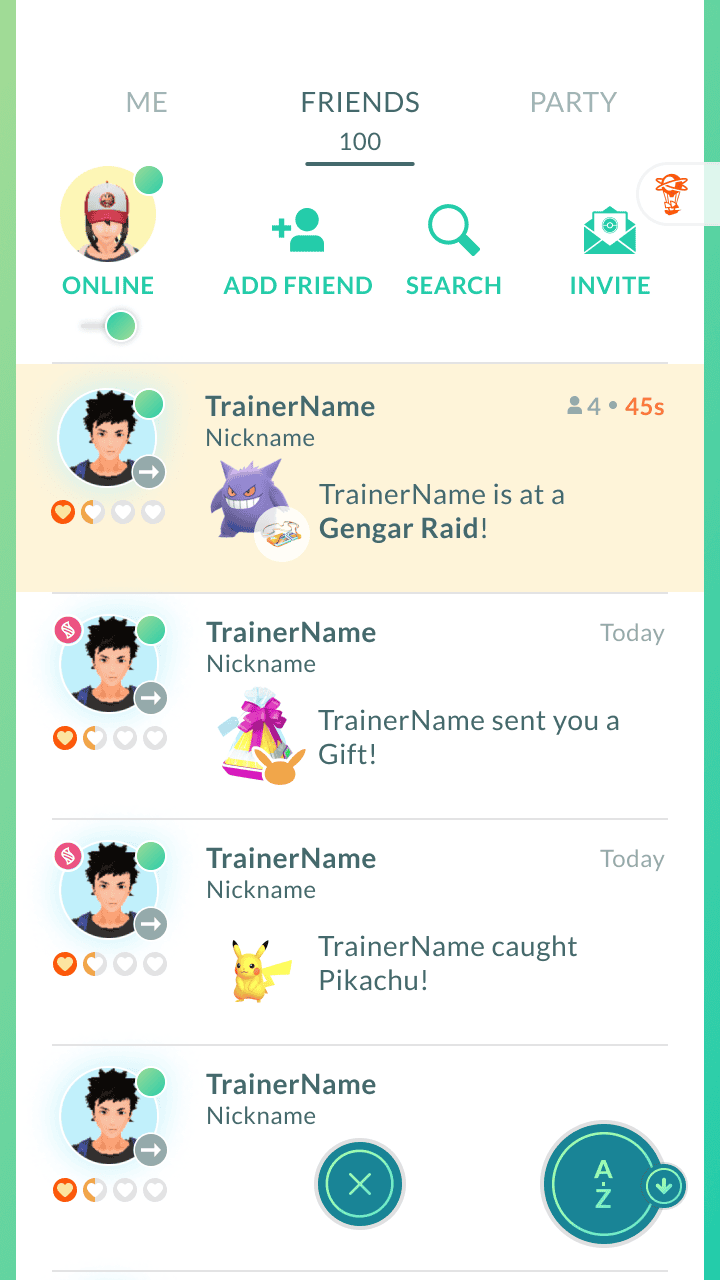
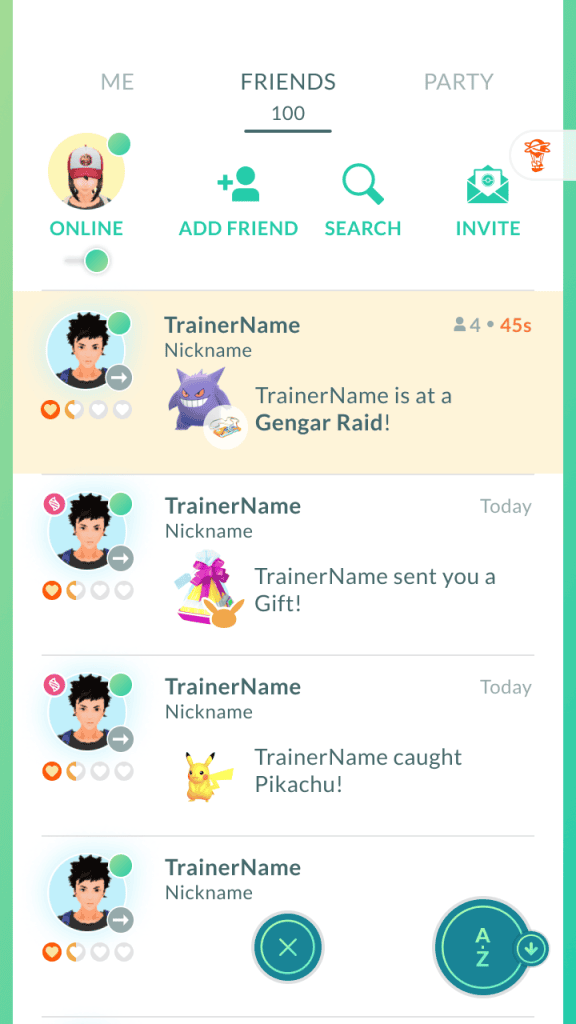
The Friend List itself can be sorted to make hosting quicker. Search or nickname regular raiders so you can choose the first five without wasting the lobby countdown, then repeat the same process for the next invitation wave when the button becomes active again.
For current raid events, bonuses and official game updates, check the official Pokémon GO website.
More Pokémon GO from The Click
How to invite friends to a Raid in Pokémon GO