If you can’t join a Remote Raid in Pokémon GO, the usual causes are the daily Remote Raid cap, a local-only raid type, a full lobby, no usable Remote Raid Pass, an expired invitation or the raid ending before you entered. The error matters because different restrictions need different fixes.
Why you can’t join a Remote Raid
The fastest way to diagnose why you can’t join a Remote Raid is to check the raid type first. Shadow Raids and Elite Raids are local-only, so a Remote Raid Pass cannot be used no matter how close you are to the host or who invited you.
- You have reached the current daily Remote Raid participation cap
- The raid is Shadow or Elite and therefore local-only
- The remote-player allocation for that lobby is full
- The overall lobby is full
- You do not have a Remote Raid Pass available
- The invite or lobby timer expired
- The raid itself ended before you could enter
Check your daily Remote Raid limit
One common reason you can’t join a Remote Raid is the account-wide daily cap. Pokémon GO currently uses a standard limit of 10 Remote Raids per day, although special events can temporarily raise that number or remove the cap.
If an event announcement says the limit is increased to 20, for example, that temporary event value replaces the usual allowance during the stated period. Once the event window ends, the normal cap returns.
The raid may be local-only
You will always can’t join a Remote Raid if you are trying to enter a Shadow Raid remotely. Pokémon GO specifically blocks Remote Raid Passes from Shadow Raids. Elite Raids are another local-only category and must be joined in person.
The safest check is the raid screen itself. If the normal pink Remote Raid button is not offered, do not buy another Remote Raid Pass assuming your current one is broken.
The remote lobby may already be full
You can also can’t join a Remote Raid when enough remote Trainers have already filled the allowed remote slots. Pokémon GO separates the overall 20-Trainer raid group size from remote-participation limits, and those limits can be adjusted for special periods.
If the lobby fills between receiving the invitation and tapping Battle, the game can reject you even though the invitation looked valid seconds earlier. Trying another lobby or asking the host to start a fresh private group can help if there is enough time left on the raid.
Joining from the Friends List has extra requirements
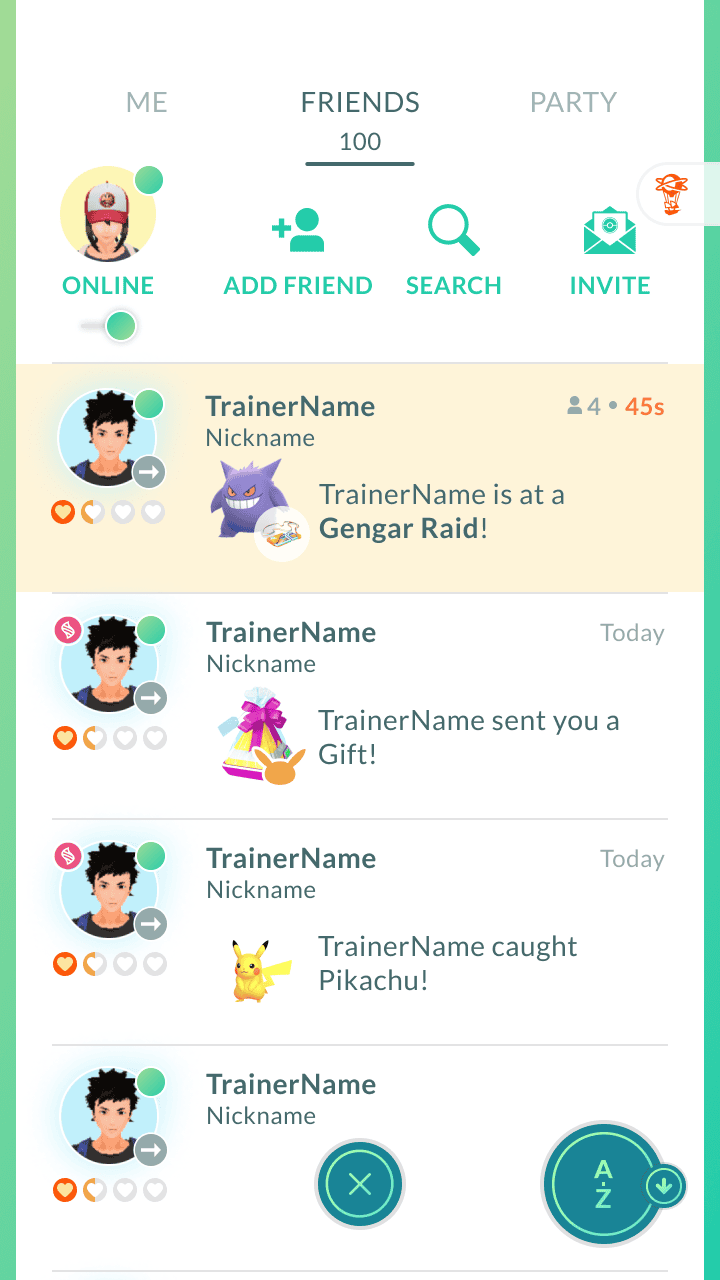
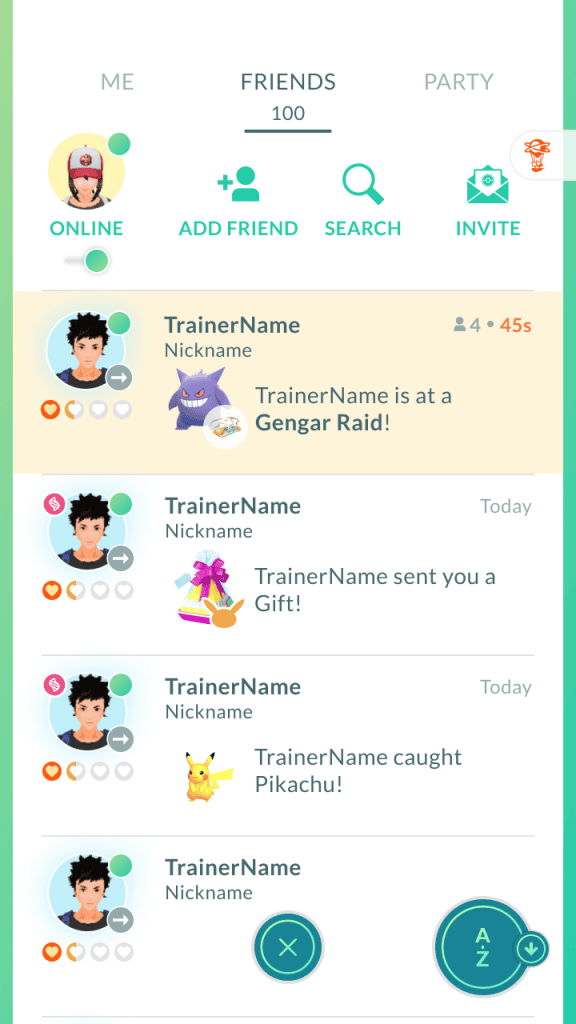
If you can’t join a Remote Raid from the Friends List, you need to be at least Great Friends with the Trainer whose lobby you are trying to join, and they need to be sharing raid attendance. You also cannot use this route for local-only raid types.
What if the invite vanished?
An invitation is not permanent. You can’t join a Remote Raid if the lobby countdown has already reached zero, the host’s raid is no longer active, or the raid ended. Push notifications can also arrive late, so opening an invitation from your phone notification shade does not guarantee the lobby still exists.
What to do next
When you can’t join a Remote Raid, check the raid type, your pass inventory, your daily count and whether the lobby is still open before restarting the app. Most errors are limits rather than a damaged account.
If you still can’t join a Remote Raid despite having a valid pass, an eligible raid and space in the lobby, take a screenshot and use in-app support. That is especially worthwhile if a pass appears to have been consumed during a technical failure.
A weak mobile connection can also produce a generic joining error even when your account is eligible. If every limit looks fine, switch between Wi-Fi and mobile data, reopen the raid from the Nearby menu and avoid repeatedly tapping an invitation that has already expired.
Also check the app clock and network state if the raid should be eligible. A stale lobby screen can survive for a few seconds after the underlying raid has changed, especially when moving between coverage areas or reopening the app from the background.
For current raid events, bonuses and official game updates, check the official Pokémon GO website.
More Pokémon GO from The Click
How to invite friends to a Raid in Pokémon GO