To invite friends to a Raid in Pokémon GO, enter a raid lobby, tap the Invite Friends button, select up to five friends and send the invitations. After a short cooldown, the invite button can become available again so you can invite more people to the same lobby before the battle starts.
How to invite friends to a Raid in Pokémon GO
- Open the Gym and enter the Raid Battle lobby
- Tap Invite Friends on the right side of the lobby
- Choose up to five friends from your Friend List
- Tap Invite Friends to send the invitations
- Wait for them to join before the lobby timer expires
You need to be inside the lobby before you can invite friends to a Raid in Pokémon GO. The invited Trainer receives an in-game notification, and may also receive a push notification if Raid Invitations are enabled in their settings.
Friends who are not physically near the Gym normally use a Remote Raid Pass to accept the invitation. Friends standing within interaction range can join with the appropriate local Raid Pass instead, so the invitation itself does not force everyone to raid remotely.
Can you invite more than five friends?
Yes. Pokémon GO lets you select up to five at a time when you invite friends to a Raid in Pokémon GO, but official support says you can invite more friends after a short cooldown. The raid lobby and remote-player caps still apply, so sending more invitations does not guarantee every recipient can enter.
A normal raid lobby supports up to 20 Trainers in one group. Remote participation has its own cap and special events can temporarily change some limits, which means the number of invitations you send and the number of people who can actually join are not always the same thing.
Can invited friends invite other friends?
No. A Trainer who joins because you invite friends to a Raid in Pokémon GO cannot simply chain the invitation onward from that same invited position. The host or other eligible Trainers already in the lobby need to handle additional invitations.
Can friends join without an invitation?
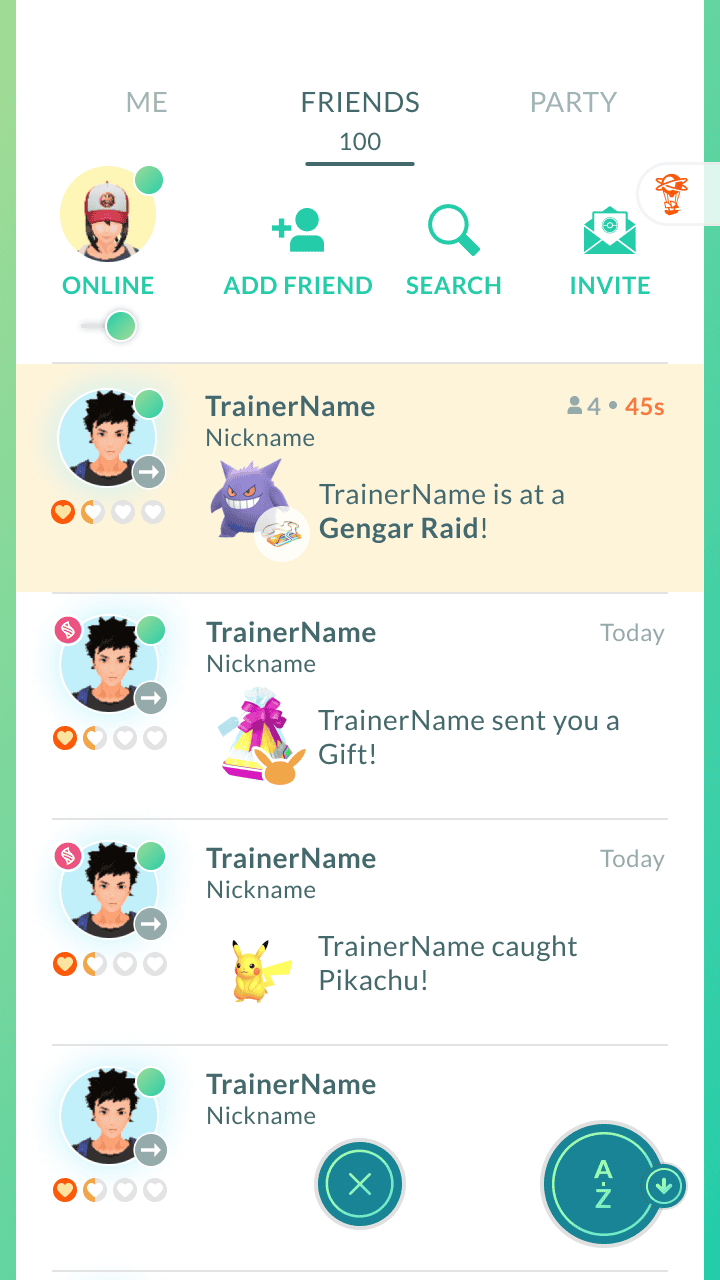
Yes. Great Friends or higher can now see friends who are waiting in raid lobbies through the Friends List if raid attendance sharing is enabled. They can join eligible raids directly with the required pass, which can reduce the need to manually invite friends to a Raid in Pokémon GO every time.
That Friends List route does not work for raid types that are local-only, such as Shadow Raids and Elite Raids. Those battles require players to be physically present at the Gym.
Why did the invitation disappear?
When you invite friends to a Raid in Pokémon GO, the invitation is tied to that raid lobby and its timer. If the raid battle starts before the recipient joins, the invitation disappears. A full lobby or full remote-player allocation can also stop another invited Trainer from entering.
If you are the only Trainer in the lobby and leave before anybody else joins, the invitations can stop being usable. Once another Trainer has joined, invited friends can remain even if you later leave the lobby.
Best way to organise raid invitations
If you regularly invite friends to a Raid in Pokémon GO, sort your Friend List before the raid and know who is actually online. Send the first five invitations immediately, then use the cooldown window to prepare a second set instead of wasting most of the lobby timer scrolling through hundreds of names.
For difficult raids, communicate outside the lobby where possible so players know when the invitation is coming. The mechanics to invite friends to a Raid in Pokémon GO are simple; the real problem is usually making sure enough people see the invite and enter before the countdown ends.
Child accounts can use raid invitation features only when the relevant social permissions have been enabled by a parent or guardian. If a younger Trainer never appears as an invitation option despite being on your Friend List, those account permissions are worth checking.
For current raid events, bonuses and official game updates, check the official Pokémon GO website.
More Pokémon GO from The Click
Pokémon GO Raid invite limit explained