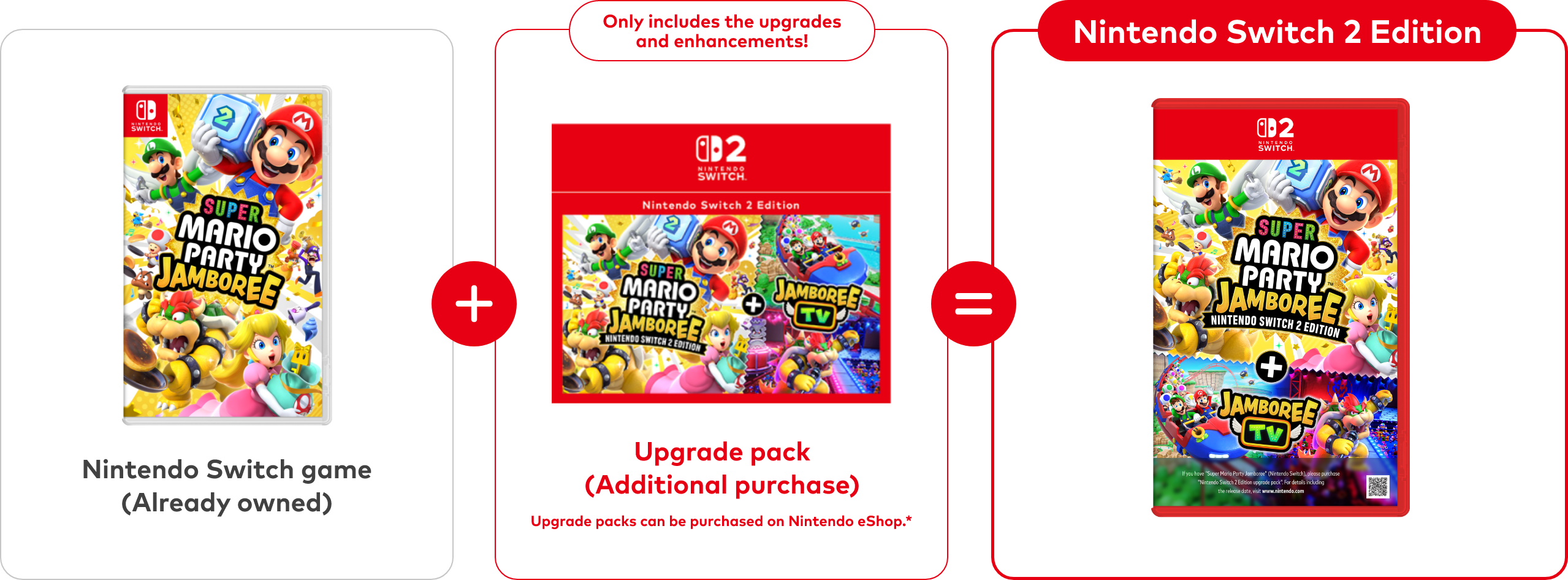
Nintendo Switch 2 Game Upgrade Pack Compatibility depends on the game you own, not whether you bought it on a cartridge or digitally. You can buy the corresponding upgrade pack to access the Nintendo Switch 2 Edition without paying for the base game again.
If you’re moving your collection to a Switch 2, check whether a game has a separate upgrade pack before buying a new copy. Some titles receive free compatibility or performance updates, while others have a paid Switch 2 Edition with extra content. An upgrade pack is only available when a game has a specific edition that supports it.
Nintendo Switch 2 Game Upgrade Pack Compatibility: Checking Your Physical or Digital Copy
Nintendo supports upgrades for both original Switch cartridges and digital editions of eligible games. If you own the physical version, keep the original cartridge, as the upgrade pack doesn’t contain a separate licence for the base game. With a digital copy, you’ll need access to the original software and its upgrade pack on the console.
If you don’t own the original game, buying the complete Switch 2 Edition includes both the base game and the upgrade.
Nintendo Switch 2 Game Upgrade Pack Compatibility: Supported Games
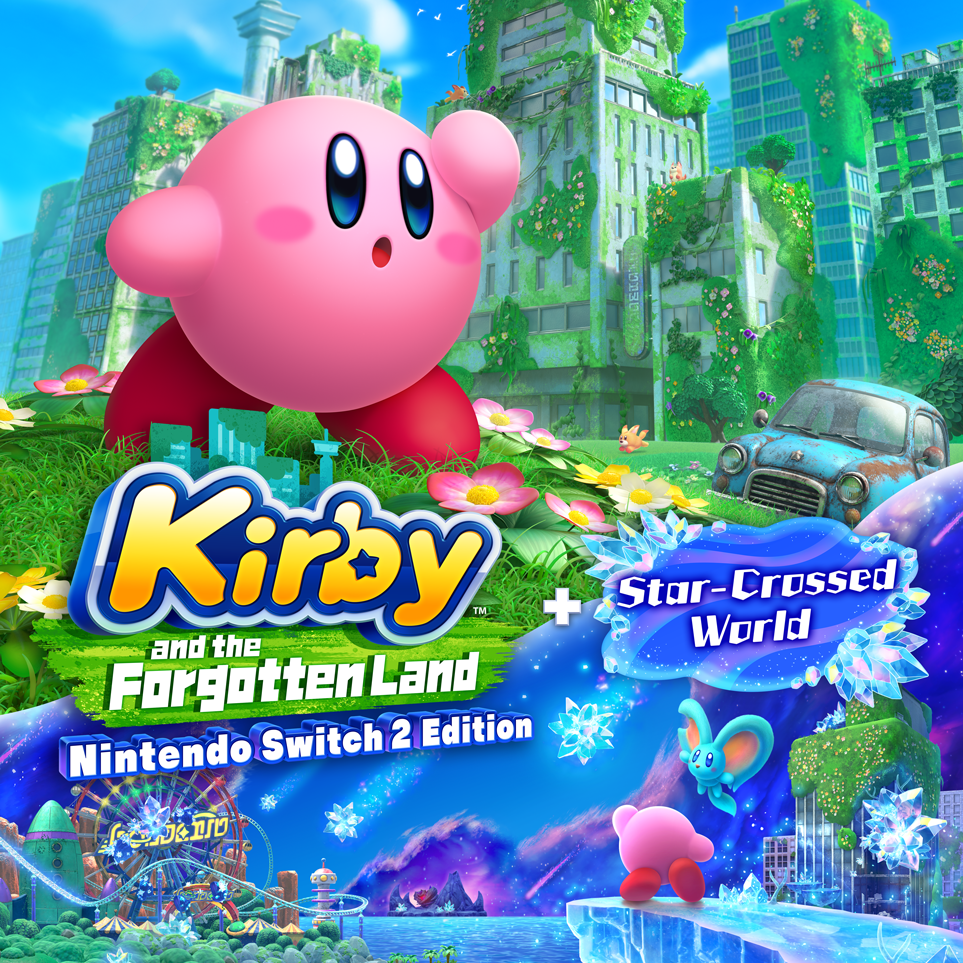
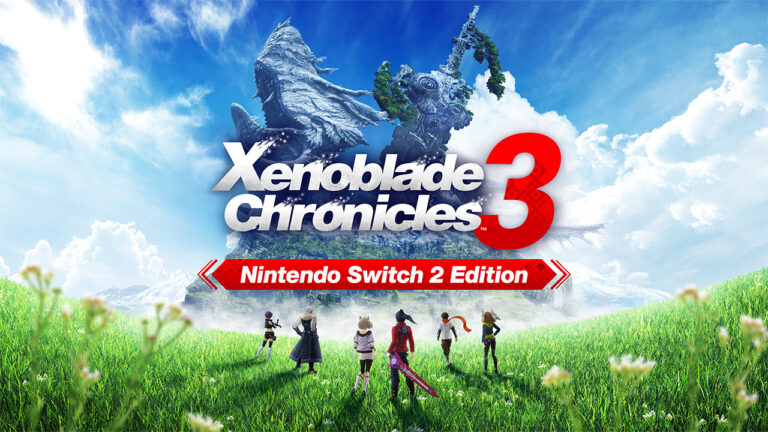
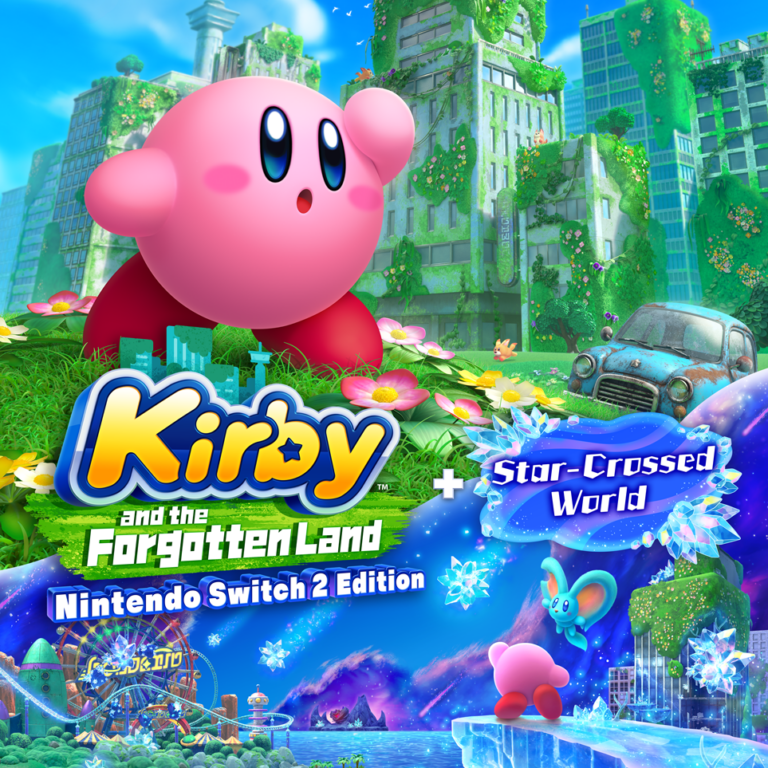
Games with their own upgrade packs include The Legend of Zelda: Breath of the Wild, Tears of the Kingdom, Super Mario Party Jamboree, Kirby and the Forgotten Land, Pokémon Legends: Z-A, Metroid Prime 4: Beyond and Animal Crossing: New Horizons. Other examples include Xenoblade Chronicles X: Definitive Edition and Super Mario Bros. Wonder. Xenoblade Chronicles 3 joins the selection on 3 December 2026.
What you gain depends on the individual game. The two Zelda titles have improved resolution and performance, while Kirby’s Star-Crossed World edition adds another story. Super Mario Party Jamboree introduces Jamboree TV and additional ways to play. The eShop description of each upgrade pack explains which enhancements are included.
Nintendo Switch 2 Game Upgrade Pack Compatibility: Installation
On the Switch 2 HOME Menu, open Nintendo eShop and search for the full game name followed by upgrade pack. Make sure you’re looking at the add-on, rather than the complete Switch 2 Edition, before paying. Upgrade packs can also be bought through Nintendo Store or as redeemable download codes from retailers.
Install the latest system update and check for an update to the base game. Nintendo requires both the relevant software update and the upgrade pack to access the Switch 2 Edition. When the pack is installed successfully, the game’s HOME Menu icon should show the Nintendo Switch 2 Edition label.
Nintendo Switch 2 Game Upgrade Pack Compatibility With Nintendo Switch Online
Nintendo Switch Online + Expansion Pack includes selected upgrades at no extra cost while you have an active membership, including Breath of the Wild and Tears of the Kingdom. You still need the original games. Standard Nintendo Switch Online doesn’t provide that upgrade benefit, and Expansion Pack membership doesn’t cover every paid Switch 2 upgrade.
If you already subscribe to the Expansion Pack, check whether your game’s upgrade is included before buying it. If you’ve downloaded it through the membership, your console needs an internet connection for Nintendo’s access checks.
Nintendo Switch 2 Game Upgrade Pack Compatibility: Missing Upgrade Packs
If the game still opens as the original Switch version, check the system and game updates first. To update a game, highlight its icon on the HOME Menu, press + or – and select Software Update, then Via the Internet. For eShop purchases, open Virtual Game Cards from the HOME Menu and check that the upgrade pack is loaded on your console. If you downloaded it through Nintendo Switch Online + Expansion Pack, make sure your subscription is active and the console is online. If the content is still missing, redownload the pack. For a pre-order, check the eShop listing first: a green Pre-order flag means the content isn’t available yet. Hold the POWER Button for three seconds, select Power Options, then Restart. After restarting, launch the game and look for Nintendo Switch 2 Edition on the title screen.
Downloading an upgrade pack does not change the original game’s compatibility. You can still play the original version on your Switch, but the enhanced features are exclusive to Switch 2.
Official source: Nintendo’s Switch 2 Edition and upgrade pack guide.
Nintendo Switch 2 Game Upgrade Pack Compatibility: Related Guides
- Nintendo Switch 2 Backwards Compatibility
- Nintendo Switch 2 Physical Game Cards
- Nintendo Switch 2 Update 23.5.0
- Nintendo eShop Family Gifting
- Nintendo Switch 2 Virtual Game Card Settings
- Nintendo Digital Content Missing
- Xenoblade Chronicles 3 Switch 2 Edition
- Nintendo Switch 2 December 2026 New Releases
- Nintendo eShop UK Black Friday Sale End Date
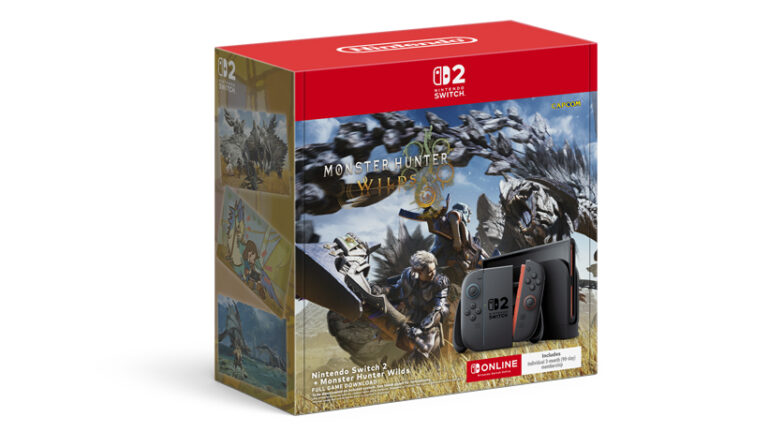
- Nintendo Switch 2 Monster Hunter Wilds Bundle Delay