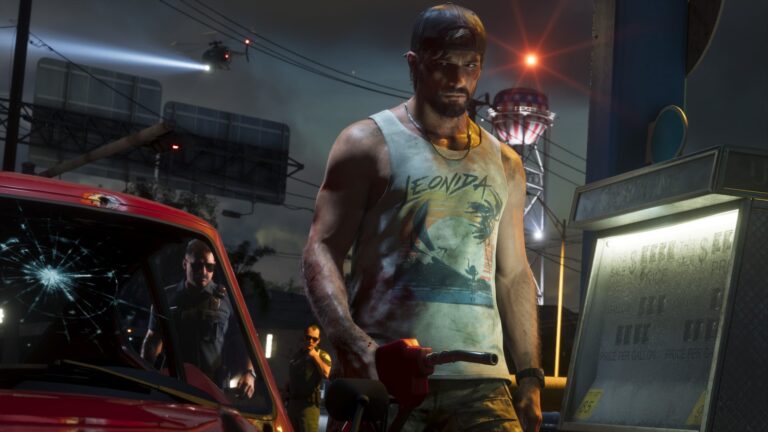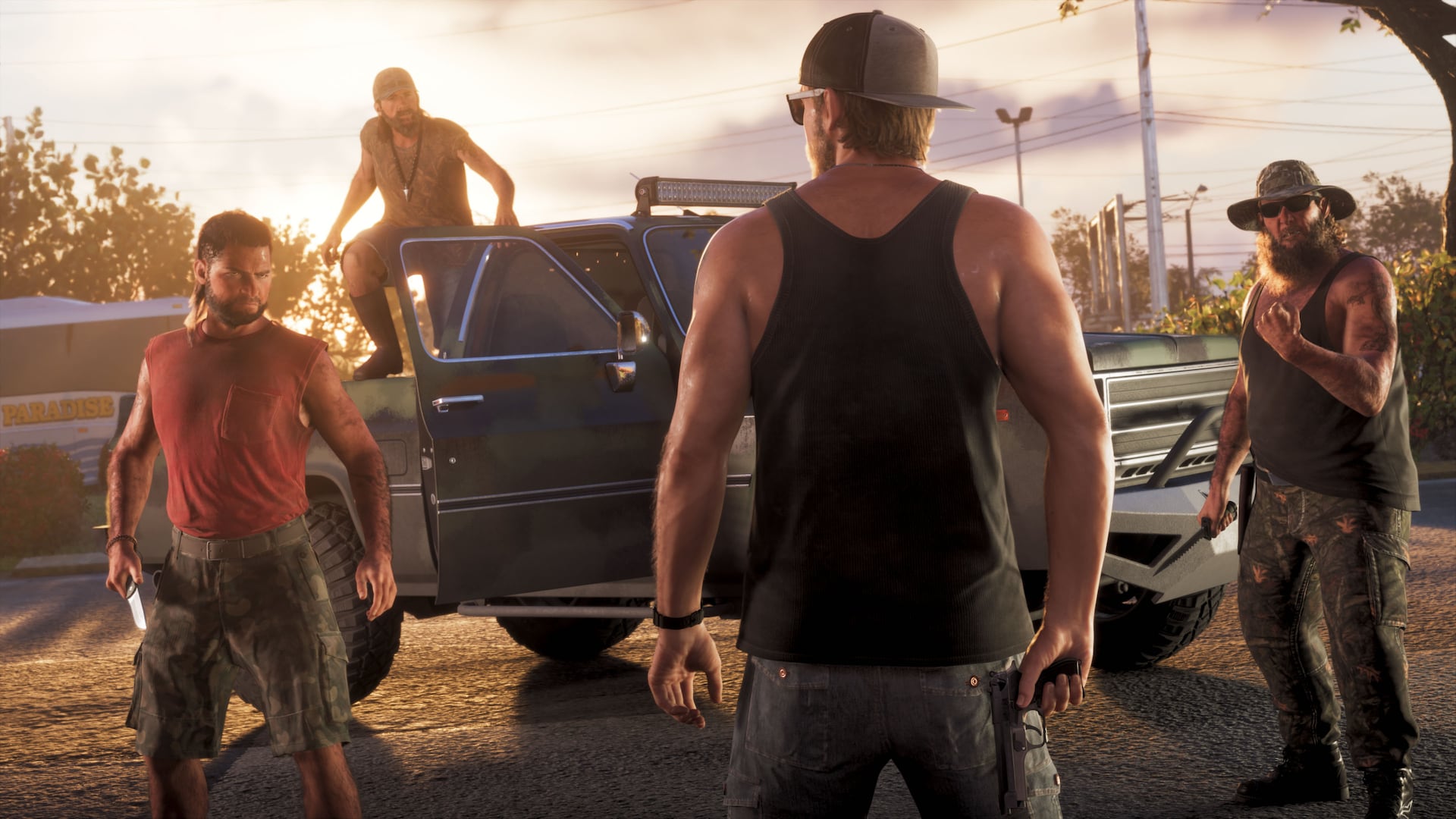
The GTA 6 November 23 update addresses seven launch-week problems, including crashes, unreliable autosaves and missing phone calls that can prevent players from continuing the story. Arriving four days after release, the patch is particularly important if you’ve been losing progress or waiting for a mission that refuses to unlock.
This is the first post-launch patch with an official changelog, covering both PS5 and Xbox Series X|S. It’s primarily a bug-fixing update rather than a content drop, so the biggest difference should be in how reliably the existing game works.
GTA 6 November 23 Update: all seven fixes

The reported console builds for the November 23 release are version 01.002.002 on PS5 and 1.0.2.2 on Xbox. The official changelog lists seven fixes; the version numbers and download sizes come from reports of the console rollout rather than the support page itself.
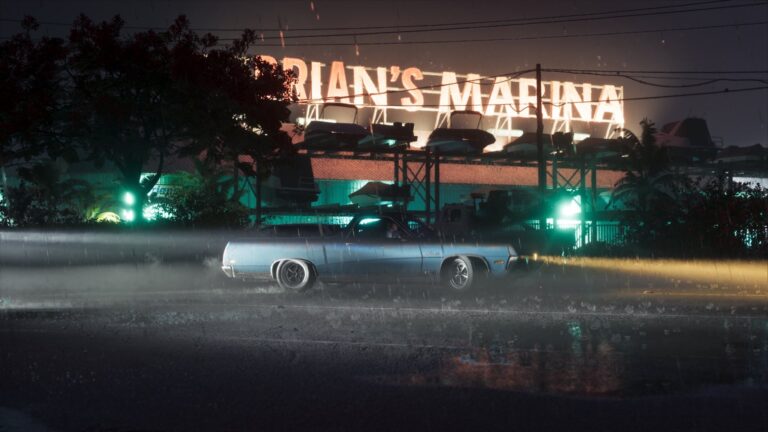
Several crashes have been addressed, along with an autosave fault and missing phone calls that should unlock missions or advance the story. The weather system has also received a fix for conditions remaining unchanged for unusually long periods.
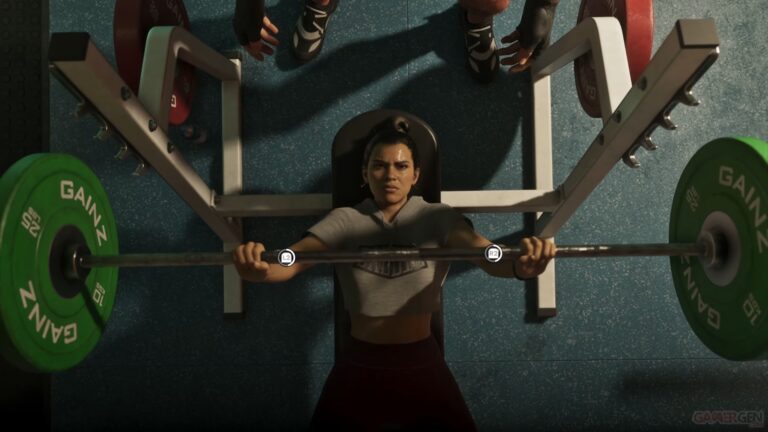
The other three fixes cover players who can’t lose their wanted stars, a deadlift bar that refuses to work at the gym, and partners keeping hold of bags that need to be sold to a fence. If you’re stuck on a workout objective or unable to cash in a robbery, those last two are particularly welcome.
GTA 6 November 23 Update download size
The GTA 6 November 23 update download is approximately 604 MB on PS5, with Xbox downloads reported at around 1.6 GB. The exact size can vary, and these figures refer to the download rather than the total space needed to install the game. The rollout was staggered, so some consoles received it later than others.
How to install the patch on PS5 and Xbox
On PS5, the quickest way to check is to highlight GTA VI on your home screen, press Options and choose Check for Update. On Xbox Series X|S, open My games & apps and use the game’s Manage game and add-ons → Updates menu. You’re looking for version 01.002.002 on PS5 or 1.0.2.2 on Xbox (or a later build), and it’s worth closing the game completely once the download has finished so you aren’t returning to an old session.
If the patch hasn’t appeared in your queue, check that your console is online and has enough free space. There’s no need to remove a working installation just to check for an update.
Will the GTA 6 November 23 Update recover lost saves?
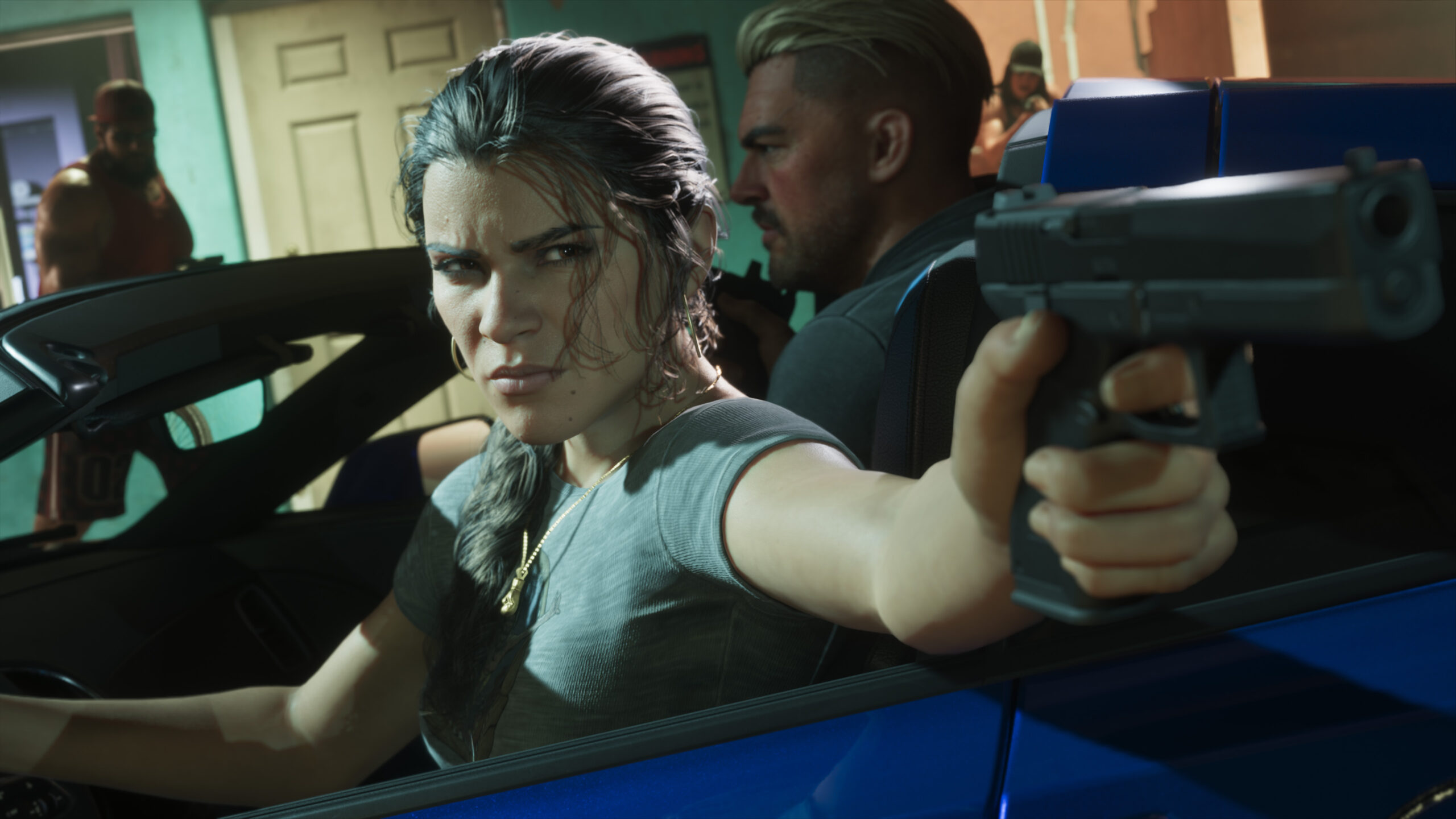
Installing the patch should help prevent the autosave fault from recurring, but it cannot reconstruct progress that was never written to a save file. Before selecting New Game or loading an earlier mission, open Game → Load Game and compare the autosave with your manual slots. GTA VI keeps one autosave and 15 manual slots. Loading an older manual file also replaces the autosave, so compare the mission names and timestamps first. If the game opens at a more recent point than your manual files, save to a spare slot when you’re back in free roam before loading anything older.
What if your next mission still won’t unlock?
The phone fix covers multiple missing calls, although Rockstar hasn’t identified the individual contacts or said whether a previously missed call will automatically come through after updating. If the story is still stuck, check the pink Story diary in the map index for an unfinished task, since some objectives have no marker of their own. A few contacts also need time to get back to you.
Does the GTA 6 November 23 Update add anything new?
Rockstar lists no new missions, graphics modes or expansions for this release. The seven entries describe fixes to existing systems, rather than changes to the amount of content available. If your particular crash or mission problem survives the patch, keep a working save and note the exact scene, objective or error code along with your game version before contacting support.
Official source: Rockstar Games — Grand Theft Auto VI Launch Updates.