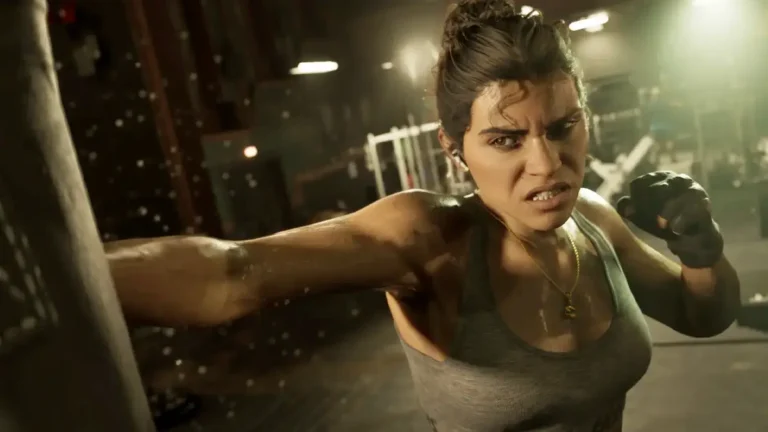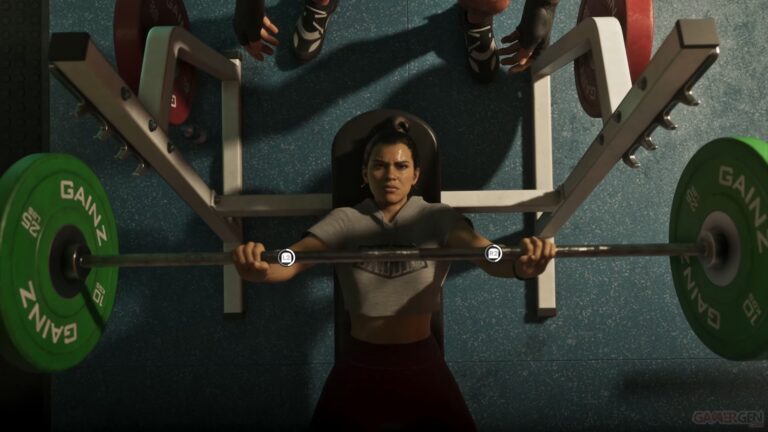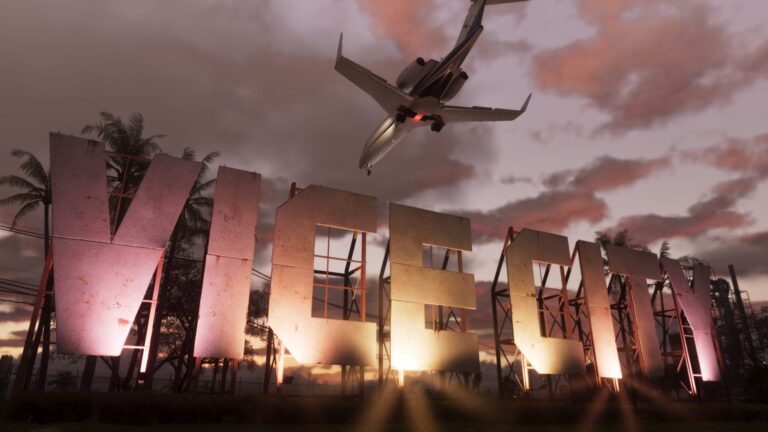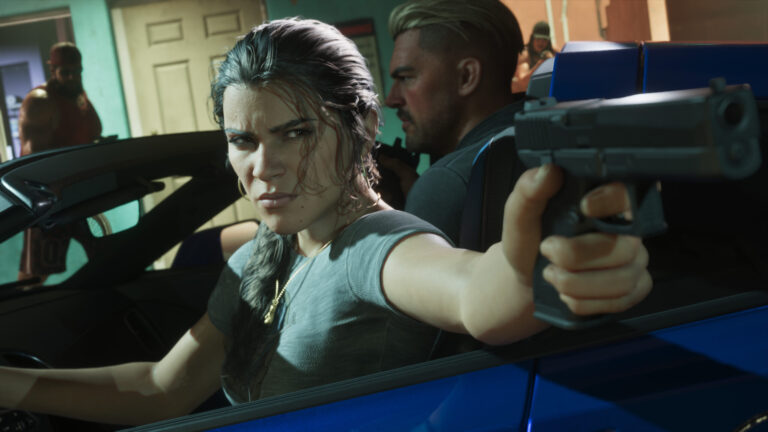
GTA 6 Crashing During Prologue has stopped some PS5 and Xbox players from getting through the opening of Rockstar’s new game. One PS5 player reports making it as far as Lucia in prison before the game closes with CE-108255-1. Others have described freezes and returns to the console dashboard during early missions. There isn’t one confirmed fix that works for everyone.
If you’re stuck replaying the opening, the best starting point is the type of crash you’re getting. A game that closes with an error code, an Xbox that returns to Home, and a console that shuts itself off are three different problems. You can investigate them without wiping your saves or resetting the console.
GTA 6 Crashing During Prologue: check the error first
On PS5, take a photograph of any error code before dismissing the screen. CE-108255-1 means an application error occurred. Sony’s official advice is to update the affected game, then contact PlayStation Repairs if the error continues. The code alone doesn’t establish that your SSD is failing or that the save is damaged.
For a closer look at that specific message, see our GTA 6 CE-108255-1 PS5 guide. If GTA VI never starts at all, our GTA 6 Not Launching or Locked guide covers installation and ownership problems rather than crashes during gameplay.
Update GTA 6 and restart it properly
On PS5, highlight GTA VI on the home screen, press Options → Check for Update, and let any installation finish. You can check the console software under Settings → System → System Software → System Software Update and Settings. Restart the PS5 normally before trying the opening again.
On Xbox Series X|S, highlight the game in My games & apps and check Manage game and add-ons → Updates. Quit GTA VI from the game’s menu rather than returning to a suspended session, then restart the console if necessary. These steps rule out a pending download or an old running session; they aren’t proof Quick Resume caused the crash.
A pre-launch update was reported on 16 November as 01.002.001 for PS5 and 1.0.2.1 for Xbox. Rockstar hasn’t published notes identifying either build as a solution to prologue crashes. The most useful version number is the one your own console currently shows.
GTA 6 Crashing During Prologue at the same scene: what to check
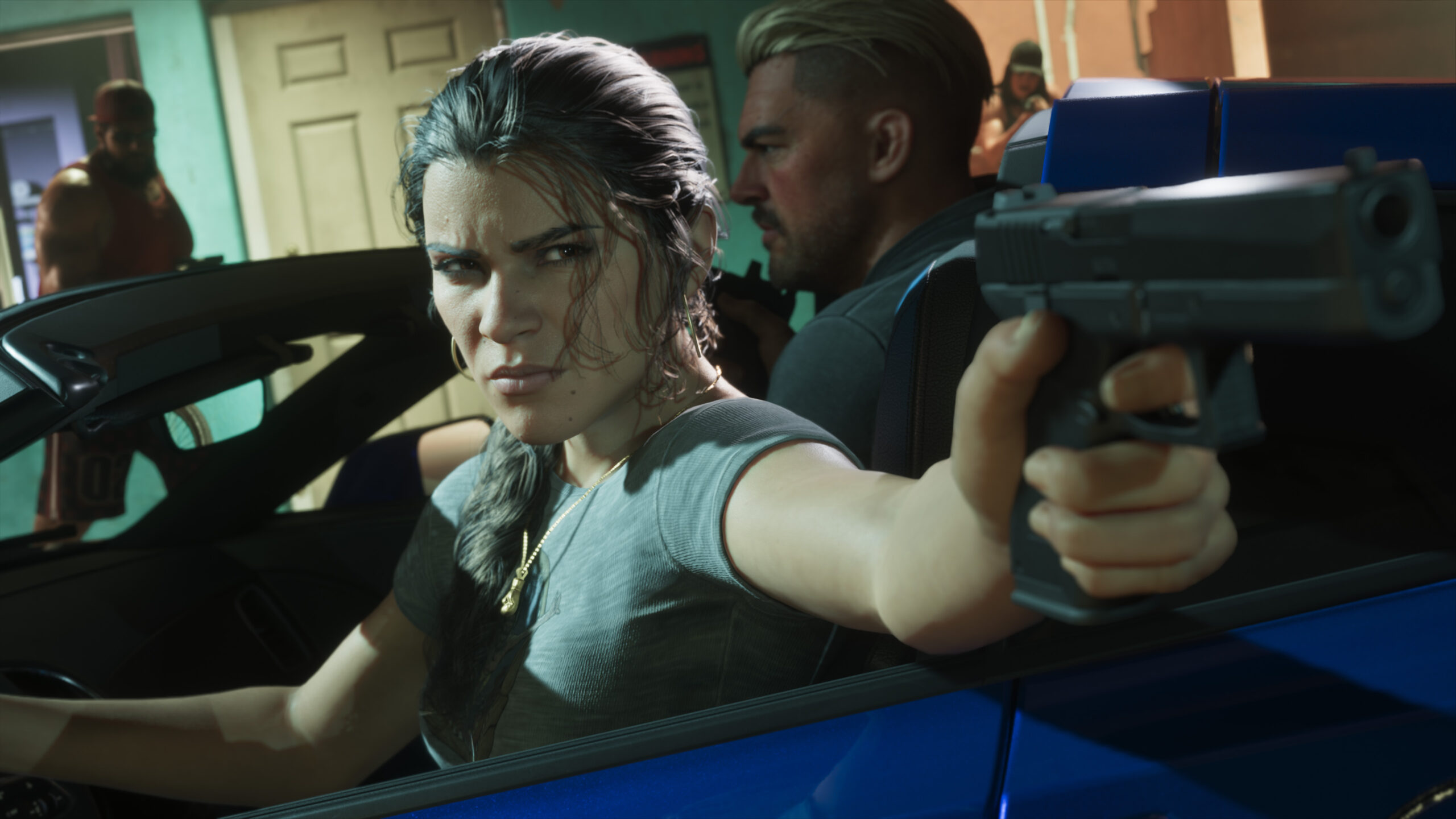
Make a note of where it happens: the opening cinematic, Lucia’s prison sequence, a particular objective, or the moment you regain control. Mention whether skipping a cutscene changes anything. There are first-hand reports of the same failure repeating, but also plenty of players who have passed the opening without problems.
Try the segment once after updating and restarting. If GTA 6 Crashing During Prologue happens at exactly the same spot again, stop repeating it and report the scene and error details to Rockstar. Replaying a broken checkpoint over and over is unlikely to tell support anything new.
Should you change graphics settings, clear the cache or reinstall?
Players have experimented with HDR, display output and other console settings. Some say an adjustment helped, while others still crashed. If you test one, change a single reversible option and keep a note of its original value. These aren’t Rockstar-endorsed repairs.
PS5 Safe Mode includes cache clearing and database rebuilding, but they’re general maintenance options, not fixes confirmed for GTA VI. Read the screen carefully: Clear Cache and Rebuild Database is not the same thing as Reset PS5. There’s no reason to erase a console because one game is failing.
Reinstalling the game could be a reasonable last attempt if its installation was interrupted or damaged, but it means another very large download and isn’t guaranteed to fix this crash. Only remove the game installation—not saved data—and check the wording of every confirmation prompt.
Could a prologue crash erase your progress?
A mission checkpoint and a permanent save aren’t always the same. If GTA 6 Crashing During Prologue stops you before free roam, there may be no recent manual save to reload. If the game opens after a crash, go to Game → Load Game and inspect the autosave and any manual slots before starting over. GTA VI allows manual saves during free roam, but that option isn’t available through much of the opening. Our How to Save in GTA 6 guide explains those restrictions.
If your console is shutting down completely rather than closing the game, avoid repeatedly forcing it through the same failure. Check whether other games run normally and contact the console manufacturer when shutdowns continue. That needs different troubleshooting from an application error.
Has Rockstar fixed GTA 6 Crashing During Prologue?
As of 20 November 2026, Rockstar’s GTA VI support page still sends players with console errors to PlayStation or Xbox guidance. It doesn’t announce a prologue-specific patch or a guaranteed workaround. Include your console model, installed GTA VI version, error code, exact scene and steps already tried when filing a support report.
Official support: Rockstar Games — Grand Theft Auto VI Error Troubleshooting.