GTA 6 patch notes are now available for the November 23 update, the first release since launch to tackle crashes, failed autosaves and missing story calls. If you’re trying to work out whether your console has the latest build or whether a particular bug has been fixed, this is the place to start.
The latest documented patch as of November 25 is 01.002.002 on PS5 and 1.0.2.2 on Xbox Series X|S. This tracker separates the documented changes from the two pre-release downloads that arrived before November 19, so you can identify which update your console has installed without assuming that every download includes published fixes.
GTA 6 Patch Notes: November 23 update
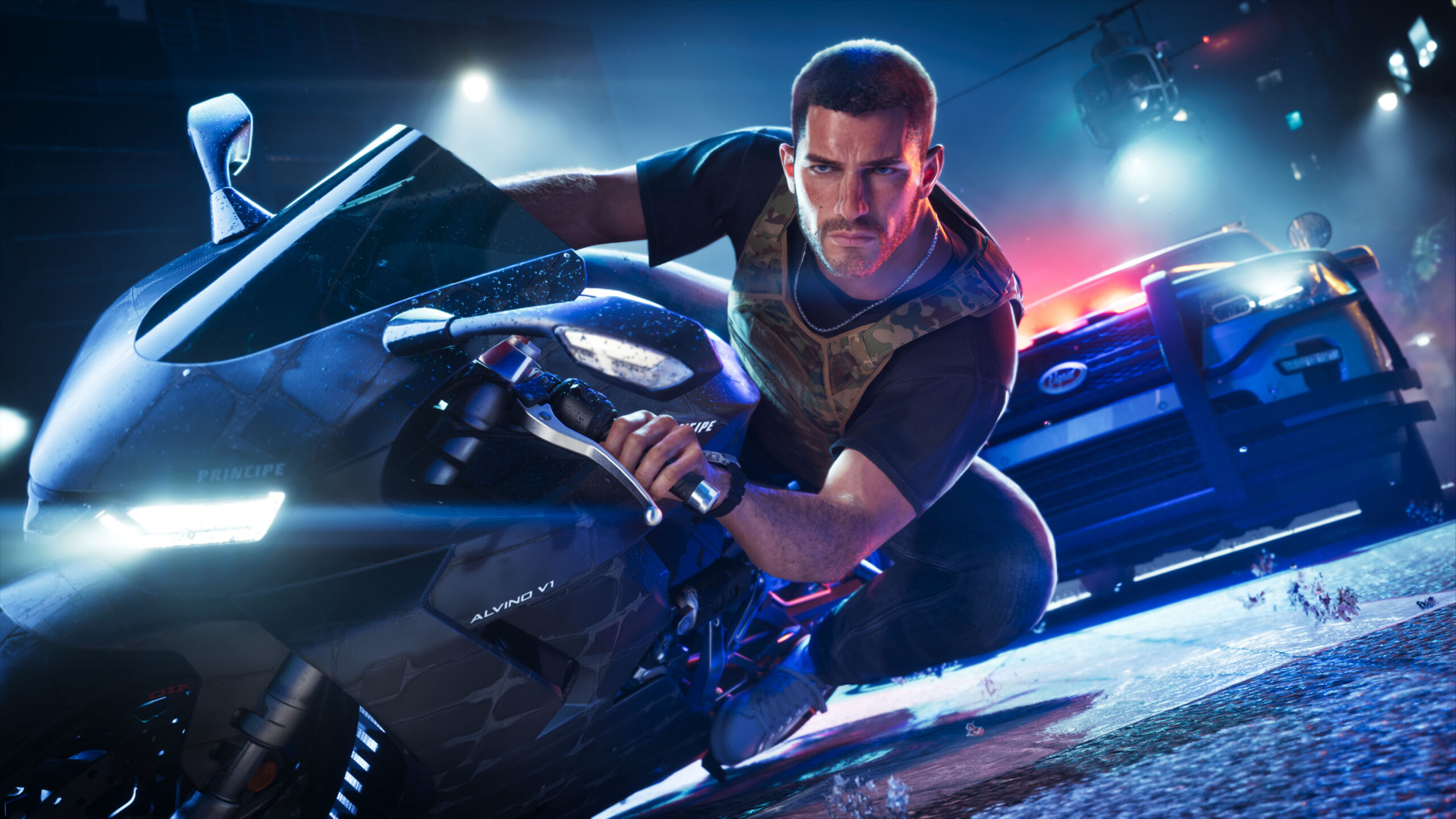
The November 23 download is around 604 MB on PS5, with Xbox players reporting approximately 1.6 GB. These are reported download sizes rather than figures supplied in Rockstar’s changelog, and they may differ from the free storage needed to apply the patch.
All seven November 23 fixes
The seven official entries cover stability, automatic saving, story and mission calls, weather, Wanted Levels, the gym deadlift and partner loot handovers. The changelog doesn’t identify a specific crash location or name every affected mission. A missing story call can leave the next mission inaccessible, while an autosave failure can send you back much further than expected after a crash.
For the gameplay-related changes, the patch addresses a weather cycle that can stop advancing, a Wanted Level that cannot be cleared, an unusable gym bar and a blocked bag transfer that prevents players from selling stolen goods. Rockstar hasn’t listed any new missions or performance modes in these GTA 6 patch notes.
GTA 6 Patch Notes history: November 13 and 16
There were two pre-launch updates: 01.002.000 on November 13 and 01.002.001 on November 16, both identified by their PS5 version numbers. The second was roughly 602 MB on PS5. Neither has a detailed official changelog, so the November 23 notes are the first opportunity to match specific fixes to a particular release. The game itself launched on November 19.
How to check your installed version
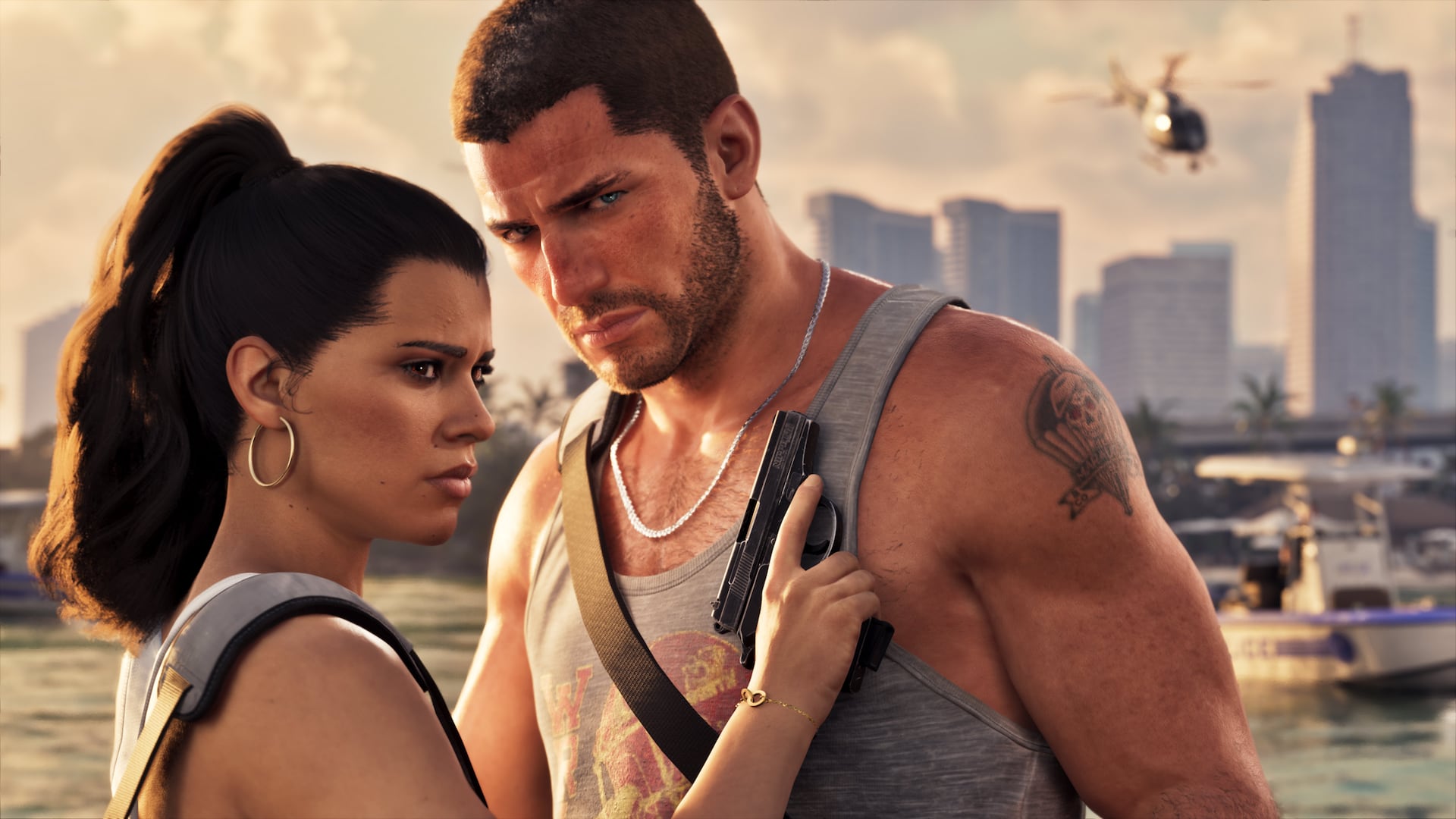
On PS5, the quickest way to check is to highlight GTA VI on your home screen, press Options and choose Check for Update. On Xbox Series X|S, open My games & apps and use the game’s Manage game and add-ons → Updates menu. You’re looking for version 01.002.002 on PS5 or 1.0.2.2 on Xbox (or a later build), and it’s worth closing the game completely once the download has finished so you aren’t returning to an old session.
If you’ve enabled automatic updates, the download may already have installed. Check the version rather than relying on the date you last played, and let any pending installation finish before returning to an affected mission.
Which launch bugs are still unresolved?
The GTA 6 patch notes don’t say which particular crash scenes or contacts were fixed, so there’s no guarantee that every player who was stuck before November 23 can simply load their save and carry on. The autosave fix also doesn’t recover progress that never made it into a file.
If a story trigger still fails, look through the Story diary for any unfinished requirements and keep your existing save before attempting a restart. For crashes, note whether the failure happens at the same cutscene or checkpoint, since that’s much more useful than just reporting that the game closed.
Where to find the latest GTA 6 Patch Notes
Rockstar’s Launch Updates page is where confirmed changes are published. An unexpected download doesn’t necessarily mean a new mission or feature has arrived, particularly when there’s no accompanying changelog.
The release history below distinguishes reported console builds from changes actually documented by Rockstar. As of November 25, there is no later entry on the official Launch Updates page.
| Date | Reported PS5 build | Published changelog |
|---|---|---|
| November 13 | 01.002.000 | No detailed notes |
| November 16 | 01.002.001 | No detailed notes |
| November 23 | 01.002.002 | Seven fixes |
Official source: Rockstar Games — Grand Theft Auto VI Launch Updates.