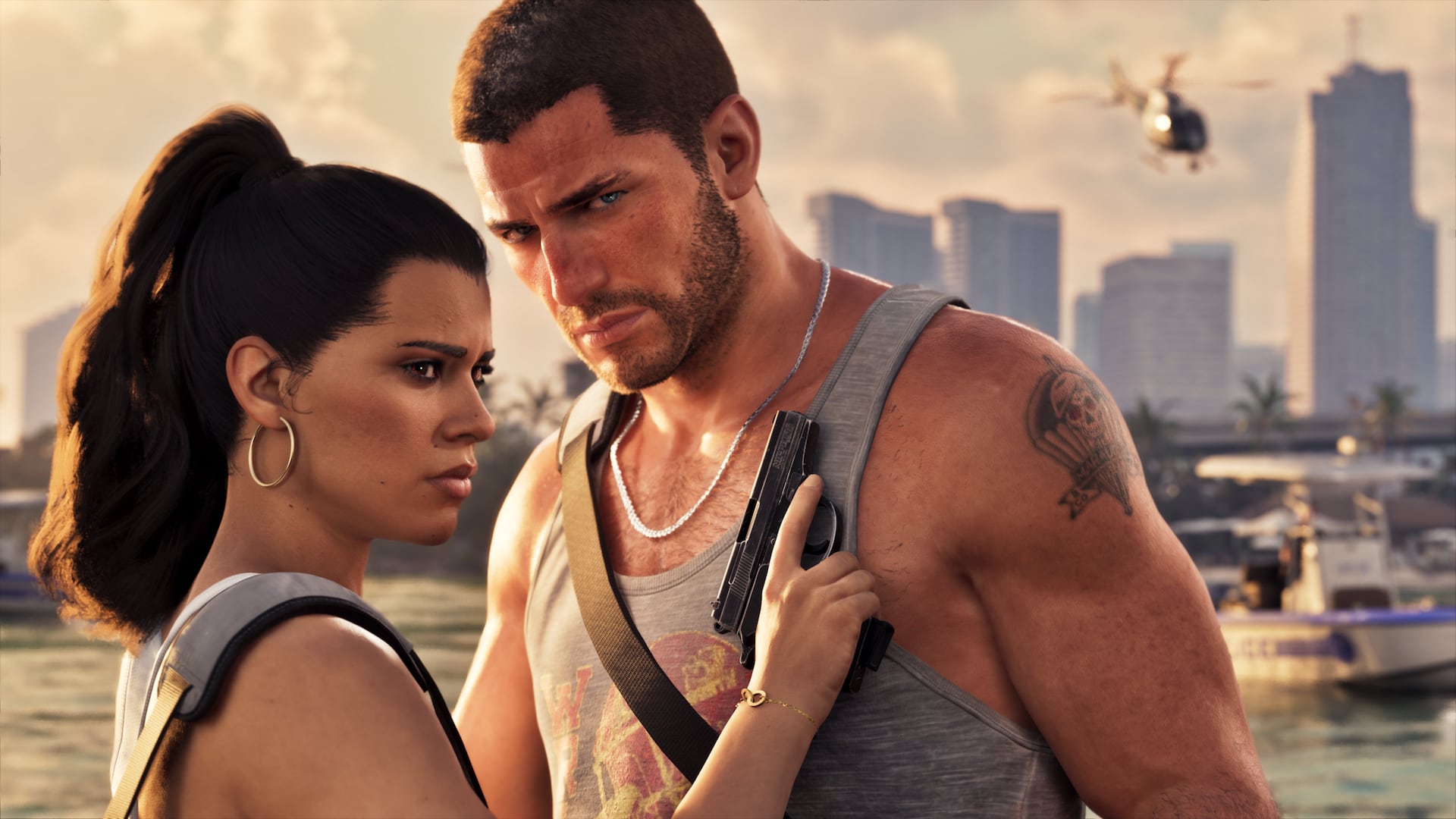
GTA 6 How to Gameshare on PS5 uses a setting on the console itself, not anything in GTA 6’s menus. Sony calls it Console Sharing and Offline Play. It lets other profiles on one designated PS5 play eligible games purchased by the account that enabled sharing, provided the game has been downloaded and its licence is available.
It is handy if two people use separate profiles on the same PS5. The owner retains the digital licence; the other person does not receive a permanent copy to their account. Here’s how to set it up, what happens with a second console and why a code-in-box edition still counts as a digital purchase.
GTA 6 How to Gameshare on PS5: Enable the correct setting
On the account that bought GTA 6, open the PS5 home screen and visit Settings > Users and Accounts > Other > Console Sharing and Offline Play. Select Enable. These are Sony’s official menu names. The feature is normally active on the first PS5 on which you sign into PlayStation Network, so check its current state before changing anything.
Download GTA 6 from the purchasing account’s Game Library. When installation and the licence check finish, switch to the other local PS5 profile and try starting the game. If the purchase is eligible for console sharing and the right device has sharing enabled, that profile can use the installed game without redeeming the purchase code a second time.
GTA 6 How to Gameshare on PS5: Can GTA 6 be shared between two different PS5 consoles?
Sony permits one PS5 console with Console Sharing and Offline Play enabled per account at a time. That device is the one where other local accounts can access the owner’s eligible purchases. The owner can sign in to another PS5 and access their own digital library through the usual account and licence checks.
You cannot make several PS5s the designated sharing console for the same purchasing account. If your purchase is shared on an old PS5, disable the option there before enabling it on a new one. GTA 6 How to Gameshare on PS5 should be a stable arrangement on a console you trust, not a reason to swap account credentials with strangers on the internet.
GTA 6 How to Gameshare on PS5: Will gamesharing carry over another player’s save files?
No. Gamesharing provides access to the software licence; it does not merge profiles, trophies or saved story progress. Start Grand Theft Auto VI from the player’s own account so their local save data is managed separately. This matters if one person is halfway through the story while another has just started playing as Jason and Lucia.
Online modes and add-ons may have different entitlement rules from the base game. Sony says some PlayStation Plus benefits can be shared, not every subscription perk, account-bound bonus or in-game currency purchase. GTA 6 How to Gameshare on PS5 is a guide to access to the purchased game, not a guarantee that every account benefit is transferable.
GTA 6 How to Gameshare on PS5: Does a GTA 6 physical box or redeemable code change anything?
A box containing a digital redemption code grants the game to the PlayStation account that successfully redeems that code. The code cannot be redeemed again by a friend or another profile. Once the game is part of the owner’s digital library, the applicable Console Sharing and Offline Play rules can allow access by other users on the designated PS5.
Before redeeming a code, confirm the correct owner account is signed in. If a relative accidentally used their account instead, the issue is licence ownership, not a hidden GTA 6 transfer option. Read our Wrong Account and PS5 Code Not Working guides before trying to buy another copy unnecessarily.
Why a shared GTA 6 copy shows a padlock
Check the account’s purchase history and make sure the full game is installed. On the PS5 that should share the licence, revisit Settings > Users and Accounts > Other > Console Sharing and Offline Play. If it is already enabled on another PS5, change the activation to the device you intend to use.
Sony also provides purchase and licence troubleshooting, including Restore Licences for appropriate problems. A padlock may come from account, licence or network issues; repeatedly reinstalling GTA 6 will not repair a purchase linked to a different account. Keep both consoles updated and test the owner’s access before testing the shared profile.
GTA 6 How to Gameshare on PS5: Playing offline and keeping your account safe
Sony explicitly says users of a PS5 with Console Sharing and Offline Play enabled can play eligible purchased and downloaded games while the console is offline. That can be helpful for GTA 6 story mode after installation and any initial licence checks. You will still need connectivity for new downloads, online features and cloud synchronisation.
Keep the purchasing account secure, and deactivate an old console if you no longer control it. GTA 6 How to Gameshare on PS5 should make household gaming more convenient without putting the purchasing account at risk. When in doubt, check the official PlayStation support page before changing which PS5 is authorised.
Official source: PlayStation Support — Console Sharing and Offline Play.