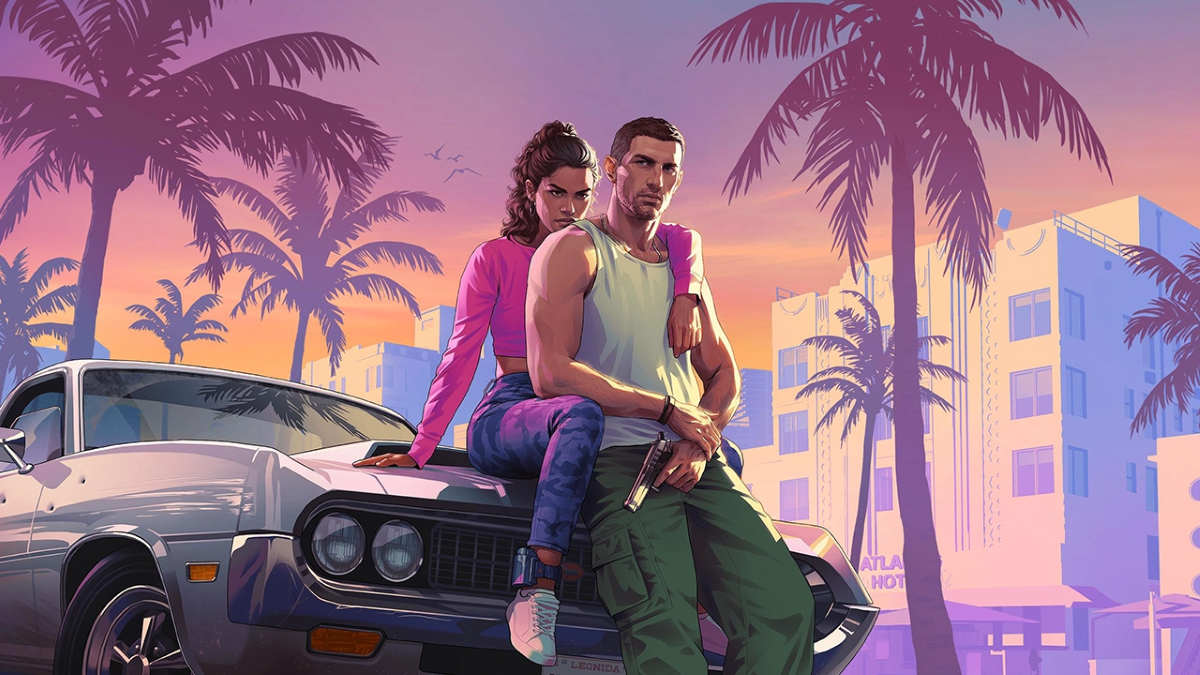
If you’ve redeemed GTA VI on the wrong PS5 profile, the GTA 6 wrong account problem starts with who owns the licence. The game belongs to the PlayStation account that used the voucher, not every account on the console. Sony says the licence can’t simply be moved across to another PSN account, but there is a console-sharing option worth checking before buying anything again.
This matters more with GTA VI’s physical Standard Edition because there’s no playable disc in the case. Once the code is redeemed, the digital game is linked to that PlayStation account. If someone else in the household entered it first, that person may already own the game even though your own library looks empty.
GTA 6 wrong account: where is the redeemed game?
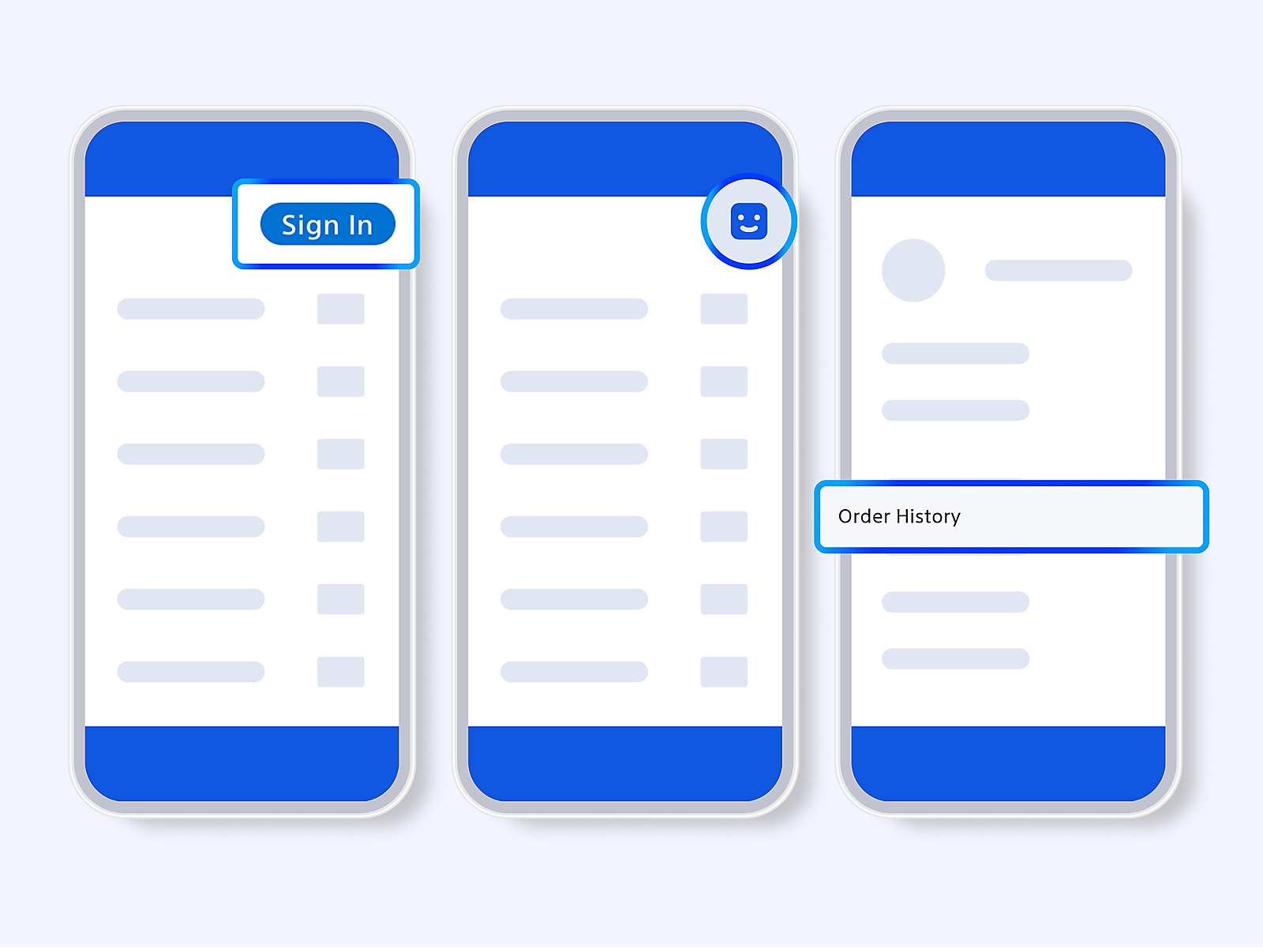
Check Game Library on the PSN profile that entered the code. Also check the purchase history for that account. If another member of the family redeemed the voucher, have them sign in and confirm whether GTA VI appears there before assuming the code is invalid.
If the game is already in that library, entering the same voucher again on your profile will only return an already-used message. You don’t need to troubleshoot an imaginary download bug when the original account has the licence.
Can PlayStation transfer GTA 6 from the wrong account?
Sony doesn’t offer a transfer for a redeemed game code. Sony’s official GTA VI support guidance says redeemed digital purchases cannot be moved from one PlayStation account to another. A GTA 6 wrong account mistake doesn’t automatically entitle you to a fresh voucher, either.
Buying another copy immediately could be an unnecessary expense. If the person who owns the game uses the same PS5, you may be able to share access without changing ownership. It’s much less painful than paying for a second game simply because the wrong profile was signed in.
GTA 6 wrong account: how to use Console Sharing on PS5
On the account that owns GTA VI, open Settings > Users and Accounts > Other > Console Sharing and Offline Play. Select Enable if available. Sony says eligible downloaded games can then be played by other users on that console, including offline. Console Sharing can be enabled on only one PS5 at a time for each account.
Console Sharing doesn’t move GTA VI onto your personal account. The purchasing profile still owns it, and account or family restrictions still apply. If you eventually change consoles, don’t assume the licence has permanently transferred to whichever profile played it most.
What if the GTA 6 wrong account is a child profile?
PlayStation has separate family settings governing whether a child account may redeem content rated above the account’s permitted age. GTA VI’s age rating still matters. If the voucher was entered on a child profile, a family manager should follow Sony’s account guidance rather than trying to get around those protections.
That is another reason to check the actual error message. A code rejected because of age restrictions is different from one already used on an adult’s account. Our already-redeemed guide explains that separate situation.
What if the GTA 6 code says invalid instead?
If no account seems to own GTA VI, the problem might not be the selected profile at all. An incorrect voucher message or imported PlayStation code may need a region check. Rockstar lists separate PlayStation code regions, including a UK-specific group, which can affect redemption.
Our invalid code guide covers the difference. If the code is missing from the physical case entirely, Sony directs buyers back to the retailer. Neither problem can be fixed just by enabling Console Sharing.
GTA 6 wrong account and the game is still locked
A downloaded GTA VI showing a countdown before 19 November isn’t necessarily broken. Rockstar’s announced PS5 release is midnight local time on that date. The preload can be installed in advance but remains locked until the release time for the relevant store region.
If the download is on the owning account but shows a padlock after the scheduled unlock, try Settings > Users and Accounts > Other > Restore Licences. Sony recommends this for licence errors. But don’t delete an enormous installation or purchase another code just because you see a padlock on 18 November.
For a GTA 6 wrong account mix-up, the best order is simple: find the account that redeemed the voucher, check its Game Library and use eligible Console Sharing if you want another household profile to play. It’s not as neat as moving the licence, but it could spare you an unnecessary second purchase.
Official source: PlayStation GTA VI Code Support.