GTA 6 CE-108255-1 PS5 is the error some PlayStation players are seeing when Grand Theft Auto VI crashes. It can appear during the opening scenes or after the game has already started. Sony identifies CE-108255-1 as an application error and recommends checking for a game update. It hasn’t published a GTA VI-specific repair for it.
If you’re stuck on the same crash screen every time you launch, there’s a sensible order to the checks. Start with updates and a restart, keep your save data untouched, and resist the urge to factory-reset a console on the strength of a Reddit comment. Many players are getting through GTA VI normally, while others report repeated crashes even after reinstalling.
GTA 6 CE-108255-1 PS5: what Sony’s error code means
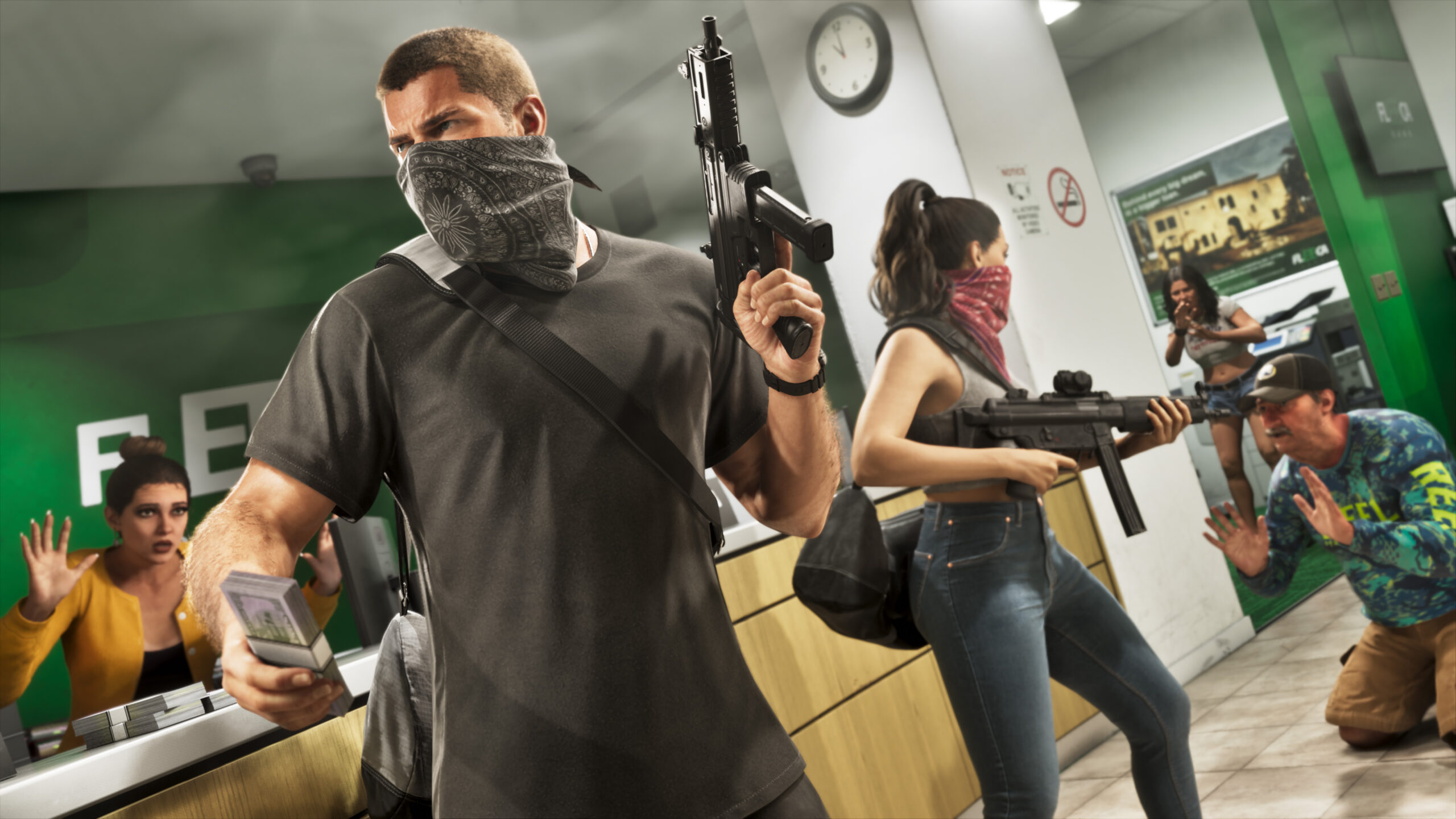
The wording on PlayStation’s support page is brief: “An error occurred with the game/application.” That tells you GTA VI has failed, not why. It doesn’t confirm a bad SSD, corrupted save, overheating or a particular game bug.
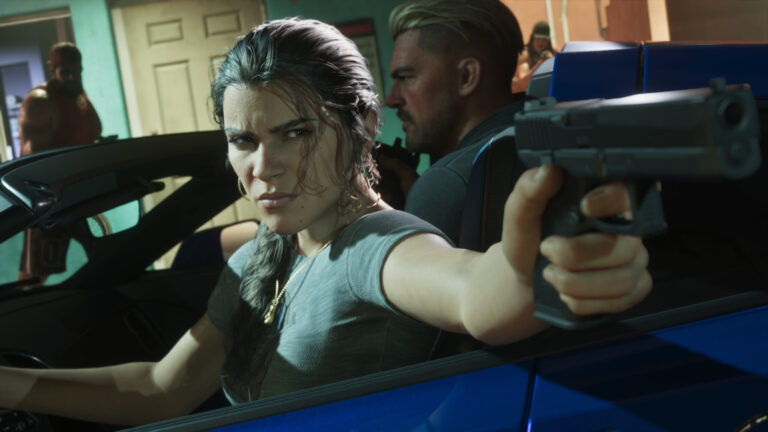
On 20 November, a PS5 player described reaching Lucia’s prison scene before hitting CE-108255-1 again; other owners say they crash before the opening finishes. Reports like these show the problem is real, but the timing differs from one console to another. If you’re seeing the same scene repeatedly, write down where it happens.
Check GTA 6 and PS5 system software updates
Highlight GTA VI on the PS5 home screen, press Options and choose Check for Update. Let any pending download install fully. Next, open Settings → System → System Software → System Software Update and Settings and install anything offered for the console. Restart normally before opening GTA VI again.
A pre-launch GTA VI update numbered 01.002.001 was reported on 16 November, but Rockstar hasn’t published patch notes linking that build to this error. If your PS5 shows a later version, use the version your console reports. Don’t go searching for an unofficial update file.
The exact query GTA 6 CE-108255-1 PS5 can point to an application crash, but it should not be confused with CE-107891-6, which is covered separately in our GTA 6 CE-107891-6 guide. Matching the error number before following a fix matters.
Does it crash in the prologue, at startup or while loading?
Try to identify whether you can reach the menu, play part of the opening, or load an older save before the error appears. If GTA VI closes as Lucia’s first sequence starts, that’s worth stating clearly in a Rockstar support ticket. You can also describe whether a cutscene skip changes the outcome.
When GTA 6 CE-108255-1 PS5 keeps appearing at a repeatable point, another dozen attempts won’t establish the cause. A record of the scene and error, together with your installed versions, will be more useful to support than guessing about hardware.
Should you rebuild the PS5 database or reinstall GTA 6?
PlayStation’s Safe Mode has Clear Cache and Rebuild Database options. They’re documented PS5 maintenance tools, not a confirmed fix for GTA VI. If you try them after the basic update checks, follow Sony’s instructions and select the intended option carefully. Reset PS5 and Reset PS5 (Reinstall System Software) are different, destructive choices.
Reinstalling the GTA VI installation is another last-resort test, particularly after an interrupted download. It takes time and doesn’t guarantee CE-108255-1 will stop. Deleting an installed game is different from deleting its save files, so check that you’re removing the application only.
Some players report that changing HDR, VRR or other output settings helped them past a crash; others report no improvement. Those are individual experiences, not confirmed Sony or Rockstar fixes. If you experiment, change one option at a time and remember how it was set beforehand.
What about your save data?
If GTA VI still opens, go to Game → Load Game and check the available manual slots and autosave. For PlayStation Plus subscribers, saved data may also exist in the cloud. Compare the console and cloud copies carefully before downloading or replacing either one; synchronisation can overwrite a better backup.
A game crash is not proof that a save has been erased. Our GTA 6 Lost Save After Crash guide explains the recovery checks in more detail. Until you’re sure which file is good, avoid deleting or overwriting anything.
Has GTA 6 CE-108255-1 PS5 been fixed?
As of 20 November 2026, Sony’s official page still says to update the game and contact PlayStation Repairs if the error continues. Rockstar’s GTA VI troubleshooting article directs console errors to Sony rather than announcing a game-specific fix. When contacting support, give them the exact code, PS5 model, game build, system software version and the point where it crashes.
Official support: PlayStation Support — How to Fix CE-108255-1.