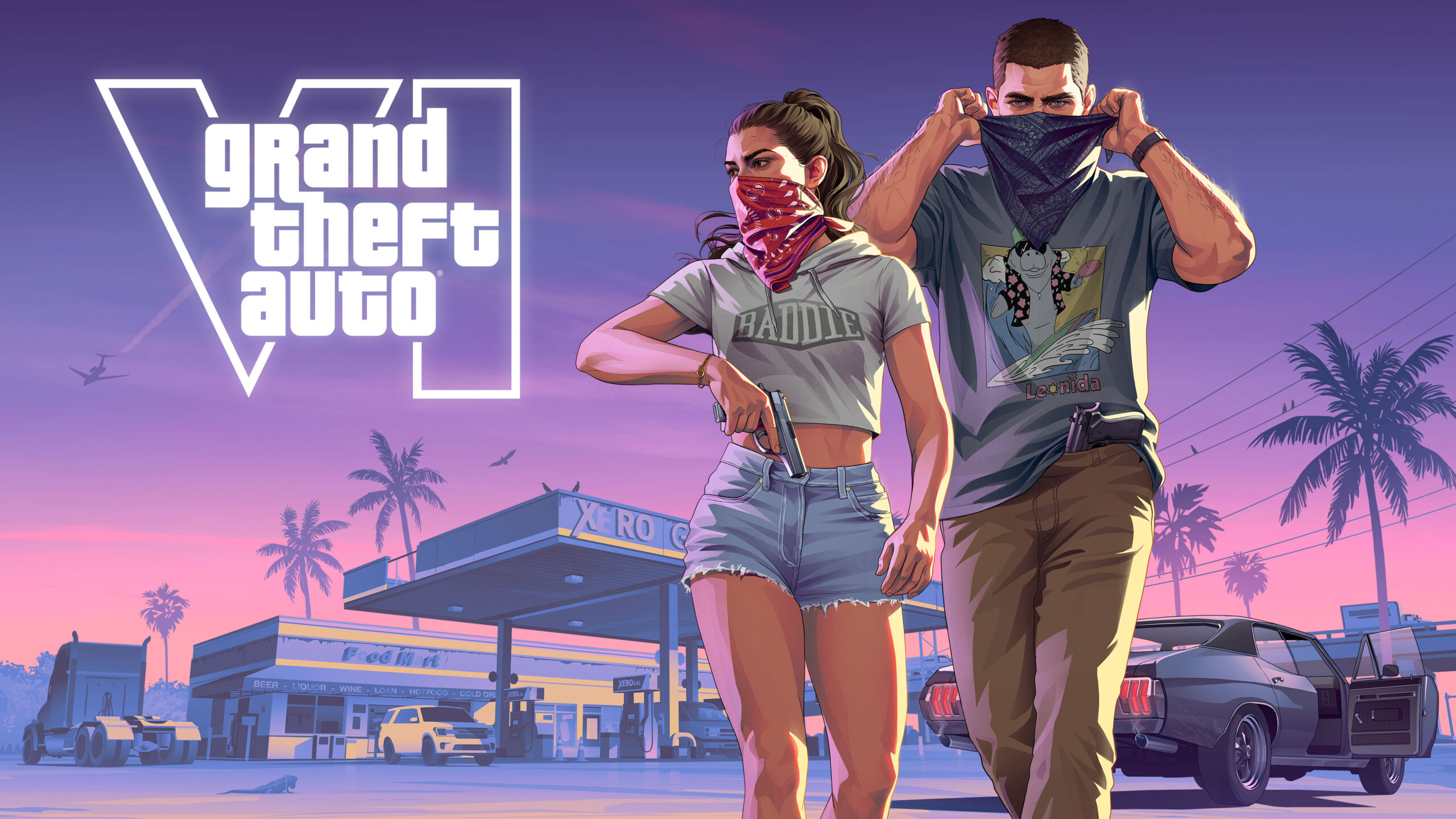
GTA 6 Lost Save After Crash is the problem some PS5 and Xbox players are facing after a freeze, unexpected shutdown or return to the dashboard. They load back in and find themselves an hour—or several hours—behind. That doesn’t always mean the save file has disappeared; sometimes the most recent progress simply wasn’t written to a permanent save.
Before starting a new game or downloading something from the cloud, check what you’ve still got. A newer file isn’t necessarily the one with your missing progress, and replacing the wrong copy can make recovery harder. Rockstar hasn’t confirmed a widespread GTA VI save-deletion bug, so these steps focus on protecting and identifying the files that actually exist.
GTA 6 Lost Save After Crash: check the in-game saves first

If GTA VI opens, pause and go to Game → Load Game. Look through the autosave and all the manual slots. GTA VI has 15 manual save slots plus a separate autosave, so the most recent progress might not be in the first place you expect. Compare the dates, mission names and progress before loading anything.
If your latest mission checkpoint is gone, it may not have been stored as a loadable save. The prologue and many missions limit manual saving, which makes a sudden crash more painful. Our How to Save in GTA 6 guide explains when manual saves become available.
If you find an older working manual save, keep it. Don’t overwrite it just to test whether the game can create another file. GTA 6 Lost Save After Crash can mean a missing recent autosave rather than the loss of every saved game.
How to check the GTA 6 cloud save on PS5
On PS5, open Settings → Saved Data and Game/App Settings → Saved Data (PS5). With a PlayStation Plus subscription, you can inspect the cloud-storage options as well as the local saved data. You can also highlight GTA VI on the home screen, press Options and look for Check Sync Status of Saved Data.
Compare the information you can see for the console copy and the cloud copy before selecting an upload or download. Sony says PS5 auto-sync can happen when you close a game or put the console in Rest Mode. That means playing on, closing the game and syncing again can change which file is newest.
If the cloud copy appears to predate the crash, it might contain recoverable progress; equally, it could be older than the save you still have. Don’t download it over a good local file without checking. If the choice is unclear, ask PlayStation Support before replacing anything. A PlayStation Plus backup isn’t guaranteed to exist.
How to check saved data on Xbox Series X and S
Highlight GTA VI in My games & apps, press the Menu button and open Manage game and add-ons → Saved data. Make sure you’re signed in to the account that was playing. Xbox normally backs up game saves to the Xbox network when you’re connected, but the console doesn’t give you a simple list of older cloud versions to browse and restore. If GTA 6 Lost Save After Crash happened during an offline session, that session’s latest progress might never have reached the cloud.
If a save-sync conflict appears, pay close attention to the details before choosing which copy to keep. Avoid Delete everywhere entirely: it removes saved data from both the console and the network. Delete from console affects the local copy and should not be used as a speculative recovery trick either, especially if you haven’t confirmed a working cloud backup.
An Xbox player dealing with GTA 6 Lost Save After Crash should record the exact message displayed, when the game last saved and whether the console was online at the time. That gives Xbox or Rockstar support far more to work with than repeatedly deleting local data.
GTA 6 Lost Save After Crash: can unsaved progress be recovered?

Unfortunately, progress that never reached an accessible save or checkpoint can’t simply be brought back from a hidden menu. Some players have reported losing hours after crashes or power interruptions, but those accounts don’t prove that GTA VI has permanently erased save files. A missing checkpoint, an overwritten autosave and a damaged file are different possibilities.
If no newer save exists locally or in an available backup, you may have to replay the unsaved section. It is worth checking carefully first, particularly if you keep several manual saves, but no reliable recovery method can recreate hours that weren’t recorded.
Protect your GTA 6 saves while the crashes are being investigated
Once you get back to free roam, make a fresh manual save in a different slot rather than replacing your only good file. Keep at least one older checkpoint you can trust. Leave enough time for saving and cloud synchronisation to complete before shutting down normally.
If the game keeps crashing, tackle that problem separately. Our GTA 6 Crashing During Prologue guide covers the early story crashes, while the GTA 6 CE-108255-1 PS5 guide deals with Sony’s specific application error. Neither problem is a reason to delete saved data.
Has Rockstar fixed GTA 6 Lost Save After Crash?
As of 20 November 2026, Rockstar hasn’t issued a GTA VI support notice confirming a general save-loss defect or a repair that restores missing progress. If you’re contacting support, include your console model, game version, approximate time of the crash, last known working save and any sync message you saw. Preserve screenshots of your save list without sharing account details.
Official support: PlayStation Support — PS5 Cloud Storage and Saved Data.