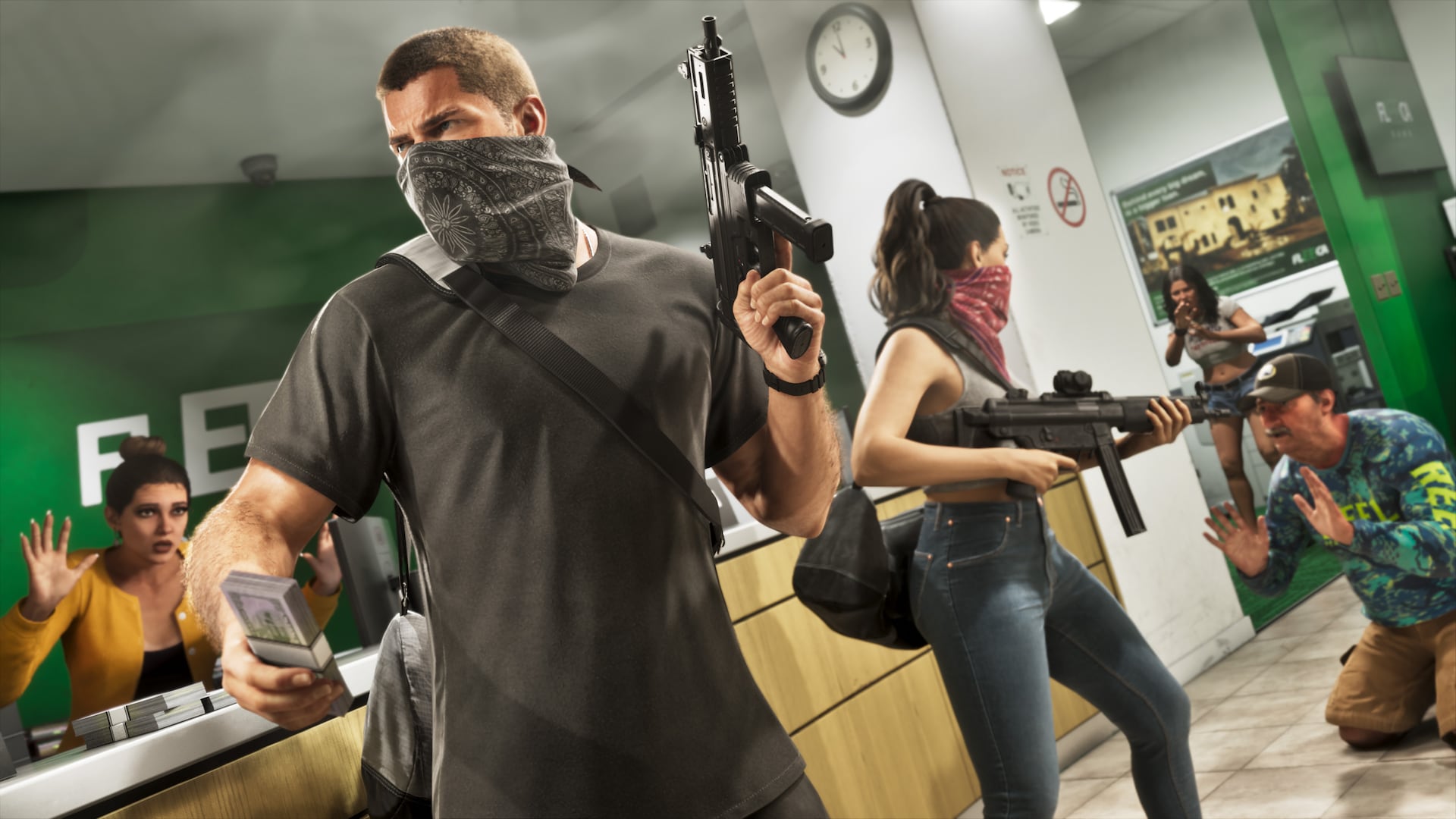
GTA 6 CE-107891-6 on PS5 means the game content hasn’t installed properly. Sony’s official fix is to delete the affected game installation through Settings → Storage and download it again. It doesn’t mean your voucher has been stolen, and the fix doesn’t involve deleting saved data.
The error has appeared in launch-day player discussions, but it’s a general PlayStation code rather than a Rockstar-specific diagnosis. If you’ve just spent hours downloading GTA VI, reinstalling it is hardly an appealing prospect. Still, Sony gives a short, specific procedure for this exact number, and that’s where to start.
What does GTA 6 CE-107891-6 mean?
PlayStation identifies CE-107891-6 as an installation failure. With GTA 6 CE-107891-6, the console hasn’t installed some content correctly; that tells us more than the fact the game won’t launch. A crash after loading a save, a locked game tile and a used voucher are separate problems with different checks.
That matters because a licence problem has a different troubleshooting path. If the tile shows a padlock or you’re signed into an account that doesn’t own the game, Sony’s GTA VI support page recommends checking game ownership and restoring licences. Those steps don’t replace the specific delete-and-reinstall procedure for CE-107891-6.
If the code on your screen is different, don’t follow a reinstall guide just because the symptoms sound vaguely similar. Check the precise number first. GTA 6 CE-107891-6 is the one covered by Sony’s delete-and-reinstall instructions.
How to fix GTA 6 CE-107891-6 on PS5
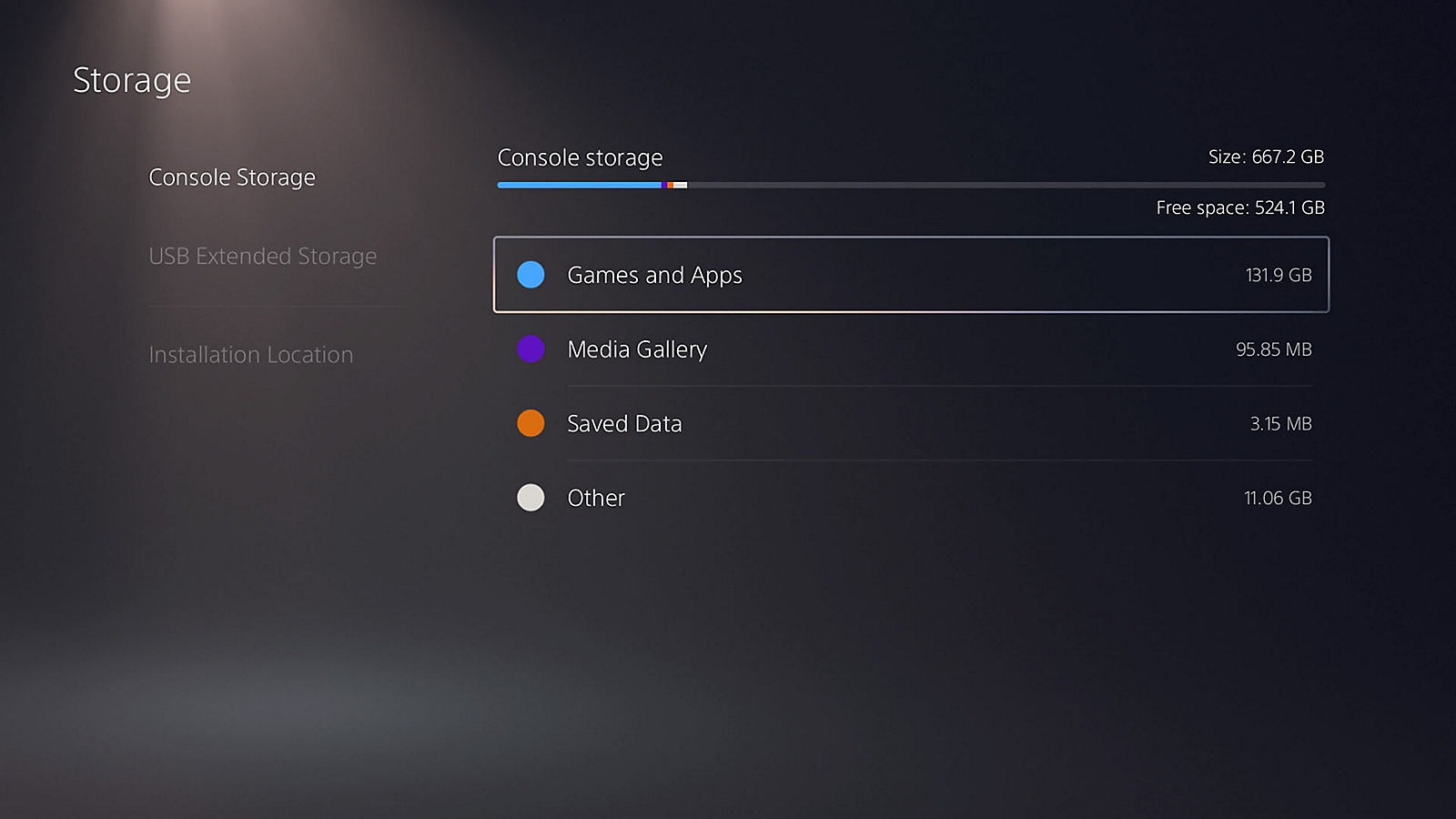
Follow Sony’s instructions in this order. You’re deleting the application under Games and Apps, not clearing the separate Saved Data area:
- Open Settings → Storage on PS5.
- Select the storage location that holds GTA VI.
- Open Games and Apps, select Grand Theft Auto VI and choose Delete.
- Open Game Library or the PlayStation Store with the owning account and download GTA VI again.
- Let the installation finish, then try starting the game.
Once the download and installation have completed, try starting GTA VI again. If GTA 6 CE-107891-6 comes back after a fresh installation, PlayStation’s specific error page says to try again later. You can then use PlayStation Support for further assistance rather than experimenting with a factory reset.
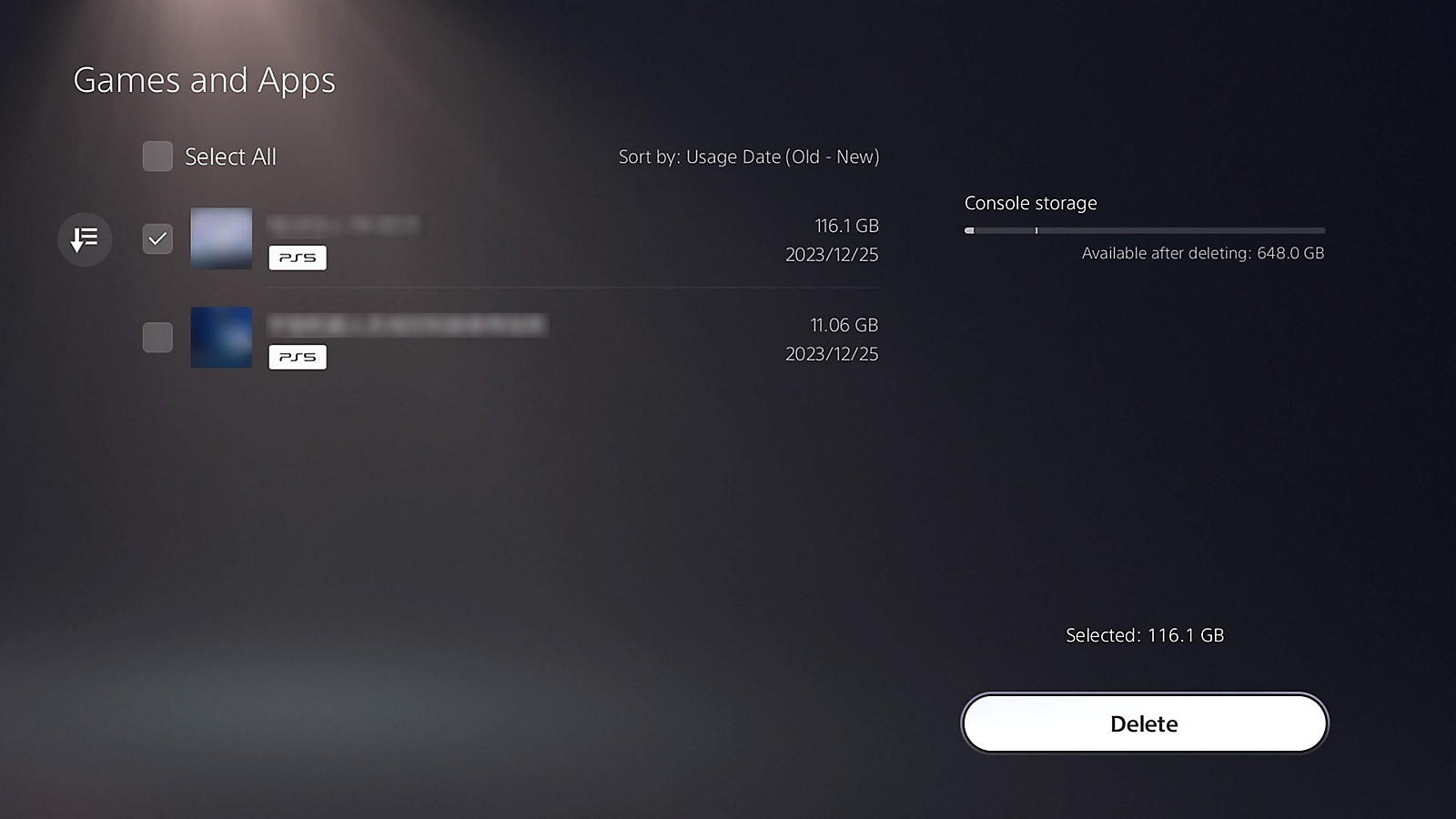
Before downloading again, check the free space shown in Settings → Storage. GTA VI is a large installation. If your SSD is nearly full, make room for the complete download instead of getting partway through another failed install.
If you’re using USB extended storage, remember that PS5 games need to be on playable PS5 storage or a compatible M.2 SSD when launched. Simply having the installation stored on USB isn’t enough to play it directly. Sony’s storage guide explains how to move a PS5 game back.
Will deleting GTA 6 remove your save data?
Deleting the game from Games and Apps is not the same as deleting saved progress. PS5 save files live under Settings → Saved Data and Game/App Settings. Leave that area alone. Sony’s CE-107891-6 fix asks you to remove and reinstall the game content, not your story saves.
If you already have story progress, a PlayStation Plus cloud backup is an extra safeguard where available. Sony supports uploading PS5 saved data to cloud storage with a PlayStation Plus subscription. The GTA 6 CE-107891-6 fix does not instruct you to reset the console or erase saved data.
A factory reset is not one of Sony’s steps for this error. There’s no reason to wipe your console because someone online says they had a similar launch-night problem. Stick to the installation, then get proper support if the same code returns.
What if GTA 6 still won’t start after reinstalling?
Look at the message on screen again. If GTA 6 CE-107891-6 has disappeared but the tile shows a licence lock, the problem has changed. Sony recommends checking that you’re using the owning PlayStation account, enabling Console Sharing and Offline Play where appropriate, or restoring the licence in Settings.
Our GTA 6 PS5 preload troubleshooting guide covers stalled downloads and locked installs more broadly. If you bought a boxed copy and the download isn’t in your library, see our physical edition guide before buying the game a second time.
For an installation that still fails with the same code after a fresh download, Sony’s advice is to retry later and seek support. There’s no verified universal workaround, and the existence of individual launch-night reports doesn’t establish that Rockstar’s servers caused GTA 6 CE-107891-6.
Is CE-107891-6 a GTA 6 launch outage?
No. GTA 6 CE-107891-6 is a PlayStation installation error that can affect other games as well. Seeing it on launch day doesn’t prove PlayStation Network or Rockstar’s services are down. A service outage, a missing licence and an incomplete installation are different things.
For GTA 6 CE-107891-6, verify the error number, reinstall just the affected game and keep saved data untouched. If it starts normally afterwards, our save-game guide explains how to create manual checkpoints now that you can actually play.
Official source: PlayStation Support, How to Fix CE-107891-6.