Terraria 1.4.5 mods not working? Before you reinstall anything, check which game you’re launching. Vanilla Terraria received Bigger and Boulder in January, but public stable tModLoader still uses Terraria 1.4.4. That mismatch explains why some players can’t find new content inside a modded game.
There’s also a different problem where one particular mod refuses to load, perhaps after switching branches or changing its dependencies. That needs its own fix. The error message, the tModLoader version and the mod author’s compatibility details will tell you where to start.
Terraria 1.4.5 mods not working: stable versus development
Stable tModLoader remains on Terraria 1.4.4 as of 18 November 2026. The developers are porting the loader to 1.4.5, with an unfinished development branch for contributors. If the modded game opens but doesn’t have new vanilla whips, items or the Skyblock seed, it isn’t broken. You’re playing the currently supported modded version.
Steam treats vanilla Terraria and tModLoader as separate applications. Updating regular Terraria doesn’t automatically upgrade tModLoader. You can keep both installed, play 1.4.5 in vanilla and still use the 1.4.4-based stable mod loader for your existing mods.
Terraria 1.4.5 mods not working: check the Steam beta
Open tModLoader and look at its main-menu version information. If you’ve changed builds before, open Steam → tModLoader → Properties → Betas. The normal public branch generally shows None, while 1.4.5-dev is the experimental development build meant for contributors and testers.
An older 1.4.4 mod won’t automatically run on 1.4.5-dev. If your collection worked before switching branches, returning to stable and letting Steam download the appropriate files is a useful test. Make a copy of your saves first rather than experimenting with your only world.
Terraria 1.4.5 mods not working: check mod versions and libraries
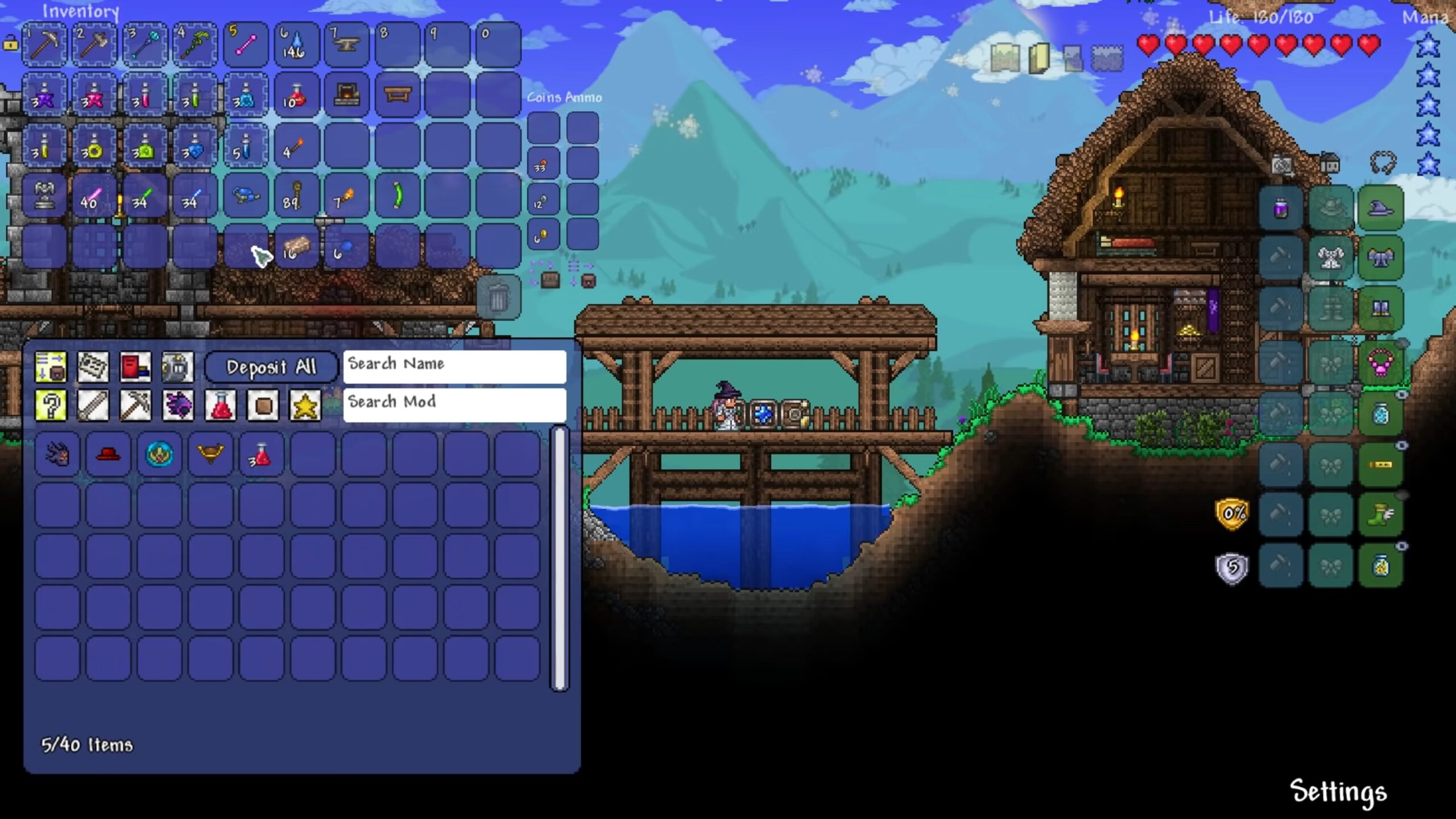
If a single mod fails, read the actual loading error. Check the author’s Workshop page to see whether that mod supports your chosen tModLoader version. Sometimes the mod hasn’t been updated; sometimes its dependencies require a different version. Reinstalling vanilla Terraria won’t resolve either issue.
The November stable update added a library-mod filter to the Mods menu. If a dependency seems to have vanished, set that filter to all mods and search for the named library. The filter can hide a supporting mod without deleting it. If it’s installed, check whether it’s enabled. If it isn’t, find the correct dependency from the author’s stated source.
What about multiplayer and modded saves?
Multiplayer adds one more requirement: everyone needs compatible tModLoader versions and the appropriate mods. The official Steam description states that vanilla Terraria players can’t join a tModLoader game. November’s stable update also fixed a server issue where failed connection attempts could prevent further joins, so checking whether the host is updated can help that particular problem.
Before trying a different branch or mod list, make backups of your world and character files. Custom tiles, NPCs and items can depend on code that isn’t available when you remove a mod or move to another version. The developers intend to preserve 1.4.4 as a legacy branch when the new stable version arrives.
When reinstalling will not help
For Terraria 1.4.5 mods not working, start with the version you’re launching and the exact error message. Stable 1.4.4 is the straightforward option for an existing supported modpack; 1.4.5-dev is there for people prepared to test unfinished software.
Official developer: tModLoader Team’s stable release notes and 1.4.5 development updates.