The tModLoader 1.4.5 beta is available through Steam, but it’s a development build rather than an early-access version you can safely move your entire modpack into. If you’re keen to see how the 1.4.5 port is progressing, you can try it. Just make a backup before you switch.
The branch is called 1.4.5-dev. The tModLoader team created it for mod authors, contributors and people willing to test unfinished changes. Most players who want a reliable Calamity or other established modded playthrough are better off remaining on stable 1.4.4 for now.
How to install the tModLoader 1.4.5 beta on Steam
Steam’s beta list doesn’t show the development branch until you enter the password supplied by the project. In your Steam Library, right-click tModLoader, choose Properties, then open Betas. Enter the developer’s official access code, iamacontributor, in the private-beta field and confirm it.
Once Steam accepts the code, select 1.4.5-dev from the branch menu and let the download finish. Launch tModLoader from Steam after the files have been updated. The exact wording of Steam’s buttons can vary slightly, but those two values are the important ones: 1.4.5-dev and iamacontributor.
What is included in the tModLoader 1.4.5 beta?
The tModLoader 1.4.5 beta follows ongoing work on Terraria’s Bigger and Boulder code. The team has ported the vanilla 1.4.5.8 changes into development, but modding hooks and other systems still need attention. That means you may encounter features that aren’t fully restored despite the base-game changes being present.
This branch updates as contributors make changes. A fix one day can be followed by another change the next, and the developers openly warn about instability. It’s best thought of as a test environment, not a promise that every 1.4.5 mechanic or Steam Workshop mod will behave normally.
Can regular mods work in the tModLoader 1.4.5 beta?
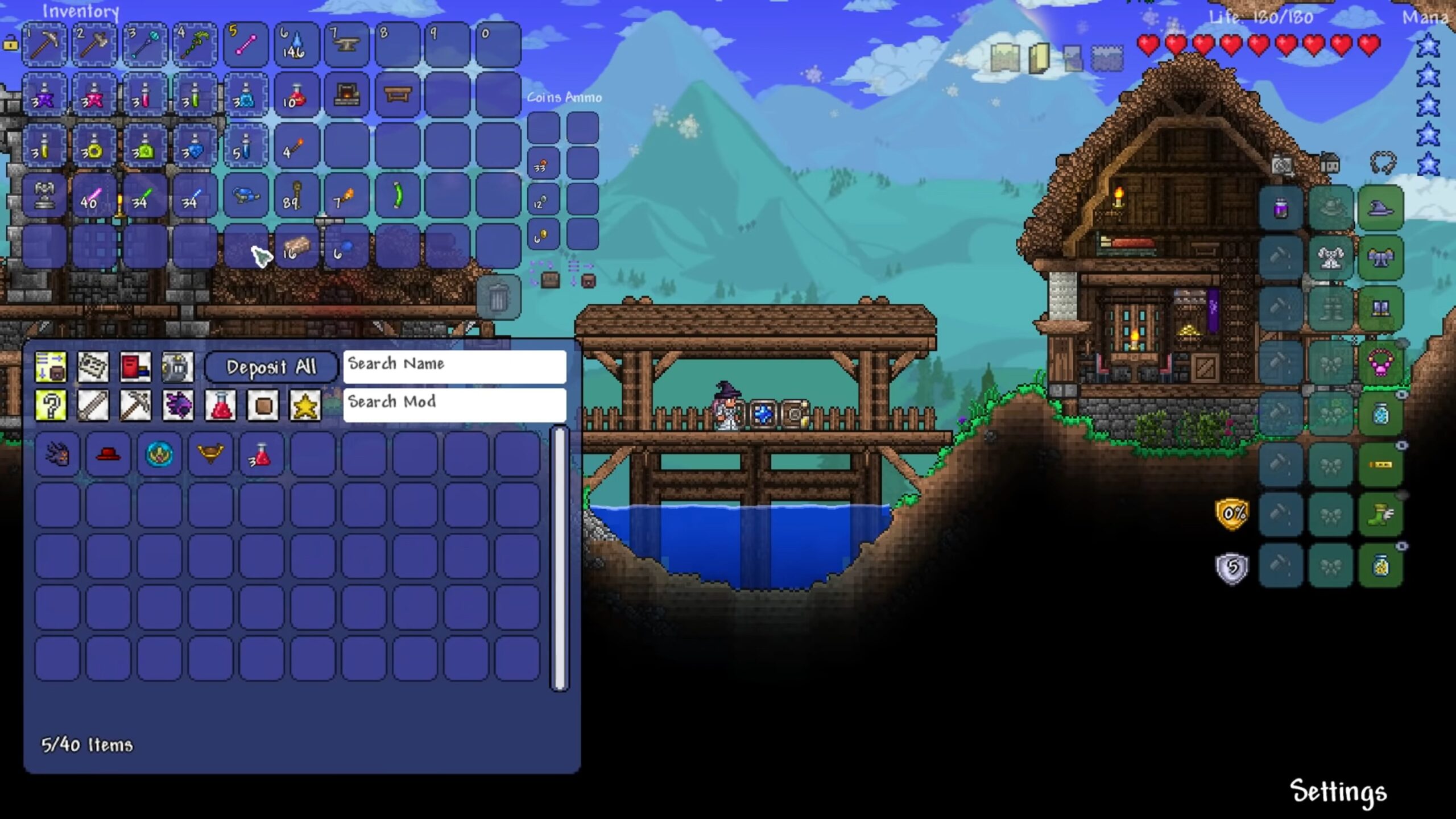
An old mod built for stable 1.4.4 won’t necessarily load in the tModLoader 1.4.5 beta. Terraria’s 1.4.5 changes were substantial enough that mod authors need to update their code. Large content mods in particular may take time to adapt, so an error from an old Workshop subscription isn’t proof that the development branch itself is broken.
The project also warns modders not to publish 1.4.5 mod updates through the unfinished development pipeline yet. Instead, contributors are testing with designated example mods. If your aim is just to play a long-running modded world, there’s little benefit in switching that save to a branch intended for testing.
Back up your saves before testing
Copy your world and player saves before switching versions. The team aims for compatibility as it moves forward, but an unfinished build may not handle an older modpack properly. Note which mods you’ve enabled and keep a separate test character if you want to experiment without affecting a save you’ve spent months building.
If you do find a bug, check the tModLoader 1.4.5 development notes and existing GitHub issues before reporting it. The team uses those reports to track unfinished features, and repeating a known error won’t move it up the queue. Details such as the branch version and steps that reproduce the problem are much more useful.
How to leave the tModLoader 1.4.5 beta and return to stable
Returning to stable is straightforward: open Steam → tModLoader → Properties → Betas and choose the default public branch, usually labelled None. Wait for Steam to replace the development files, then launch again. Keep your backup rather than immediately opening the only copy of a world last used in the development build.
The tModLoader 1.4.5 beta is worth knowing about if you want to help test the port, but it isn’t a shortcut to the forthcoming stable 1.4.5 release. For everyday multiplayer and an existing mod collection, wait for the team’s stable announcement rather than assuming the development branch is ready.
Official developer source: tModLoader Team’s 1.4.5 development instructions and Steam beta access.