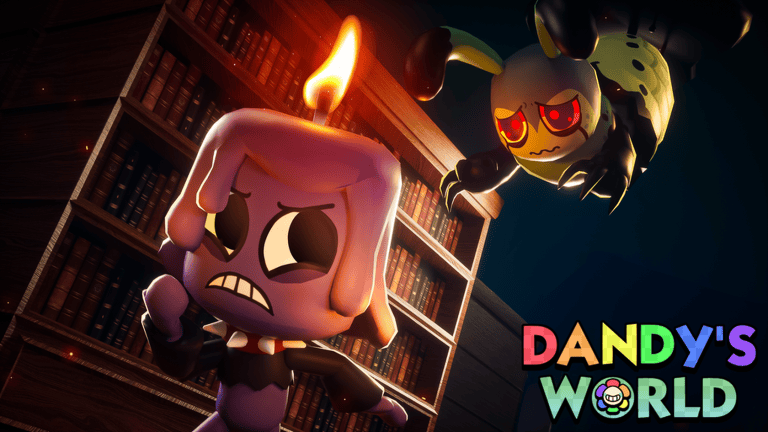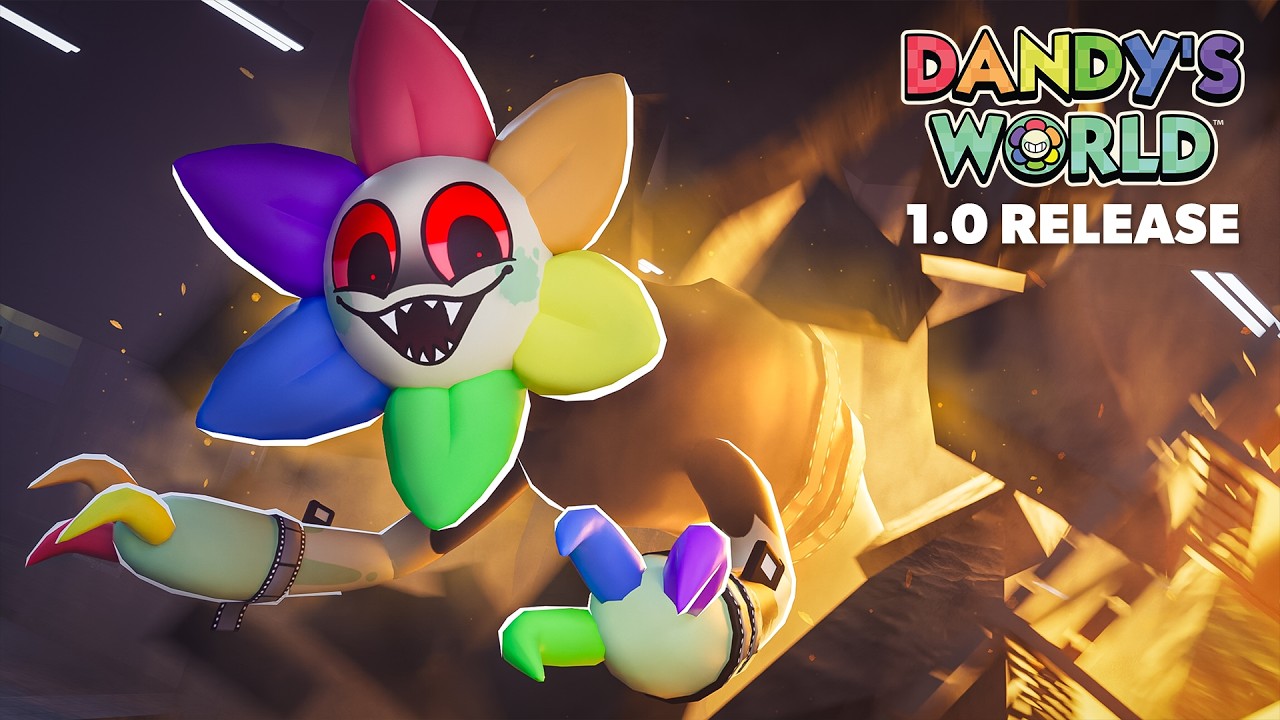
The Dandy’s World 1.0 Release Event starts on Friday 20 November 2026 at 8 pm GMT. BlushCrunch Studio has put an official event on Roblox and is encouraging players to sign up before the 1.0 update arrives. You can find it through the studio’s own release link.
If you’re wondering whether there’s a special server or a second game to download, there isn’t one advertised. The event page is where you can follow the launch; the actual game is still Dandy’s World on Roblox. Here’s how to find the right page and get into the game on Friday.
How to Find the Dandy’s World 1.0 Release Event
Open the official Roblox event linked at the bottom of this article. You’ll see the Dandy’s World 1.0 Release name. Check that you’re signed into the Roblox account you normally use, then look for the event’s signup option.
BlushCrunch also shares the Dandy’s World 1.0 Release Event on its official Linktree, alongside the cinematic trailer. That’s a useful way to avoid the copycat Roblox experiences that show up when you search for a popular game. Stick with the developer’s link.
How to Sign Up for the Dandy’s World 1.0 Release Event
If the page shows a signup, reminder or interest control, select it. Roblox can change the wording between devices, and if you’ve signed up already you may see your existing selection instead. The event is open to follow before the 20 November start.
Signing up follows the announcement; it doesn’t put you into a live run or automatically claim an item. Once version 1.0 is playable, you’ll still enter the game through the official Dandy’s World experience.
What Time Does the Dandy’s World 1.0 Release Event Start?
The start is 20:00 UTC on Friday 20 November. In the UK that’s 8 pm GMT. In the US it’s 3 pm Eastern, 2 pm Central and noon Pacific. Japan reaches the same moment at 5 am on Saturday 21 November. The release-time guide has the full international table.
Roblox lists the event through 30 November at 23:00 UTC. That’s a promotional event window, not a ten-day expiry date for Dandy’s World 1.0. There’s no official announcement that the full game will revert to Alpha afterwards.
How to Play Dandy’s World When the Event Begins
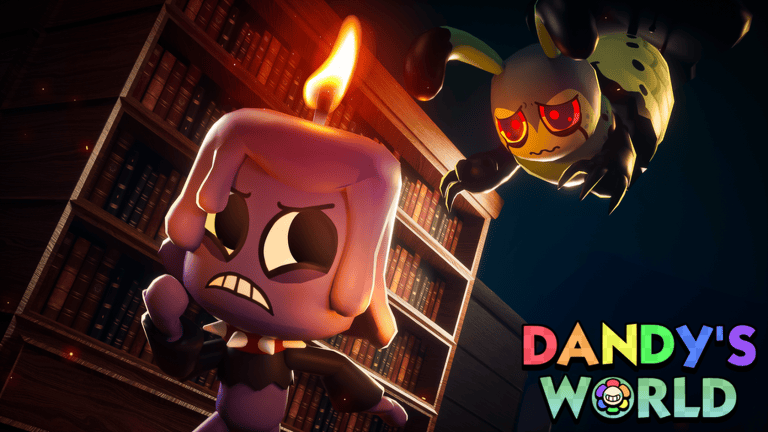
When the countdown reaches the start time, open the genuine game page by BlushCrunch Studio and choose Play. You can use the same Dandy’s World listing you’ve always used. The 1.0 update is coming to that experience rather than an unrelated ‘new 1.0’ copy.
If the game still shows an Alpha label just as the event begins, check back on the official page and join a new server once the update is available. A launch event starting at a particular hour doesn’t guarantee that every running server changes in the same second.
Do You Get Rewards for Joining the Release Event?
The Dandy’s World 1.0 Release Event announcement hasn’t promised a specific reward simply for clicking the event reminder. Some players are mixing it up with the Alpha Player! badge, which already exists and says a reward will follow when the game reaches full release.
If you want that badge, play Dandy’s World during Alpha and look in your Roblox inventory’s Badges section. The event signup is not a replacement for that achievement. Our separate badge guide shows the official icon and what the description actually says.
What Is Included in the Dandy’s World 1.0 Update?
BlushCrunch has announced a harder new mode, more than ten new floors, cards, an adaptive coordinator and additional story material for 1.0. None of that changes how you follow the Dandy’s World 1.0 Release Event: the Roblox event listing is the starting point, and the game itself is where you’ll play.
For Friday, all you really need is the right Roblox account, the developer’s event link and the launch time in your region. Exact new-mode requirements and card effects will be much easier to explain once the update is live and those features can be checked in game.
Official source: official Dandy’s World 1.0 Release event on Roblox.