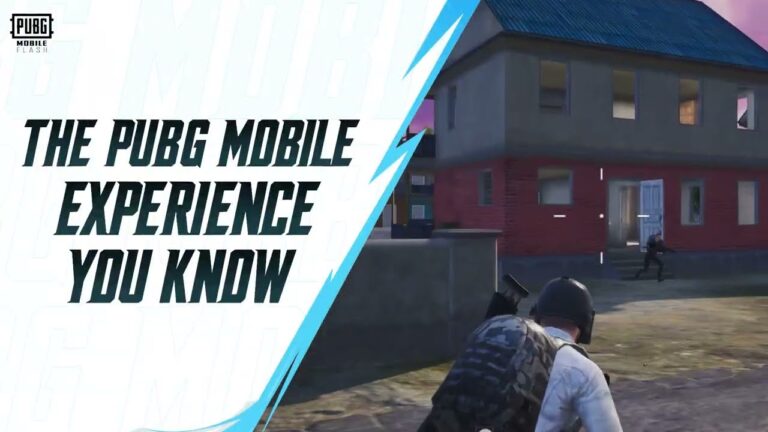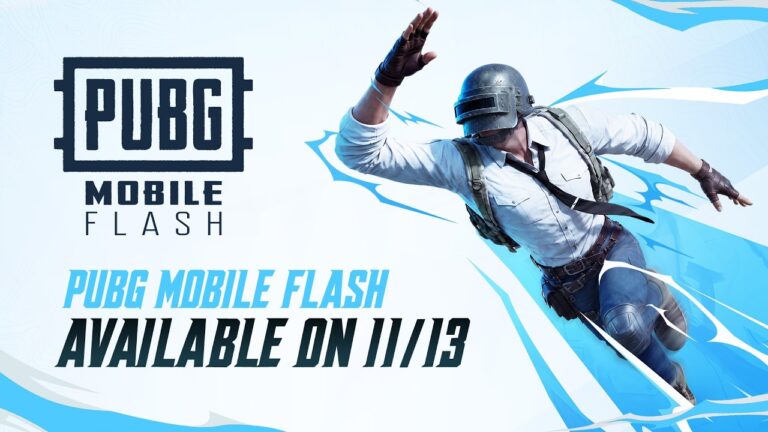
PUBG Mobile FLASH crossplay is supported from launch, so switching to the smaller app doesn’t mean abandoning your regular squad. FLASH and the original PUBG MOBILE are connected to the same game ecosystem, with shared accounts, friends, matches and in-game assets. You’re changing the app you use to enter a match, not moving to an unrelated game.
For me, the big question is whether switching means leaving the squad behind. Thankfully, it doesn’t. Your friends can keep using the full app while you play on FLASH, and you don’t need to start again with an empty account.
Does PUBG Mobile FLASH crossplay work with the normal app?
Yes. PUBG MOBILE FLASH users can team up with players on the full PUBG MOBILE client and enter matches together. The developer describes it as one connected mobile ecosystem, with both apps receiving synchronised updates. You don’t need your friends to install FLASH before accepting an invitation from you.
PUBG Mobile FLASH crossplay means the lighter app isn’t meant to be a different ranked universe. You’re joining the same PUBG MOBILE experience through another client. If your friends haven’t switched, that’s absolutely fine.
PUBG Mobile FLASH crossplay and account progress
The official launch announcement says your account and in-game assets are shared between FLASH and PUBG MOBILE. Sign in through the supported login method linked to your existing account, rather than creating a brand-new guest account and expecting your old items to appear automatically.
Your friends list comes across with the shared account, and the apps receive synchronised updates. That’s a better arrangement than having to rebuild your contacts every time you try a lighter version of a game.
Do your outfits and owned items carry over?
The publisher says account assets remain synchronised. The thing that can fool you is visual: FLASH may display a temporary outfit for a cosmetic if you haven’t downloaded that outfit’s resources. That doesn’t mean it has been removed from your account.
Downloading the cosmetic resource should bring the original outfit back. It can be alarming to see a favourite skin replaced by temporary gear, but that’s a storage-saving display choice. It doesn’t mean the item has vanished from your account.
Can friends on Android and iPhone play together?
FLASH has official Android and iOS releases, and the publisher describes cross-app matchmaking in the shared PUBG MOBILE ecosystem. There isn’t a separate ‘FLASH-only’ friends list to build. For cross-device sign-in, the important practical point is using an account login method that is supported on the device you’re signing into.
If you normally sign in using an iPhone-only or Android-only method, check which linked login options are available before deleting the original app. Accounts are shared, but the buttons you use to reach them can differ between devices.
What if the account looks empty in FLASH?
Start with the simplest possibility: you’ve signed into a different account. Check which login method you used in the main app and use the same linked account in FLASH. A fresh account will look fresh, even when both apps use the same underlying service.
If your inventory is present but a costume looks wrong, that’s likely a missing visual resource rather than missing ownership. Open the resource download options and install the relevant cosmetic data. Don’t send your login details to somebody offering a ‘manual transfer’ service. An official shared account doesn’t require handing passwords to a third party.
PUBG Mobile FLASH crossplay: is switching worth it?
If the full game barely fits on your phone, FLASH is an appealing way back into Classic. I’d keep the original installed until I’d opened FLASH and checked the account, though. That beats deleting it and then panicking over a login screen.
The nicest thing about PUBG Mobile FLASH crossplay is how ordinary it should feel. One of you uses FLASH, another uses the regular app, and you’re still playing together. Storage shouldn’t be the reason a squad breaks up.
The Click Flare: Related PUBG Mobile Guides
Official source: PUBG MOBILE FLASH worldwide launch announcement from Level Infinite.