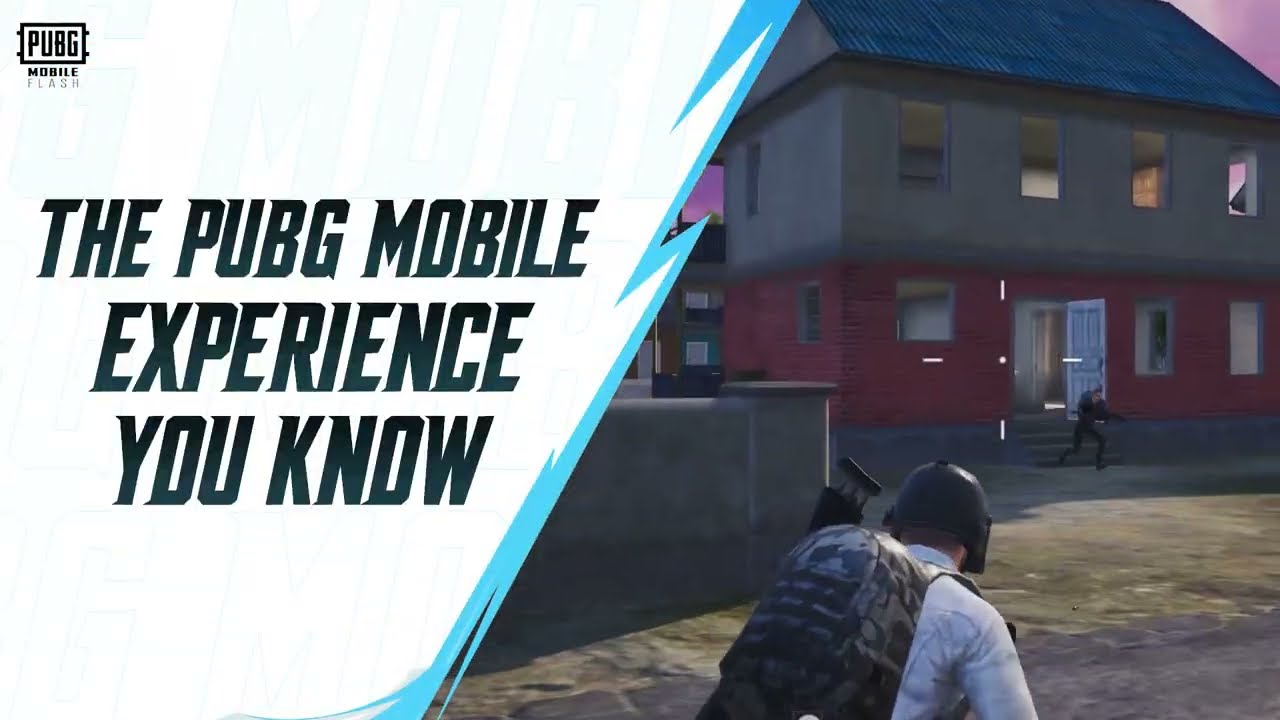
PUBG Mobile FLASH requirements start at just 2 GB RAM, which is welcome news if your phone has struggled to keep up with the regular game. The lightweight app is built around a smaller first download, with Erangel and Classic Battle Royale included rather than every map and cosmetic pack.
A 2 GB RAM minimum is good news, but it doesn’t promise flawless 60 FPS. Older phones can meet the requirement and still have fewer graphics options. The total storage you’ll need depends on how many extra maps and visual packs you decide to install.
PUBG Mobile FLASH requirements on Android and iPhone
PUBG MOBILE launched FLASH on Android and iOS on 13 November 2026. The official minimum RAM figure is 2 GB. There’s no single public list in the launch announcement covering every supported processor and phone model, so the Google Play or App Store compatibility notice is the best check for your specific device.
RAM isn’t the only thing that matters. A weak processor, limited graphics hardware or a phone that gets hot quickly can still turn a busy firefight into a slideshow. I certainly wouldn’t buy a handset just because its spec sheet says 2 GB.
How much storage do you really need?
The developer’s launch figure for the Android starter package is approximately 0.96 GB. On iOS, the app description advertises an initial size under 1.75 GB, although the UK App Store currently lists the app itself as 1.8 GB. The broader press announcement describes it as under 2 GB. PUBG Mobile FLASH requirements also depend on the resources you install later, so treat these as starting-download figures rather than the total storage you’ll always use.
Erangel is included in the starting download. After that, more maps, events and better-looking graphics will take up more room. If you’re checking PUBG Mobile FLASH requirements against your free space, allow for the content you’ll actually want to play rather than just the first install.
PUBG Mobile FLASH requirements for 60 FPS
PUBG MOBILE lists 25, 30, 40 and 60 FPS options at launch, depending on device capability. A phone might meet the RAM requirement but still only show 30 or 40 FPS in its graphics menu. That’s a normal possibility when the app chooses which settings a particular device can handle.
The launch announcement doesn’t list 90 or 120 FPS as supported selections. A 120 Hz screen doesn’t automatically change that. If your main game already supports a higher frame rate, switching to FLASH may actually leave you with fewer graphics-menu options, despite the smaller download.
Why might FLASH feel smoother on an older phone?
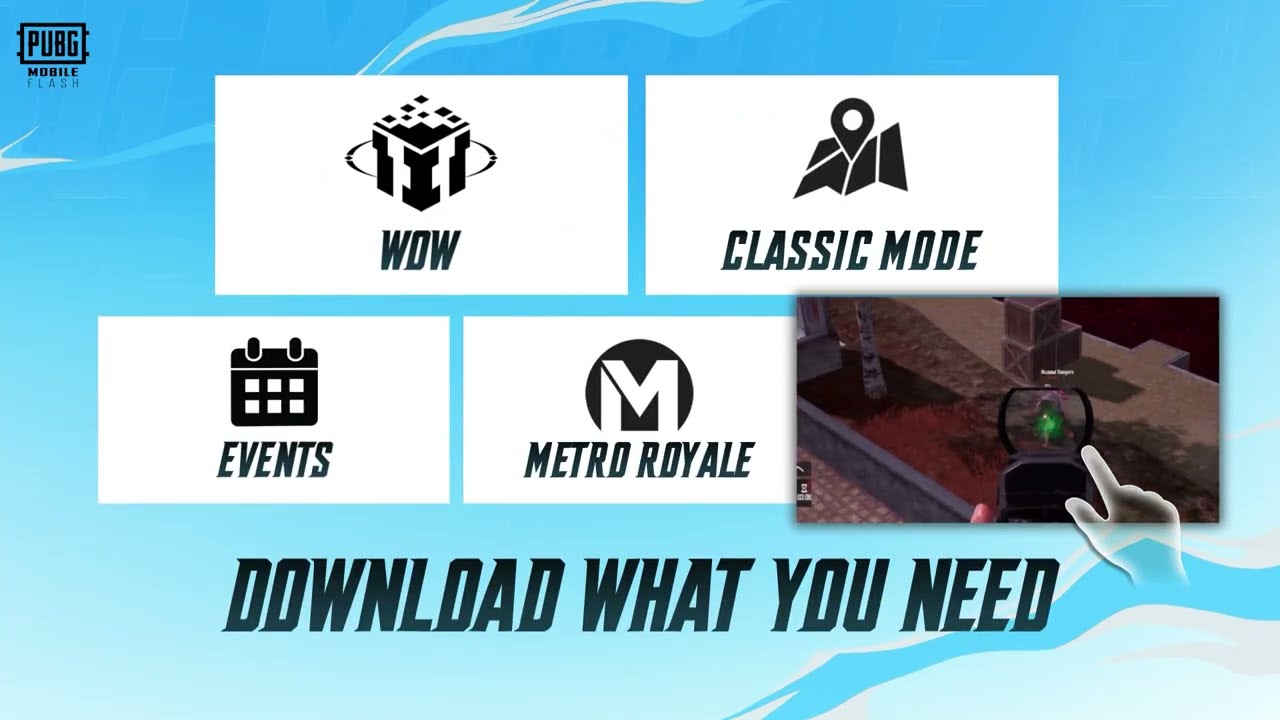
PUBG Mobile FLASH requirements reflect a client optimised for entry-level and mid-range devices, including improvements to memory use and startup time. Compared with its own beta, the worldwide release had 10% better average frame rate and 10% better frame-rate stability, plus a reported 12% reduction in memory use. Startup-screen and match-loading times also improved.
The developer’s performance figures compare the final FLASH app with its own earlier beta. They don’t promise that every phone will run FLASH 10% faster than the standard PUBG MOBILE client. I’d be more interested in how your phone handles a crowded landing zone.
Can you play immediately after installing?
Yes, provided your device is supported and the account sign-in works. Erangel and Classic mode are in the initial package, so you shouldn’t need another enormous map download just to join your first Classic match. The other maps and graphics files are optional resources you can fetch later.
A nice touch is the way cosmetic assets work. If you haven’t downloaded an outfit’s visuals, FLASH may show a temporary appearance until you install them. The original outfit remains with your account. That’s an easy bit of storage to save if you care more about landing in Erangel than seeing every cosmetic straight away.
What if your device is below the minimum?
If the store says your phone isn’t compatible, check its requirements before trying anything else. A modified APK isn’t a reliable fix, and risking your account just to bypass a warning is a terrible bargain. Stick to the official FLASH site and app stores.
On a supported phone, start with Classic and see how it runs before downloading extra content. Pick a frame rate the device can hold comfortably and go from there. The PUBG Mobile FLASH requirements open the door for older devices, but the hardware still has to keep up.
The Click Flare: Related PUBG Mobile Guides
Official source: PUBG MOBILE FLASH worldwide launch announcement, Level Infinite.