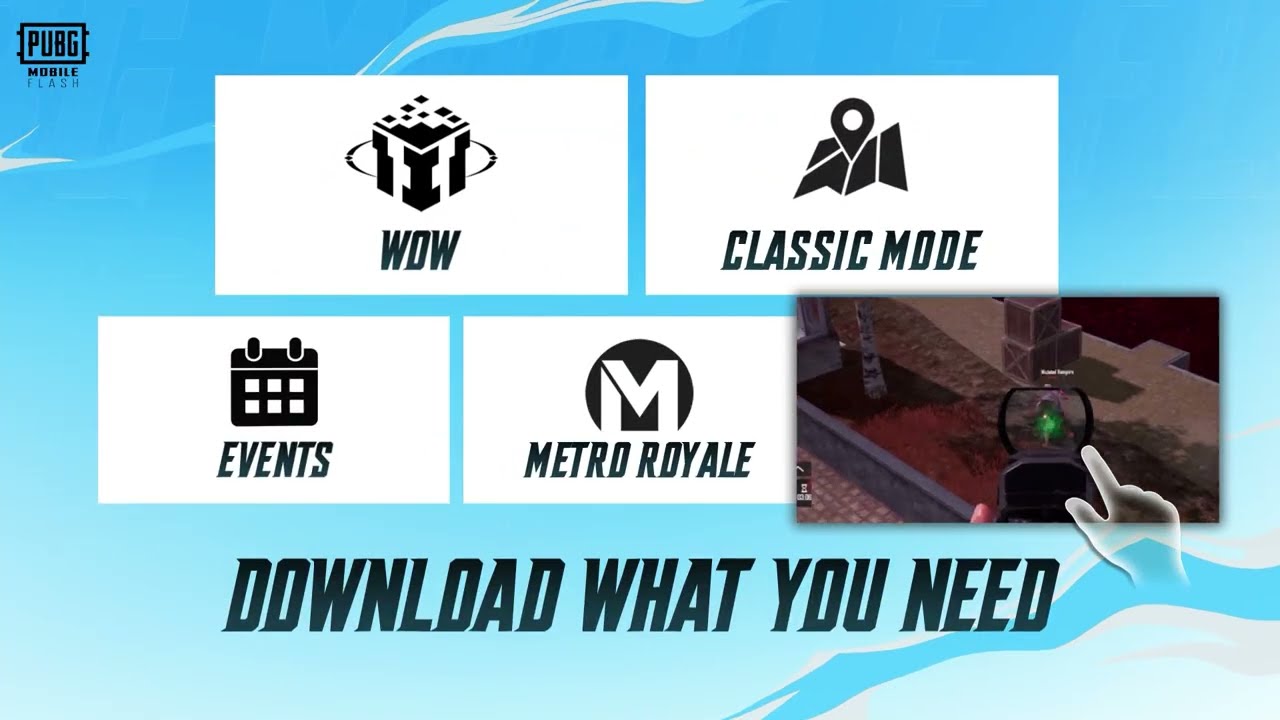
PUBG Mobile FLASH resources work differently from the full app’s usual download routine. The lightweight client starts with Erangel and Classic mode, then lets you decide which extra maps, events, cosmetics and graphics files to add. It’s the reason the first installation can be so much smaller.
The first time you open FLASH, a map might be waiting for a download or a favourite outfit might look wrong. Usually it means the local resource file isn’t installed yet, not that your account has lost it. That’s how the smaller starting package works.
What PUBG Mobile FLASH resources are already installed?
Erangel and the core Classic Battle Royale mode are included with the starter app. You should be able to get into those matches without first downloading the entire PUBG MOBILE catalogue. Other maps, modes and events can require their own resources, and higher-quality visual files are optional too.
FLASH asks you to confirm before it downloads more resources. I like that, especially on a phone that’s always short on storage. If you mostly play Erangel, why fill the device with every other map before your first match?
PUBG Mobile FLASH resources: how to get more maps
Choose the map or mode you’re interested in and accept the in-game prompt to download anything missing. That’s the advantage of FLASH’s resource manager: you fetch what you want when you want it. The exact wording may move around between updates.
I’d start with one extra map at a time. Downloading everything defeats the main advantage of FLASH, which is that you aren’t forced to store content you never use. Once the files are installed, that map or mode becomes available without needing to install a separate version of the app.
Why your outfits look different in FLASH
This is one of the quirks most likely to surprise returning players. The official app can show a temporary outfit when the full cosmetic resource hasn’t been downloaded. That changes how your character looks on screen, but it doesn’t mean the original item is gone from your account.
Download the relevant cosmetic files and the proper outfit can appear again. It’s a neat trick, even if seeing your favourite skin turn into temporary clothing is a bit of a shock. You still own it; the app just hasn’t downloaded the artwork.
Are PUBG Mobile FLASH resources shared with the main game?
Your account, friends and in-game assets are synced between FLASH and the standard PUBG MOBILE client. The downloaded files on a particular phone are another matter: FLASH manages its own local resources to keep that installation lightweight. Don’t confuse an item existing in your account with its graphics already being on this device.
If you move back to the full app, your account doesn’t lose its progress just because FLASH used temporary visuals. The same applies when you sign back into FLASH: the game knows your assets, but it may still need to fetch the local files that display them.
How do you stop FLASH using too much storage?
I’d start with the map I play most and leave everything else until I need it. The whole point of PUBG Mobile FLASH resources is getting that choice. Downloading every optional pack on day one rather defeats the reason you switched.
The advertised Android download of about 0.96 GB is only the first step. Every optional mode and graphics pack adds to the installed size. There’s no official promise that FLASH will stay under 1 GB after you load the extra content, so check your phone’s storage rather than rely on the launch number forever.
What if a resource won’t download?
First check that the app has internet access and enough free space for the selected files. If the prompt is still waiting for confirmation, the download may not have started at all. A restart and another attempt through the game’s own download interface are more sensible than installing resource packs from a stranger’s website.
If a pack fails again and again, note what you were downloading, the error message and your phone model. That’s much more helpful to official support than saying it just doesn’t work. Don’t copy resource packs from random sites as a shortcut.
The best way to use PUBG Mobile FLASH resources
Treat FLASH as an install you can build around your habits. Classic Erangel is ready to go, while other content can wait until you’re interested in it. If you’re usually in the same couple of modes, there’s little point filling your phone with everything else.
Some outfits will be worth the extra download to you; others won’t. The same goes for maps you hardly ever play. That’s why I like PUBG Mobile FLASH resources: they give you room to choose, without giving up the account or friends you’ve already got.
The Click Flare: Related PUBG Mobile Guides
Official source: PUBG MOBILE FLASH lightweight app announcement from Level Infinite.