PUBG Mobile FLASH vs PUBG Mobile isn’t a comparison between two completely different battle royale games. FLASH is the official lightweight app, designed to get you into Classic matches without downloading every optional map and cosmetic file first. You keep the same account and can play with people using the full app.
If regular PUBG MOBILE already runs nicely on your phone, there’s no urgent reason to switch. But if every update means deleting something else to make room, FLASH is worth a look. The real differences are the initial size and presentation, not a brand-new battle royale.
PUBG Mobile FLASH vs PUBG Mobile: the main differences
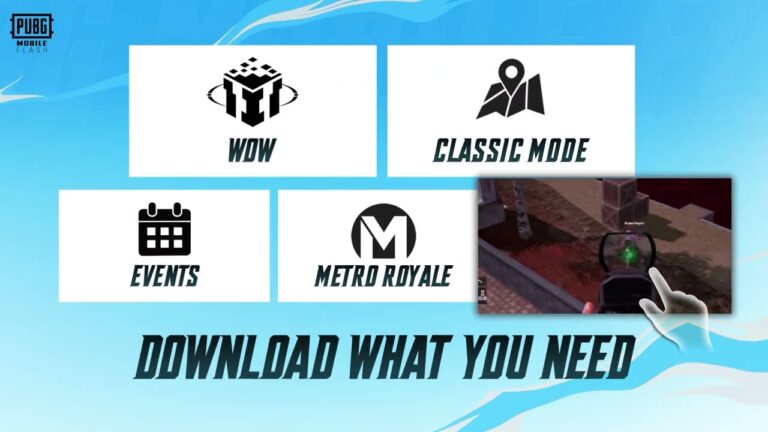
FLASH arrives with Erangel and Classic Battle Royale already installed. Other maps, modes, events and high-quality resources are available as optional downloads. The full PUBG MOBILE client offers its standard broader install and resource system, while FLASH puts more emphasis on keeping that first download small.
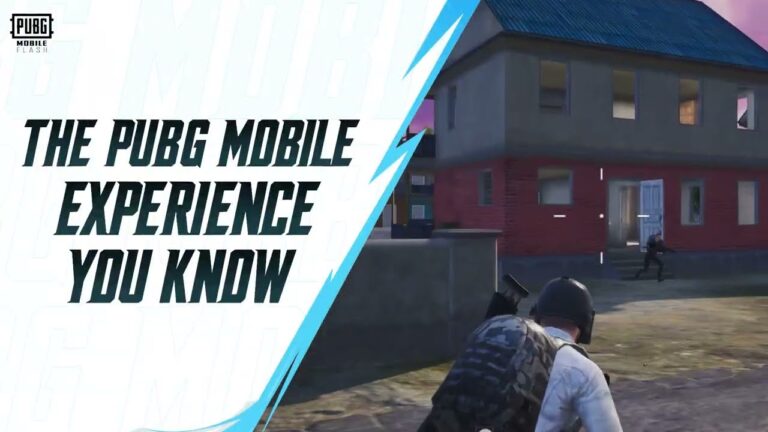
FLASH has a simpler lobby, lighter icons and optional high-quality visuals. You can fetch the extras later if you want them. That doesn’t mean you’re playing with different guns or a separate player population. It’s still PUBG MOBILE, just delivered in a smaller starting package.
PUBG Mobile FLASH vs PUBG Mobile download sizes
The big number in a PUBG Mobile FLASH vs PUBG Mobile comparison is the download: FLASH starts at around 0.96 GB on Android. On iOS, the app’s description advertises a starting download under 1.75 GB, but the UK App Store currently displays its app size as 1.8 GB. The publisher describes the iPhone download more broadly as under 2 GB. Check your own store rather than treating the promotional figure as an exact installed size.
The download figures describe where you start. FLASH will grow as you add maps and cosmetics, which is exactly why the ability to choose matters. In a PUBG Mobile FLASH vs PUBG Mobile comparison, I’d pay more attention to what can be left uninstalled than the headline size.
Can the two apps use the same account and play together?
Yes, and this is probably the best news for anybody thinking of switching. FLASH shares accounts, friends and in-game assets with the regular app. You can join matches with friends on either client, and the developers say updates stay synchronised across the same PUBG MOBILE ecosystem.
That means moving to FLASH doesn’t leave your usual squad behind or start you with an empty inventory. Use the same linked account when signing in. You don’t have to persuade everybody in your team to download the new app just so you can play together.
PUBG Mobile FLASH vs PUBG Mobile graphics and outfits
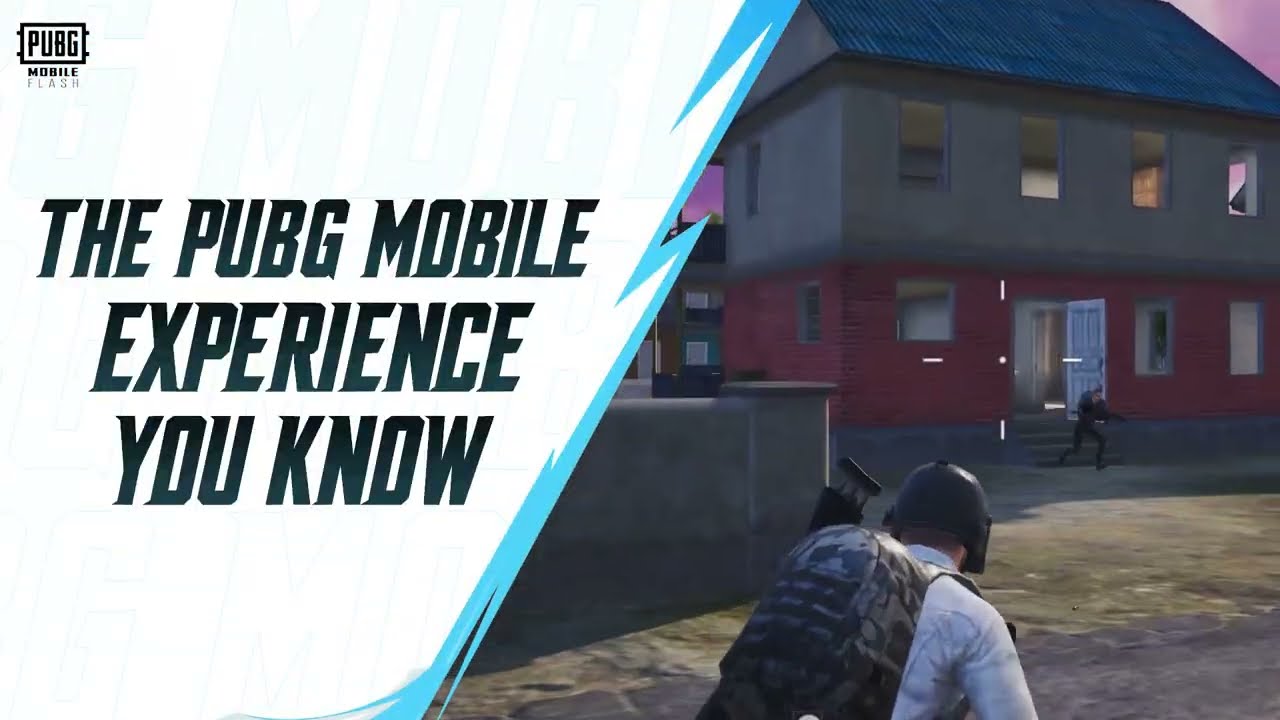
If you open FLASH and somebody’s outfit looks different, it may simply be because the full cosmetic resource hasn’t been downloaded. The app can show a temporary appearance until you add that asset. Your account still owns the original item; the phone just isn’t storing all the artwork.
I like having that choice with cosmetics. You still own the items, but you don’t need the files for every outfit on your phone before your first match. If you want the full visual experience, you can add those packs, although the smaller app will naturally grow.
Is FLASH the same as PUBG MOBILE LITE?
No, and it’s worth clearing up because the names are so similar. The older PUBG MOBILE LITE is a separate game with its own account system and smaller 60-player maps. FLASH is different: it’s a lighter way to play the main PUBG MOBILE, with the same account, friends and crossplay. In the PUBG Mobile FLASH vs PUBG Mobile comparison, that shared ecosystem is the key difference. If you played LITE years ago, don’t assume its account or progress will automatically appear in FLASH.
Which one runs better, and can FLASH hit 90 FPS?
FLASH is built for entry-level and mid-range phones. Its stated minimum is 2 GB RAM, with supported 25, 30, 40 and 60 FPS settings depending on the device. The publisher also reports performance improvements from FLASH beta to the final launch, including better average FPS, more stability and less memory use.
Those developer figures compare FLASH’s release build with its own earlier testing, not with every player’s full PUBG MOBILE app. The launch announcement also doesn’t list 90 or 120 FPS as selectable settings. So if you’re already playing the full game at a high refresh rate on a powerful phone, check what FLASH actually offers before assuming it’ll be an upgrade.
PUBG Mobile FLASH vs PUBG Mobile: which should you choose?
I’d pick FLASH if my phone was short on space and I mostly played Classic. Erangel comes ready to go, the squad can stay on the full app, and other content can wait until I fancy it. That’s a pretty good solution to a storage problem.
If you have a powerful phone and regularly play above 60 FPS on the main app, I’d stick with it for now. FLASH’s officially listed launch frame rates stop at 60 FPS, even though it’s optimised for modest hardware. Use whichever client feels better on your own phone.
The Click Flare: Related PUBG Mobile Guides
Official source: PUBG MOBILE FLASH worldwide launch announcement from Level Infinite.