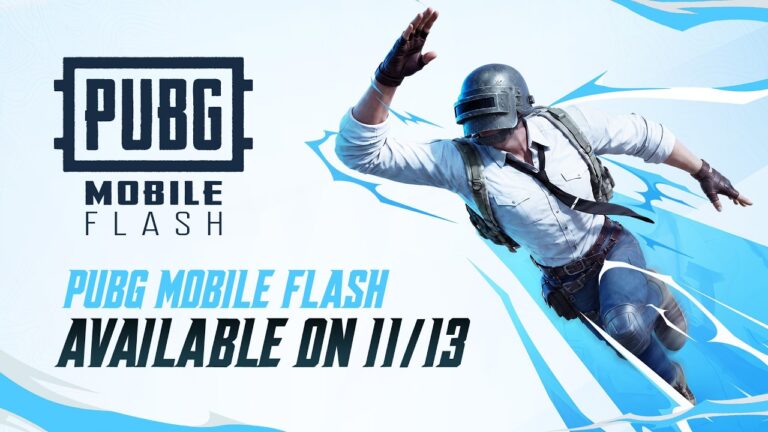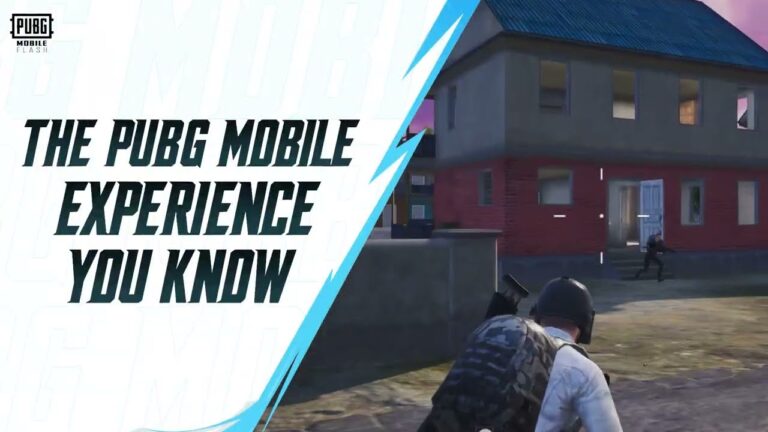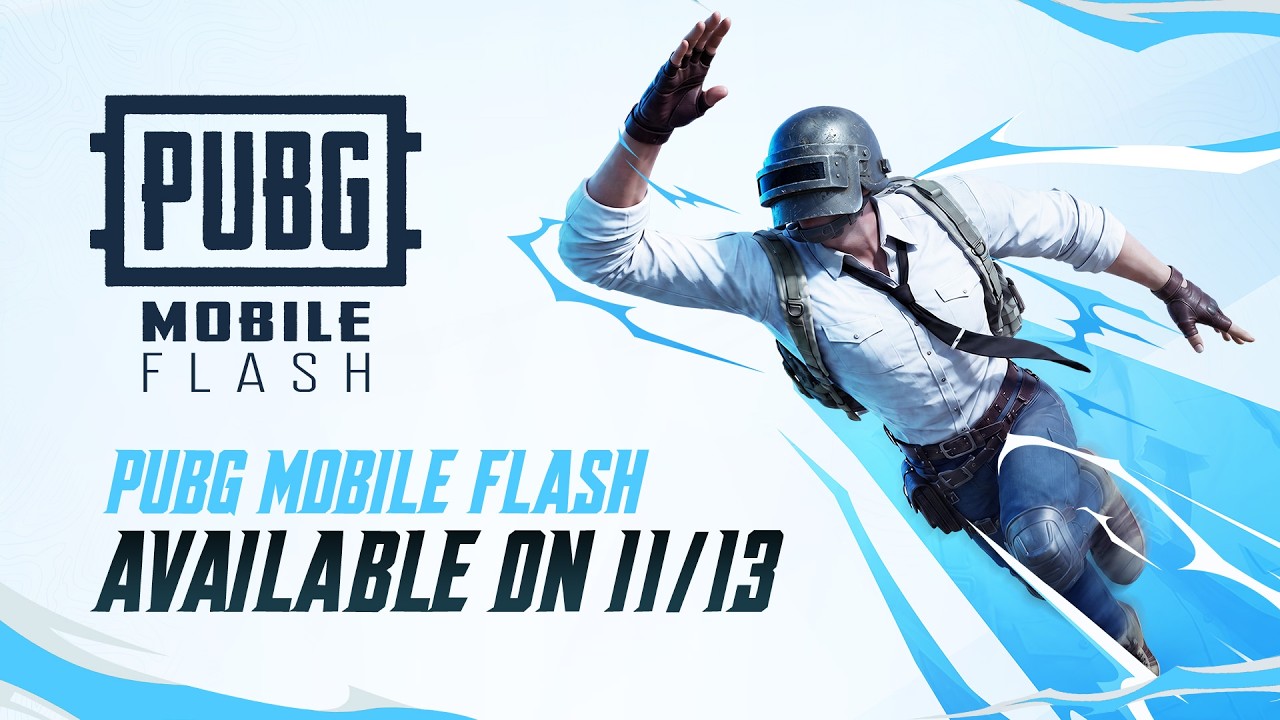
PUBG Mobile FLASH download is now available on Android and iPhone, giving players an official way to play Classic Battle Royale without installing every map and cosmetic first. It’s a separate lightweight app, but it connects to the same PUBG MOBILE world as the main game, which is the part that matters if your friends are already playing.
FLASH launched globally on 13 November 2026. You can start with Erangel and Classic mode ready to go, then grab other resources when you actually want them. If you’ve been deleting photos every time PUBG MOBILE gets another update, that smaller starting download is a pretty appealing idea.
Where to get the PUBG Mobile FLASH download safely
The official PUBG MOBILE FLASH website is the easiest place to begin. It’ll send you towards the genuine app instead of the many lookalike APK pages. On Google Play, the listing is from Level Infinite; on the iPhone App Store, it lists Tencent Mobile International Limited as the developer.
Don’t muddle FLASH with the older PUBG MOBILE LITE. They’re different apps, and the Android package ID for FLASH is com.tencent.igfit. That’s handy if several similarly named downloads appear. I’d avoid modified installers promising bonus UC or unlocked FPS altogether.
PUBG Mobile FLASH download on Android: how to install
Open Google Play, search for the official PUBG MOBILE FLASH listing from Level Infinite and select Install. Once the download finishes, open the app and use the normal supported sign-in method. Erangel and Classic Battle Royale are included in the initial package, so you shouldn’t need to download all the other maps just to play your first match.
The advertised Android starter download is under 0.96 GB. Lovely for a phone that’s short on space, but remember that it’s the beginning, not the final installed size. Extra maps, updates and cosmetic packs will make it bigger, so leave yourself a bit of room.
Installing FLASH on an iPhone
On an iPhone, search the App Store for PUBG MOBILE FLASH and confirm the publisher before downloading. For the PUBG Mobile FLASH download, the app’s description advertises an initial size under 1.75 GB, but the UK App Store currently displays the app itself as 1.8 GB. The developer’s launch announcement broadly describes it as under 2 GB. Check the size shown on your own storefront and leave extra room for installation and later assets.
After completing the PUBG Mobile FLASH download, sign in to start the core battle royale experience. Additional maps, events and cosmetic resources can be downloaded when you want them, rather than being forced into the initial install. If the store says your device isn’t compatible, don’t grab an unverified modified installer as a shortcut.
Can you use your usual PUBG Mobile account?
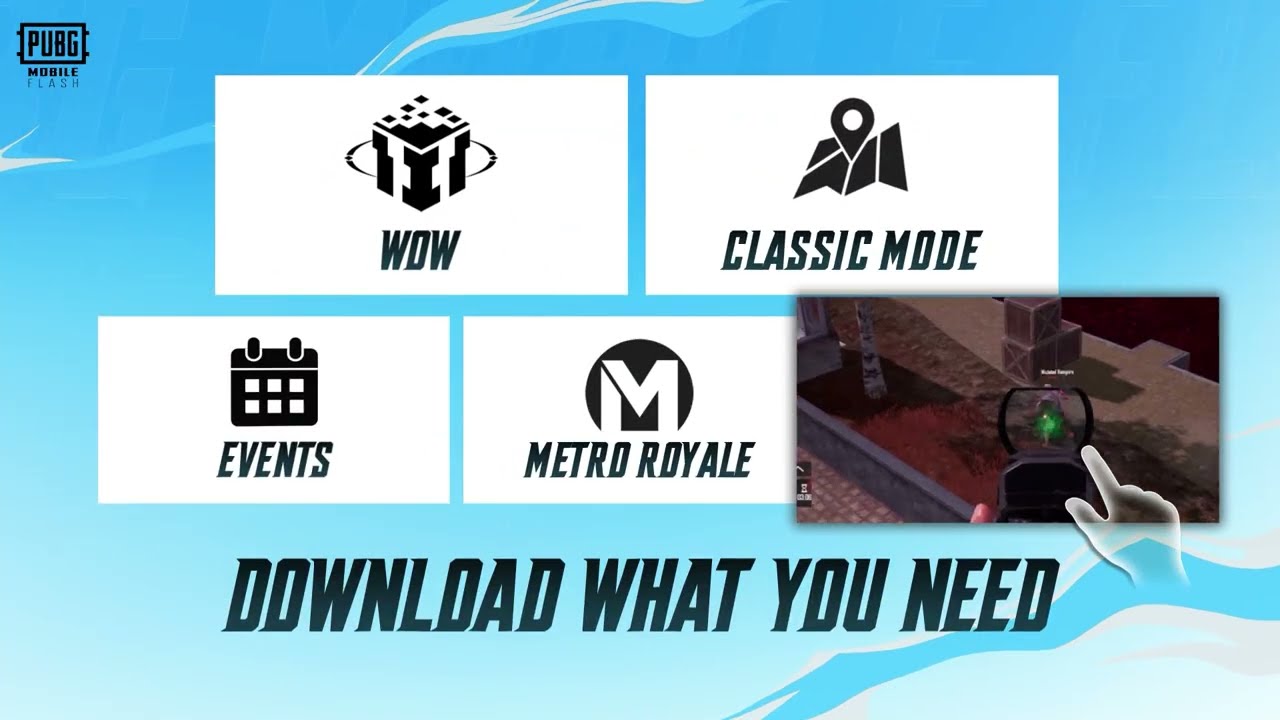
Yes. The publisher confirms that FLASH and the main PUBG MOBILE app share account access, friends and in-game assets. You can play with friends who haven’t switched apps, and updates are designed to stay in sync across the ecosystem. That means you aren’t starting an unrelated new account just because you’ve installed the lighter app.
There’s one visual catch worth knowing: FLASH may show a temporary outfit when the full cosmetic resources haven’t been downloaded. The item hasn’t necessarily vanished from your account. Downloading the relevant appearance assets lets you see the original look again. It’s a storage-saving choice, not a separate inventory.
Is the PUBG Mobile FLASH download smaller than regular PUBG Mobile?
That’s the whole point. The initial FLASH package includes Erangel and Classic mode but leaves many other maps, modes, events and high-quality graphics files as optional downloads. The result is a smaller starting footprint, particularly helpful on phones short of storage. You’ll use more space as you add content, so it’s best thought of as a build-your-own install rather than a permanently tiny copy.
FLASH is also designed for entry-level and mid-range devices, with a minimum requirement of 2 GB RAM and supported frame-rate options up to 60 FPS depending on the phone. It isn’t a way to unlock 90 or 120 FPS on hardware that doesn’t support those settings.
What if PUBG Mobile FLASH doesn’t appear in your store?
FLASH launched worldwide on 13 November 2026. If the Install button isn’t there, follow the store link from the official FLASH website and check the compatibility message. The published minimum is 2 GB RAM, but a device also has to meet the storefront’s other requirements.
If you’re switching because the original app has grown too large, remember you don’t have to download every optional resource in FLASH immediately. Start with the included mode, check that your account and friends are there, and add the maps you actually play. That’s a much better use of the PUBG Mobile FLASH download than installing everything again on day one.
PUBG Mobile FLASH download: the important details
I’d install FLASH, check that my usual account is there, then start with Erangel before downloading anything extra. The point is getting straight back into Classic without filling the phone with maps I rarely play. There’s no point celebrating a smaller download and then immediately installing everything.
The Click Flare: Related PUBG Mobile Guides
Official source: PUBG MOBILE FLASH worldwide launch announcement from Level Infinite.