War Thunder Neural Rendering not showing after you’ve installed Eagle’s Shadow? Before reinstalling drivers, check two things: you’re running the Eagle’s Shadow update or newer, and you’re using supported RTX 50-series hardware. Gaijin puts the option under Settings > Graphics > Display, not the older DLSS Model menu.
You can still have working DLSS Super Resolution or Frame Generation without this new switch. Those are separate features. The checks below will help you work out whether your graphics card supports Neural Rendering or whether the menu genuinely isn’t behaving as expected.
War Thunder Neural Rendering not showing: check these first
- Game version: install Eagle’s Shadow or a newer War Thunder build. An older game copy cannot display a setting that was added in the November update.
- Graphics card: Gaijin explicitly names RTX 50-series GPUs for the local switch. Using an RTX 40, RTX 30, AMD Radeon or Intel Arc card is not evidence of a malfunction.
- Menu: open Settings > Graphics > Display and find Neural Rendering. Do not search only the DLSS Model dropdown.
- Driver: use an appropriate up-to-date NVIDIA driver for a supported RTX 50 card. The driver does not replace the game patch.
Where is the correct setting?
First, open Settings > Graphics > Display and look for Neural Rendering. Gaijin uses that exact name in the Eagle’s Shadow changelog. The DLSS Model dropdown is a different setting; changing it won’t unlock DLSS 5.
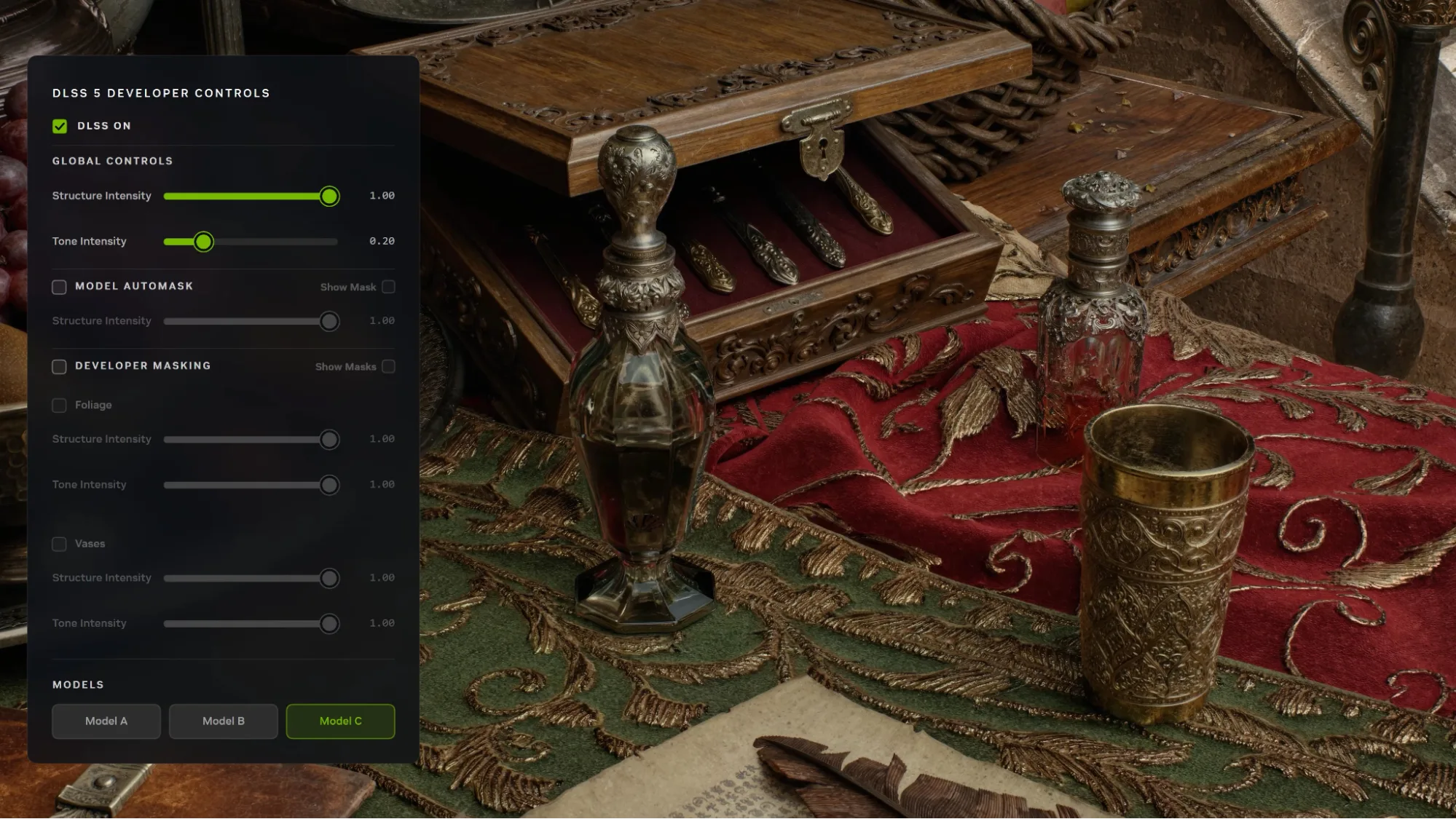
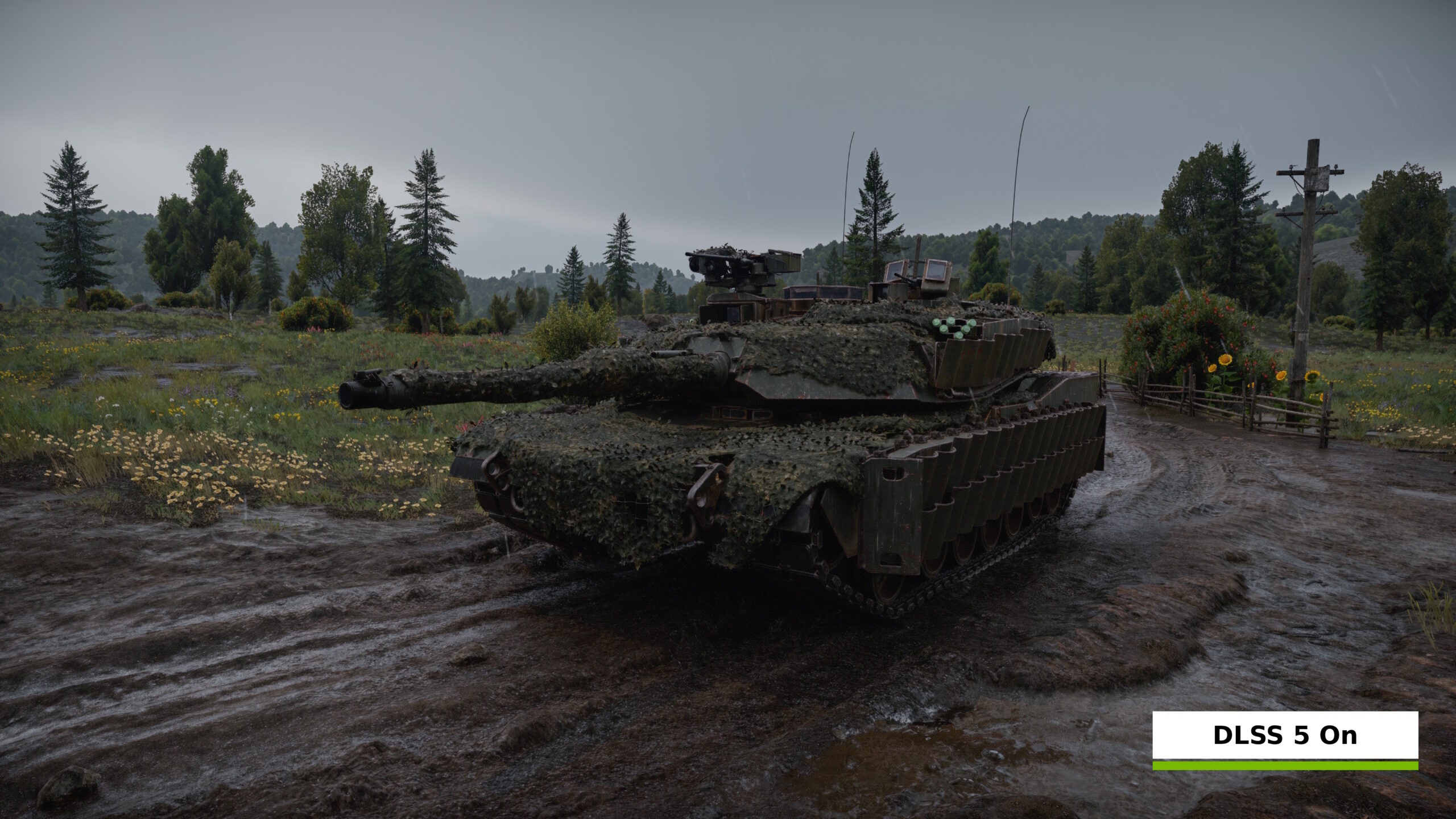
War Thunder DLSS 5 uses what NVIDIA calls 3D-Guided Neural Rendering. It works on the final image to enhance lighting and material appearance. That differs from Super Resolution, which reconstructs image resolution, and from Frame Generation, which inserts generated frames. Those features have separate eligibility and controls.
Does War Thunder Neural Rendering require an RTX 50 card?
For the local in-game option, Gaijin’s published requirement is the GeForce RTX 50 series. NVIDIA’s announcement also discusses RTX Spark systems and its broader GeForce NOW Ultimate offering, but that is not permission to assume an RTX 40 or RTX 30 desktop PC can run the same new rendering stage. Existing DLSS capabilities on older RTX cards are separate.
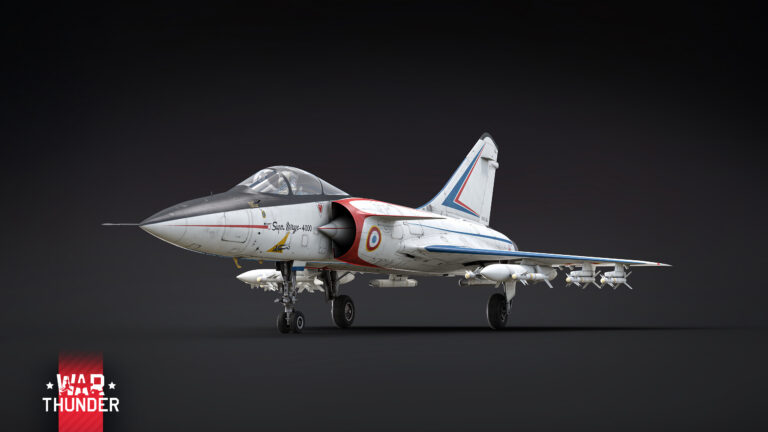
If you’re using an RTX 40 or RTX 30 card, the missing toggle is consistent with the stated support list. Updating drivers is good maintenance but cannot turn an unsupported GPU generation into an RTX 50 card. The Eagle’s Shadow vehicles, balance changes and maps remain part of the game for everyone.
War Thunder Neural Rendering not showing on an RTX 50 laptop?
NVIDIA’s War Thunder promotional results include GeForce RTX 50-series laptop GPUs, so the laptop format alone is not the issue. Still, make sure the machine actually has the supported GPU you expect, rather than relying on the laptop’s marketing name. Hybrid graphics systems may also present multiple adapters; confirm the NVIDIA device in Windows and check which adapter is handling the game.
War Thunder Neural Rendering not showing after a driver update?
A current compatible NVIDIA driver is worth checking, but the driver version is only one part of the picture. The game itself must be up to date, and your GPU must support the feature. Driver 621.24, for example, primarily advertises other games in its release notes. It isn’t a guaranteed War Thunder fix.
Why do I have DLSS Model but not Neural Rendering?
War Thunder Neural Rendering not showing, but DLSS Model does? That’s possible because the older dropdown controls image reconstruction, while Neural Rendering handles lighting and materials. Seeing one option isn’t proof that your GPU supports the other, and changing the model won’t make the missing switch appear.
War Thunder Neural Rendering not showing after these checks?
If the option is still missing after confirming an RTX 50 GPU, an up-to-date Eagle’s Shadow build and the correct Display menu, restart the game and recheck the menu. If it is still absent, take a screenshot of the full graphics menu and note the GPU model and driver version when contacting official support. Those details help distinguish an unsupported configuration from a reproducible issue.
If the switch appears after those checks, follow our How to Enable DLSS 5 in War Thunder guide to turn it on and compare the image.
War Thunder Neural Rendering not showing? Related guides
Official source: Gaijin Entertainment’s Eagle’s Shadow changelog.