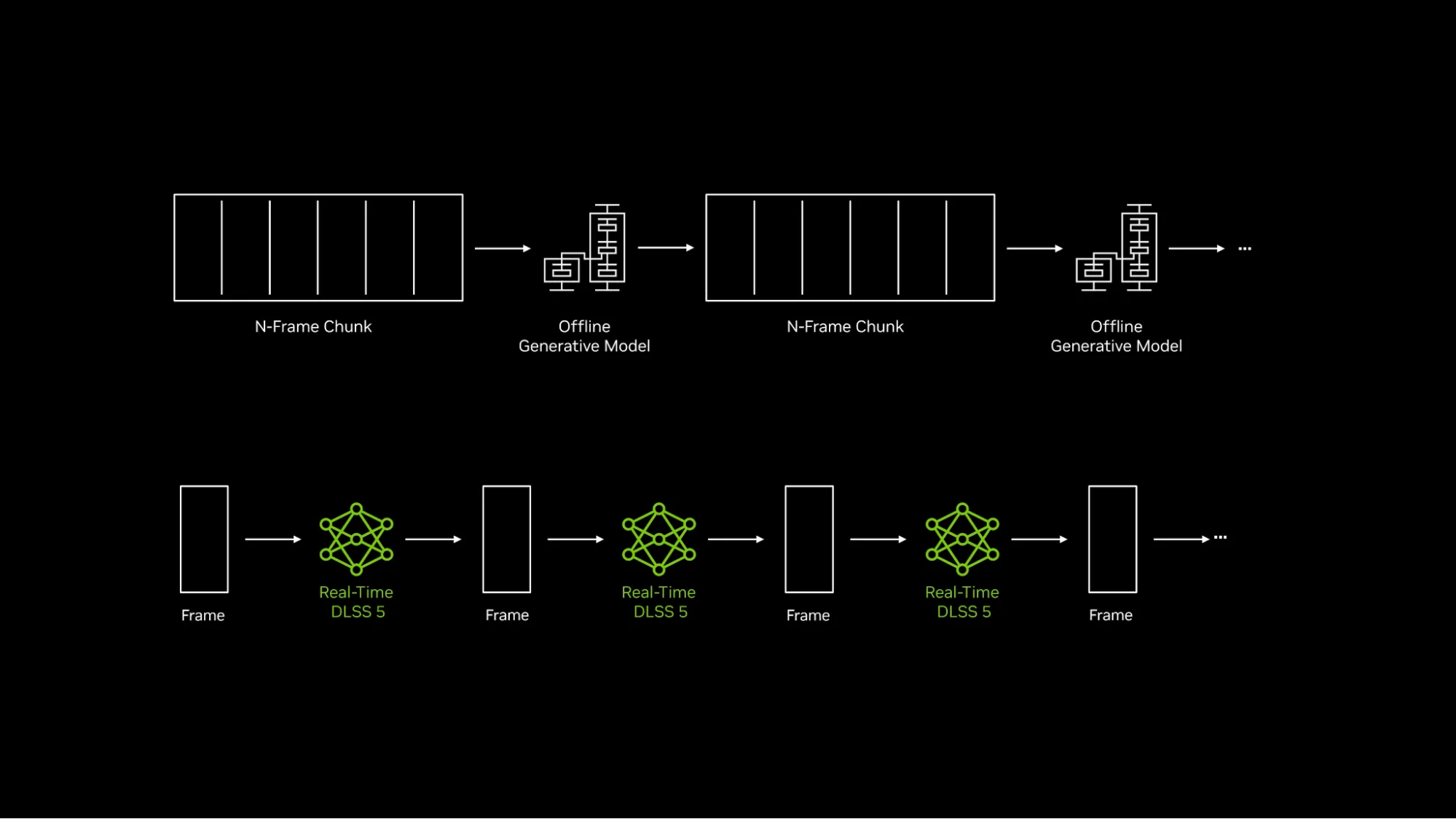
War Thunder DLSS 5 vs DLSS 4.5 sounds like a simple choice between an old and a new graphics preset, but they’re doing different jobs. DLSS 5’s headline addition is 3D-Guided Neural Rendering, an AI effect for lighting and materials. DLSS 4.5 covers earlier NVIDIA improvements such as Multi Frame Generation, rather than that new final-stage rendering effect.
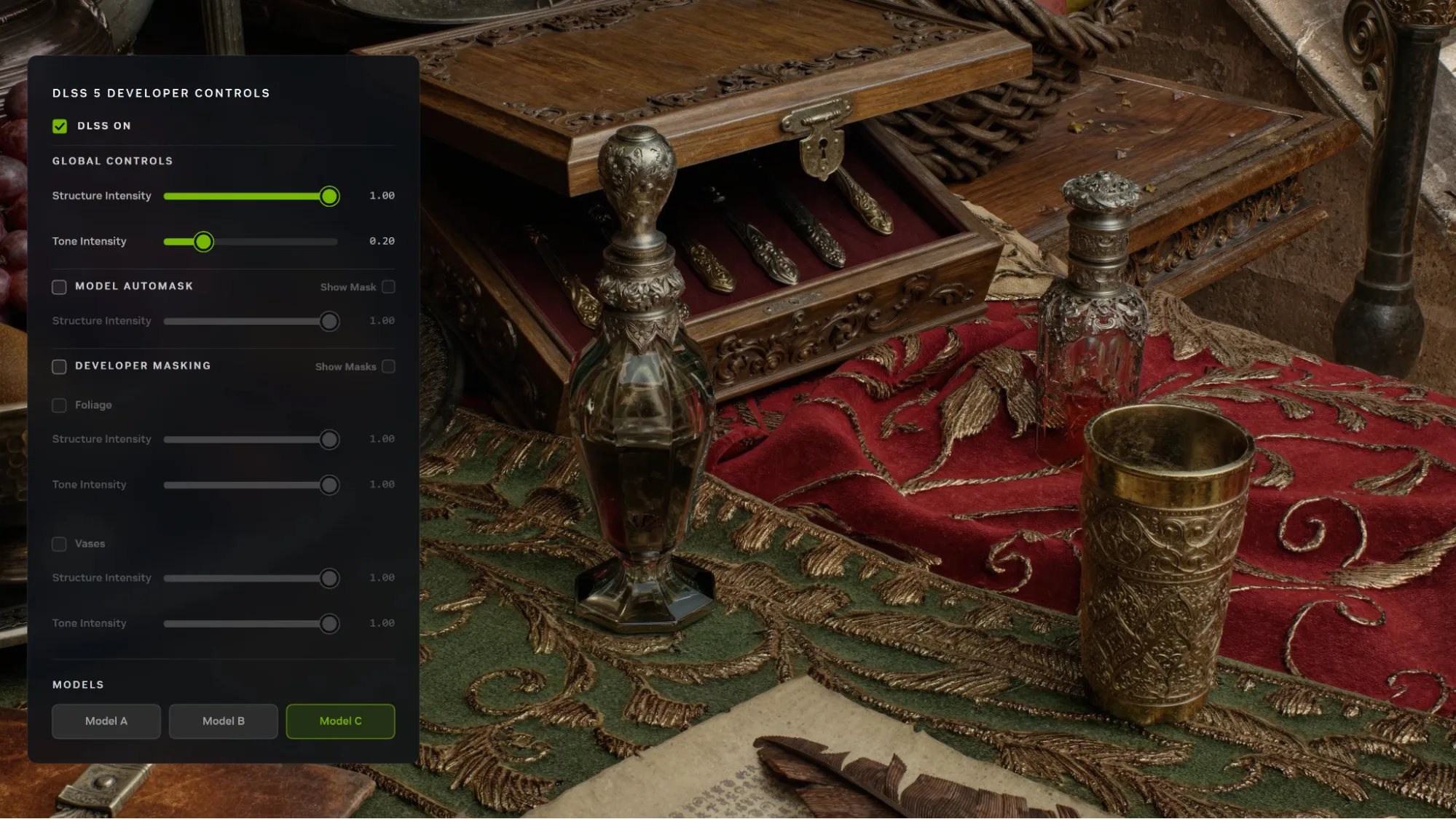
This matters in the graphics menu. Changing the older DLSS Model dropdown doesn’t enable DLSS 5. Eagle’s Shadow introduced a separate Neural Rendering switch for compatible hardware. Here’s what that means for picture quality, GPU support and FPS.
War Thunder DLSS 5 vs DLSS 4.5: the key difference
| Feature | Main job | What the player notices |
|---|---|---|
| DLSS 5 Neural Rendering | Adds AI-enhanced lighting and material detail to the final rendered frame | Changes in shadows, reflections and surface appearance |
| DLSS Super Resolution | Reconstructs a higher-resolution image from lower-resolution rendering | Image sharpness and rendering workload |
| DLSS Ray Reconstruction | Uses AI reconstruction for ray-traced effects | Appearance and stability of some ray-traced lighting |
| DLSS Frame Generation / Multi Frame Generation | Creates extra displayed frames | Displayed frame rate and motion smoothness, with responsiveness to assess separately |
| Path tracing | Calculates lighting within the game engine | Realistic light behaviour, at a potentially demanding graphics cost |
War Thunder DLSS 5 vs DLSS 4.5: what changes visually?
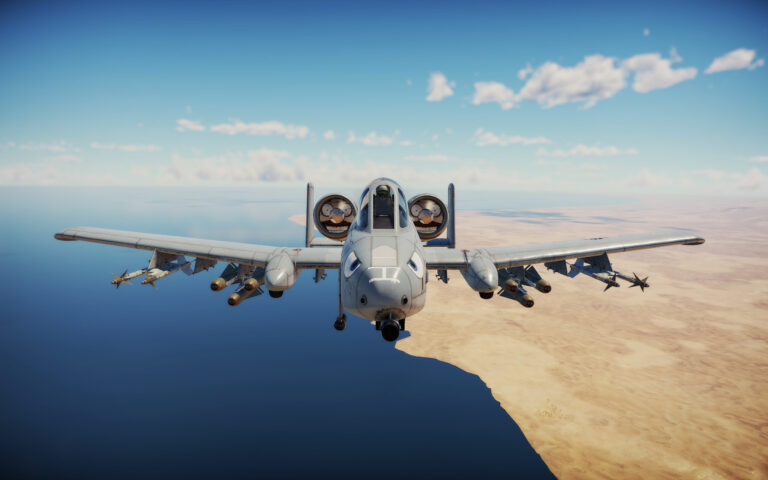
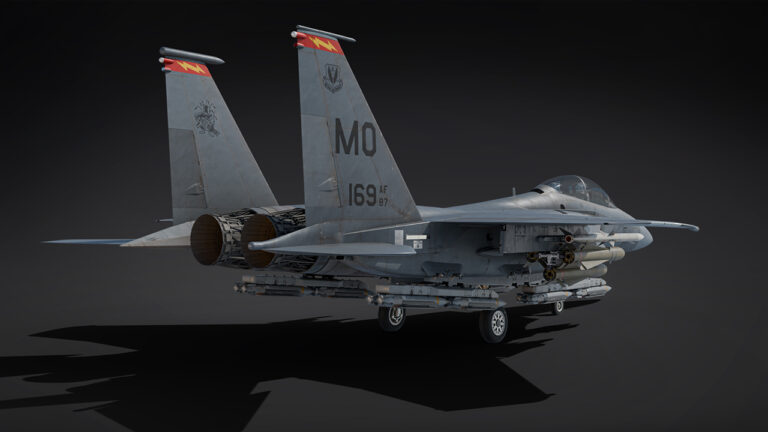
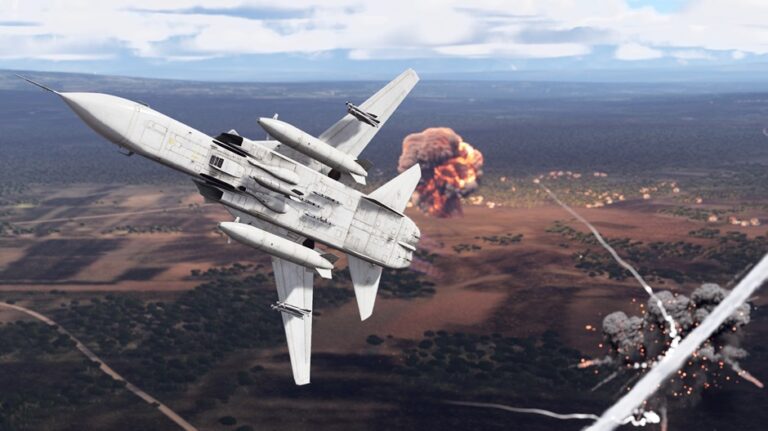
The visual difference in War Thunder DLSS 5 vs DLSS 4.5 comes from the new Neural Rendering stage. DLSS 5 uses the game’s rendered frame and motion data as a starting point, then applies AI to lighting and materials. NVIDIA’s War Thunder demonstrations show deeper shadows beneath tank tracks, more believable wet ground and stronger light reflections around warships. Gaijin has tuned the effect to keep War Thunder looking like War Thunder.
Where to enable DLSS 5 instead of changing the DLSS Model
Gaijin lists the new switch under Settings > Graphics > Display > Neural Rendering. The DLSS Model dropdown is separate. If you’ve been changing the model setting without seeing the new lighting effect, this is the switch you need to look for.
War Thunder DLSS 5 vs DLSS 4.5: supported GPUs
Gaijin lists the local Neural Rendering switch for GeForce RTX 50-series GPUs. NVIDIA also mentions RTX Spark and GeForce NOW Ultimate in its wider DLSS 5 rollout. That doesn’t mean the same switch becomes available on an RTX 40 or RTX 30 desktop card.
When comparing War Thunder DLSS 5 vs DLSS 4.5, check the GPU as well as the settings. Older RTX cards can still use supported features such as Super Resolution, but they don’t get the local RTX 50 Neural Rendering control.
Is DLSS 5 the same thing as path tracing?
No. Path tracing is a rendering approach in the game’s engine for modelling light. Neural Rendering adds another processing stage that enhances the final image using the rendered scene as a foundation. NVIDIA’s War Thunder showcase includes the Ultra preset and path tracing together with DLSS features, which can make the technologies appear inseparable when they are not.
Likewise, Ray Reconstruction is not another name for Neural Rendering. Ray Reconstruction can help produce a cleaner image from ray-traced data, while DLSS 5’s new stage is aimed at lifelike lighting and materials. The distinction is useful if you’re troubleshooting an individual option: a setting can be available or unavailable without every other RTX feature sharing the same status.
War Thunder DLSS 5 vs DLSS 4.5: what happens to FPS?
War Thunder DLSS 5 vs DLSS 4.5 isn’t a fair FPS race. NVIDIA’s published benchmarks use specific GPUs, resolutions and presets, often with Multi Frame Generation turned on. They aren’t a like-for-like test of just Neural Rendering.
Test on your own machine with the same preset and resolution, and pay attention to responsiveness as well as the displayed FPS. Frame Generation changes the frame count; that doesn’t automatically make input response equivalent to native rendering at the same number.
Should you turn Neural Rendering on?
If you own supported RTX 50 hardware, it is worth trying, particularly in scenes with rain, metal surfaces, smoke and strong contrast. Gaijin has worked to keep War Thunder’s original visual style, so the effect is not supposed to turn the whole game into a different art style. If you prefer the old look or the performance trade-off on your machine is not worthwhile, you can leave the option off.
Related War Thunder graphics guides
Official source: Gaijin Entertainment’s live Eagle’s Shadow update changelog.