If you’re wondering how to enable DLSS 5 in War Thunder, the setting you’re looking for is called Neural Rendering. You’ll find it at Settings > Graphics > Display on compatible RTX 50-series hardware. It arrived with the Eagle’s Shadow update on 11 November 2026, and it isn’t part of the older DLSS Model dropdown.
Before you enable DLSS 5 in War Thunder, make sure you’re looking in the correct part of the graphics menu. If you’ve used DLSS Super Resolution before, don’t assume the DLSS Model dropdown is the right place. Neural Rendering has its own switch, and you can compare it on and off without changing all your other graphics settings.
How to enable DLSS 5 in War Thunder step by step
- Update War Thunder so you are running Eagle’s Shadow or a later build. The major update went live on 11 November 2026, so an older installation does not contain the new Neural Rendering option.
- Check your graphics hardware. Gaijin’s changelog specifies GeForce RTX 50-series GPUs for the in-game Neural Rendering switch. NVIDIA also lists RTX Spark in its wider DLSS 5 hardware support; that does not mean every earlier GeForce card gets the same local control.
- Install the current compatible NVIDIA driver for your card. The November Game Ready updates are a sensible starting point, but a graphics driver by itself cannot add a feature missing from the installed War Thunder build.
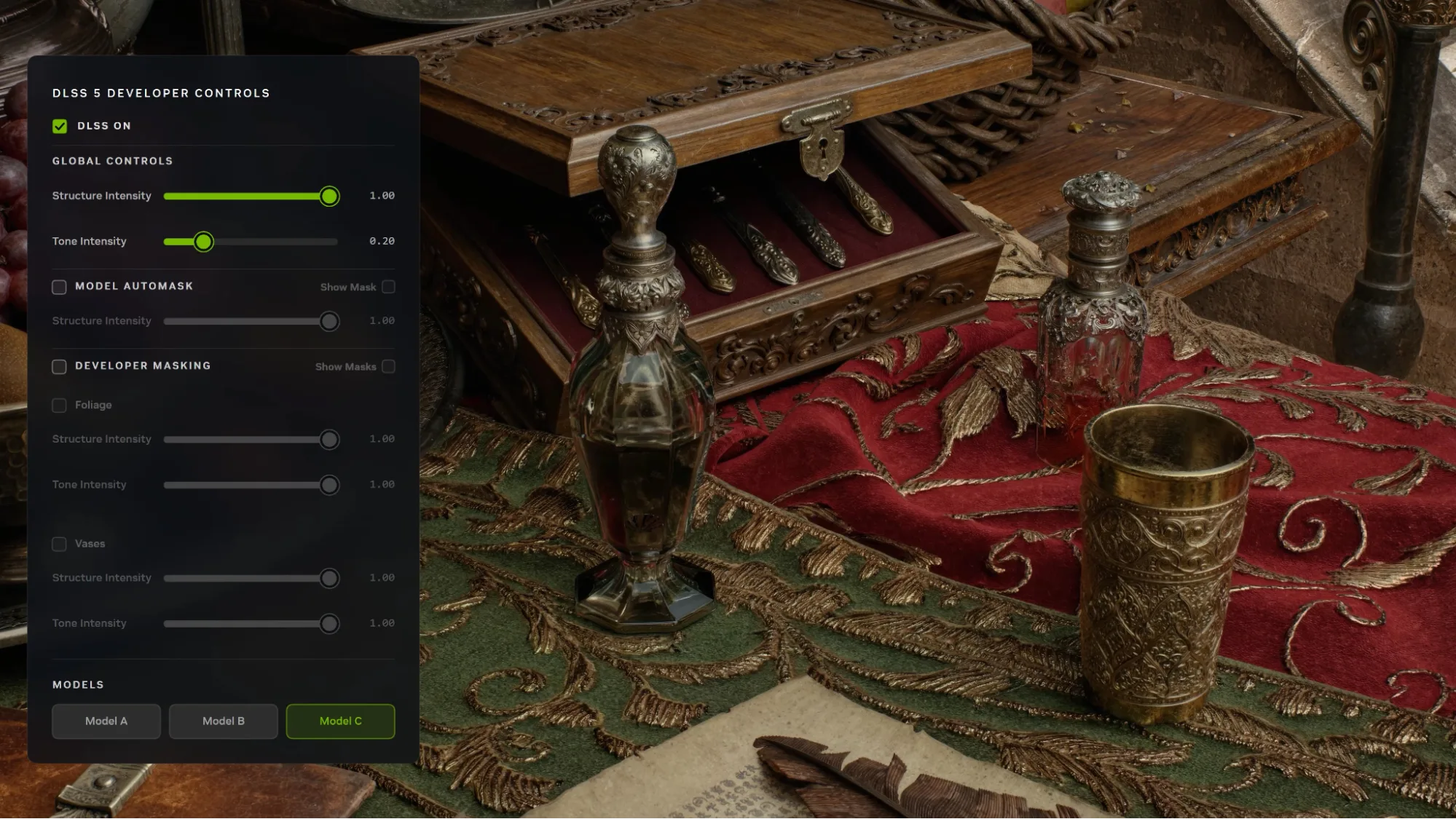
- To enable DLSS 5 in War Thunder, open Settings > Graphics > Display. Find Neural Rendering and switch it on. That is the location stated in Gaijin’s official Eagle’s Shadow changelog.
- Return to a familiar scene and compare the image with Neural Rendering switched on and off. Look at shadows, wet ground, vehicle surfaces and lighting. Keep the same resolution, weather and other graphics settings for a useful comparison.
Where to enable DLSS 5 in War Thunder
Look for the control named Neural Rendering. Gaijin lists it under Settings > Graphics > Display. If you only see the older DLSS Model selector, you’re looking at a different feature. That dropdown changes the reconstruction model; it doesn’t turn on 3D-Guided Neural Rendering.
Does it work on RTX 40 or RTX 30?
You can only enable DLSS 5 in War Thunder on supported hardware. Gaijin’s published local Neural Rendering option is for RTX 50-series users. GeForce RTX 40 and RTX 30 owners can continue to use the DLSS features that War Thunder supports on their hardware, but those features are not the same as DLSS 5’s final-stage lighting and material enhancement. The Eagle’s Shadow content update itself is not restricted to RTX 50 cards.
What changes when you switch it on?
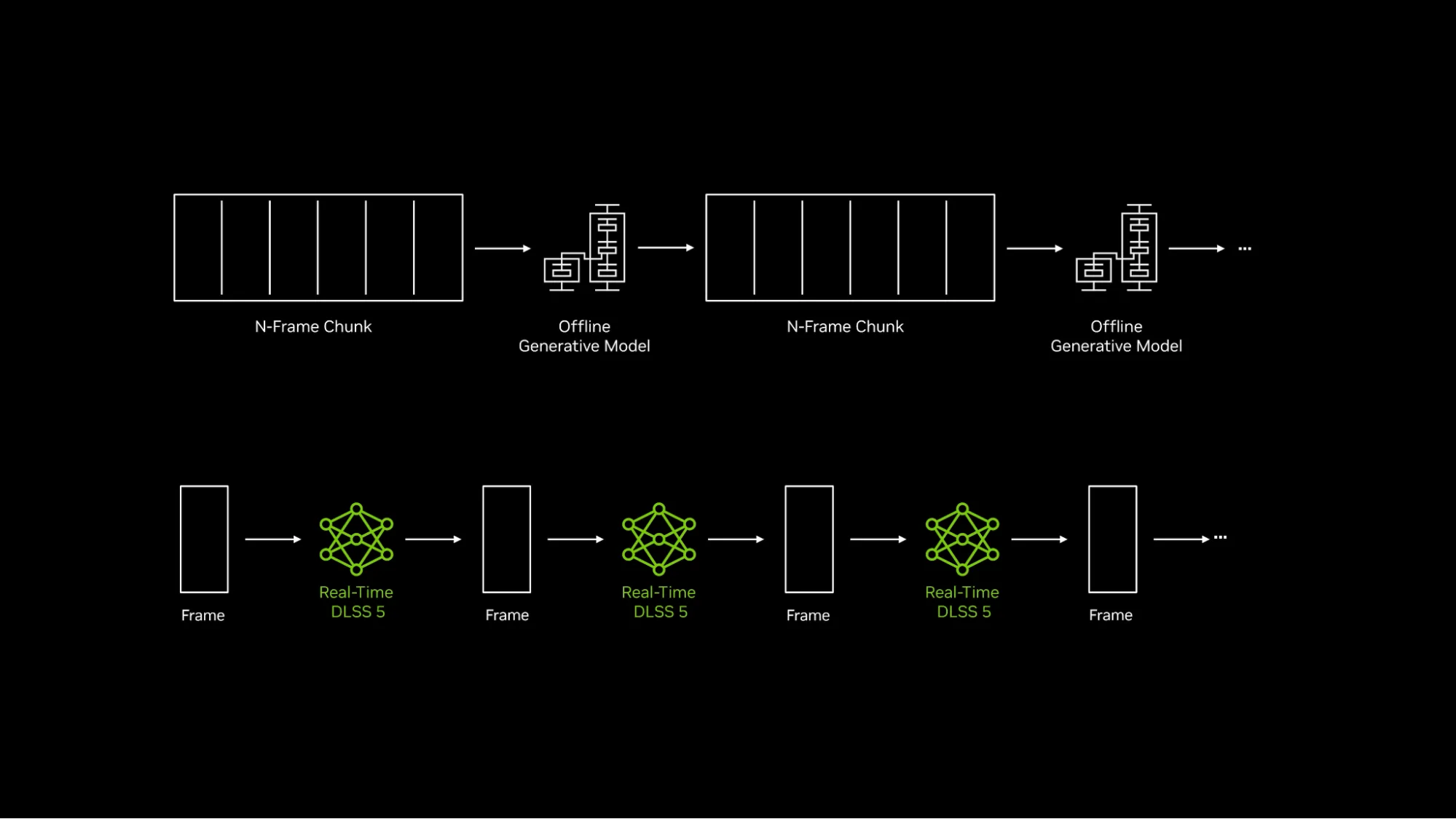
DLSS 5’s 3D-Guided Neural Rendering works from the frame rendered by the game engine and adds fine visual information to lighting and materials. NVIDIA’s official War Thunder comparisons show differences around vehicle tracks, shadows, reflections and wet surfaces. The game is still deciding where vehicles are and how battles work; this is a change to how the scene looks, not an alteration to shell damage, spotting rules or weapon performance.
Once you enable DLSS 5 in War Thunder, try it in a familiar battle scene. Look at the underside of a tank, wet terrain and reflections on metal, then switch Neural Rendering off and compare. Keeping the other settings the same will make it easier to see what’s actually changed.
Will DLSS 5 increase your FPS?
Do not treat DLSS 5 and DLSS Super Resolution as interchangeable performance switches. Super Resolution reconstructs a higher-resolution picture, while Neural Rendering adds detail to the final image. War Thunder can also use Ray Reconstruction and Frame Generation, which affect different stages of the pipeline. Combining features can change the displayed FPS, so an NVIDIA demonstration is not a benchmark for every PC.
The official NVIDIA performance examples are measured on named graphics cards, resolutions and presets, often with Multi Frame Generation enabled. They are useful examples of what certain configurations can do, not promised results for a match with different hardware or settings. If smoothness is your priority, compare actual playability and responsiveness alongside the visual difference.
What if the option isn’t showing?
If you can’t enable DLSS 5 in War Thunder because the switch is missing, check your game version, GPU model and the Display menu first. Then make sure your NVIDIA driver is appropriate for your card. Installing driver 621.24 alone isn’t a War Thunder bug fix, and an AMD or Intel graphics workaround won’t unlock an RTX-only feature.
If the switch still isn’t there, our War Thunder Neural Rendering Not Showing guide goes through the checks.
Related War Thunder graphics guides
Official source: Gaijin Entertainment Eagle’s Shadow changelog.