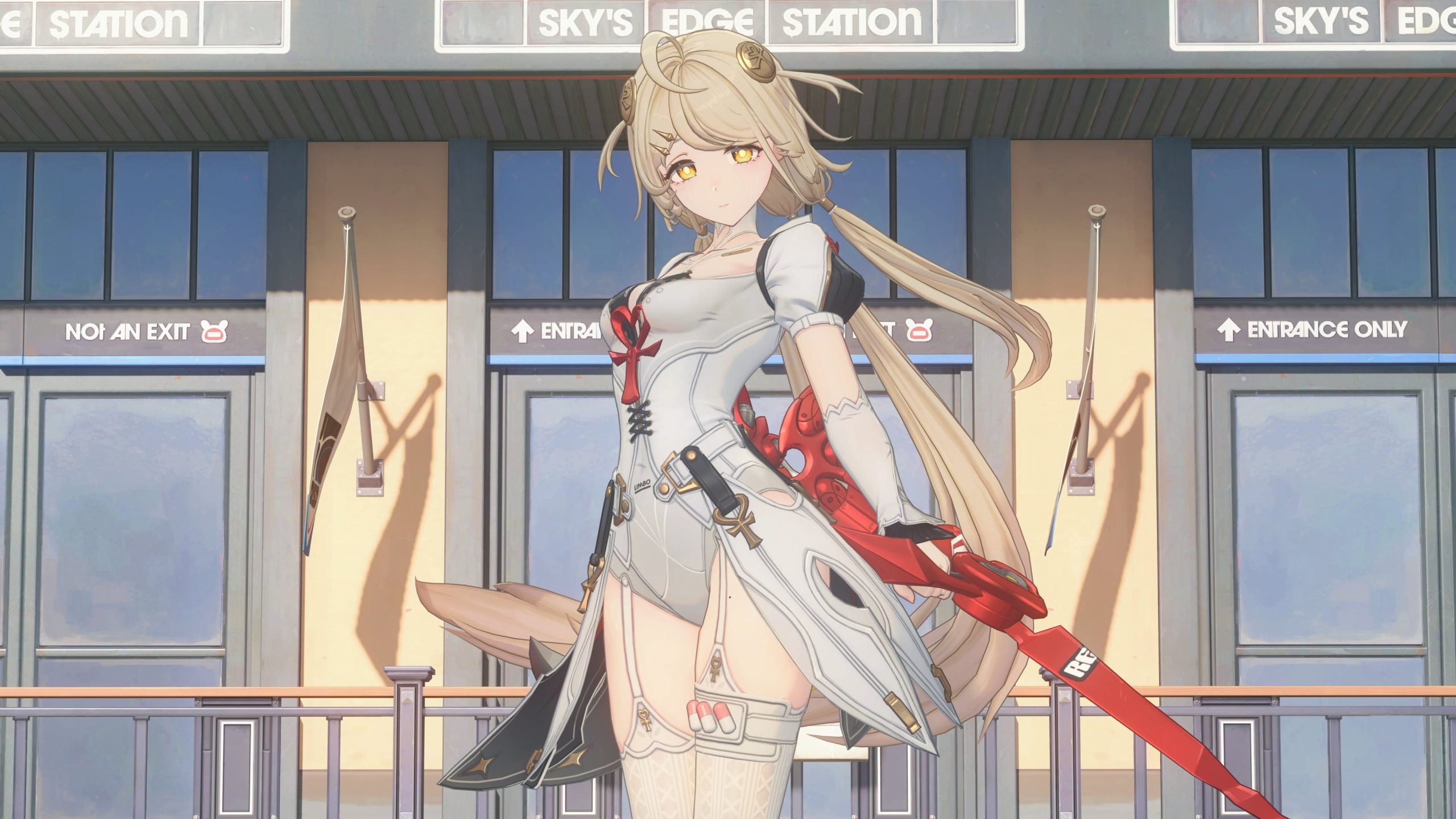
Zenless Zone Zero S-Rank Signal Customization lets you choose six possible off-banner S-Rank results on limited Signal Search channels. If an S-Rank pull isn’t the featured Agent or W-Engine, the result will be one of your six choices instead. You don’t get to choose exactly which one drops, and the feature doesn’t make an S-Rank appear sooner.
It’s worth setting up before you spend your pulls, especially if there are standard S-Ranks you’d rather avoid. You choose Agents on the Exclusive Channels and W-Engines on the W-Engine Channels. The option is available in Version 3.3, although it actually dates back to Version 3.1, rather than being a new addition this month.
How Zenless Zone Zero S-Rank Signal Customization works
The six picks replace the ordinary pool of non-featured S-Rank results on the corresponding limited channel. That means the selection matters only when an S-Rank result is not the featured Agent or W-Engine. Your six choices inherit the existing off-banner drop rules, rather than getting a new set of boosted rates.
| What your pull gives you | What the six picks do |
|---|---|
| The featured S-Rank | Nothing changes. You get the featured banner Agent or W-Engine. |
| A non-featured S-Rank | The result is guaranteed to be one of your six selected S-Ranks. |
| An A-Rank | The separate A-Rank Rate Up setting applies. |
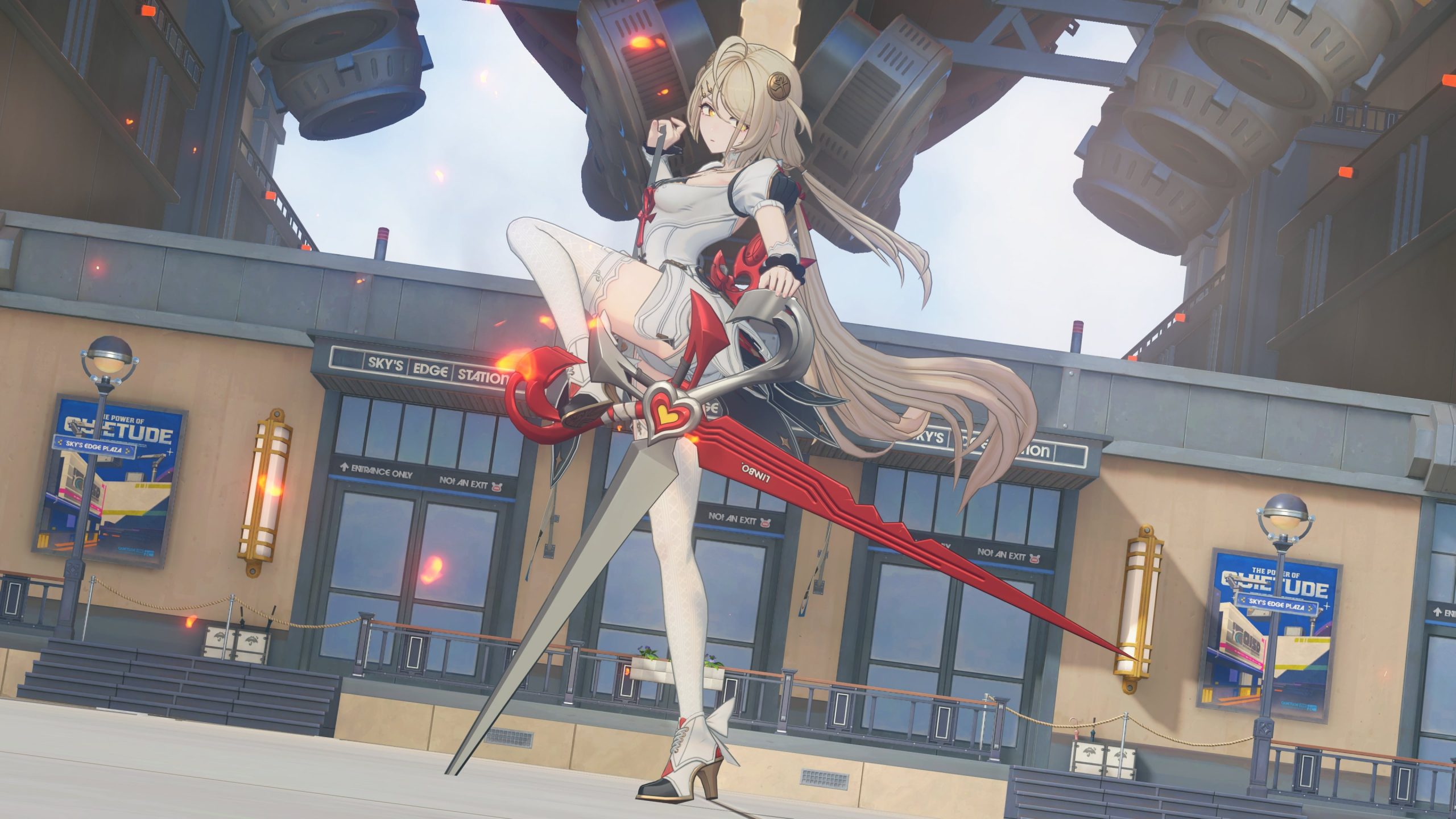
Say you’re pulling for Severian. You can choose six off-banner S-Rank Agents that you would still be happy to see. If you land the featured S-Rank, you get Severian. If you get a non-featured S-Rank instead, it comes from the six you selected. There’s no seventh surprise Agent from outside your chosen off-banner pool under this rule.
How to use Zenless Zone Zero S-Rank Signal Customization
Open Signal Search and choose the kind of limited banner you’re pulling on. For an Exclusive Channel, look for S-Rank Signal Customization and choose six S-Rank Agents from the offered selection. For a W-Engine Channel, use the same feature to choose six S-Rank W-Engines instead. They’re separate pools, so don’t confuse your Agent selection with your equipment selection.
Before confirming, check all six slots. Pick Agents you would use, duplicates you actively want, or W-Engines you can put on somebody in your roster. The feature is much less helpful if half the chosen pool contains results you’d be disappointed to get.
HoYoverse directs players to the Details control at the bottom-left of the Signal Search screen for the channel rules. Its written notice doesn’t spell out the exact customization button sequence, which S-Ranks are eligible for every account, or how changing a selection partway through a banner works. Use the labels and available choices in your live game for those details, rather than relying on an old screenshot.
Does Zenless Zone Zero S-Rank Signal Customization change pity or the featured guarantee?
No. The six S-Rank choices use the same drop-rate rules as the non-featured pool they replace. So they don’t increase the overall chance of an S-Rank, give you six free characters, or let you force one particular Agent to be your next result. A selected off-banner Agent is not the same thing as a featured Agent.
The guarantee counters also remain split by banner type. Pulls on the Exclusive Agent Channels share their relevant guarantee count with other Exclusive Agent Channels. W-Engine Channel pulls share a different count with other W-Engine Channels. Agent searches don’t advance the W-Engine counter and W-Engine searches don’t advance the Agent counter.
If you’re worried about using your saved pulls, look at the banner’s actual guarantee details first. Zenless Zone Zero S-Rank Signal Customization is about narrowing the possible non-featured result, not changing the number of searches needed to reach a guaranteed Signal.
Zenless Zone Zero S-Rank Signal Customization versus A-Rank Rate Up
There are two customization settings. The S-Rank one lets you pick six possible off-banner results. The separate A-Rank Rate Up option lets you choose two A-Rank Agents or two A-Rank W-Engines to receive the usual boosted A-Rank treatment on their channel.
If you don’t change the A-Rank choices, HoYoverse says the channel’s two default rate-up A-Ranks remain in place. The announcement doesn’t give the same explicit default rule for unselected S-Rank slots, so double-check the six-pick screen rather than assuming your preferred pool has been saved.
Zenless Zone Zero S-Rank Signal Customization on the Version 3.3 banners
The Version 3.3 Phase II channels run from 11 November at 12:00 to 1 December at 14:59, server time. The two Agent channels are Answers in the Wind with Severian and Outlier of Prodigies with Norma. For W-Engines, the channels are Incarcerating Grip and Chief Sidekick.
The six-Agent selection applies to those Exclusive Channels, while the six-W-Engine selection applies to the equipment channels. You can check the full schedule and featured Signals in our Zenless Zone Zero 3.3 Banners guide. The current feature was already described in HoYoverse’s July Version 3.1 channel notice, so this isn’t a one-off Version 3.3 promotion.
Related Zenless Zone Zero guides
- Zenless Zone Zero 3.3 Banners
- Zenless Zone Zero 3.3 Events and Rewards
- Zenless Zone Zero Phoenix Build
- Zenless Zone Zero 3.3 Outfits
- Zenless Zone Zero 3.3 Release Date
- Zenless Zone Zero Agent Guides
- Zenless Zone Zero 3.2 Free Pulls
- Zenless Zone Zero Codes
- For another game’s free-pull event, see our Blue Archive 5th Anniversary Free Pyroxene guide.
The point of Zenless Zone Zero S-Rank Signal Customization is to make an off-banner S-Rank more useful. Choose six results you’d actually want, make sure you’re on the right channel, and check the in-game Details before spending your Encrypted Master Tapes.
Official source: HoYoverse’s Version 3.3 Phase II channel notice.