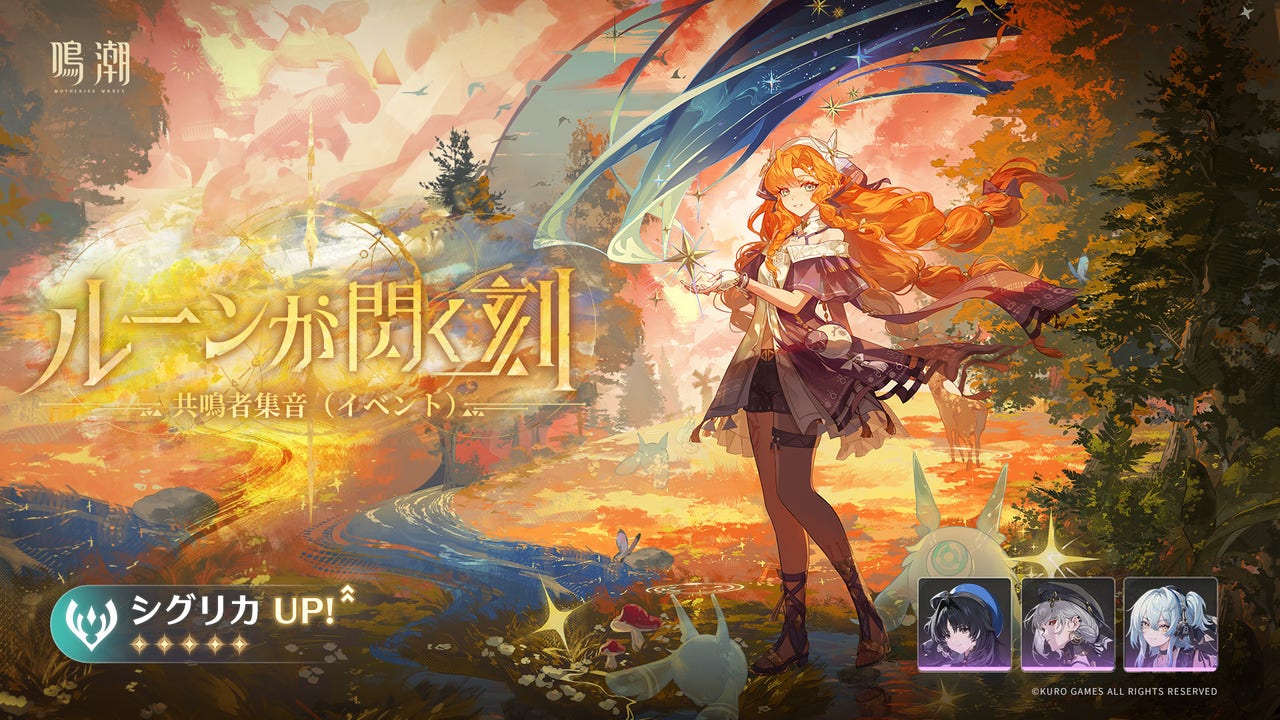
The Wuthering Waves Steam launcher replacement is mandatory for Steam players installing Version 3.8. Kuro Games is changing the way Wuthering Waves downloads and updates through Steam, which means the old game package needs to be uninstalled before you install the new Official Launcher.
This is a full client reinstall, not an account reset. Kuro specifically says your account data and in-game progress will stay intact. The key is to use Steam for the replacement download and then sign back into your existing game account.
How to complete the Wuthering Waves Steam launcher replacement
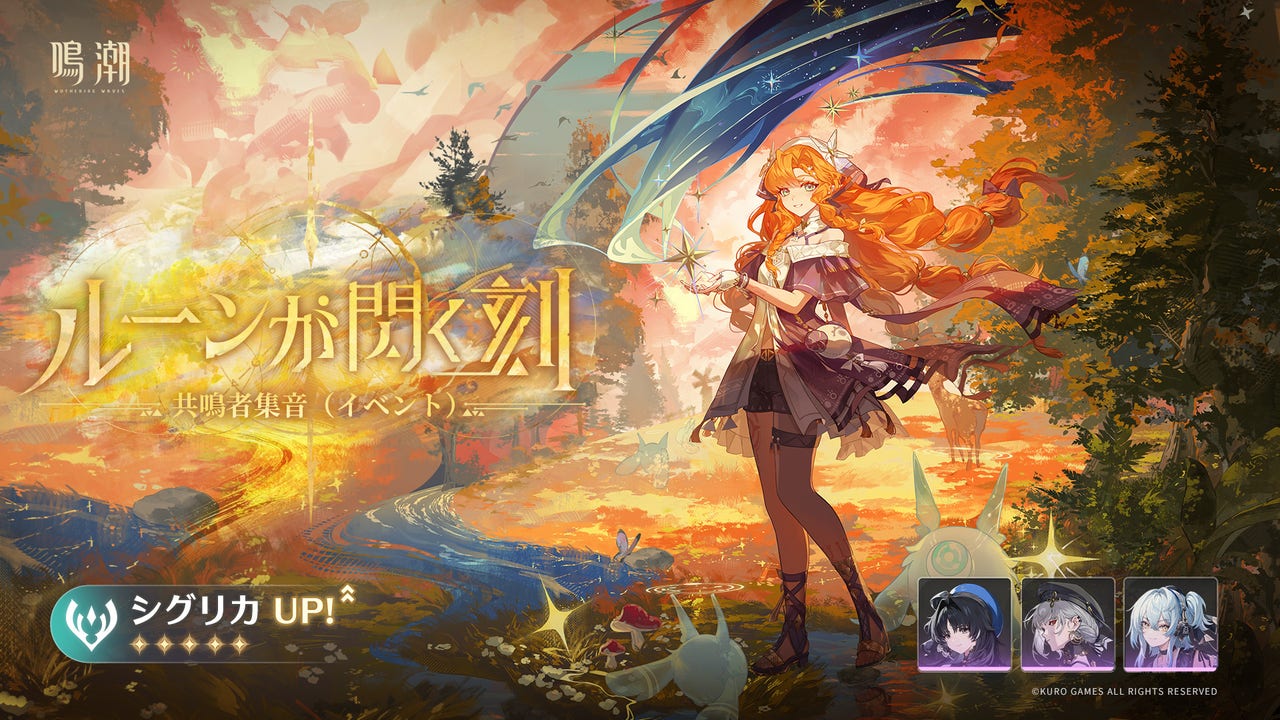
- Open your Steam Library and find Wuthering Waves.
- Uninstall the old game package completely through Steam. Kuro recommends doing this to avoid conflicts with the new installation.
- Wait until Version 3.8 maintenance begins. That’s scheduled for 8:00 PM GMT on 11 November, or 04:00 UTC+8 on 12 November.
- Download Wuthering Waves again through Steam. This time you’ll get Kuro’s Official Launcher.
- Open the new launcher and select the game resource quality tier that fits your PC and storage space.
- Download the game resources, then sign into your existing account once the servers return.
Don’t try to update the old Steam package in place or copy folders from another launcher as a shortcut. For the Wuthering Waves Steam launcher replacement, Kuro’s published process is to remove the original Steam package and install the replacement through Steam.
When should Steam players reinstall?
The replacement becomes available once the 3.8 maintenance period begins, not when the pre-download opens for other PC players. The scheduled server downtime runs from 8:00 PM GMT on 11 November to approximately 3:00 AM GMT on 12 November. You can download the launcher during the maintenance window; you just can’t log in until the servers reopen.
The Wuthering Waves Steam launcher replacement applies to people who launch the game through Steam. Players using the separate official PC client should follow their usual launcher update procedure. Console and mobile players also have their own update steps, covered in our Version 3.8 maintenance guide.
Will uninstalling Wuthering Waves delete your characters?
No. Kuro says the uninstall only affects the local Steam client files. Your account details, progression and characters aren’t erased by reinstalling. If you log in and see what looks like a fresh save, check your usual sign-in method and server before doing anything else.
As with any full uninstall, it’s sensible to back up personal screenshots or recordings you’ve saved inside the game’s installation folder. Kuro hasn’t instructed players to delete screenshots, Windows user folders or registry entries, so there’s no reason to remove anything outside the old Steam game package.
Which resource tier should you choose?
As part of the Wuthering Waves Steam launcher replacement, the new Official Launcher introduces UHD, HD and SD resource choices. These refer to different qualities of graphics assets, including models. The best option depends on how capable your PC is and how much storage you have available.
If you want to keep the download smaller, look at the lower resource tier rather than assuming UHD is necessary. You can make your selection in the launcher before downloading the game files. Kuro hasn’t provided a universal file-size comparison for every configuration, so check the actual download screen on your machine.
Don’t confuse these graphics tiers with the Full and Basic resource package options being tested on the standalone official PC launcher. That separate limited test controls how much content is downloaded up front. We’ve explained the differences and eligibility in our PC Resource Cleanup guide.
Can you pre-download 3.8 through the new Steam launcher?
Not for Version 3.8. The normal PC pre-download began on 10 November, but the Wuthering Waves Steam launcher replacement happens during maintenance. Kuro says pre-download support on the new Steam launcher is planned to start with the Version 4.0 pre-download. That doesn’t mean you can pre-download 3.8 on Steam once you reinstall.
What if the new launcher gives you an error?
Kuro specifically mentions login failures, payment errors and missing map assets as problems that can occur if the old Steam game files weren’t completely removed. Check that the old package is gone, then follow the Steam reinstall instructions again. If the issue continues, report it through the game’s Feedback feature.
The Wuthering Waves Steam launcher replacement should be a one-time move to the new download system. Kuro hasn’t instructed players to repeat a full uninstall with every future version, so don’t do that unless there’s another official notice.
Official source: Kuro Games’ Steam client update and launcher replacement notice.