
Pet Simulator 99 Update 99 settings introduced reorganised menus, tooltips for every row, Hatch UI, Keep Buttons Open and optional Mail and Daycare pop-up alerts. BIG Games added these changes on 24 October 2026, alongside new inventory features.
If Mail or Daycare pop-ups keep interrupting your game, you can switch them off. Update 99 also lets you pin favourite items, keep your inventory layout and restore your menu preferences without affecting PSX Classic.
Where Are the Pet Simulator 99 Update 99 Settings?
Open Settings in Pet Simulator 99. Options are now split into sections, with a tooltip on each row. These are everyday menu controls, not rewards you have to unlock by entering PSX Classic.
Two new options in the Pet Simulator 99 Update 99 settings are Hatch UI and Keep Buttons Open. The row tooltips explain how to use each control, so check those descriptions when choosing your preferences.
What Do Hatch UI and Keep Buttons Open Change?
Hatch UI is a display setting for the egg-hatching interface. It doesn’t replace luck boosts or change the egg you’re hatching. For better odds, use the relevant luck upgrades rather than looking for them in the interface controls.
Keep Buttons Open appears among the Pet Simulator 99 Update 99 settings as well. BIG Games names the option but doesn’t describe its full behaviour in the announcement, so its in-game tooltip is the place to see exactly what switching it does.
How to Turn Off Mail and Daycare Notifications
Update 99 adds pop-ups when new Mail arrives or Daycare is ready. If you’d prefer not to be interrupted, BIG Games says the notifications can be turned off in Settings.
- Open Settings in Pet Simulator 99.
- Look through the reorganised sections for the Mail and Daycare notification options.
- Turn off the alerts you don’t want to receive.
- Return to Settings if you decide you want the reminders back.
The Pet Simulator 99 Update 99 settings control the pop-ups, not the Mail or Daycare features themselves. You’ll still be able to collect your rewards without getting an alert every time they’re ready.
How Does Reset to Default Work?
Reset to Default is available in the reorganised Settings menu. Use it if you’ve changed several options and want to return to the standard configuration. After a reset, check your Mail and Daycare choices again if you prefer those notifications disabled.
Reset to Default concerns the menu preferences, rather than your pets or event progress. Check your notification choices afterwards if you want Mail and Daycare reminders to stay switched off.
Inventory Updates: Pinned Items, Sorting and Categories
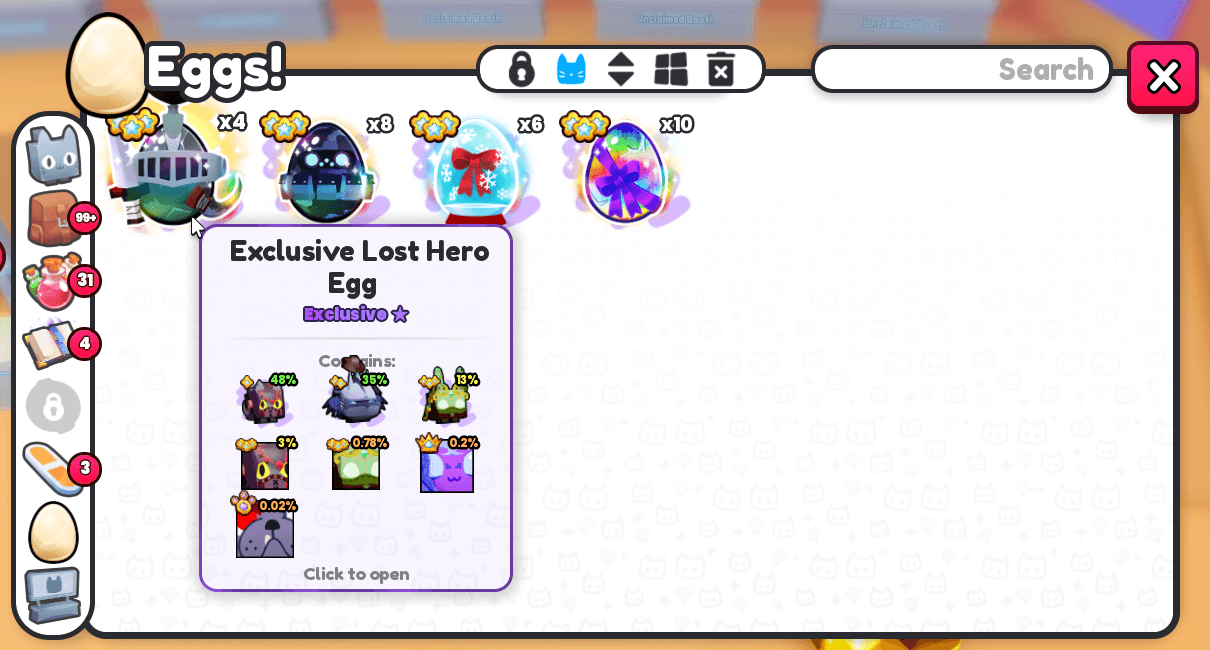
The Pet Simulator 99 Update 99 settings are only part of the interface overhaul. The same patch also makes your inventory easier to manage, with these separate improvements:
| Inventory change | How it helps |
|---|---|
| Collapsible Items categories | Fold away sections you aren’t using |
| Pinned row | Keep up to 50 items at the top |
| Saved sort and grid | Retain your preferred layout |
| Fishing Rods section | Find rods immediately after Fish |
| Event pet search | Type event to find Event pets |
Pin the items you use most, fold away the sections you don’t need and leave your favourite grid layout selected. That makes a busy Items tab much easier to navigate.
The Trading Terminal has different improvements, including filters and a Favourite action through right-click or hold. Egg stacking and Trading Booth listings also changed, but these are item-handling features rather than Settings toggles.
Which New Options Are Most Useful?
Start with the Mail and Daycare alert switches if you keep getting interrupted. If your inventory is a mess, use the Pinned row and collapsible categories. For Hatch UI and Keep Buttons Open, check their tooltips and choose what feels best.
The Pet Simulator 99 Update 99 settings make the interface easier to manage without requiring any event progress. You can configure alerts, reset preferences and keep your inventory organised while playing the rest of Update 99 normally.
Related Guides
More on the Pet Simulator 99 Update 99 settings, inventory changes and other new content:
Official source: BIG Games, Pet Simulator 99 Update 99: PSX Classic!.





