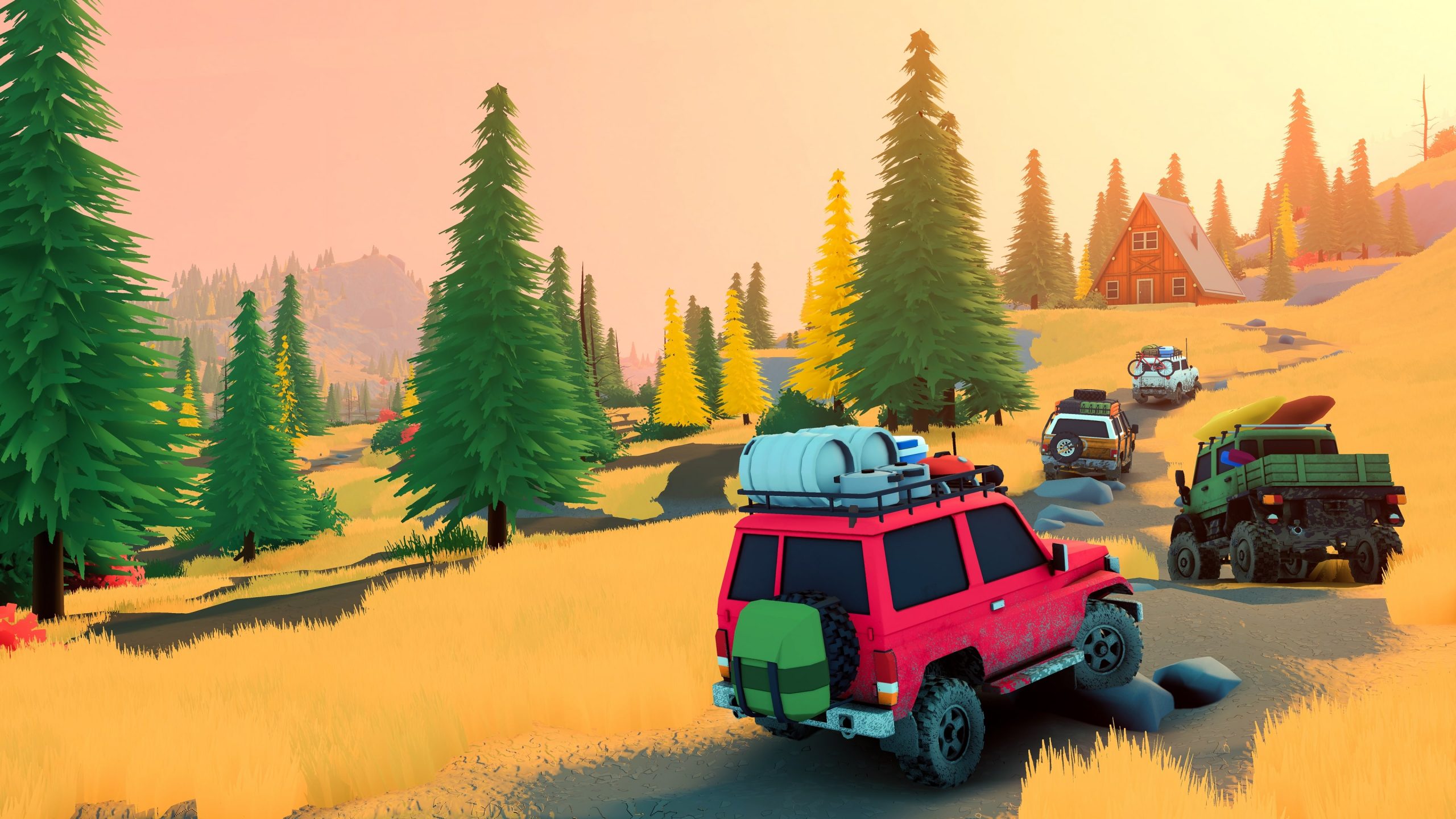
The over the hill PC requirements are now published on Steam, so you can check your computer before Funselektor’s off-road adventure launches on 14 October. The game has a soft, colourful look, but forests, vehicles, detailed terrain and changing weather still call for a reasonably capable graphics card.
There are also a few details that aren’t yet settled. The recommended Windows specification isn’t fully populated, and Steam’s 4 GB storage figure should not be confused with the final download size. Here’s the actual hardware list, what it means, and how to decide whether your PC is ready.
Minimum over the hill PC requirements
These are the officially listed minimum over the hill PC requirements, rather than estimated hardware figures.
| Component | Minimum specification |
|---|---|
| Operating system | Windows 10 (64-bit) |
| Processor | Intel Core i5-7400 or AMD Ryzen 5 2600 |
| RAM | 8 GB |
| Graphics | Nvidia GTX 1070 or AMD Radeon RX 5600 |
| DirectX | Version 11 |
| Internet | Broadband connection listed |
| Storage | 4 GB available space |
Steam notes that the minimum specification was tested at Full HD, meaning 1080p. It does not promise a particular frame rate at that resolution, or guaranteed performance at higher graphics settings. The graphics-card requirement deserves attention, particularly if you’re using a laptop with integrated graphics.
Are there recommended over the hill PC requirements?
The Steam listing has a recommended section but does not give a complete separate Windows CPU, RAM and graphics-card specification. Until Funselektor provides those values, nobody can claim that a particular newer GPU is the official recommended choice.
The minimum over the hill PC requirements are a compatibility baseline, not a chart showing which cards reach 60fps or 120fps. Weather effects and different regions can affect performance, and any detailed recommendations should be grounded in tests of the released build.
What is the over the hill download size?
Steam states that over the hill needs 4 GB of available storage. That’s an installation-space requirement, not proof that the exact download size is 4 GB. The amount of compressed data Steam transfers can be different from the space files occupy once unpacked.
A launch patch or later update could also change the final numbers. Keep more than the bare minimum of free space if your drive is nearly full, and check the actual download window once the game unlocks. The demo’s file size isn’t a reliable substitute for the release build.
How to check your PC against the requirements
Open Settings → System → About on Windows to see your processor and installed memory. Then open Task Manager → Performance to find the graphics adapter. You can also use Win+R and type dxdiag to inspect your DirectX and display information.
If your laptop has both a dedicated graphics card and integrated graphics, check the dedicated model carefully. A PC can meet the minimum CPU and RAM figures while falling short of the graphics requirement. In File Explorer, use This PC to see the available space on your intended Steam drive.
Do the over the hill PC requirements mean it needs the internet?
Broadband is included in Steam’s minimum hardware list. Online co-op, which supports up to four people, clearly needs network access. But the same game is listed as supporting solo play, and a broadband line doesn’t by itself establish whether every single-player activity must remain online.
Any first-run authentication requirements and offline behaviour will need checking in the finished game. For now, treat internet access as listed among the over the hill PC requirements without pretending we have independently tested offline mode.
Does over the hill support controllers?
Yes. Steam marks the game as having Full Controller Support and recommends using a controller. Xbox and PlayStation controller families are supported in Steam’s input listing. Analogue steering and throttle control are a good fit for driving across uneven ground, though exact remapping options still need checking at launch.
The over the hill PC requirements don’t specify a particular controller as mandatory. If you’re planning to use a wheel or unusual input device, don’t assume support without a developer statement or tests of the final controls.
Can you play over the hill on Steam Deck?
Steam currently shows the game’s Steam Deck compatibility as Unknown, rather than Verified, Playable or Unsupported. There’s also a SteamOS/Linux specifications section, but that doesn’t establish the finished game’s handheld frame rate, battery use or best settings.
Meeting the minimum over the hill PC requirements on Windows isn’t the same as knowing how the game performs on Steam Deck. Wait for reliable launch-build tests before using any fixed graphics preset or performance target.
Should you upgrade your PC before launch?
If your system meets or comfortably exceeds the official minimum, it’s worth waiting for actual benchmarks before buying new hardware. If you’re below the GTX 1070 or RX 5600 level, the developer hasn’t guaranteed a satisfactory experience. The game may still run on some lower-end configurations, but that needs testing rather than guesswork.
For now, the over the hill PC requirements provide a clear starting point: 64-bit Windows 10, an i5-7400 or Ryzen 5 2600, 8 GB RAM, a GTX 1070 or RX 5600, DirectX 11 and 4 GB of free storage. The final download size and recommended performance settings remain unconfirmed.
Related Guides
Official source: Funselektor Labs’ Steam game listing.