Minecraft Preview 26.70.26 arrived on November 17 with a feature Bedrock players have wanted for years: the ability to hold and use a much wider range of items in the other hand. It’s currently an experiment, so you’ll need to turn it on in a test world before heading underground with your pickaxe and torches.
The same update also makes a few changes to Deep Freeze, including the damage dealt by Frostbites and the tools needed to recover certain Calcite blocks. Those fixes belong to the winter testing cycle, while expanded off-hand support is being prepared for the first game drop of 2027.
What’s new in Minecraft Preview 26.70.26?
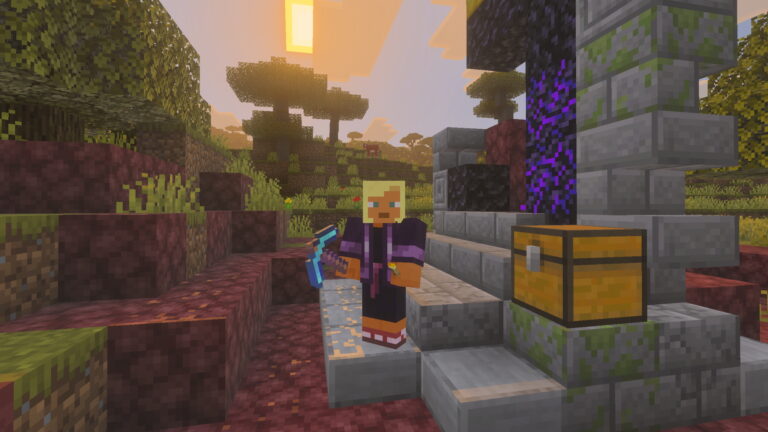
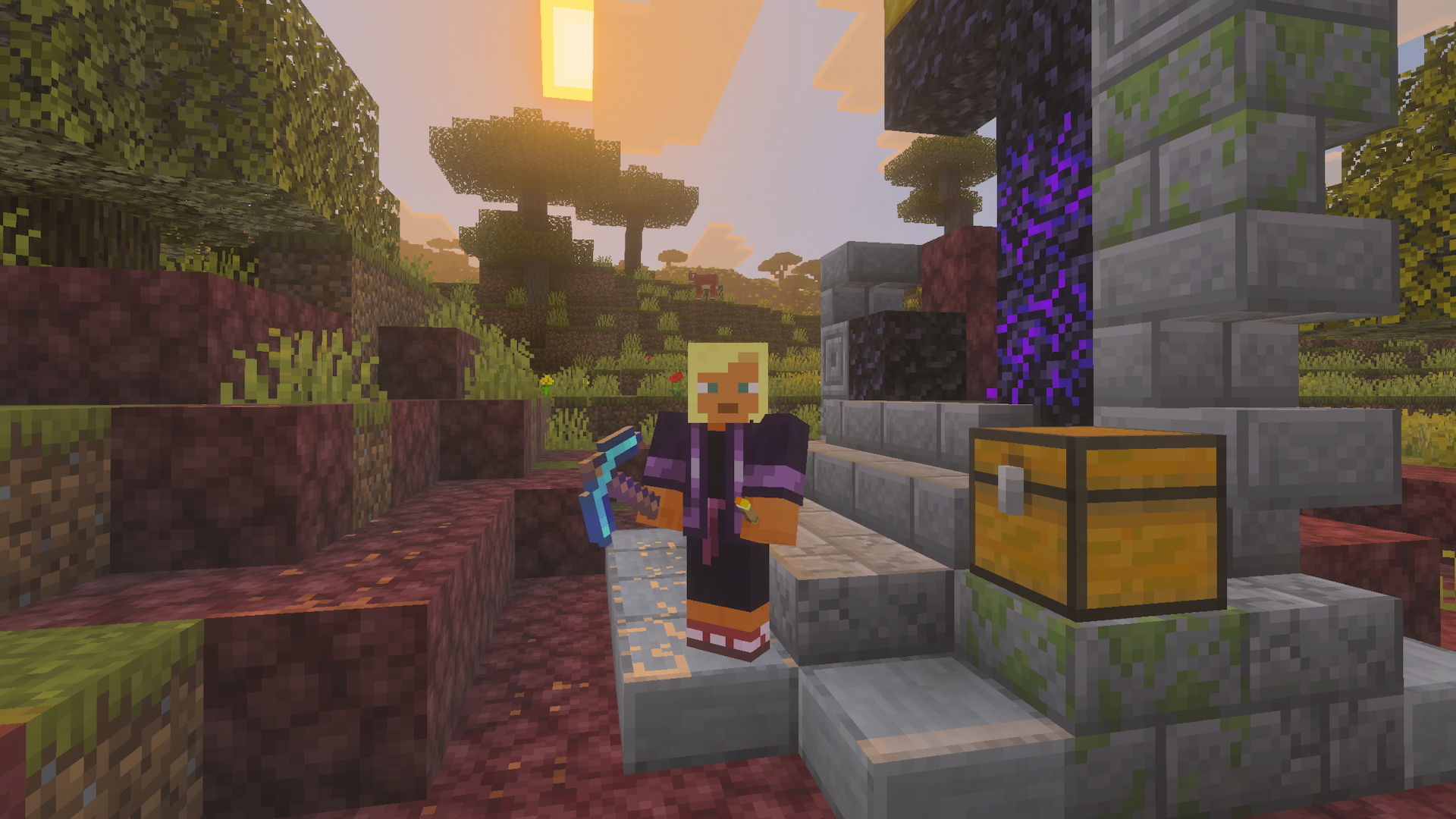
The Off-hand Parity experiment allows you to put blocks in your secondary hand and place them directly from that slot. You can also use items from the other hand, including an axe to strip logs. For example, you can keep a pickaxe selected while placing torches along a tunnel.
Create a test world in Preview or Beta, open its Experiments settings and enable Off-hand Parity. Keep the experiment separate from a favourite Survival save. The feature is still under development, and Mojang warns that Preview and Beta builds may be unstable.
Minecraft Preview 26.70.26 off-hand controls
On keyboard and mouse, F swaps the items between your main hand and off-hand by default. On a controller, the left face button has been reassigned from opening the inventory to swapping your held items. That change can catch you out if you’ve spent years using the same controller layout.
Touch players gain a separate Shield button for raising a shield held in the off-hand. If the Shield button is missing, check that Off-hand Parity is enabled and that a shield is equipped.
Minecraft Preview 26.70.26 Frostbite and Calcite fixes
Frostbites now deal the same melee damage as ordinary Zombies. This is a change to the frozen mob’s close-range attack, rather than an announcement of a new damage value for its thrown Ice Balls. Leather armour remains useful when exploring areas where Freezing is a threat.
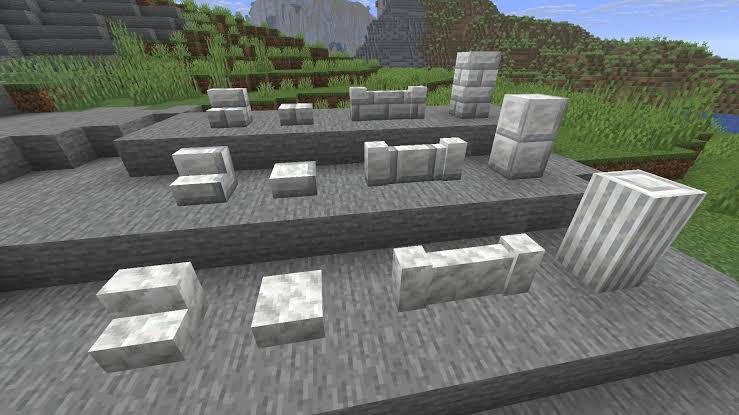
Four decorative blocks now require a pickaxe to drop when broken: Calcite Wall, Polished Calcite Wall, Polished Calcite Brick Wall and Calcite Pillar. If you’re rebuilding a snowy base, keep the appropriate tool in your hotbar before taking down pillars or walls.
Splash Potions also play their landing sound again.
How to install Minecraft Preview 26.70.26
Bedrock Preview is available on Xbox, PlayStation, Windows and iOS, with the Android Beta distributed through Google Play. Availability and installation steps differ by platform. On Windows, select Minecraft for Windows in the official Launcher and look for the Preview installation. On Android, check the Minecraft listing for the Beta programme.
The version number on the title screen is the quickest way to confirm what you’re running. Create a new world once the correct test build is installed, then enable the experiment before checking the inventory.
Minecraft Preview 26.70.26 remains a Bedrock test build, with Java testing Deep Freeze separately through its 26.4 pre-releases.
The Bedrock changelog separates the Off-hand Parity experiment from ordinary Preview bug fixes. You don’t need to enable expanded off-hand support to get the Frostbite damage and Calcite mining changes in Minecraft Preview 26.70.26.
Official source: Mojang Studios.
Minecraft Preview 26.70.26: Related Guides
- Minecraft Bedrock Off-Hand Parity: How to Enable and Use Both Hands
- Minecraft 26.4 Pre-Release 2: Deep Freeze Bug Fixes and Changes
- Minecraft Calcite Pillar: How to Make, Mine and Build With It
- Minecraft Chiseled Soulshale Not Spawning: Fix the Ancient City Loot Problem
- Minecraft Deep Freeze Release Date
- Minecraft Deep Freeze Features Not Showing
- Minecraft 26.4 Snapshot Install
- Minecraft Ice Caves