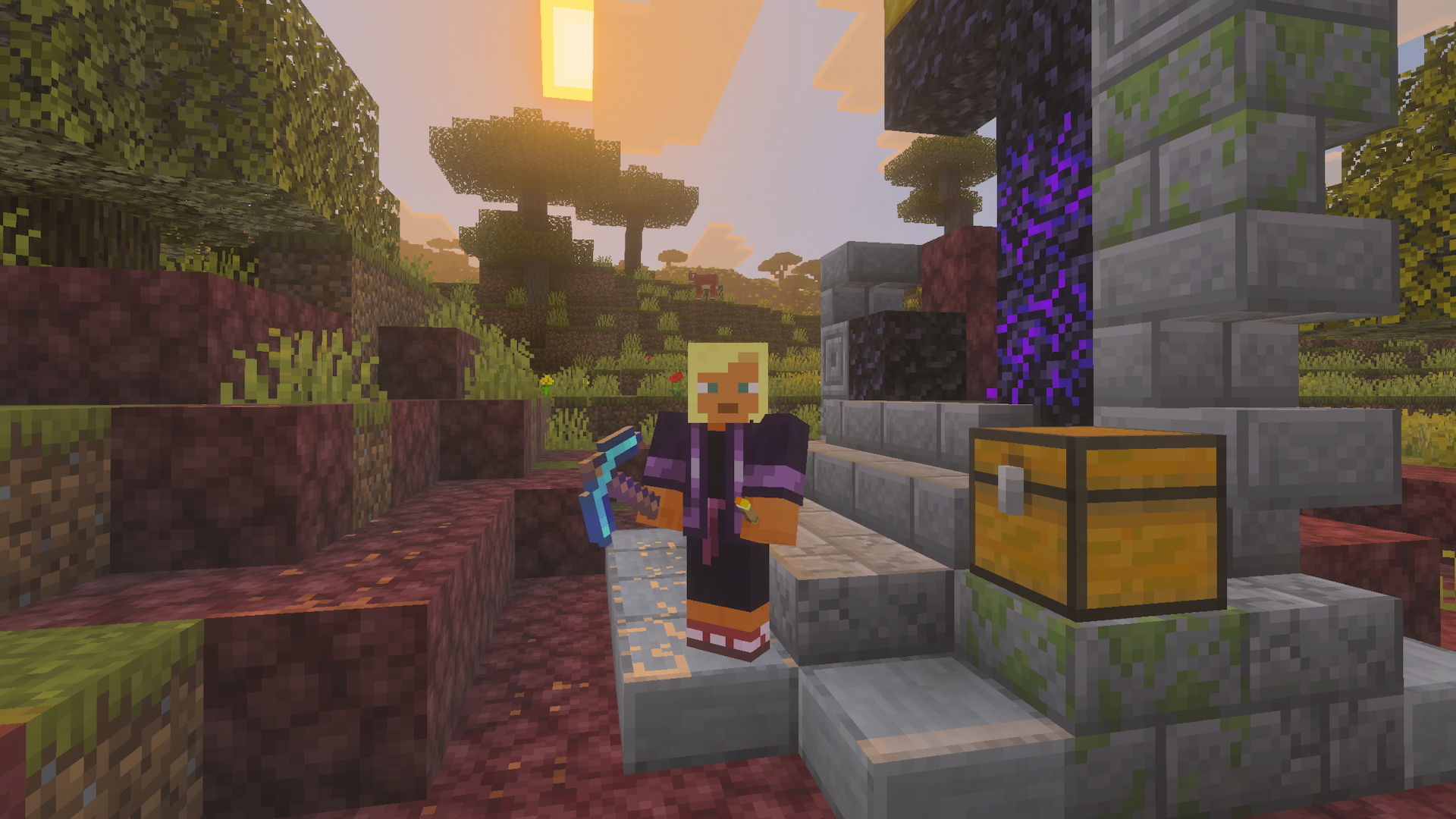
Minecraft Bedrock Off-Hand Parity lets you hold blocks and use items in your secondary hand, bringing Bedrock much closer to the way Java players have been able to build for years. You can try the feature in Preview 26.70.26 or the corresponding Android Beta by enabling the Off-hand Parity experiment in your world.
You can finally place torches without taking your pickaxe out of your main hand, so lighting a tunnel is much less fiddly. There are new controls to learn, particularly if you play with a controller or on a touchscreen.
How to enable Minecraft Bedrock Off-Hand Parity
Start by opening the Bedrock Preview or Android Beta and checking its version number. The experiment first appeared in 26.70.26 on November 17. Create a new world, find Experiments in the world settings and switch on Off-hand Parity before entering the world. This is a world-level feature rather than a setting that changes every save on your device.
A fresh Creative world gives you a chance to try the controls without risking your Survival save. Back up any existing world before opening it in Preview.
Minecraft Bedrock Off-Hand Parity: supported items
Blocks can be placed directly from the off-hand. Try carrying a stack of torches or building blocks while keeping your mining tool in the main hand. The expanded item interactions also allow you to strip logs with an axe from your other hand, which is useful when you’re preparing wood for a build.
Shields and fireworks already worked in Bedrock’s off-hand, but the experiment lets you equip ordinary building blocks there as well. Holding a torch does not make it a portable light source in unmodified Minecraft; you still need to place it.
Minecraft Bedrock Off-Hand Parity controls
With keyboard and mouse, press F to exchange the items in your two hands. It’s the default binding in the test build. Controller players use the left face button, which previously opened the inventory.
With touch controls, the new Shield button raises a shield equipped in your secondary hand.
Minecraft Bedrock Off-Hand Parity not showing up
If you can’t see Off-hand Parity in the Experiments menu, check whether you’ve launched the regular Bedrock game instead of Preview or Beta. The winter game drop and the future off-hand feature are being tested alongside each other, but installing a normal Deep Freeze-related update does not automatically enable this experiment.
Preview is available on Windows, Xbox, PlayStation and iOS, and Android uses the Google Play Beta.
When is expanded off-hand support coming to regular Bedrock?
Mojang has scheduled the finished feature for the first game drop of 2027. It has not announced a precise release day in the November reveal. Until then, Minecraft Bedrock Off-Hand Parity is a way to try the new controls early, rather than a permanent change to the stable game.
Official source: Mojang Studios.
Minecraft Bedrock Off-Hand Parity: Related Guides
- Minecraft Preview 26.70.26: Off-Hand Parity, Frostbite and Calcite Changes
- Minecraft 26.4 Pre-Release 2: Deep Freeze Bug Fixes and Changes
- Minecraft Deep Freeze Release Date
- Minecraft Deep Freeze Features Not Showing
- Minecraft 26.4 Snapshot Install
- Minecraft Bedrock Drop 4 Experiment
- Minecraft Ice Caves
- Minecraft Chiseled Soulshale Location