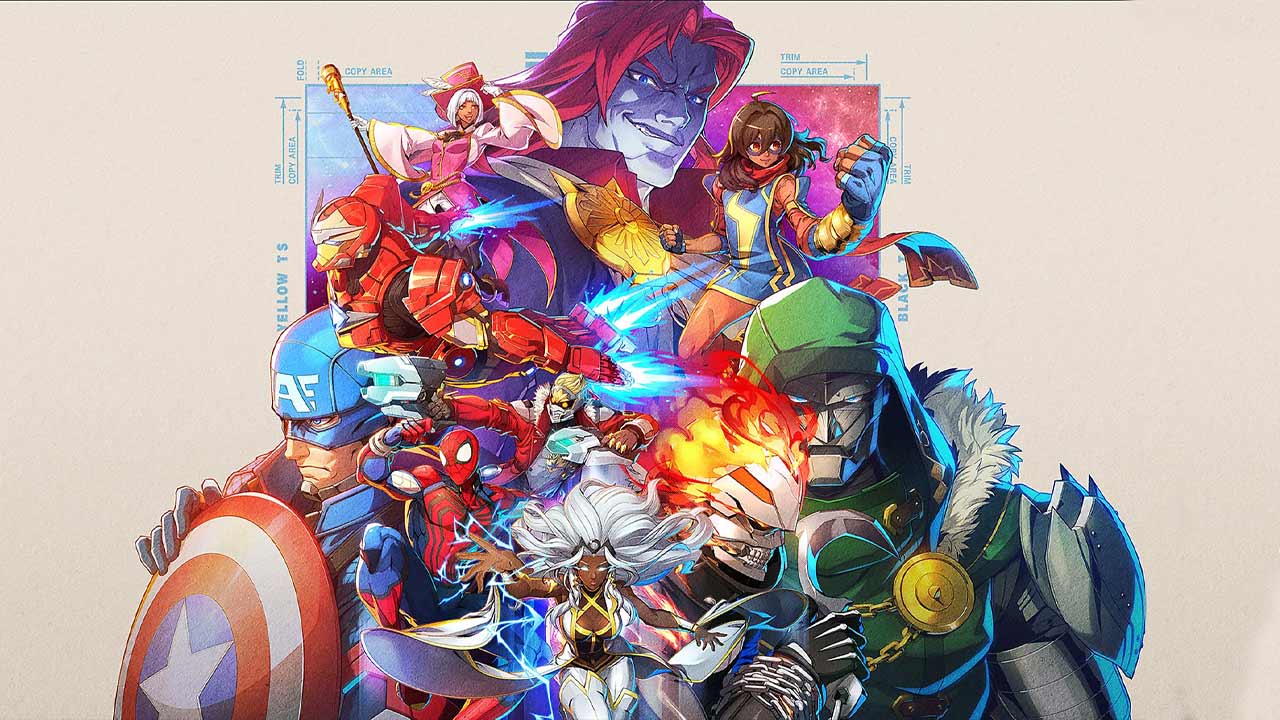
Marvel Tōkon High CPU Usage has been one of the most frustrating PC performance problems since launch, but Arc System Works has now released a dedicated update targeting the issue. The August 10 Marvel Tōkon patch reduces unnecessary processor load, fixes CPU-heavy audio processing and addresses several related performance drops that could make matches feel less responsive.
If Marvel Tōkon has been hammering your CPU harder than expected, the latest patch is the first thing you should install before changing graphics settings or trying more complicated fixes.
| Marvel Tōkon High CPU Usage issue | August 10 status |
|---|---|
| Excessive CPU load | Reduced |
| High CPU usage during startup | Addressed |
| Additional CPU load during matches | Addressed |
| Repeated audio input checks | Fixed |
| Sudden performance drops | Fixed |
| Frame rate drops at some resolutions | Fixed |
| Shader warm-up behavior | Improved |
| Automatic graphics detection | Improved |
What Was Causing Marvel Tōkon High CPU Usage?
Marvel Tōkon High CPU Usage was not being caused by one single problem.
Arc System Works identified several separate processes that were placing unnecessary load on PC hardware. The official Marvel Tōkon account says the August 10 update reduces CPU load to improve overall responsiveness and help reduce lag-related problems.
One of the problems involved audio processing taking place during matches. Another caused the game to repeatedly check which audio input devices were available on the PC.
Those checks were unnecessary during normal gameplay and could contribute to sudden performance drops.
That means someone playing a fighting game and experiencing inexplicable frame drops could, incredibly, have been affected by the game repeatedly checking their microphone setup in the background.
Install the Latest Marvel Tōkon PC Update First
The most important Marvel Tōkon High CPU Usage fix is simply installing the latest PC update.
The August 10 patch specifically includes CPU and overall performance optimization. The official update messaging confirms reduced CPU usage alongside fixes for sudden performance drops and improvements to shader behavior.
Before trying anything else:
- Close Marvel Tōkon.
- Open Steam or the Epic Games Store.
- Allow any available Marvel Tōkon update to download.
- Restart the game.
- Complete shader warm-up if prompted.
- Test performance again before changing additional settings.
This matters because older troubleshooting suggestions cannot correct a bug inside the game itself. The new patch directly changes the processes responsible for some of the excessive load.
Audio Processing Was Increasing CPU Load
One confirmed cause of Marvel Tōkon High CPU Usage was unnecessary audio-related processing.
The August 10 changes reduce this additional workload, particularly during active matches.
That is significant because fighting games depend heavily on consistent performance. Even a brief CPU spike can result in an uneven frame rate or increased responsiveness problems at exactly the wrong moment.
Reducing unnecessary background processing frees more CPU resources for the actual game.
Repeated Audio Input Checks Could Cause Performance Drops
The patch also fixes a particularly specific PC bug involving audio input devices.
Marvel Tōkon could repeatedly check for available audio inputs while the game was running. Arc System Works identified this behavior as a cause of sudden performance drops and removed the unnecessary checks.
This is important for anyone investigating Marvel Tōkon High CPU Usage because changing graphical quality would not necessarily have solved this problem.
A player could reduce textures, resolution and effects while the CPU continued performing an entirely unrelated background task.
The August 10 update addresses that behavior at the game level.
High CPU Usage and FPS Drops Can Be Connected
Marvel Tōkon High CPU Usage can also contribute to frame rate instability.
If the processor is being unnecessarily overloaded, it can struggle to deliver frames consistently even when the graphics card has enough performance available.
Arc System Works has therefore addressed CPU load and frame drops together rather than treating them as completely separate issues. The official account specifically describes the update as reducing CPU load while fixing lag and sudden performance drops.
| Problem | Possible relationship |
|---|---|
| Excessive CPU utilization | Less processing headroom |
| Background audio processing | Additional CPU workload |
| Repeated device checks | Sudden performance spikes |
| CPU bottleneck | Can contribute to FPS instability |
| Resolution bug | Separate confirmed cause of FPS drops |
Not every frame-rate problem is caused by the processor, though. The developers also identified an independent issue affecting performance at certain resolutions.
Certain Resolutions Were Also Causing Frame Rate Problems
The August 10 PC update fixes a separate issue where some display resolutions could cause frame rates to drop.
This means players experiencing poor performance may previously have had more than one problem occurring simultaneously.
The important thing is not to assume Marvel Tōkon High CPU Usage is responsible for every performance issue on PC.
The latest update addresses multiple confirmed causes at once, including processor load, audio-device checks and resolution-related frame drops.
Complete Shader Warm-Up After Updating
Marvel Tōkon may prompt PC players to complete shader warm-up after installing the update.
Do it.
The latest performance work also improves shader warm-up behavior, and completing the process before starting a match allows the game to prepare required shaders ahead of gameplay.
Interrupting or skipping shader preparation can make troubleshooting more difficult because subsequent performance issues may be related to shaders being compiled during play rather than Marvel Tōkon High CPU Usage itself.
If you are testing whether the patch worked, give the game the cleanest possible starting point.
Check Your CPU Usage After the Update
Once the patch and shader warm-up are complete, run Marvel Tōkon again and compare CPU behavior.
Windows users can check this through Task Manager:
- Press Ctrl + Shift + Esc.
- Open the Processes or Performance tab.
- Start Marvel Tōkon.
- Enter a match or Training Mode.
- Monitor total CPU usage and Marvel Tōkon’s individual usage.
Do not panic simply because usage is high.
A game using a significant portion of your processor is not automatically malfunctioning. What matters is whether usage is creating actual symptoms such as:
- Severe frame drops
- Consistent stuttering
- Input responsiveness problems
- CPU temperatures outside normal operating limits
- Other applications becoming unusable
The August 10 patch is intended to remove unnecessary CPU workload, not make the game use practically no processor resources.
Do You Need to Lower Graphics Settings?
Not necessarily.
If Marvel Tōkon High CPU Usage was primarily being caused by the bugs addressed in the update, lowering graphical quality may make relatively little difference.
Graphics settings often affect the GPU more heavily than the CPU, although individual options can affect both.
Install the patch and test first.
If performance remains poor, you can then experiment with settings systematically rather than changing everything at once.
The update also improves the game’s automatic graphics-quality detection, helping Marvel Tōkon choose more appropriate settings for detected PC hardware.
Check Background Applications
If Marvel Tōkon High CPU Usage continues after updating, check whether another application is consuming significant processor resources at the same time.
Common examples include:
- Web browsers with many active tabs
- Recording or streaming software
- Game launchers downloading updates
- Windows Update
- Antivirus scans
- RGB or peripheral software
- Background video applications
Task Manager makes it easy to sort processes by CPU usage.
Do not start randomly terminating Windows processes you do not recognise. Close normal applications you know are unnecessary and test the game again.
Marvel Tōkon High CPU Usage FAQ
Has Marvel Tōkon High CPU Usage been fixed?
The August 10 PC update addresses multiple confirmed causes of unnecessary CPU load and should improve processor usage and overall performance.
What was causing the high CPU usage?
Arc System Works identified unnecessary audio-related processing and repeated audio input device checks among the confirmed PC performance problems.
Can high CPU usage cause FPS drops?
Excessive CPU load can contribute to inconsistent performance. The August 10 update addresses CPU usage alongside separate confirmed frame-rate problems.
Should I lower my graphics settings?
Install the latest patch and complete shader warm-up first. If performance remains poor, then test different graphics settings.
Should I complete shader warm-up again?
Yes. If Marvel Tōkon prompts you after updating, allow shader warm-up to finish before testing performance.
Is this a PC-only issue?
The CPU optimization work discussed in the August 10 update specifically concerns the PC version.
Marvel Tōkon High CPU Usage Fix Explained
The latest Marvel Tōkon High CPU Usage fix tackles actual problems inside the PC version rather than relying on generic advice such as lowering every graphics option and hoping for the best.
Arc System Works has reduced unnecessary processor workload, fixed repeated audio-device checks, improved shader behavior and addressed additional causes of performance drops.
For PC players seeing unusually high CPU load, install the August 10 update, complete shader warm-up and test the game again before moving on to more aggressive troubleshooting.