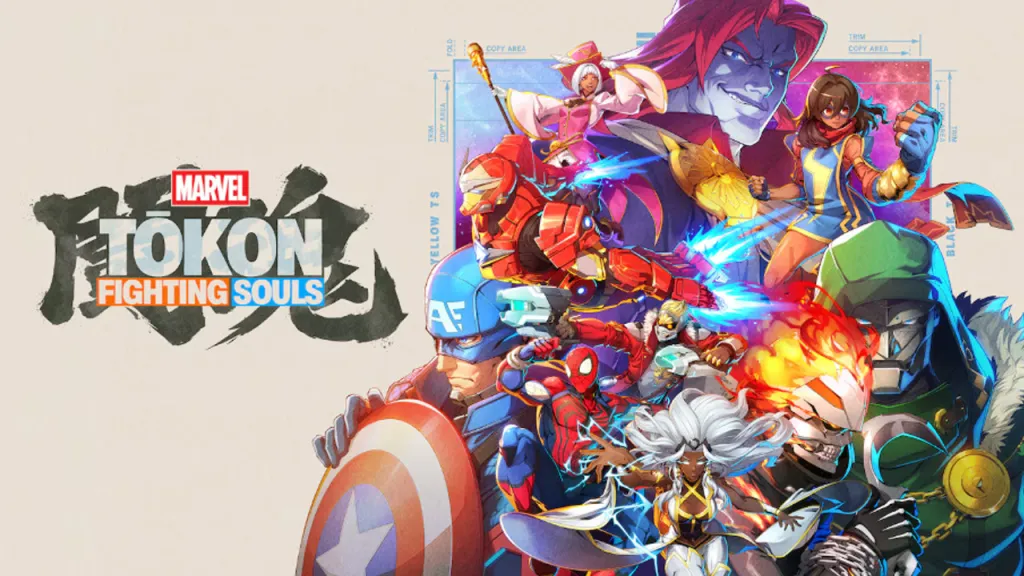
Marvel Tōkon controls are one of the first things every new player should learn before jumping into online matches. While Marvel Tōkon includes deep fighting game mechanics, the controls are designed to be approachable for beginners while still offering plenty of advanced options for experienced players.
Whether you’re playing Marvel Tōkon on PS5 or PC, here’s everything you need to know about the controls, attacks and combat systems.
Marvel Tōkon Controls on PS5
The default Marvel Tōkon controls use a four-button attack layout combined with dedicated buttons for assists, switching characters and defensive mechanics.
The default Marvel Tōkon controls are:
Light Attack
Medium Attack
Heavy Attack
Special Attack
Jump
Dash
Guard
Assist
Character Switch
Ultimate Ability
Marvel Tōkon also allows players to fully customise button layouts through the Options menu, meaning you can move important actions onto whichever buttons feel most comfortable.
If you’re coming from Street Fighter, Guilty Gear or Dragon Ball FighterZ, adjusting the Marvel Tōkon controls early can make the transition much easier.
Marvel Tōkon Support Quick Skills
One of the biggest differences in the Marvel Tōkon controls is the inclusion of Quick Skills.
Quick Skills allow players to perform powerful special attacks using simplified button combinations instead of traditional fighting game motions.
This makes Marvel Tōkon much easier for newcomers without removing the more technical command inputs preferred by competitive players.
Players who master classic directional inputs receive additional rewards, including improved damage and increased Skill Gauge generation, but Quick Skills remain extremely effective while learning the game.
Marvel Tōkon Still Include Classic Inputs
Although Quick Skills are available, Marvel Tōkon controls also support traditional fighting game commands.
Quarter-circle motions
Dragon punch inputs
Charge-style mechanics for certain characters
Character-specific command attacks
Not every member of the roster plays the same way, meaning some Marvel Tōkon controls become more advanced depending on your chosen fighter.
If you’ve played Arc System Works games before, many of these command inputs will already feel familiar.
Marvel Tōkon Controls for Team Combat
Marvel Tōkon controls become much more interesting once your teammates are involved.
Unlike traditional fighting games, Marvel Tōkon is built around four-character teams.
During a match you can:
Call assists
Switch active characters
Perform team attacks
Use Assemble mechanics
Chain attacks between teammates
Learning these Marvel Tōkon controls early is far more important than memorising huge combo strings.
A player with solid team mechanics will usually outperform someone who ignores assists completely.
Marvel Tōkon Controls Make Defence Important
Many beginners only focus on attacking.
Marvel Tōkon controls include several defensive options that can completely change a match.
Players can:
Stand Guard
Crouch Guard
Use Assemble Counter
Use Crossover while defending
Escape pressure with defensive team mechanics
Learning when to block is every bit as important as learning how to attack.
Many online matches are lost because players refuse to stop pressing buttons.
Marvel Tōkon Controls Include Link Attacks
Another beginner-friendly feature included in the Marvel Tōkon controls is Link Attacks.
Rather than immediately learning complicated combos, players can repeatedly press the same attack button to create simple attack strings.
These Link Attacks teach rhythm, spacing and timing before players move onto more advanced routes involving assists and Skills.
Once you’re comfortable with Link Attacks, you can begin experimenting with character-specific combo extensions.
Can You Change Marvel Tōkon Controls?
Yes.
Marvel Tōkon includes fully remappable controls.
Players can customise individual buttons to better suit their preferred layout, controller or arcade stick.
Competitive fighting game players often spend time adjusting their controls before entering ranked matches, and Marvel Tōkon makes that process straightforward.
Finding a comfortable layout early is recommended because muscle memory becomes increasingly important as you improve.
Are Marvel Tōkon Controls Different on PC?
Marvel Tōkon controls work on both controller and keyboard, although the game has clearly been designed with controllers in mind.
Most PC players are expected to use:
DualSense
DualShock 4
Xbox controllers
Arcade fight sticks
Other supported PC controllers
Keyboard controls are available, but many players will likely prefer a controller for more consistent movement and easier execution.
Should Beginners Use Quick Skills?
If you’re new to fighting games, the answer is absolutely yes.
Marvel Tōkon controls were specifically designed so beginners can enjoy the game immediately without spending hours practising complicated command inputs.
Quick Skills let players focus on:
Movement
Positioning
Blocking
Team mechanics
Assist timing
Character switching
Once those fundamentals become second nature, you can gradually begin learning traditional command inputs for additional damage and Skill Gauge rewards.
Marvel Tōkon Controls Are Easy to Learn but Difficult to Master
Marvel Tōkon controls strike a balance between accessibility and depth.
Simple controls help new players start winning matches much faster, while advanced mechanics such as assists, character switching, defensive options and command inputs give experienced players plenty of room to improve.
Learning the Marvel Tōkon controls should be one of your first priorities, because understanding how every button works will make every other mechanic in the game far easier to learn.