
Knowing how to upgrade your verification tool in Storage Hunter Simulator is particularly useful once blue and purple finds start turning up in your lockers. Rather than making another trip to Black Elk for specialist appraisal, you can identify those items yourself once you’ve unlocked the appropriate tool level.
If your starter verifier can’t identify several objects from a recent haul, keep them together in your warehouse while you save for an upgrade. You can still sell the common items to raise money, and the rarer pieces will be waiting when your equipment is ready.
How to Upgrade Your Verification Tool in Storage Hunter Simulator
Press Tab on PC to open your tablet, select Tools and choose the next available Verification Tool level. Before confirming the upgrade, check your card balance in the Bank app; cash in your wallet may need to be transferred before you can make the purchase.
The December 2025 PC balancing patch set level-one tool prices to $100. Older PC builds put level three at $8,000 and level four at $25,000, but check the price on the tablet before budgeting for either upgrade, since those figures aren’t confirmed for the current console release.
What the Verification Tool Levels Unlock
Your starter verifier handles Common items, with level two unlocking blue Rare finds, level three covering purple Unique items and level four covering yellow Legendary items on PC. Each tier lets you handle a wider range of stock without paying a specialist, rather than simply speeding up the existing scan.
If you’re holding an unfamiliar item beyond your current verifier’s capabilities, repeatedly scanning it won’t unlock the next rarity. Either take it to the appropriate expert or store it until you can afford the upgrade.
How to Upgrade Your Verification Tool in Storage Hunter Simulator Without Running Out of Cash
The best time to buy the next level is when you’re paying for verification regularly or holding enough unidentified stock to benefit from the upgrade. A warehouse full of blue finds gives you a practical reason to buy level two, while an occasional higher-rarity item can still go to an expert.
Keep enough money for your next auction after buying the upgrade. Identifying an item won’t put money in your account until you sell it, so you may still need to take a load of ordinary verified goods to a pawnshop before bidding again.
Verification vs Fixing Tool
The fixing tool improves an item’s condition rather than identifying it. Both upgrades have a role in the early game: verification saves specialist costs and trips, while repairs can raise the value of the goods you sell. Choose the next upgrade based on which problem is holding back your current stock.
In multiplayer, tool upgrades are personal rather than shared across the company. It makes sense to have the player with the highest verifier level identify the team’s rarer goods while the others collect stock or manage deliveries.
How to Upgrade Your Verification Tool in Storage Hunter Simulator: Stored Items
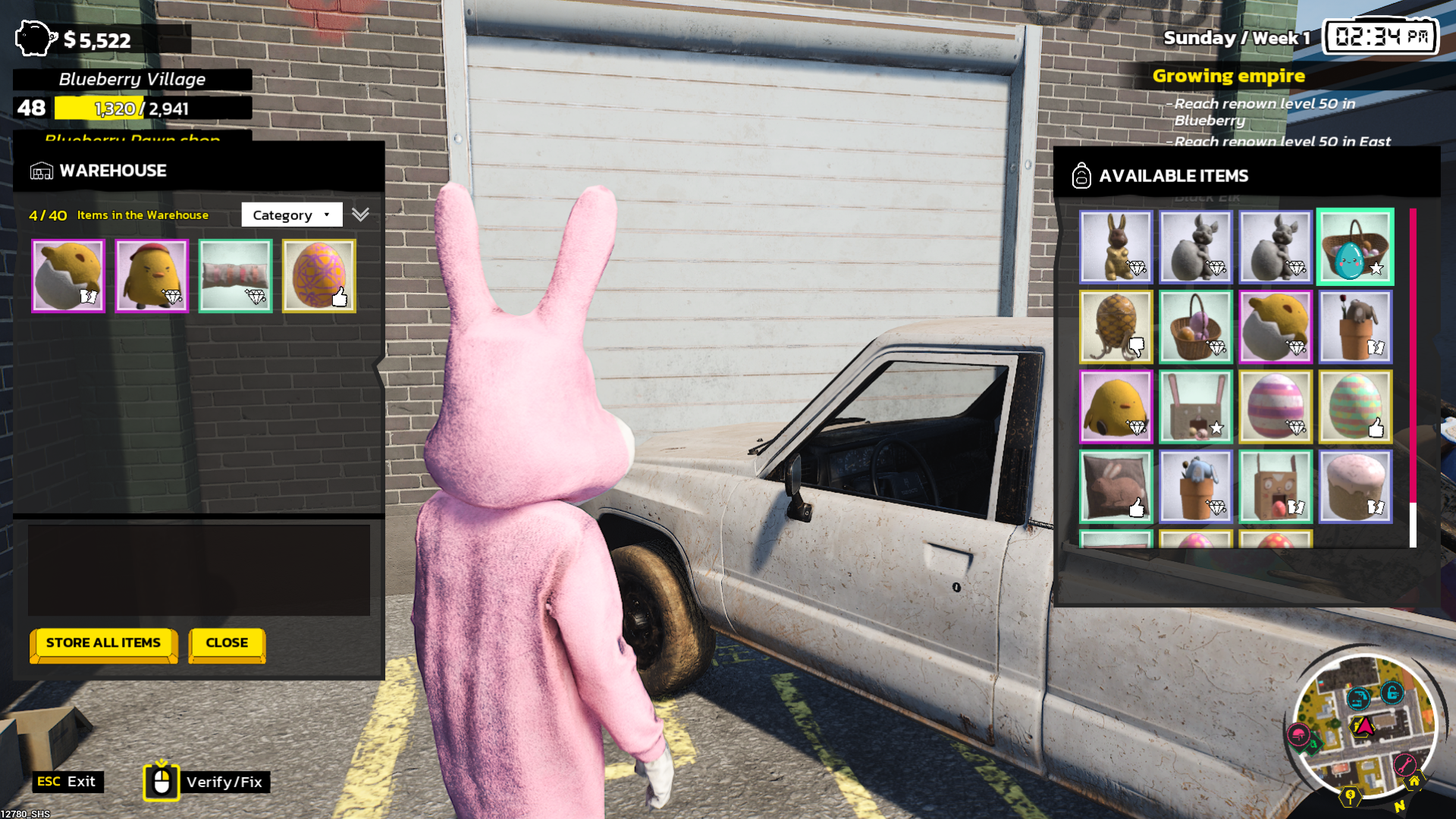
Once you’ve learned how to upgrade your verification tool in Storage Hunter Simulator, you can put the new equipment to work immediately on the stock you’ve saved. The warehouse interface supports verification and repair on PC, allowing you to process stored finds without hauling each one outside.
Related Guides
- Storage Hunter Simulator Beginner Guide
- How to Appraise Items in Storage Hunter Simulator
- How to Find an Expert in Storage Hunter Simulator
- How to Repair Items in Storage Hunter Simulator
- How to Upgrade Your Repair Tool in Storage Hunter Simulator
- How to Open Locked Chests in Storage Hunter Simulator
- Storage Hunter Simulator Locksmith Location
- How to Upgrade Your Pawnshop in Storage Hunter Simulator