
Here’s how to upgrade your repair tool in Storage Hunter Simulator if the furniture and collectibles you’re bringing home won’t improve beyond a particular condition. Look for the Fixing Tool in your tablet, rather than the Verification Tool that identifies unfamiliar objects.
The two tools progress separately, and buying another verifier level won’t let you improve an item’s condition. If you’ve already identified a valuable find but can’t restore it any further, check the fixing upgrade instead.
How to Upgrade Your Repair Tool in Storage Hunter Simulator
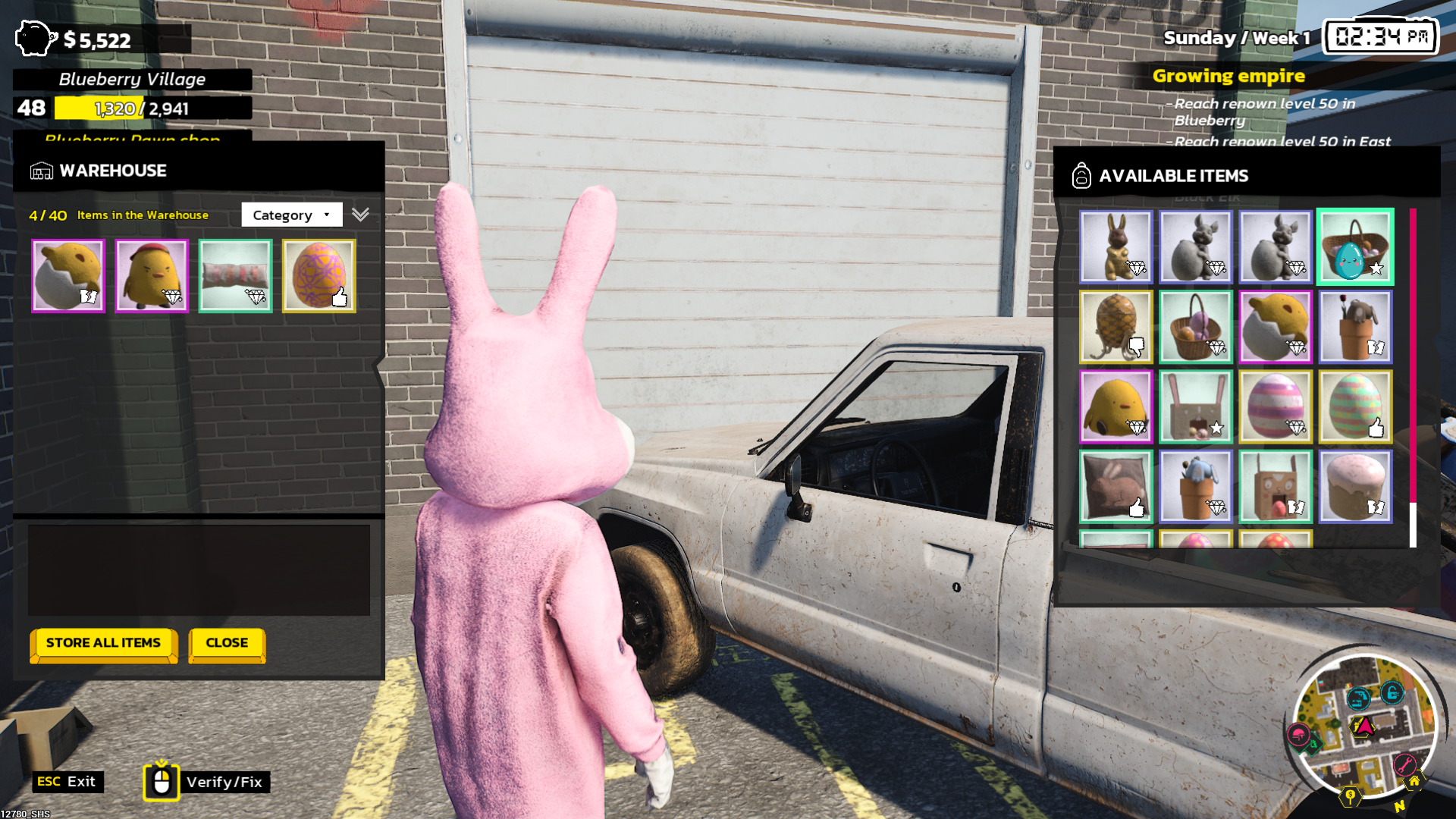
Open the tablet with Tab on PC, select Tools and find the Fixing Tool. Choose the next available level and check its purchase price; if your money is still in your wallet, use the Bank app to transfer enough to your card before making the purchase.
The price of the level-one tool was corrected to $100 in PC patch 1.01. As higher levels cost considerably more, keep enough money for at least another auction after making the purchase, and use the price shown in your own game when planning the upgrade.
What Each Fixing Upgrade Does
Item condition runs from Broken through Bad, Normal and Good to Perfect. On PC, the first fixer can improve broken objects, with level two reaching Normal, level three reaching Good and level four reaching Perfect; each improvement gives you more scope to restore damaged stock before selling.
Aim at the object and hold the right mouse button on PC, checking its condition as the tool works. Repeat the interaction if necessary to reach the maximum grade your equipment supports, rather than assuming that a single use has restored the item completely.
How to Upgrade Your Repair Tool in Storage Hunter Simulator at the Right Time
Look at the goods you usually sell before spending your savings. If you’re collecting plenty of damaged items that you can already verify, a stronger fixer can help you earn more from the same auction haul, whereas a verifier may be more useful when your warehouse is full of unidentified goods.
You don’t have to buy every available upgrade as soon as you can afford it. Leave yourself enough money for the next bid and any specialist work, particularly if you’ve already invested in your first pawnshop and are waiting for customers to purchase stock.
Repairing Goods in Multiplayer
In co-op, each player buys and upgrades their own tools, so the company doesn’t gain a new fixing level for everyone when one person makes a purchase. You can divide the workload by having one teammate handle repairs and another concentrate on identifying the rarer goods.
Knowing how to upgrade your repair tool in Storage Hunter Simulator is especially useful if you’re the person responsible for preparing the team’s stock. Check your equipment before the group starts processing a large haul, so that damaged valuables go to the player who can restore them furthest.
How to Upgrade Your Repair Tool in Storage Hunter Simulator for Stored Stock
You can also repair items directly through the PC warehouse interface. After buying the next level, go back through the damaged finds you’ve been keeping in storage, improve their condition and arrange a delivery to the pawnshop when you’ve got a load ready.
Related Guides
- Storage Hunter Simulator Beginner Guide
- How to Appraise Items in Storage Hunter Simulator
- How to Sell Items in Storage Hunter Simulator
- How to Repair Items in Storage Hunter Simulator
- How to Upgrade Your Verification Tool in Storage Hunter Simulator
- How to Automatically Sell Items in Storage Hunter Simulator
- How to Upgrade Your Pawnshop in Storage Hunter Simulator
- How to Take Out a Loan in Storage Hunter Simulator