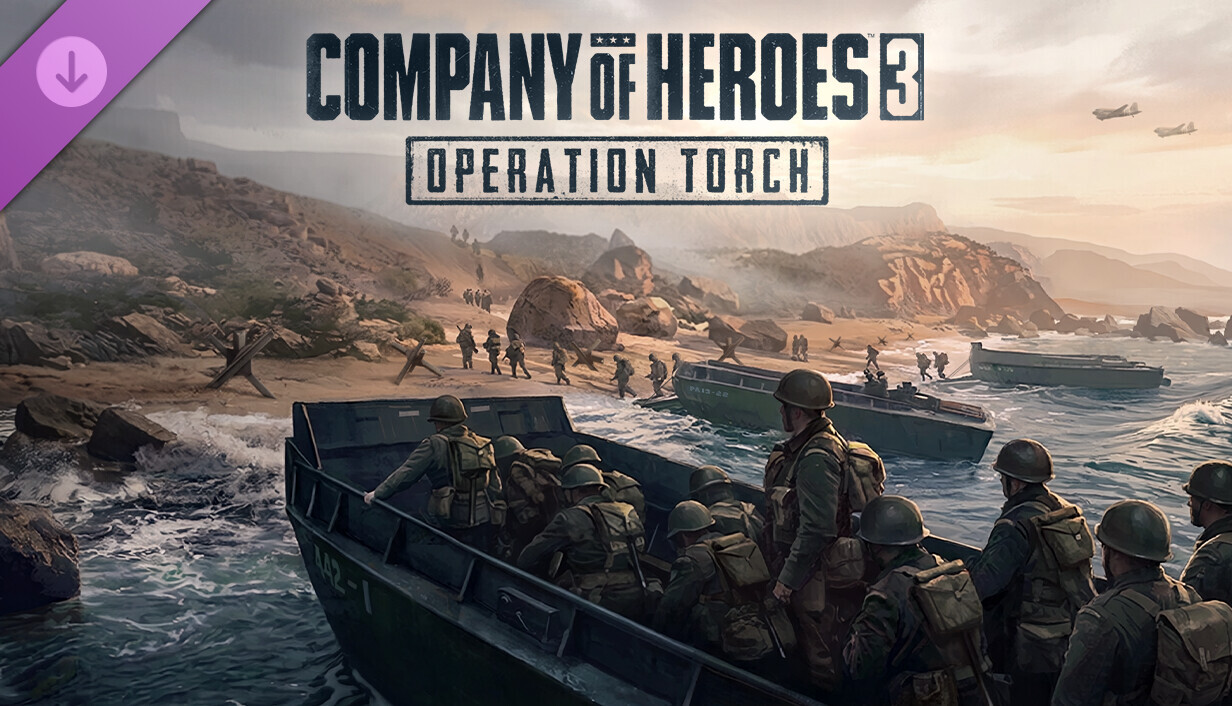
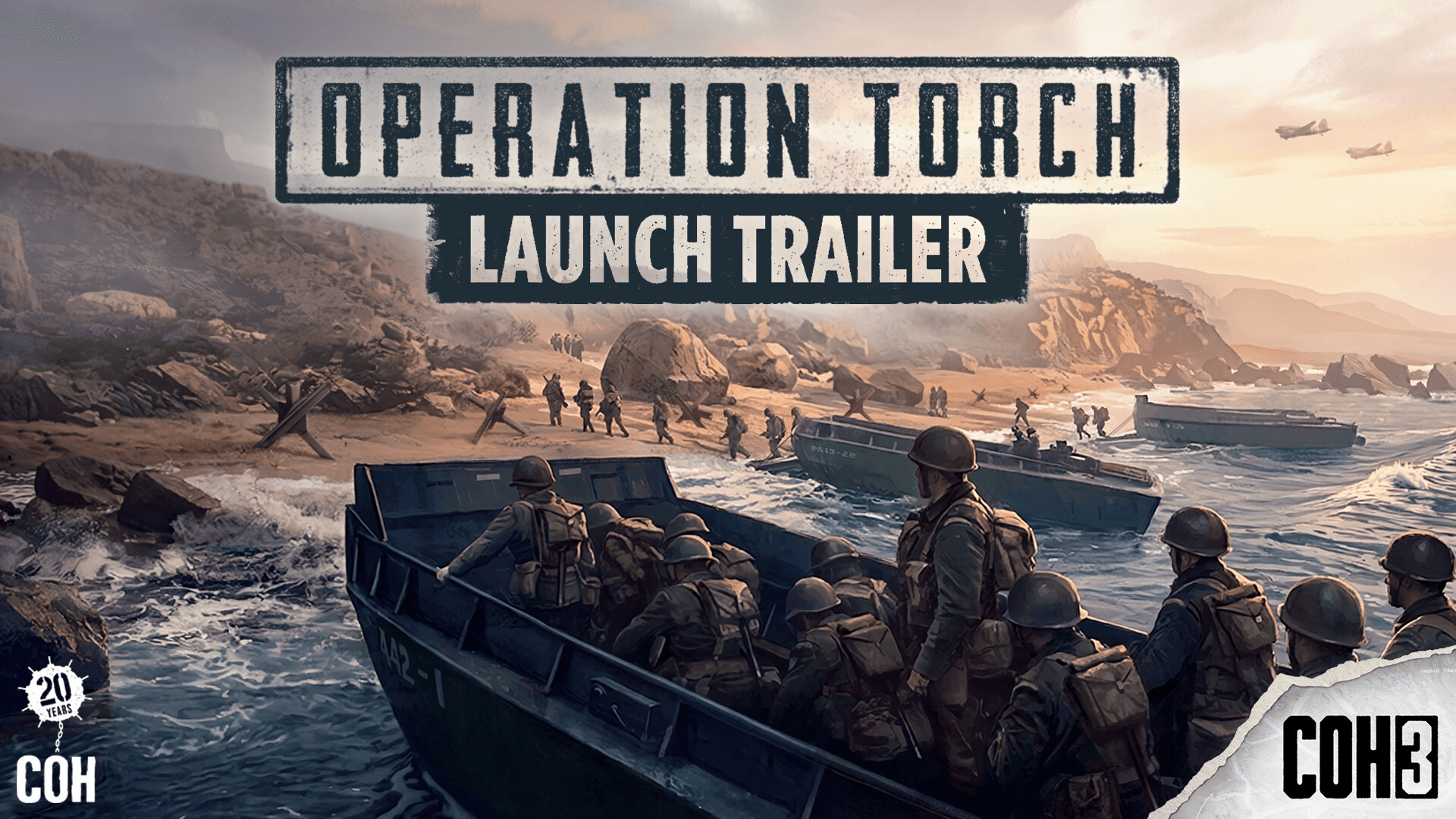
If you’ve bought the new Company of Heroes 3 campaign and are having trouble with Operation Torch DLC not showing up, start by checking whether Steam recognises your purchase. The expansion launched on PC through Steam on 25 November 2026, and owning the original game alone doesn’t give you access to the new paid campaign.
A missing purchase and an incomplete installation can look similar from the campaign menu, but the fixes are different. Checking your Steam library first could save you from downloading the entire game again when all you’re missing is a DLC entitlement or a pending update.
How to Fix Operation Torch DLC Not Showing Up on Steam
Open your Steam library, right-click Company of Heroes 3 and select Properties, then DLC. Look for Operation Torch and check whether it is enabled for installation. You can also reach the DLC management screen through the gear icon on the game’s library page.
If Operation Torch isn’t listed, confirm that you’re signed into the account that bought it and check your purchase history. A completed purchase should be investigated through Steam Support if the expansion still isn’t associated with your account. Buying it a second time won’t help establish what happened to the first purchase.
Operation Torch DLC Not Showing Up in the Campaign Menu
If you own the expansion but it’s still missing from the game, check the Downloads screen for pending Company of Heroes 3 updates. The campaign arrived alongside version 3.0.3, with a 3.0.4 hotfix released on 26 November. Let any downloads finish, close the game and restart Steam before trying again.
Start Company of Heroes 3 and look in its single-player campaign selection. Operation Torch is an expansion within the base game rather than a separate entry that you launch from your library, and it isn’t part of the multiplayer battlegroup selection.
Checking Your Installed Game Files
If you still cannot access the campaign, right-click Company of Heroes 3 in your Steam library, choose Properties and open Installed Files. Select Verify integrity of game files, wait for the check to finish and let Steam download anything it needs to replace. Restart the game once the process is complete.
This checks the installation without requiring you to delete your campaign saves. Steam sometimes reports that local configuration files failed verification, which is normal and doesn’t necessarily mean the installation is damaged. Once the check and any replacement downloads have finished, open the game and look for the campaign again.
Is Operation Torch Available on Console?
The announced Operation Torch release is for PC via Steam. If you’re searching for the campaign from the PlayStation or Xbox version, a PC expansion launch doesn’t establish console availability. Installing an update to your console copy of the original game isn’t the same as obtaining the PC DLC.
Operation Torch DLC Not Showing Up After Verifying Files
If you’ve confirmed ownership and installation and the expansion still won’t appear, contact Relic’s technical support with a screenshot of the DLC list and campaign menu, along with your game version. If the problem is a missing purchase rather than an in-game error, contact Steam Support instead.
For game-specific assistance, visit Relic Entertainment Support.