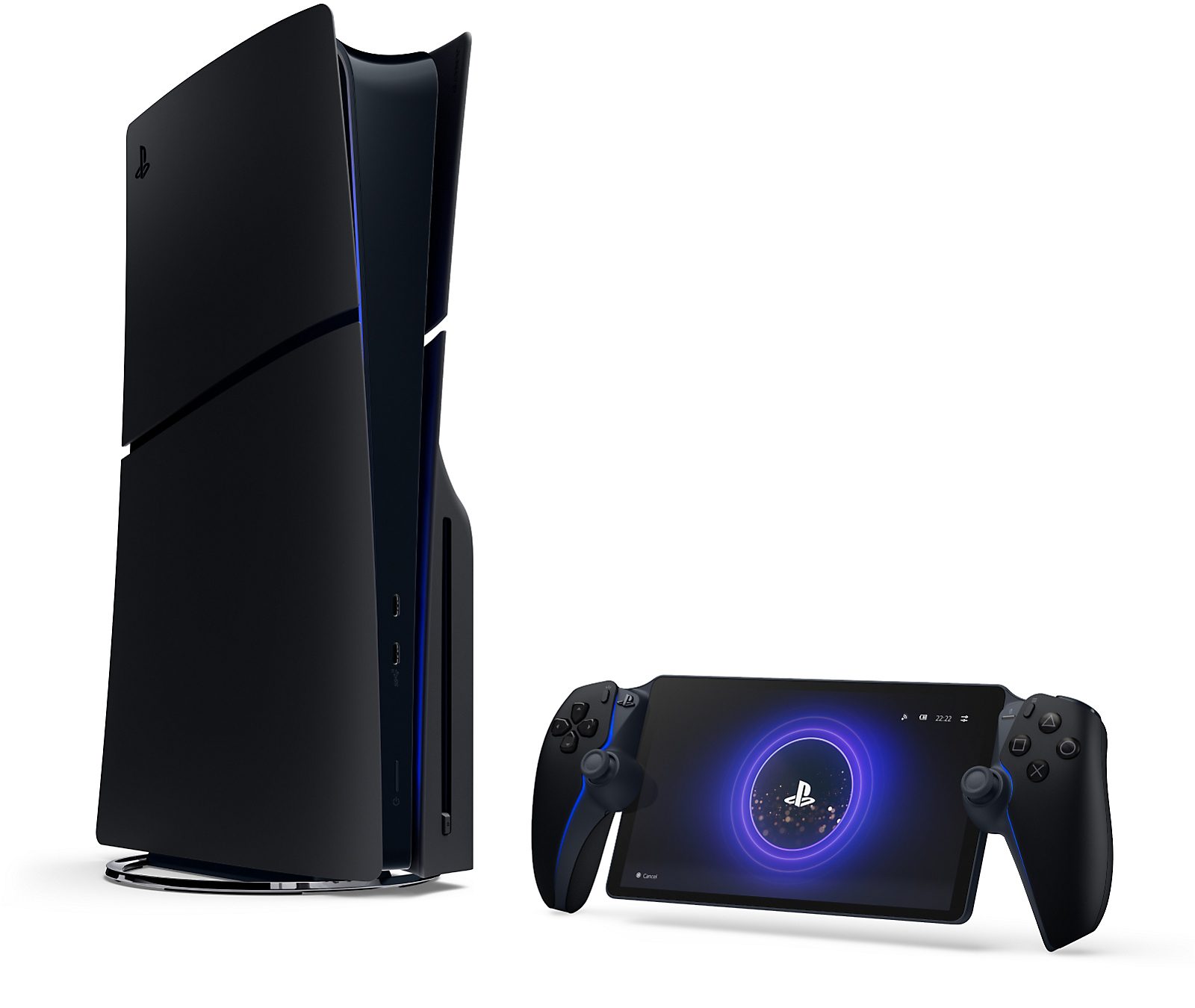
GTA 6 PS Portal support means you can play Grand Theft Auto VI on Sony’s handheld by streaming it from your PS5. The PlayStation Store marks the game as Remote Play supported, and Rockstar has confirmed that feature for the console release. The PS5 still runs the game; Portal puts its picture and controls in your hands.
If you’re wondering whether you can buy a Portal instead of a PS5, there’s a catch. Sony also offers direct cloud streaming on Portal, but that’s a separate service with its own list of eligible games. GTA VI’s Remote Play listing isn’t proof that the game can be streamed from Sony’s cloud.
Does GTA 6 PS Portal Work?
Yes. The GTA 6 PS Portal route confirmed by PlayStation is Remote Play, with a PS5 running a purchased copy of the game. You can use the Portal in another room while the television is free for someone else, or connect from farther away if both devices have suitable network access.
There’s no separate Portal download to buy. You’ll need the game on PS5, your PlayStation account, an internet-connected console and a Portal signed into that same account. A regular PS5 works; PS5 Pro isn’t required. A standalone Portal can’t run a native copy of GTA VI.
How to Set Up GTA 6 PS Portal Remote Play
Sony’s setup takes place mostly on the console, not in GTA VI. Once Remote Play is enabled, you connect to the PS5 and launch the game as you normally would.
- Install GTA VI on your PS5 and make sure the console has the latest system update.
- On PS5, open Settings > System > Remote Play and enable Remote Play for your account.
- Sign into your PS Portal with the same PlayStation account as the PS5.
- To wake the PS5 from Rest Mode, open Settings > System > Power Saving > Features Available in Rest Mode. Enable Stay Connected to the Internet and Enable Turning on PS5 from Network.
- On Portal’s Remote Play screen, tap the console icon or press the cross button to connect. Open GTA VI on the PS5 home screen.
Before taking Portal away from home, connect while you’re near the PS5 at least once. Sony warns that a Portal may struggle to find a console it hasn’t connected to recently. If you haven’t used Remote Play before, testing it at home is far less frustrating than troubleshooting on another Wi-Fi network.
Can You Play GTA 6 on Portal Without a PS5?
Only if GTA VI becomes eligible for direct Portal cloud streaming. Remote Play itself needs a PS5 running the game. Sony’s cloud option can work with the console switched off, but it requires PlayStation Plus Premium, a supported region and an eligible digital PS5 title.
As of 20 November 2026, we could verify GTA 6 PS Portal Remote Play on Sony’s game listing, but not a Sony confirmation that GTA VI is in the Portal cloud library. The quickest check is the Cloud Streaming tab on the handheld: search for Grand Theft Auto VI while signed in. An ordinary PS5 Store listing does not guarantee cloud eligibility.
| Remote Play | Direct Portal cloud streaming | |
|---|---|---|
| Where the game runs | Your PS5 | Sony’s servers |
| PS5 needed | Yes | No, for an eligible game |
| GTA VI status | Confirmed Remote Play support | GTA VI-specific eligibility not confirmed by Sony |
| PS Plus Premium | Not required just for Remote Play | Required |
| Local Portal installation | No | No |
What About Picture Quality and Connection Problems?
Driving around Leonida on a handheld screen is appealing, but the connection matters. For GTA 6 PS Portal Remote Play, Sony recommends a wired connection for the PS5 where possible, 5GHz Wi-Fi for the Portal and at least 15Mbps for a better experience. If the picture breaks up or button presses feel late, check the network before changing settings in GTA VI.
Portal has 1080p streaming quality options. That tells you about the video sent to the handheld, not the game’s internal rendering resolution. Rockstar targets 30 frames per second on the launch consoles, and no confirmed 60 FPS Performance Mode appears just because you’re viewing the game through Portal.
If Portal won’t connect at all, check whether your PS5 is powered on or set to wake from Rest Mode, whether both devices use the right account and whether Remote Play is still enabled. If other games work but GTA VI won’t launch, check that the game is installed and usable on the PS5 itself.
Is GTA 6 PS Portal Worth Using?
If you’ve already got a PS5 and someone else wants the television, absolutely give Remote Play a try. You get the same game without moving the console. Just remember that your network can affect how smooth it feels, especially in a game with lots of driving and quick camera turns.
Buying GTA 6 PS Portal as your only way to play is a different proposition. Until Sony specifically lists GTA VI for direct Portal cloud streaming, you’d be relying on a PS5 as well. Anyone shopping for their first system should look at the native console options before treating Portal as a replacement.
Official source: PlayStation: Grand Theft Auto VI — Remote Play supported.