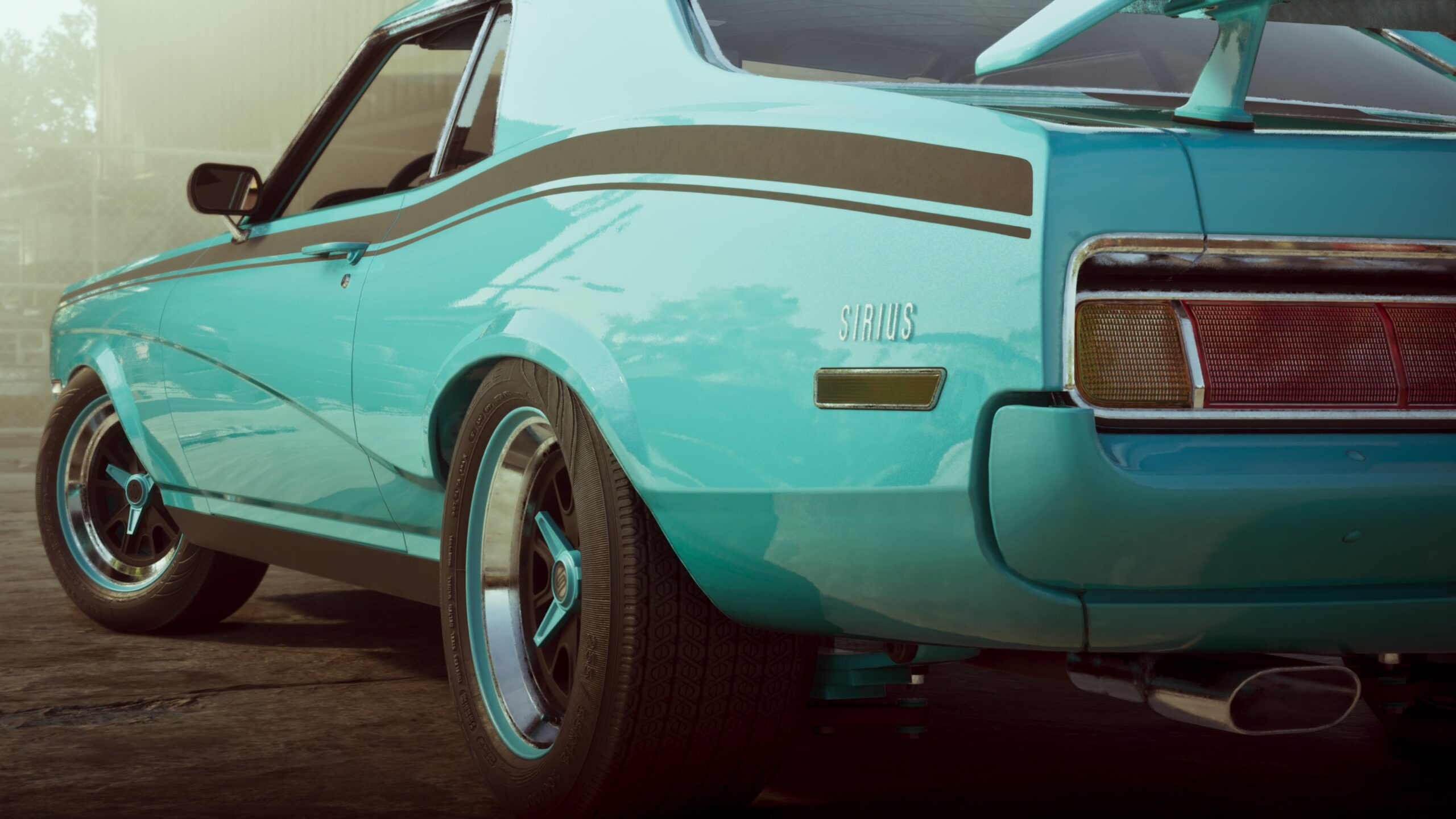
GTA 6 Moses Mission Walkthrough gives Lucia her first registered personal vehicle, a free registration and the Slim Jim used to open eligible locked cars quietly. After Girl’s Trip, take a low-key car to Moses’s garage in Port Gellhorn, learn to identify trackers and finish by registering a suitable vehicle.
Vicki points you towards Moses after Girl’s Trip. Bring a fairly ordinary car to his garage in Port Gellhorn. You can still start the mission in a tracked vehicle, but an untracked one makes the final step quicker.
GTA 6 Moses Mission Walkthrough: Bring a Car to Moses
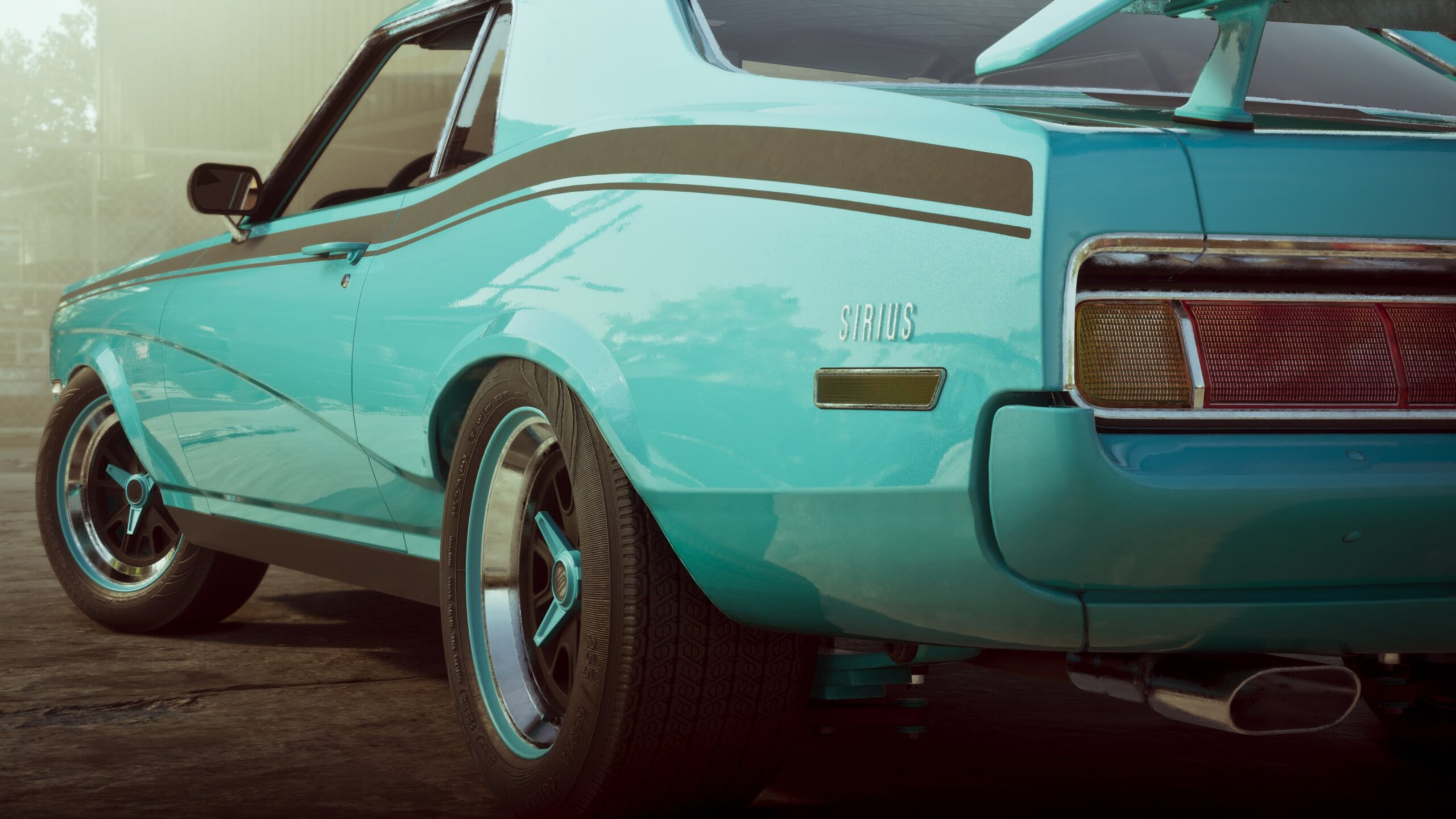
Drive into Moses’s garage in Port Gellhorn. He’ll introduce himself and take you out to the yard, where three parked vehicles are waiting. This is the introduction to the WAiNK scanner.
Hold Up on the D-pad to bring up the WAiNK scanner, then hold R1 on PS5 or RB on Xbox while aiming at each of the three demonstration vehicles. The result appears at the lower right: no tracker, standard tracker or advanced tracker. Remember which car is untracked before heading back to Moses.
Older or cheaper vehicles generally have no tracker. Standard trackers can alert the police to the theft location, while advanced trackers have additional security and may report suspicious driving. Use the scanner rather than judging a vehicle solely by its appearance.
Pick Up the Slim Jim
Pick up the Slim Jim beside Moses and try it on the locked Montagne XL. Press Triangle on PS5 / Y on Xbox at its door, then tilt the right stick until the bar turns pink. That’s the sweet spot for opening the lock without setting off the alarm.
The tool lets Lucia break into eligible locked cars without setting off the usual alarm. It’s useful beyond this mission. More advanced vehicle security is a separate challenge; the Key Cloner becomes available later in Chapter 3.
GTA 6 Moses Mission Walkthrough: Register Your Car
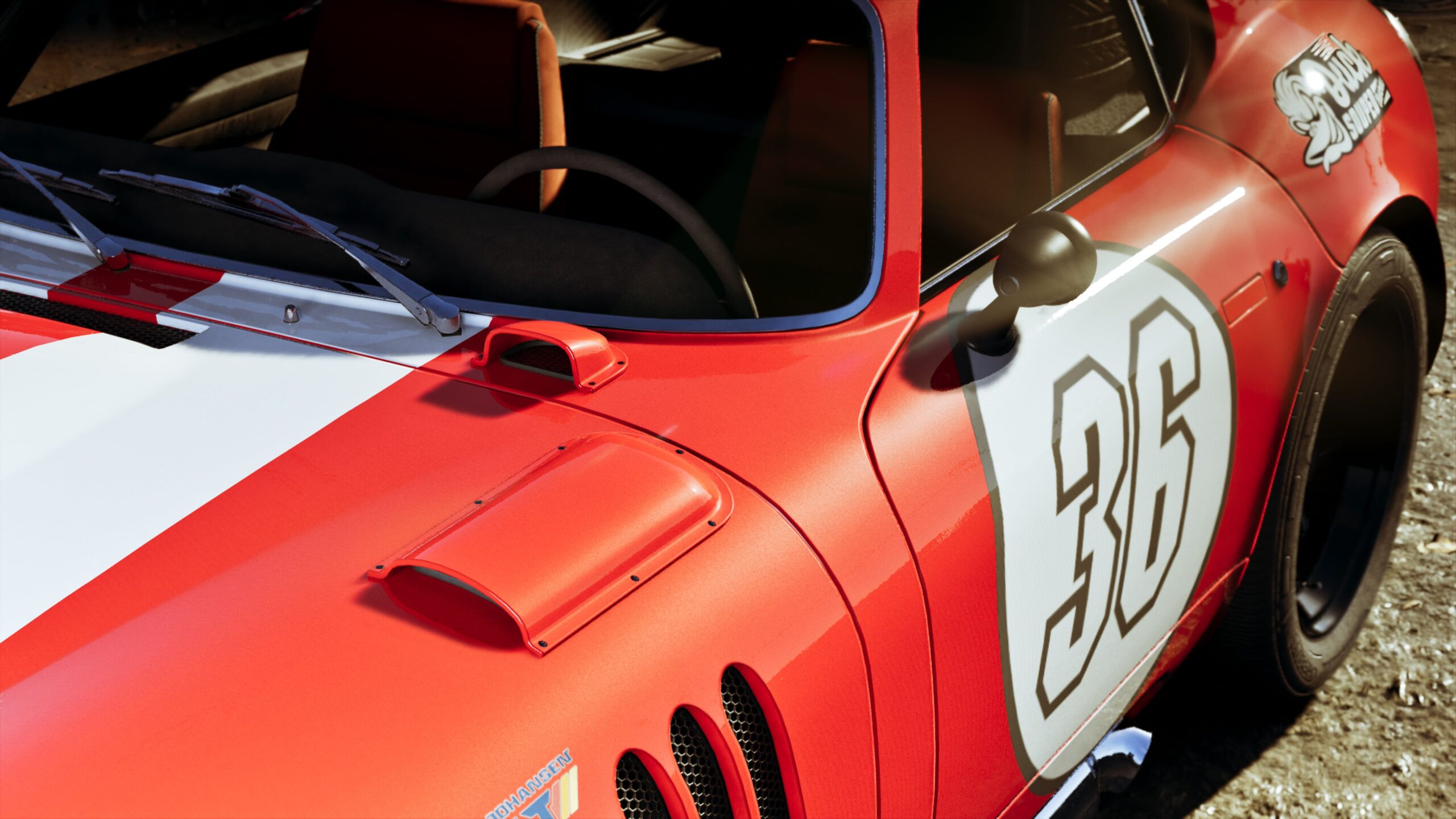
Walk back to Moses’s garage after the Slim Jim demonstration. If your original car had no tracker, it can be registered. Otherwise, scan cars on the main road through Port Gellhorn and bring him an untracked one. He may refuse cars stolen too close to the workshop.
Drive the suitable car into his garage, respray it a different colour and select Register. Your first registration is free, and that car becomes Lucia’s personal vehicle. If you’d rather keep a different car later, you can sell this one or buy more garage space.
Moses’s garage can close briefly after a sale, usually for a minute or two, so it won’t always accept another car immediately. Registration and selling are separate choices.
GTA 6 Moses Mission Walkthrough: Rewards and Unlocks
Completing Moses unlocks the WAiNK scanner, Slim Jim, Scooter Bros app and the ability to sell untracked stolen cars to Moses. Scooter Bros can deliver your registered car when you need a ride near a suitable road. Our selling guide covers the restrictions in more detail.
This GTA 6 Moses Mission Walkthrough ends once you’ve registered a suitable car. There isn’t a particular high-end model you must track down, and the game teaches you how to check whether the car you’ve brought will work.
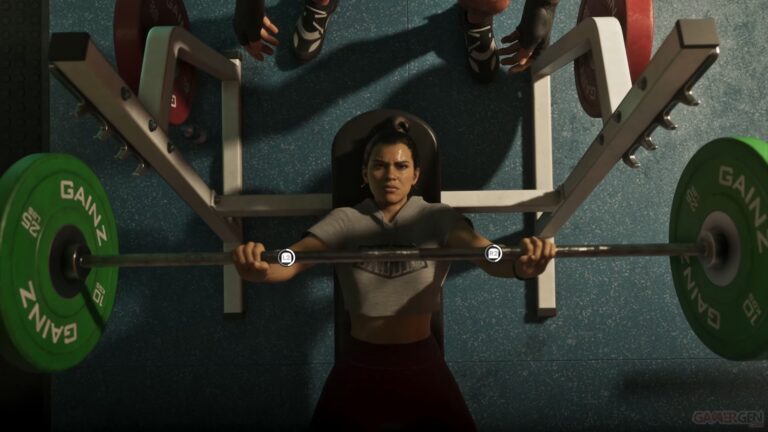
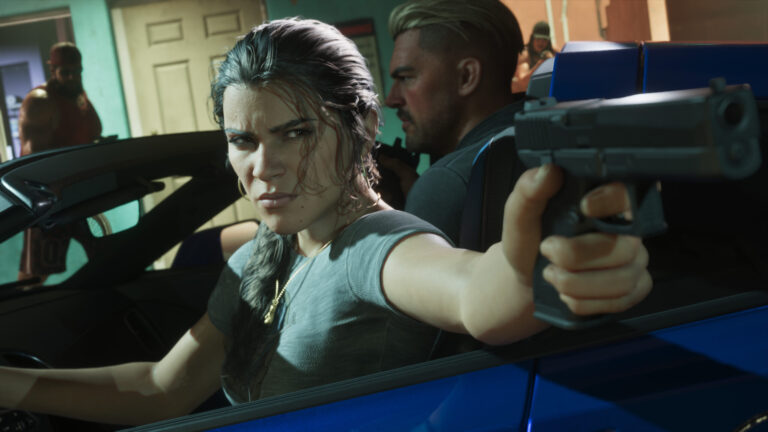
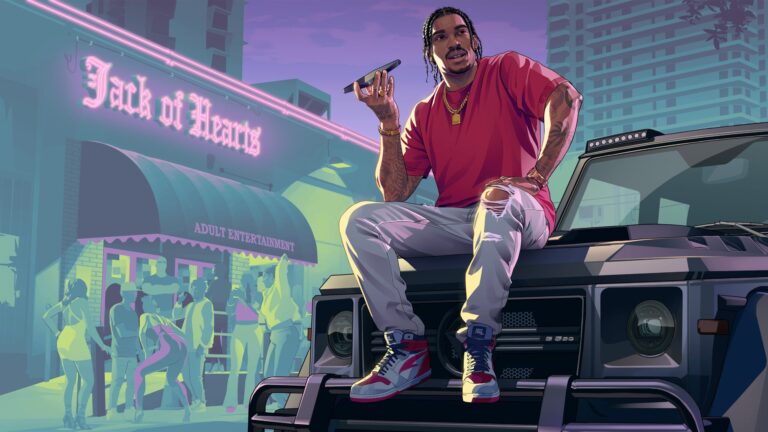
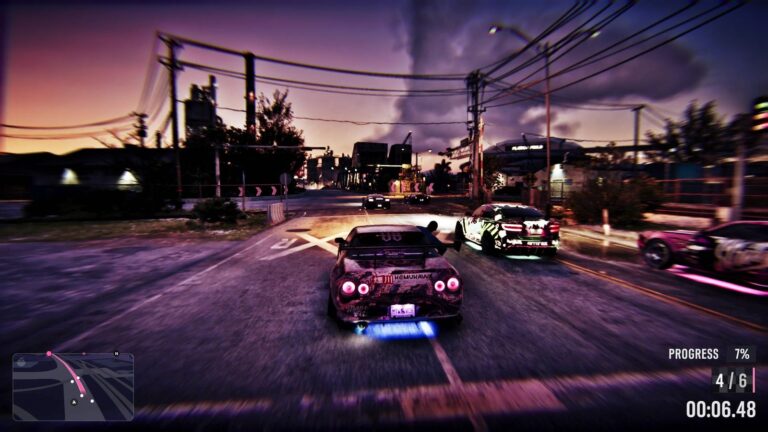
Official imagery: Rockstar Games, Grand Theft Auto VI. Images show the relevant characters or setting; they are not screenshots of the specific mission prompts.