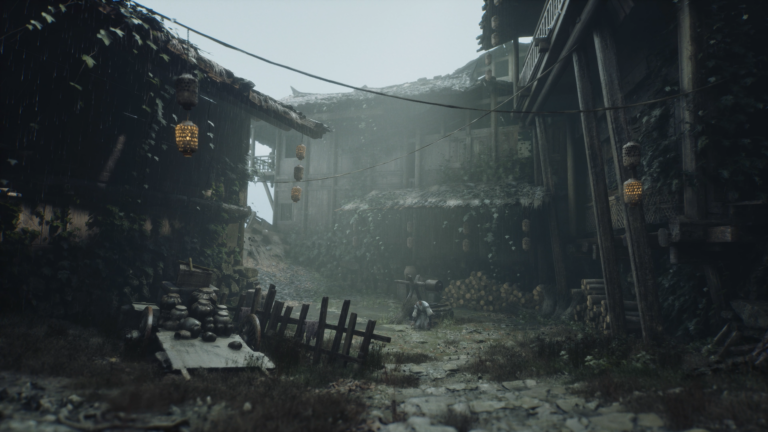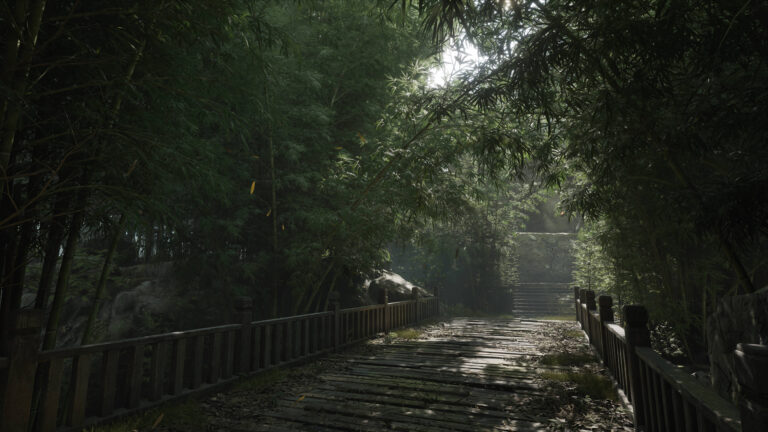
Ghost of Yōtei QSSR support makes Sucker Punch’s game one of the first two titles to use Sony’s new Quick Spectral Super Resolution library on the standard PS5. The feature arrives through the October 2026 update rather than through a console-wide toggle.
That matters if you are looking for the option and cannot find anything new in PS5 system settings. QSSR has to be implemented by the game, so the first thing to check is whether Ghost of Yōtei itself is fully patched.
Image credit: Official publisher/developer source
How to get Ghost of Yōtei QSSR
Install the latest Ghost of Yōtei update and make sure the PS5 is online long enough to finish the patch. Sony names the game as one of QSSR’s first supported titles, so the functionality comes through the game’s current build.
Once updated, check the in-game graphics or display options rather than searching for a global QSSR menu on the console. Sony’s announcement presents the library as a developer-implemented feature, not a universal system setting.
Do you need a PS5 Pro?
No. QSSR is specifically designed for the standard PS5. Sony introduced it because the computational requirements of PSSR made that PS5 Pro technology unsuitable for the base console.
PS5 Pro owners still have their own rendering options, but the QSSR announcement is about extending AI reconstruction to standard hardware rather than replacing PSSR across the product line.
What QSSR is meant to improve
Sony says the technology is designed to improve reconstructed image detail and stability compared with conventional approaches. In practical terms, it gives developers another way to render internally at a lower resolution and rebuild a cleaner final image.
That can free up performance for other parts of a graphics mode, although the exact trade-offs in Ghost of Yōtei depend on how Sucker Punch has configured the update.
Ghost of Yōtei’s October update
QSSR arrives during a busy October 1 update for Ghost of Yōtei. Sony has also detailed Complete Edition content and free patch features around the same release window, so make sure you separate the AI-upscaling change from paid expansion content.
QSSR support is a technology update. It is not the same thing as buying the Complete Edition, and you should not need to purchase an expansion simply to make the supported rendering feature appear.
If the option is missing
Check the game version first, then restart the title after the patch finishes. If you are looking before the regional update has reached your console, the feature may not be available yet.
Also avoid copying PS5 Pro PSSR instructions. QSSR is a different implementation for standard PS5, so menu names and available graphics modes do not have to match the Pro version exactly.
Where to look after updating
Ghost of Yōtei QSSR is part of the game’s own rendering support, so the useful place to look is inside its graphics or display options after the latest patch is installed. A system-wide PS5 menu is not required for every game-specific upscaling choice.
If Ghost of Yōtei QSSR is not visible immediately, fully close and reopen the game after the update. Console suspend states can leave an older session running even though the patch has already downloaded in the background.
Also confirm that you are reading instructions for the standard PS5. Ghost of Yōtei QSSR is aimed at base hardware, while PS5 Pro uses a different reconstruction path, so Pro-focused PSSR advice can point you toward the wrong menu or expectations.
What the feature changes
Ghost of Yōtei QSSR gives Sucker Punch another way to balance internal rendering resolution, final image quality and performance. It does not automatically mean every graphics setting becomes higher or that every mode gains the same benefit.
The important part is reconstruction quality. Ghost of Yōtei QSSR is intended to produce a cleaner final image from a lower-resolution input, which can help a developer spend the saved rendering budget elsewhere.
If you are comparing screenshots or performance, keep the game mode consistent. Ghost of Yōtei QSSR should be assessed under the same conditions rather than comparing one quality preset against an unrelated performance preset.
More PlayStation guides
Official source: https://blog.playstation.com/?p=424016